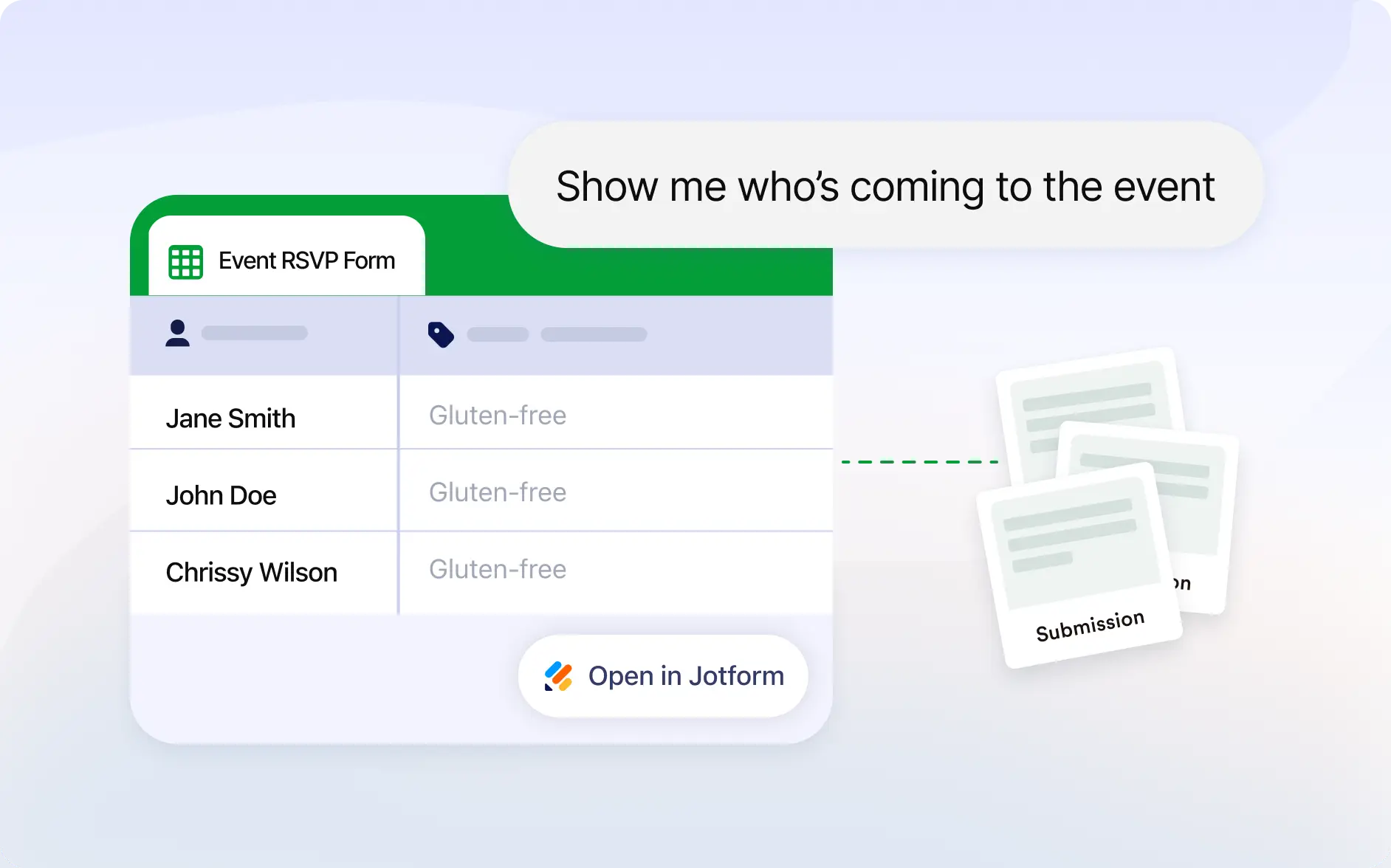
Skip switching tabs and checking dashboards manually. Access your latest form responses directly inside Claude in seconds.
Check Form Submissions Instantly
View your form submissions directly in the Jotform Claude app by simply typing which responses you want to see, making it fast and easy to access submission data without searching manually.
Frequently Asked Questions
Have questions about this feature? Explore the FAQs below for quick answers.
Simply ask to view your submissions in Claude. Jotform will retrieve responses for your selected form and display them instantly.
Yes. You can access submissions for forms connected to your Jotform account directly through the Claude app.
Responses are shown in Jotform Tables, making it easy to review names, dates, answers, and other submitted details quickly.