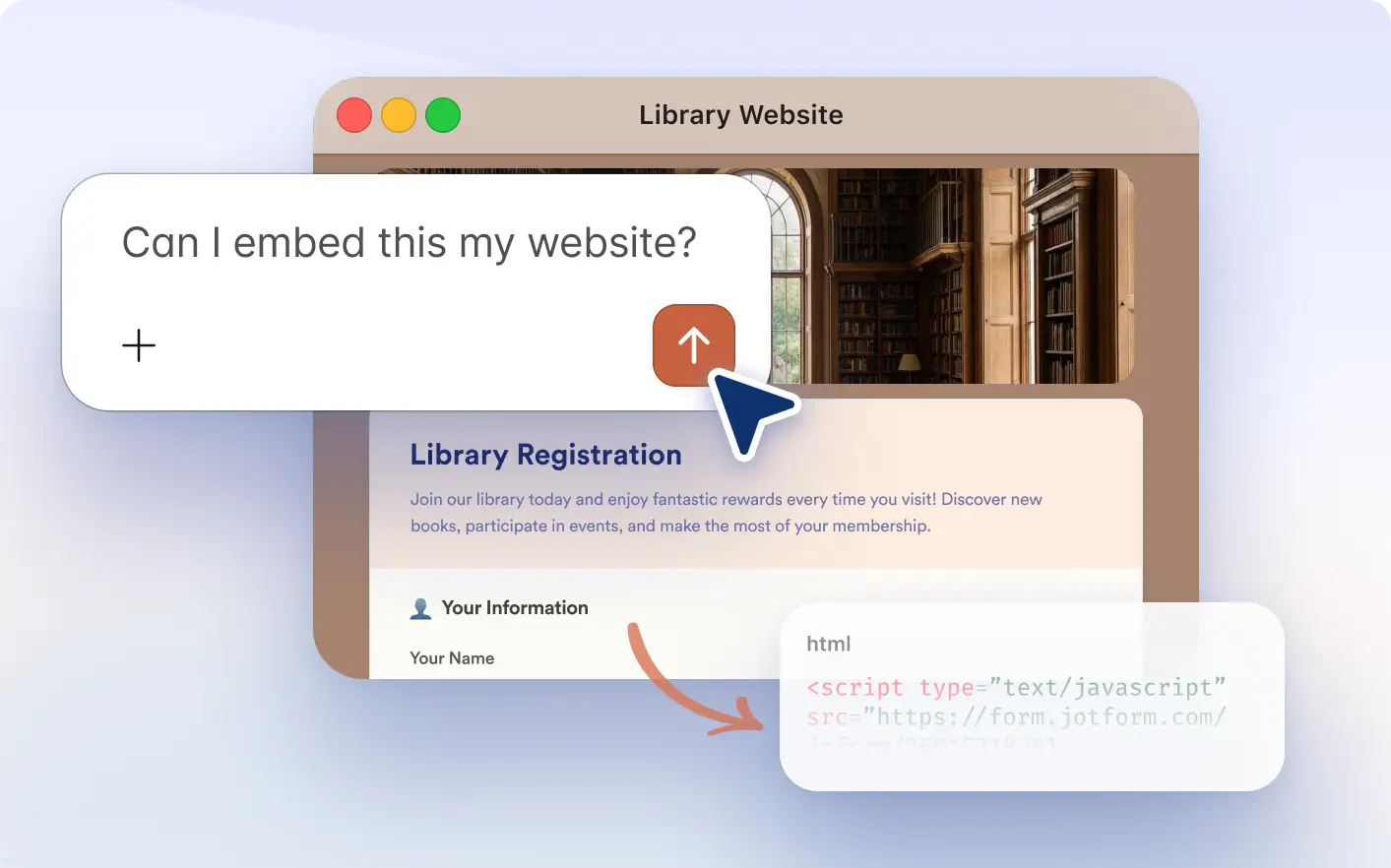
Quickly generate JavaScript embed code for any form using simple prompts. Copy and add it to your website to start collecting submissions immediately.
Generate JavaScript Embed Code for Your Forms
Website owners, developers, marketers, and product teams can instantly generate JavaScript embed snippets using the Jotform Claude app. Instead of navigating embed settings manually, you can request the snippet in Claude and place your form on any webpage in seconds.
Generate Snippets Inside Claude
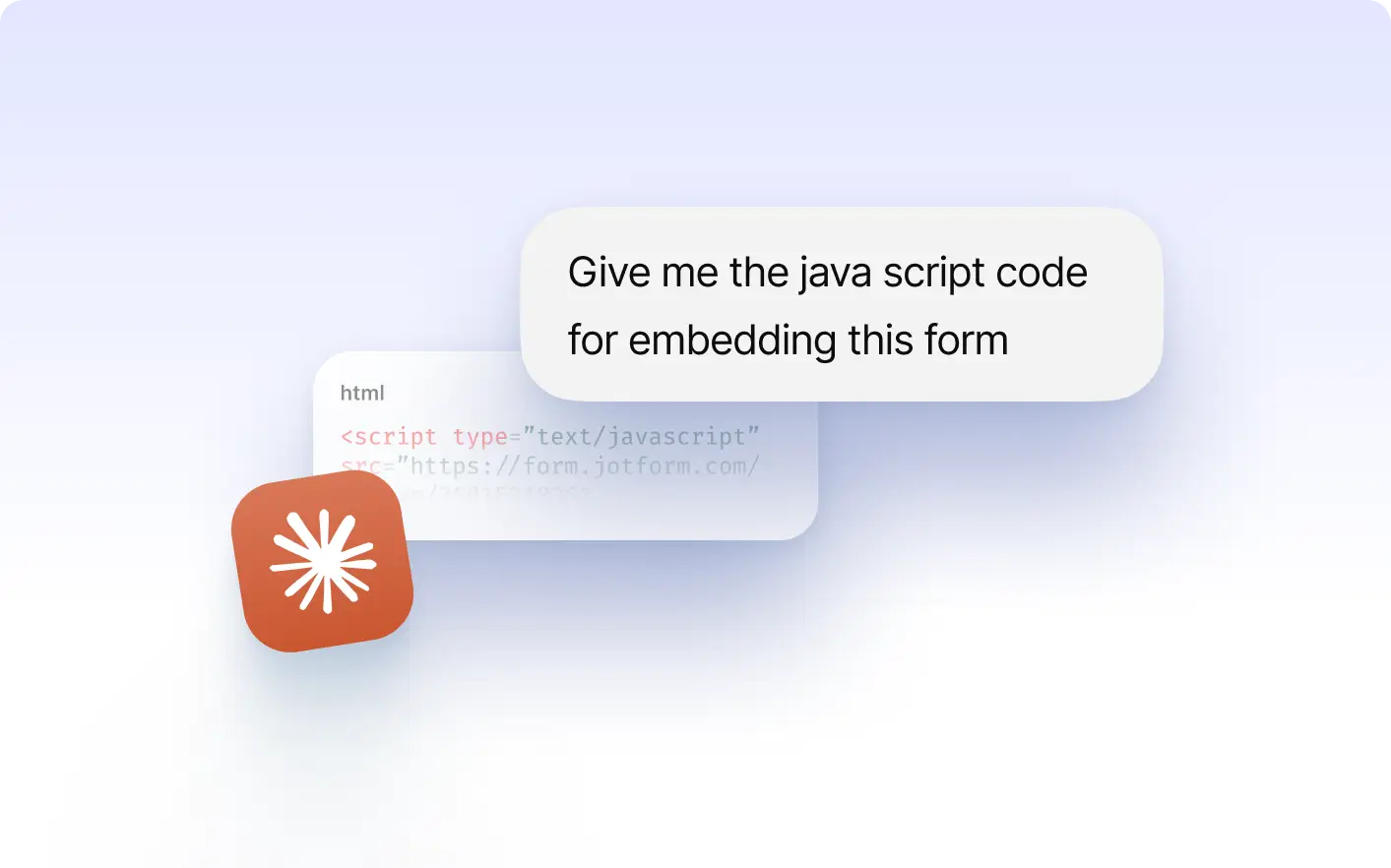
Ask Claude to create a JavaScript embed snippet for your selected form and receive production ready code instantly without opening additional tools.
Frequently Asked Questions
Yes. Once your Jotform account is connected, you can select any form and generate its JavaScript embed snippet directly in Claude.
You can place the snippet into your website’s HTML to display your form directly on your page.
No. The Jotform Claude app generates the correct snippet inside Claude so you can copy and use it immediately.