Categorize Submissions
Use AI to organize submissions by topic, urgency, sentiment, department, or custom categories so teams can quickly review responses, streamline workflows, prioritize tasks, and manage incoming feedback more efficiently.
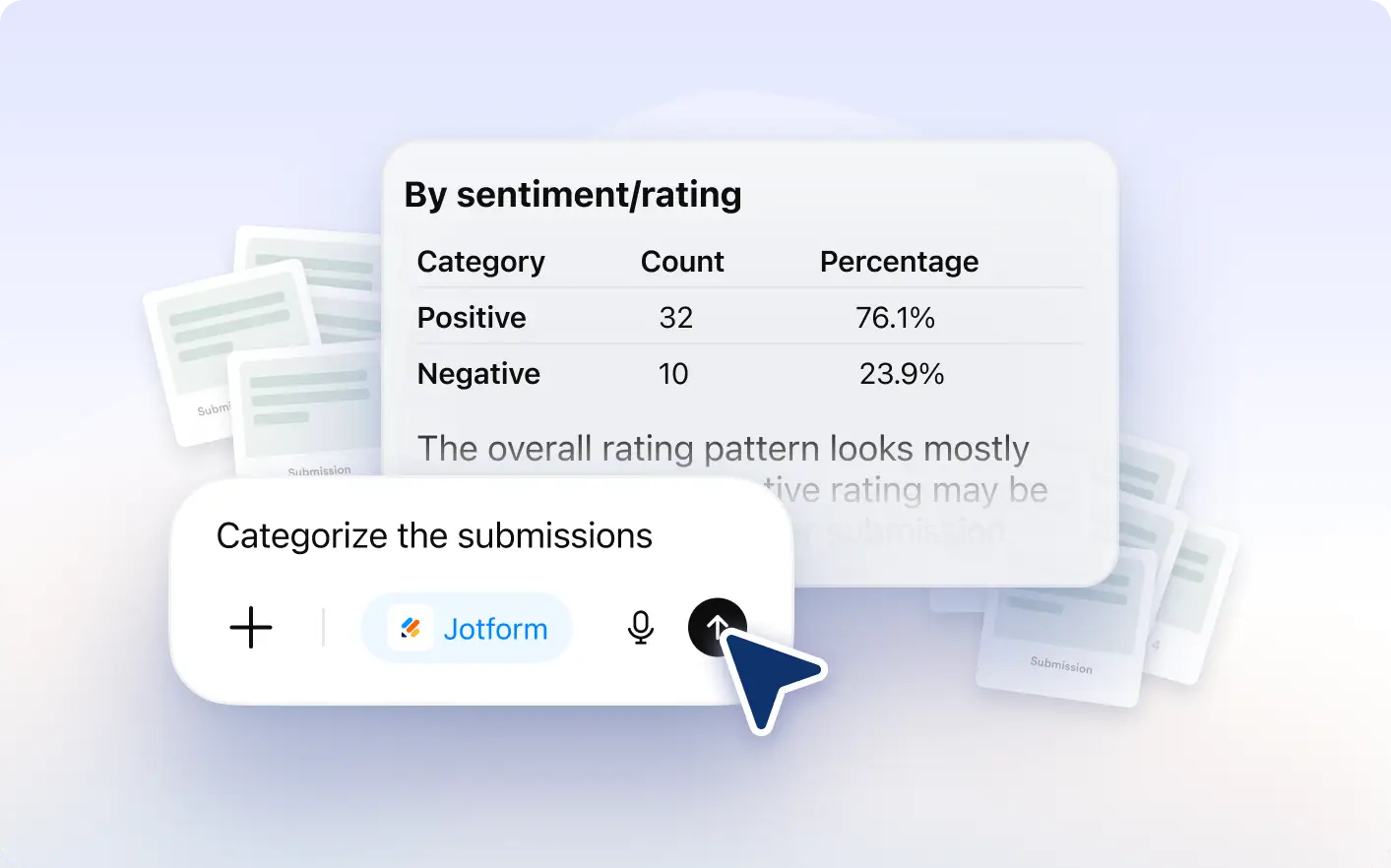
Automatically sort feedback, support tickets, and research responses into clear categories to streamline workflows and improve response management.
Automatically Label and Sort Incoming Responses
Group responses into meaningful categories based on urgency, department, sentiment, or custom labels to keep submissions organized, improve workflows, and help teams manage incoming feedback more efficiently.
Organize Submissions by Topic, Priority, and Sentiment
Apply custom categories and organize submissions automatically so teams can quickly route, review, and respond to incoming feedback or requests.
Detect common topics and organize related submissions together to help teams identify trends, prioritize issues, and improve response workflows.
Frequently Asked Questions
You can categorize survey responses, customer feedback, support tickets, research submissions, contact forms, and other text based responses automatically.
Yes. You can organize submissions using custom labels, departments, urgency levels, sentiment tags, or any categories that fit your workflow.
The feature analyzes submission content and groups responses based on topics, keywords, sentiment, priority, or predefined custom categories.