Compare Submission Responses
Use the Jotform ChatGPT app to identify urgent support tickets, repeated problems, and high risk feedback across submissions so teams can respond faster, prioritize critical issues, and take action before problems escalate.
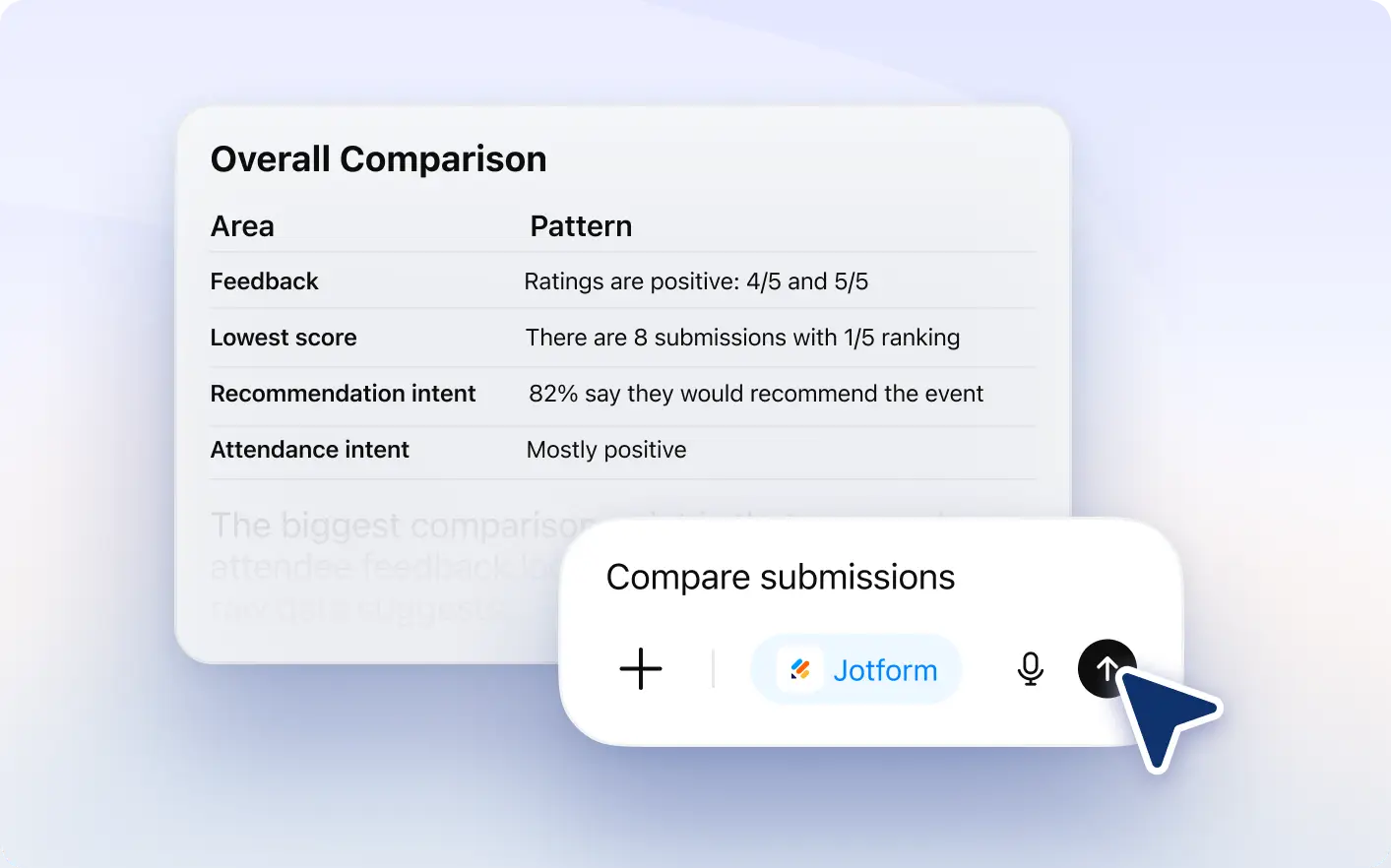
Analyze submissions to detect recurring complaints, urgent requests, and high priority feedback that need faster responses and resolution.
Detect High Risk Feedback and Recurring Complaints
Monitor conversations and submissions to uncover repeated issues, customer frustrations, and emerging patterns that could negatively impact customer satisfaction, support performance, business operations, or team efficiency.
Compare Conversations Across Audience Groups
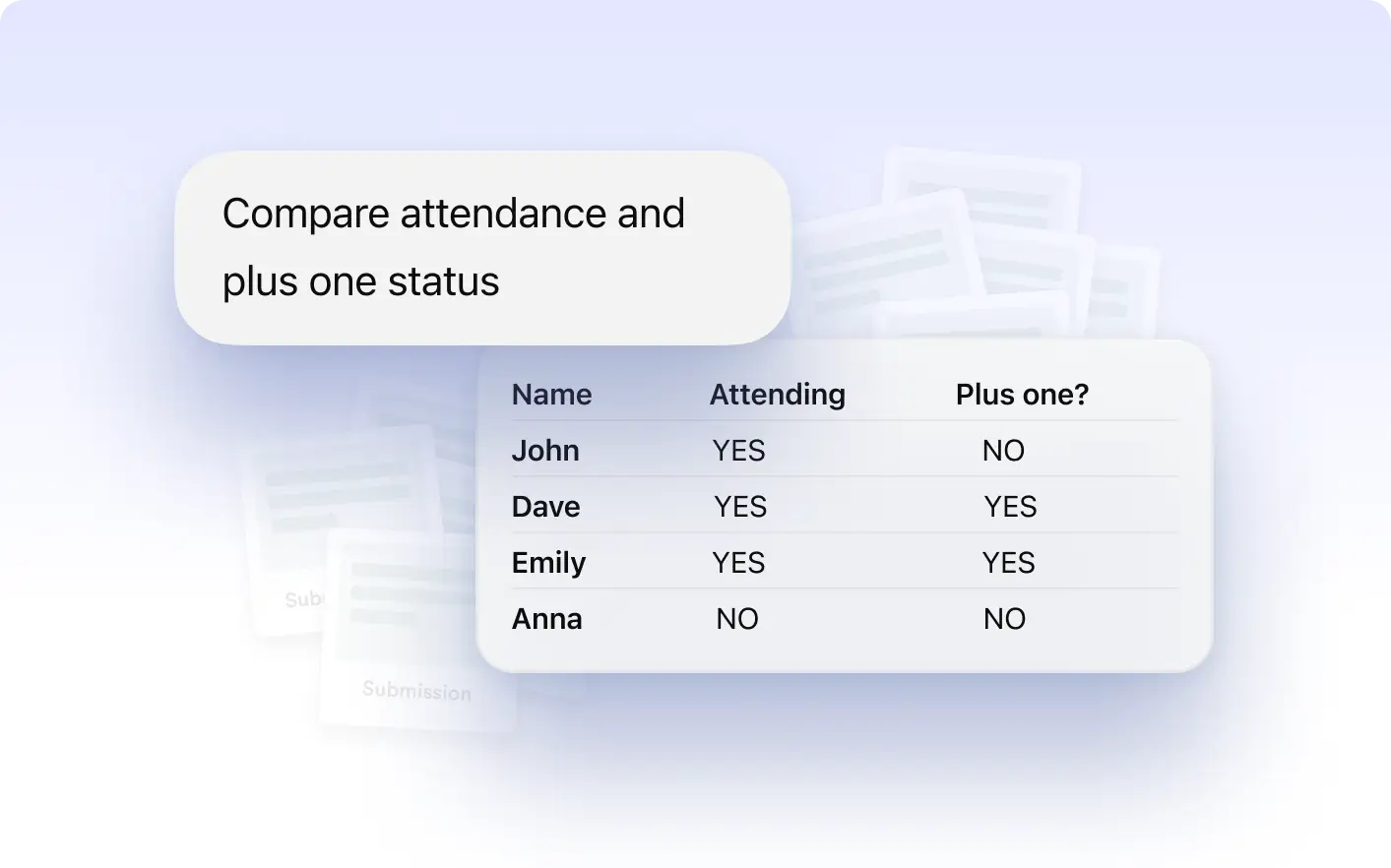
Review submissions and responses side by side to identify differences between customer types, departments, regions, or audience segments more easily.
Analyze how customer feedback and conversations change across date ranges to monitor trends, measure performance, and identify important shifts early.
Frequently Asked Questions
You can compare responses across customer types, departments, locations, age groups, teams, date ranges, and other custom audience segments.
Yes. The Jotform ChatGPT app can analyze conversations and responses across different time periods to identify trends and track important changes.
Comparing responses helps teams uncover patterns, understand audience behavior, improve reporting, and make better decisions using conversation insights.