Analyze Sentiment
Automatically analyze text from selected form fields to identify the appropriate sentiment category and generate a clear explanation, helping you understand submissions and respond more effectively.
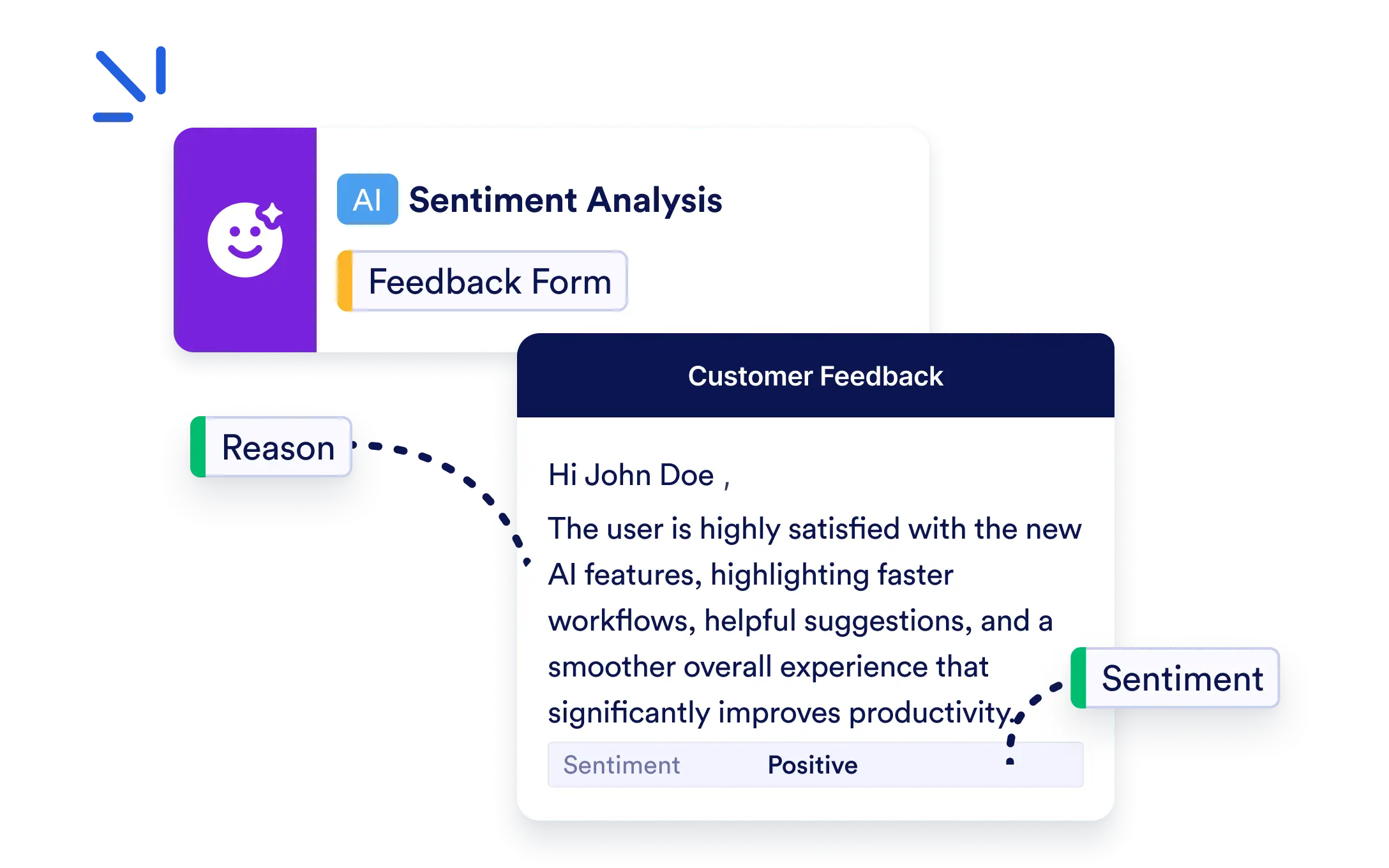
Add the AI Analyze Sentiment Action to your Jotform Workflow to classify text into custom sentiment categories and generate a reason that can drive smarter workflow automation.
Detect Sentiment from Form Responses
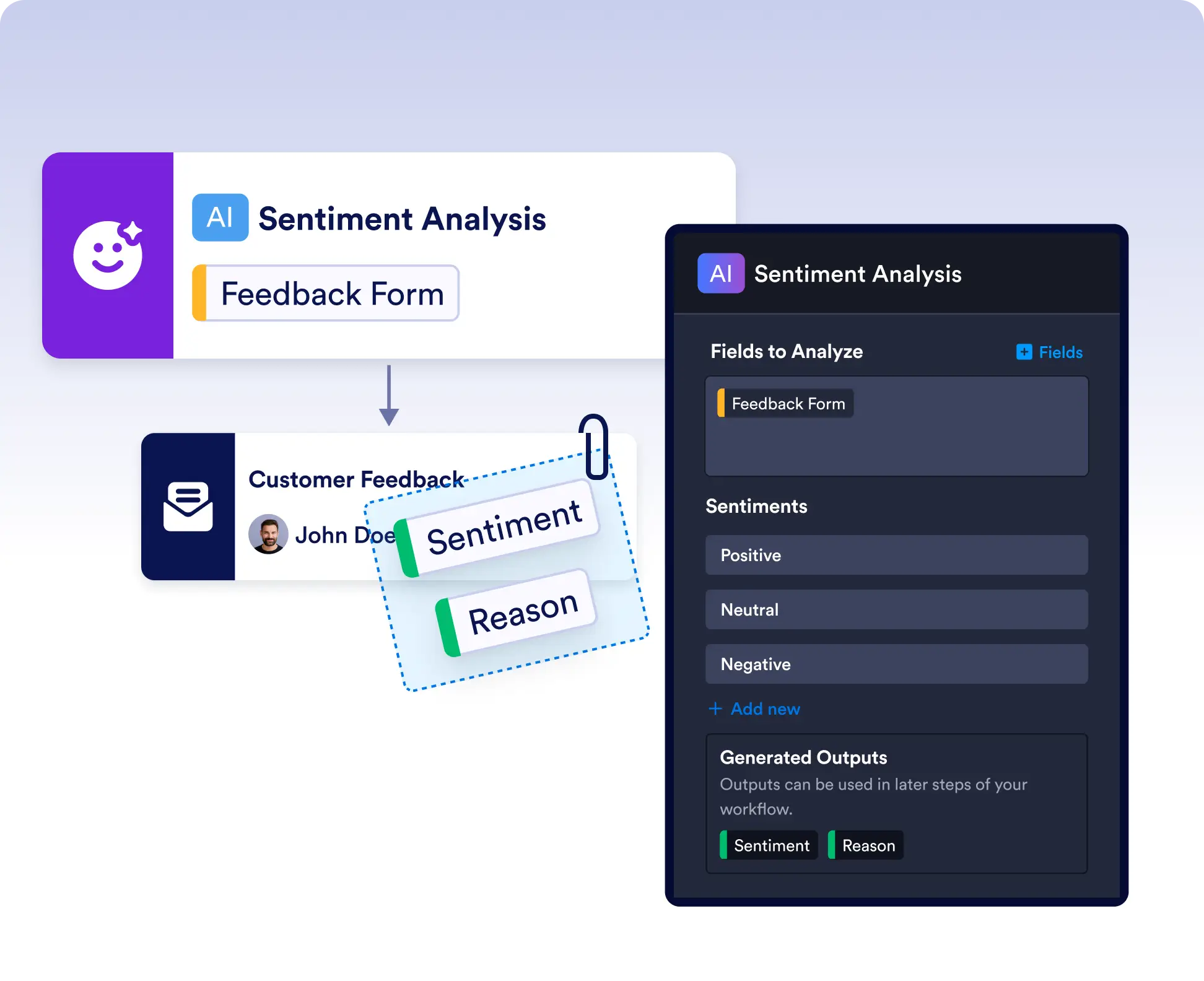
Select the text fields you want to analyze, define the sentiment categories that fit your workflow, and let AI determine the best match while explaining its classification.
Trigger Actions Based on AI Sentiment
Use the generated sentiment category and explanation in later workflow steps to send notifications, route requests, prioritize submissions, or automate follow-up actions.
Frequently Asked Questions
The AI Analyze Sentiment Action analyzes text from selected form fields, identifies the most appropriate sentiment category based on the options you define, and generates a reason explaining the classification.
Yes. You can define custom sentiment categories that match your workflow, such as Positive, Neutral, Negative, Urgent, High Priority, Approved, or any other labels relevant to your use case.
The AI Analyze Sentiment Action generates both a Sentiment and a Reason as workflow outputs. You can use these outputs in later steps to automate routing, approvals, notifications, task assignments, integrations, or other workflow actions.