Categorize Content
Automatically classify text from selected form fields into custom categories using AI. Route submissions faster, organize incoming data, and automate workflows without manual review.
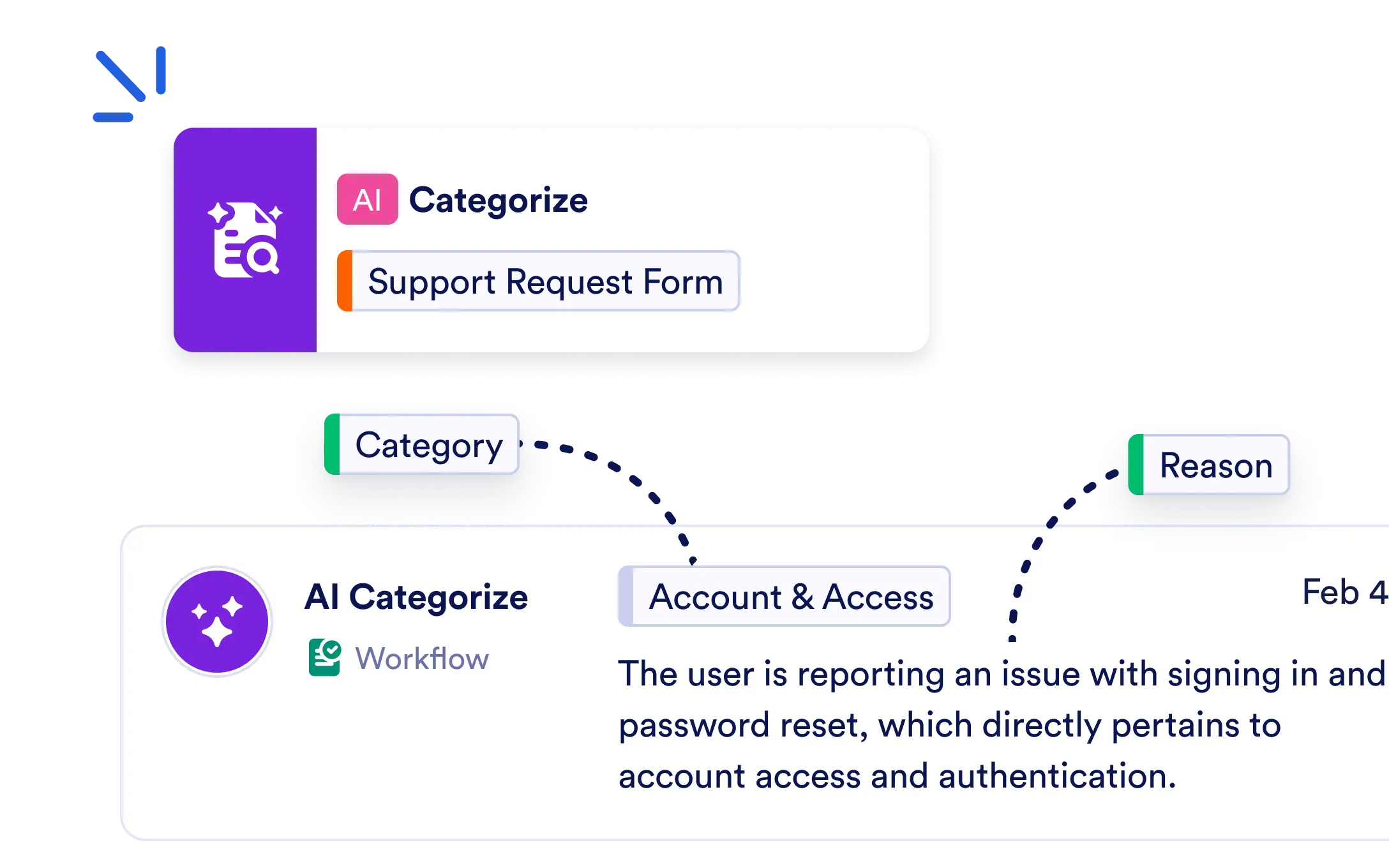
Add the AI Categorize Content Action to your Jotform Workflow to assign workflow data to the most relevant category and generate a reason that supports every classification.
Categorize Workflow Data with AI
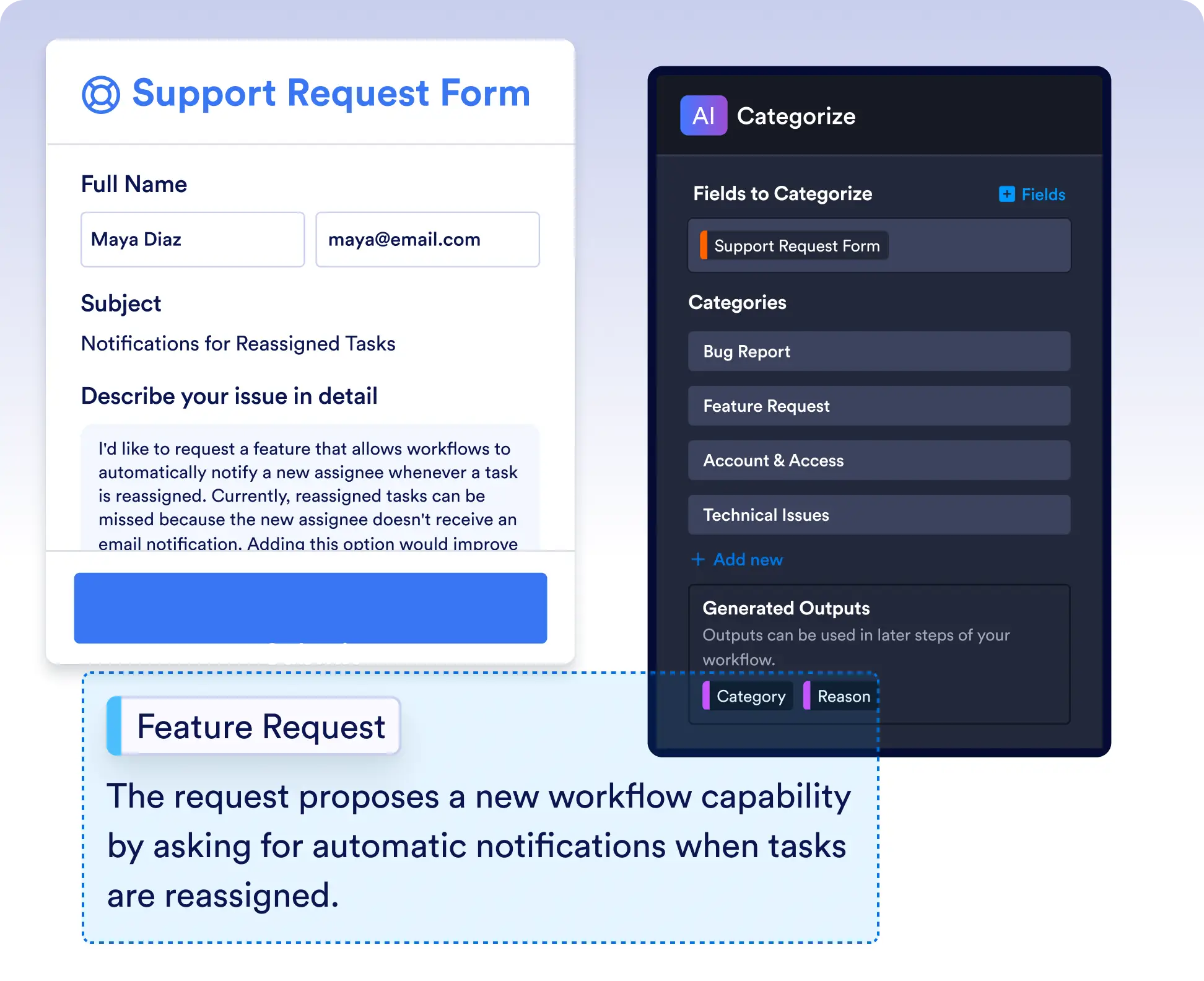
Select the form fields you want to analyze, define your own categories, and let AI classify each submission into the best matching category based on its content.
Use AI Categories to Power Workflow Automation
Every generated category and explanation becomes a workflow output that you can use to trigger routing, notifications, approvals, assignments, integrations, and other automated actions.
Frequently Asked Questions
The AI Categorize Content Action analyzes text from selected workflow fields and automatically assigns it to the most appropriate category from the custom categories you define. It also generates a reason explaining the classification.
Yes. You can define any categories that fit your workflow, such as departments, issue types, product categories, support queues, medical specialties, or other business-specific classifications.
The AI Categorize Content Action generates both a Category and a Reason as workflow outputs. You can use these outputs in later workflow steps to route submissions, send notifications, assign tasks, trigger approvals, or integrate with other systems automatically.