Extract Information from File
Automatically extract specific information from uploaded documents and files using AI. Simply specify the details you need, and AI identifies and returns them without requiring manual document review.
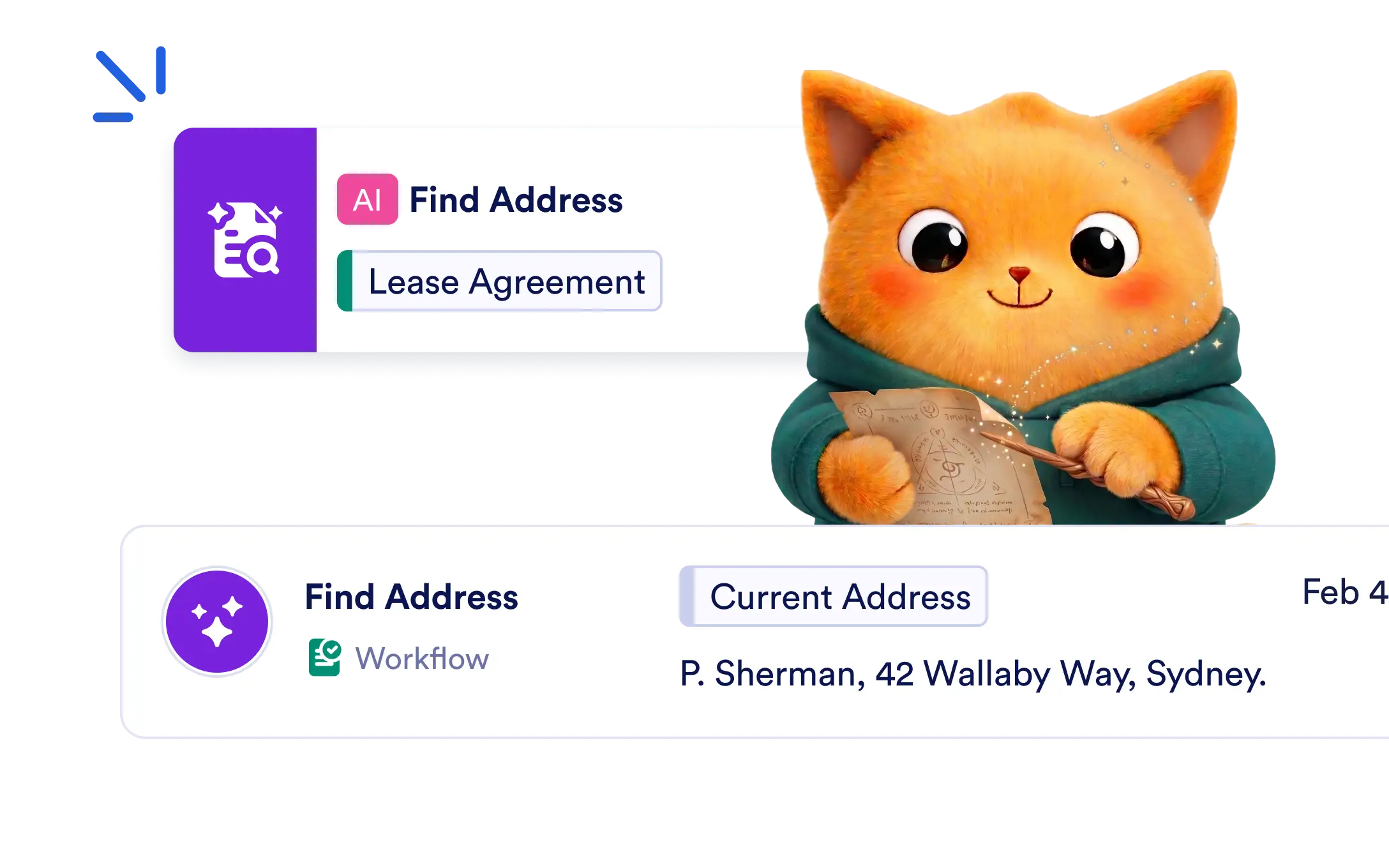
Add the AI Extract Data from File Action to your Jotform Workflow to identify and extract custom information from uploaded files, then use the results in later workflow steps.
Extract Information from Uploaded Files
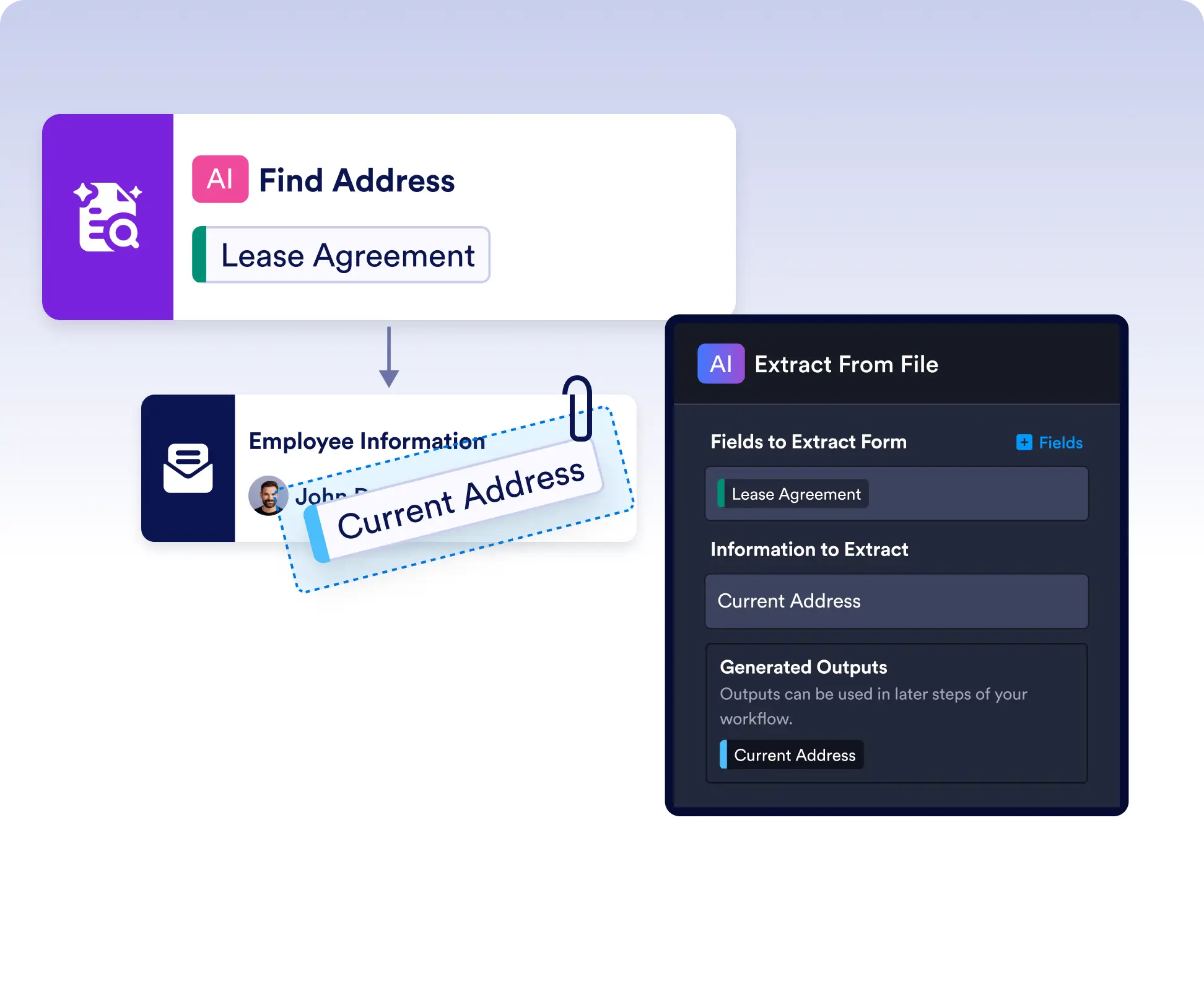
Select a file upload field and specify the information you want to extract. AI scans the document and returns the requested data as reusable workflow outputs.
Extract Key Details from Any Document
Pull specific information from reports, invoices, medical records, contracts, resumes, or other uploaded files without building complex document processing rules.
Frequently Asked Questions
The AI Extract Data from File Action can analyze uploaded documents and extract specific information from files such as PDFs, scanned documents, reports, invoices, resumes, contracts, and other supported file types.
You can specify exactly what information you want to extract, such as invoice numbers, customer names, contract dates, addresses, or any other text contained in the uploaded document.
Each extracted value is generated as a workflow output that can be referenced in later workflow steps, including emails, approvals, notifications, integrations, record updates, and other AI Actions to automate document-based workflows.