Create Tables by Speaking
Tell Jotform AI Data Assistant what table you need using your voice, and it will turn your spoken request into a structured table in seconds.
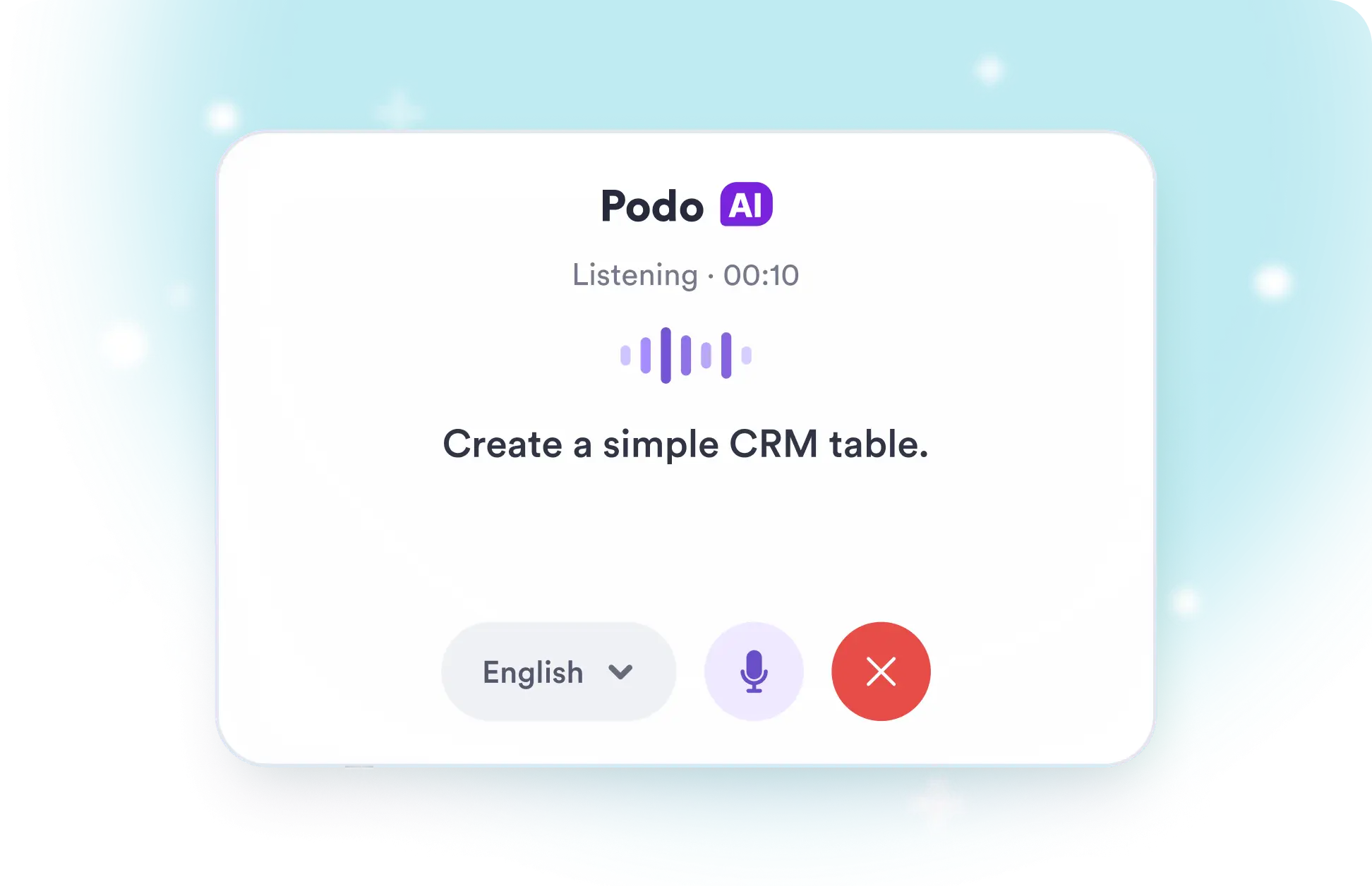
Skip typing and describe your table out loud. Jotform listens to your request and builds a ready to use table in seconds.
Create Tables From Speech
Start speaking, explain the table you want, and let AI Data Assistant build the structure for you. Review the result, adjust fields, and begin managing information in Jotform Tables right away.
Create a Custom Table in Seconds
Speak naturally instead of setting up every field by hand. Jotform AI Data Assistant quickly generates a practical starting point you can refine, share, and use to keep team information organized.
Frequently Asked Questions
Select the Talk button, choose your preferred language, and describe the table you need. Jotform AI Data Assistant listens to your request and uses it to create a structured table in seconds.
Explain the table’s purpose and mention any columns, categories, or statuses you want to include. For example, you can request a simple CRM with contact names, email addresses, sales stages, and follow-up dates.
Yes. Data Assistant displays your words as text while it listens, helping you confirm that your request was captured correctly before it generates your table.