Start With Pre Built Prompts
Choose a suggested prompt for common workflows and let Jotform AI Data Assistant build a structured table in seconds without writing a request from scratch.
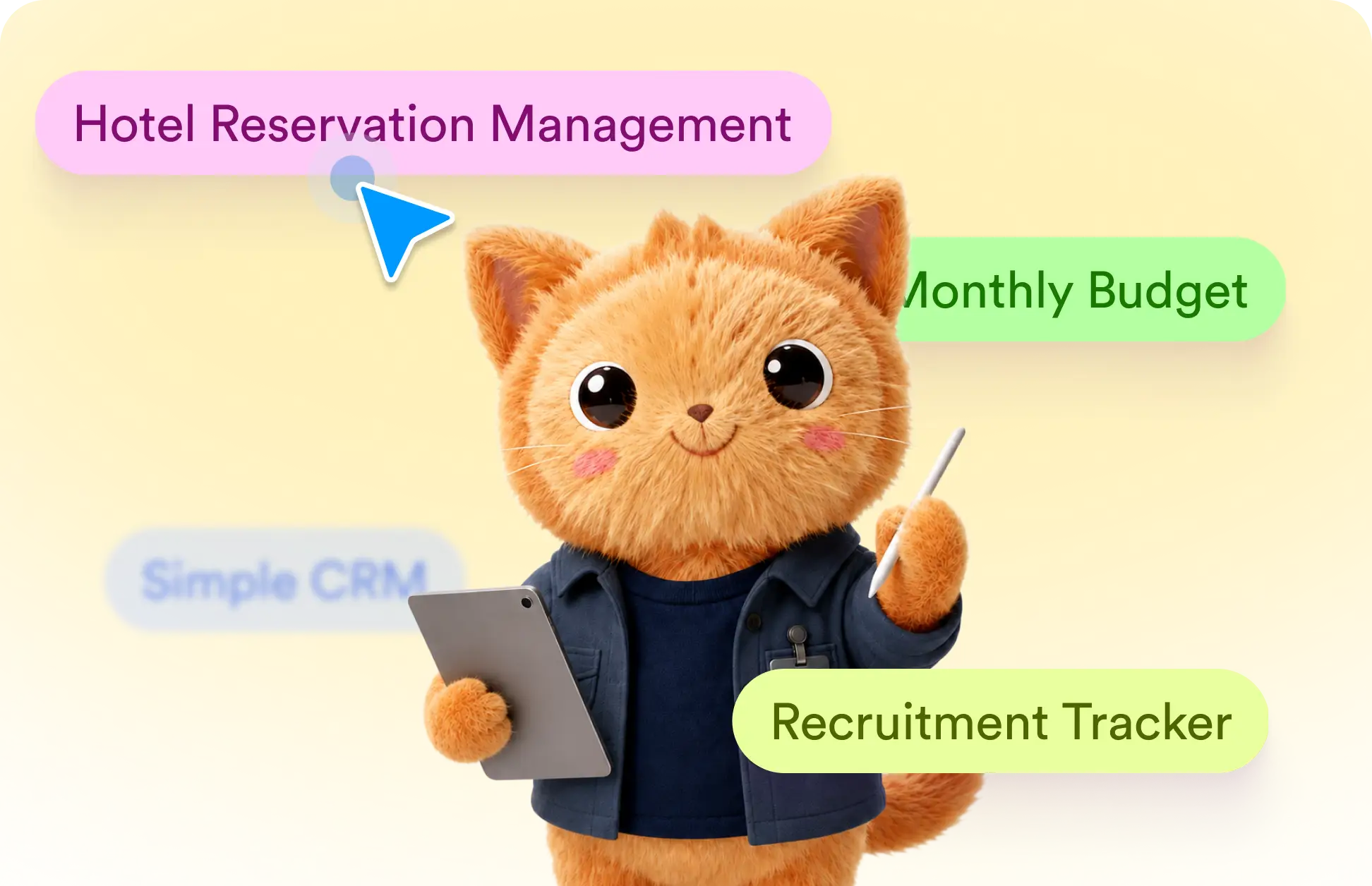
Skip the blank prompt and choose an idea from pre-built prompts to generate a useful table with fields tailored to the task.
Start a Table With a Suggested Prompt
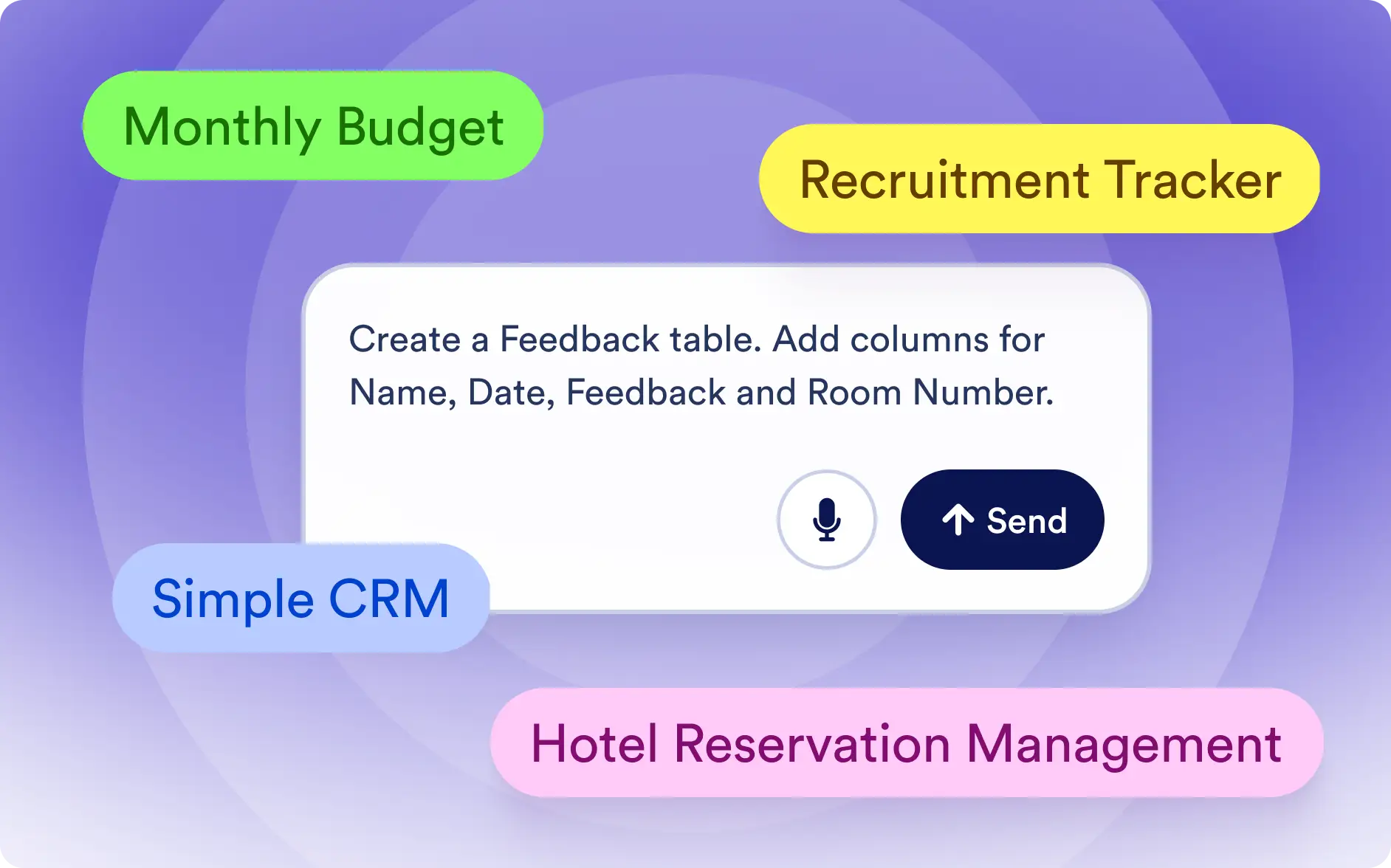
Browse ready-made prompts based on popular business and personal use cases. Select one to prefill your request, adjust the wording if needed, and create a table that matches your workflow.
Choose a Pre-Built Table Prompt
Explore prompt suggestions for use cases such as reservations, recruiting, budgets, and customer management. Each option gives clear direction for building the right table.
Frequently Asked Questions
Pre-built prompts are ready-to-use table ideas designed for common workflows, such as managing reservations, tracking recruitment, planning a monthly budget, or organizing customer information.
Select a prompt that matches your use case, review or edit the description in the request box, and send it to Data Assistant. Jotform will automatically generate a structured table based on your request.
Yes. After selecting a prompt, you can change its wording, add specific fields, or include details about your workflow. Data Assistant will use your updated instructions to create a more personalized table.