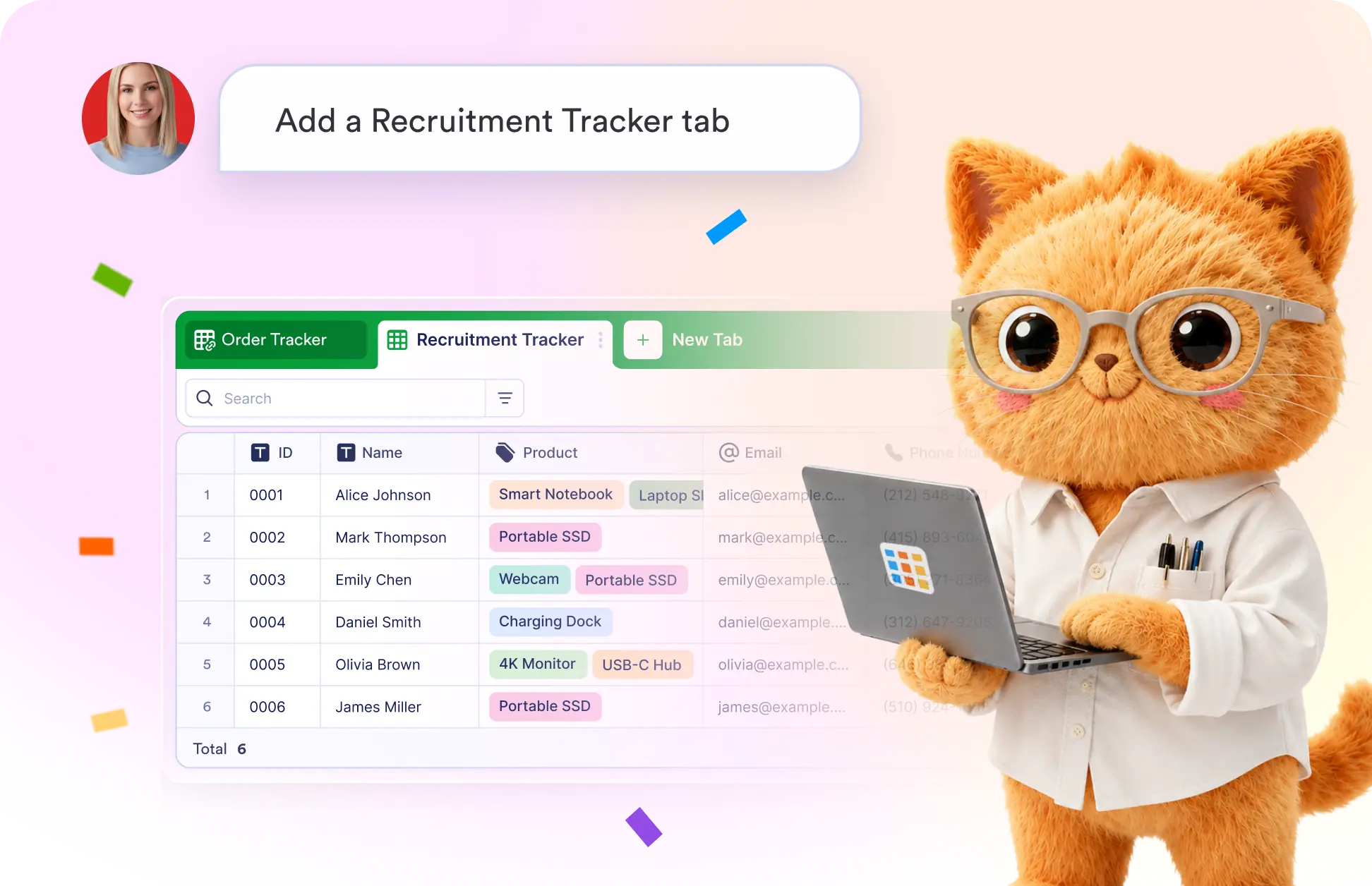
Organize your data faster by creating custom tabs with a simple prompt. AI builds the structure you need, helping you keep information clear, accessible, and easy to navigate.
Generate Custom Tabs Using Data Assistant
Tell Jotform AI Data Assistant what you want to organize, and it creates a new table tab with the right fields and layout to match your workflow.
Create Tabs with a Simple Prompt
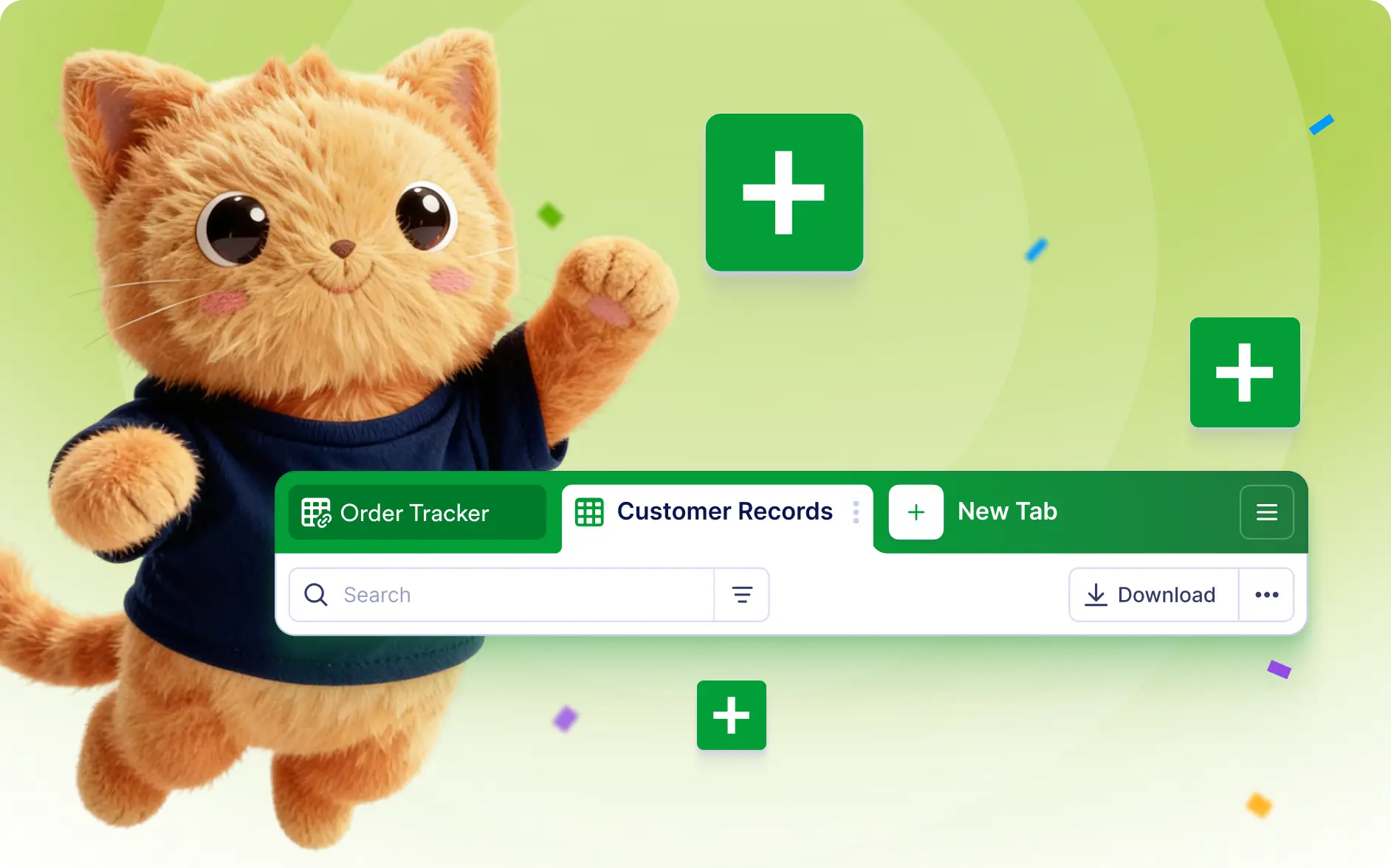
Create dedicated tabs for recruiting, inventory, projects, customer records, and more. AI helps you organize information into focused, easy-to-manage views.
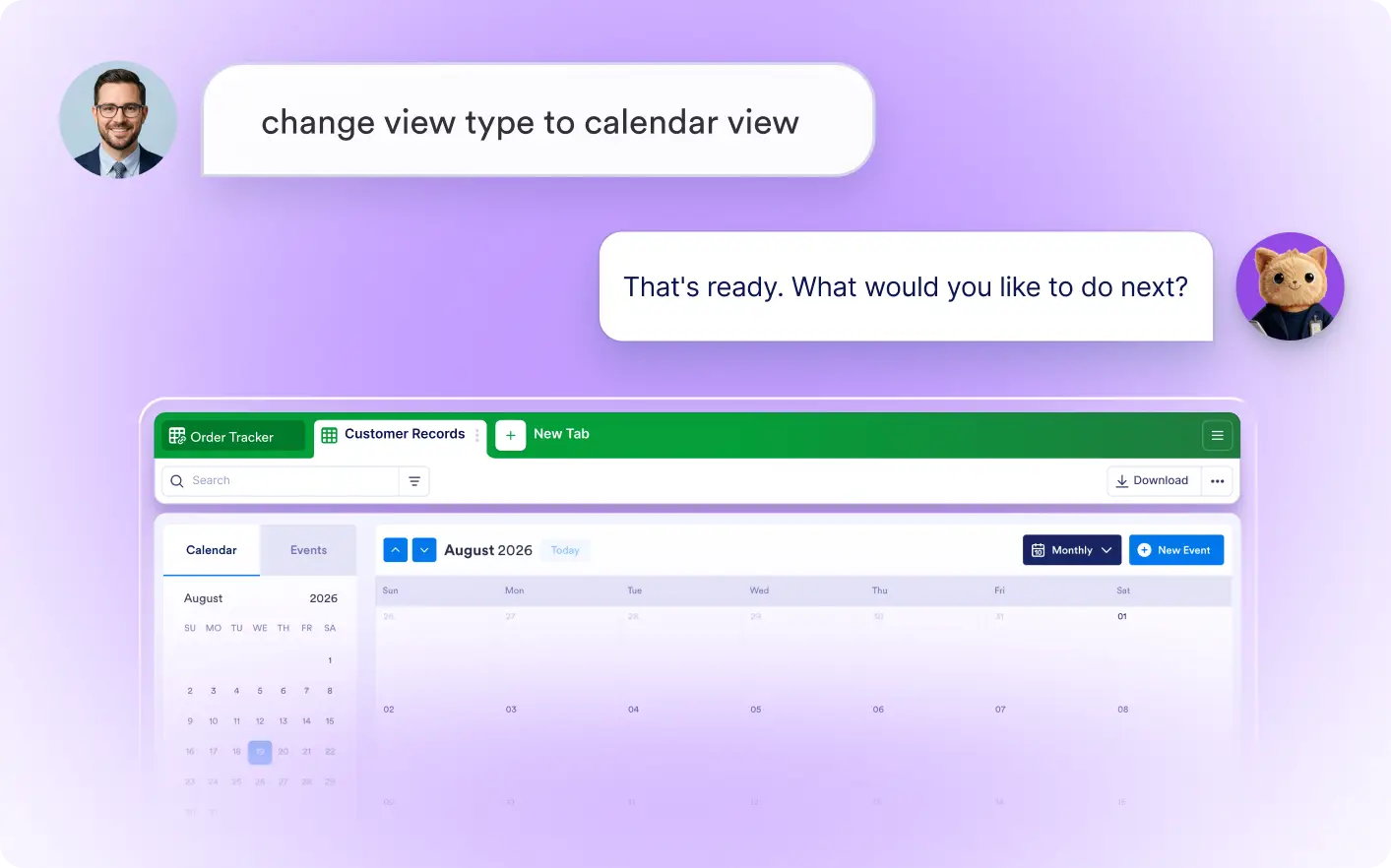
Create Different View Types
Display your data in the format that fits each workflow. Use table, calendar, card, or upload views to track schedules, compare submissions, review details, and manage files with ease.
Frequently Asked Questions
Simply describe the tab you want, such as a recruitment tracker or project dashboard. The Data Assistant creates a new tab with the appropriate structure automatically.
Yes. You can create tabs for any workflow, including recruiting, CRM, inventory, project management, event planning, and more by describing your needs in natural language.
Yes. After the tab is generated, you can edit fields, layouts, and other settings to better fit your workflow and data management needs.