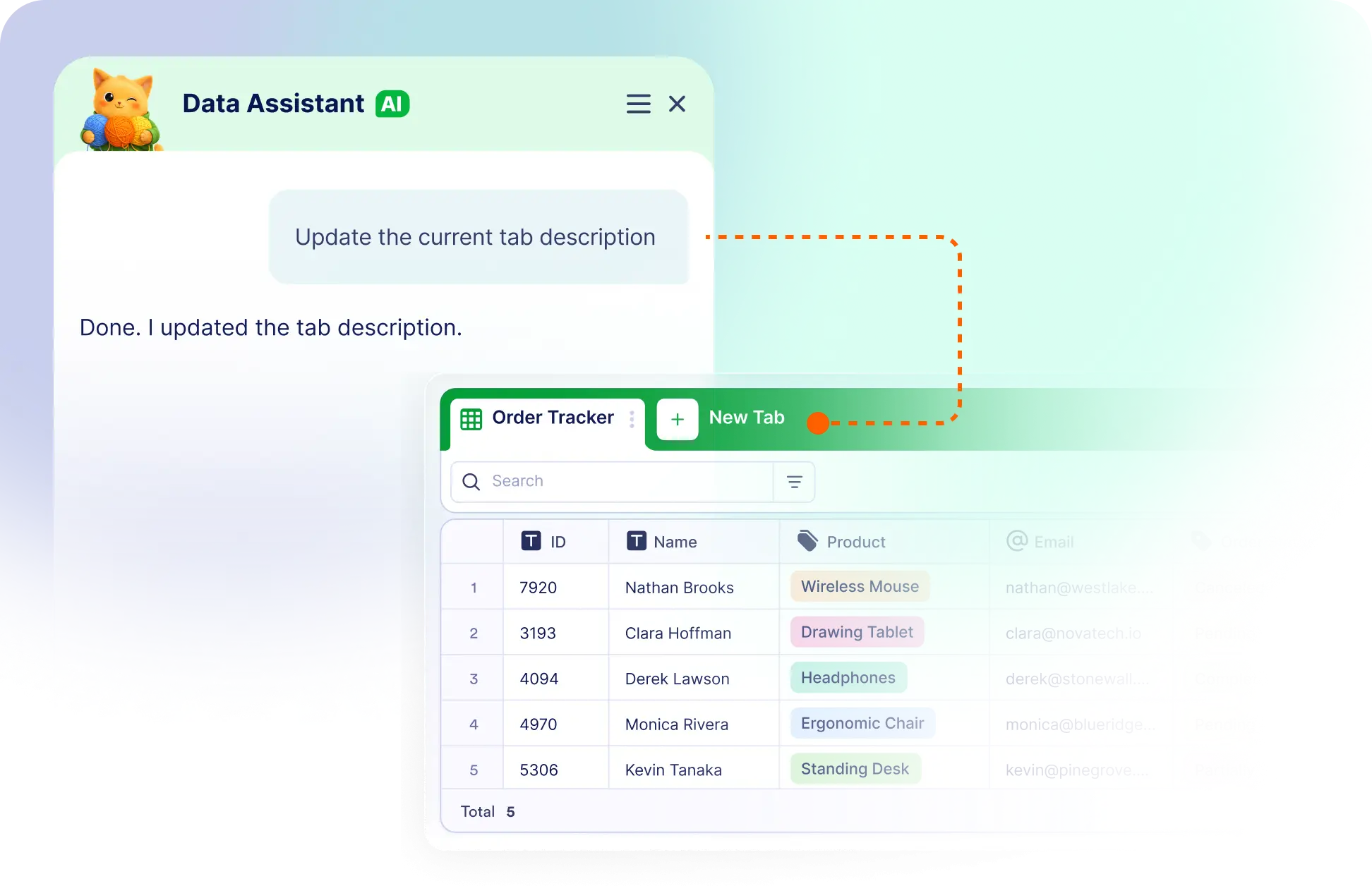
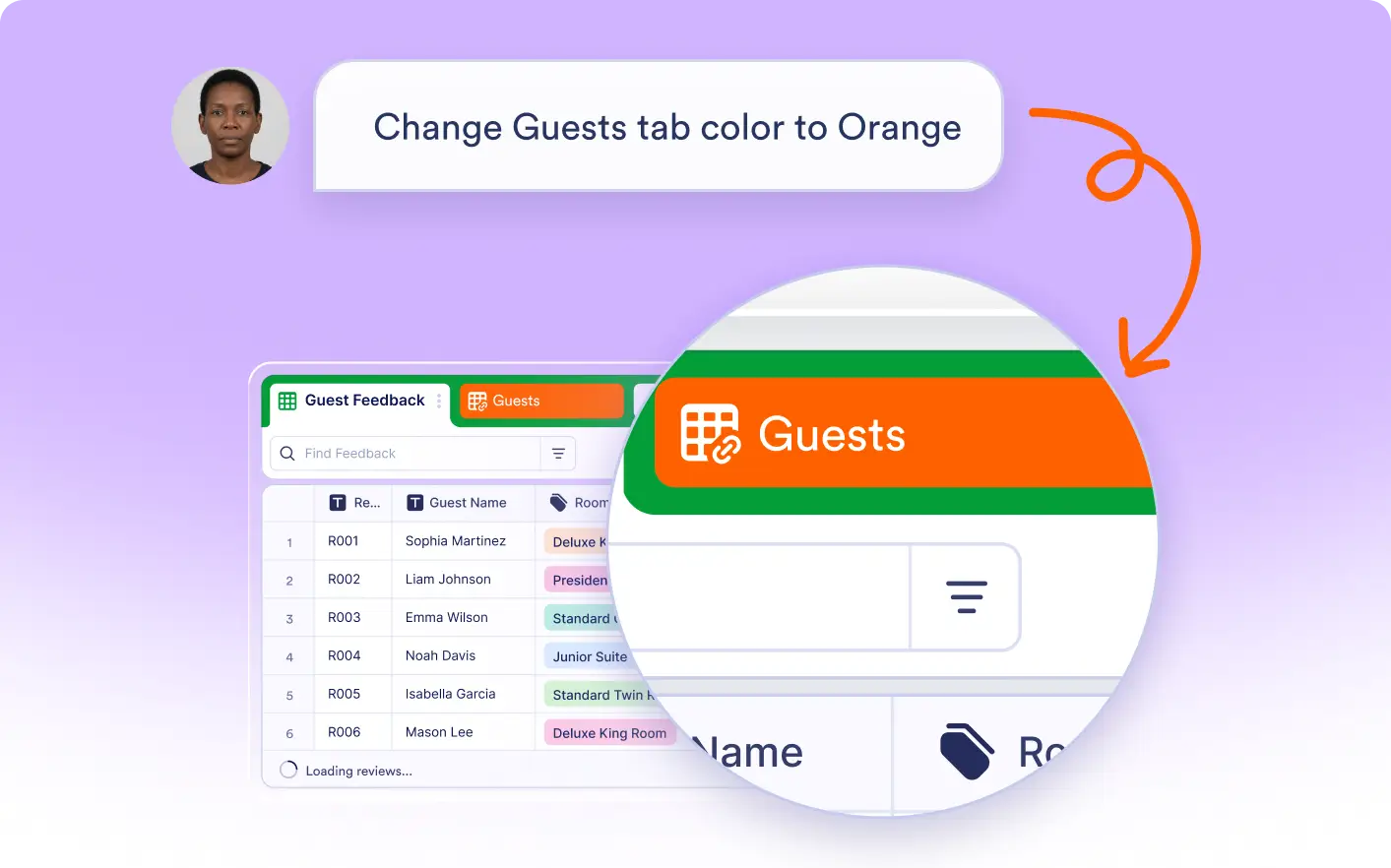
Personalize your tabs in seconds with AI. Make them easier to identify by updating names, adding tab notes, and changing tab colors that match your workflow.
Edit Tab Names, Add Tab Notes, and Change Tab Colors
Describe the changes you want, and Jotform AI Data Assistant updates your tabs automatically. Organize your workspace without manually editing tabs.
Customize Tabs
Use AI to keep your table tabs clear and easy to navigate. Customize each tab with meaningful names, notes, and colors that fit your projects.
Frequently Asked Questions
Simply tell the Data Assistant what you'd like to change, such as renaming a tab, adding a note to tabs, or changing tab color. The requested updates are applied automatically.
You can rename tabs, add or update tab notes, and change tab colors to better organize your workspace and make important tabs easier to identify.
Custom tab names, notes, and colors make your tables easier to navigate, provide helpful context for collaborators, and help you organize different workflows more effectively.