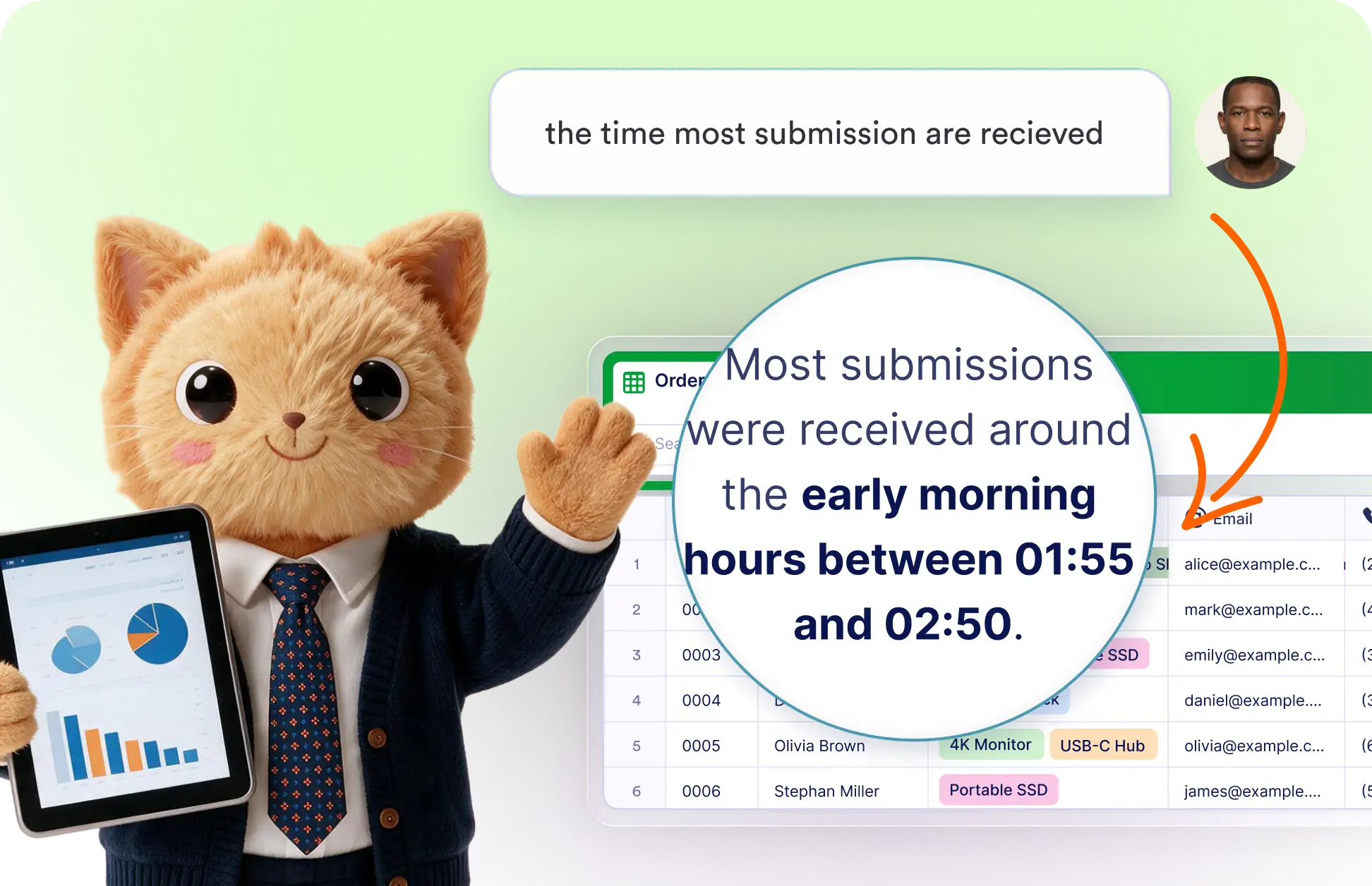
Ask Data Assistant to examine submission content, identify relationships between fields, compare responses, and summarize meaningful differences so you can understand the collected data more clearly.
Ask Questions About Submissions
Explore submission data through a simple conversation. Ask follow-up questions, narrow the analysis by dates or fields, and get useful summaries that help you understand activity and responses.
Refine Your Data Analysis
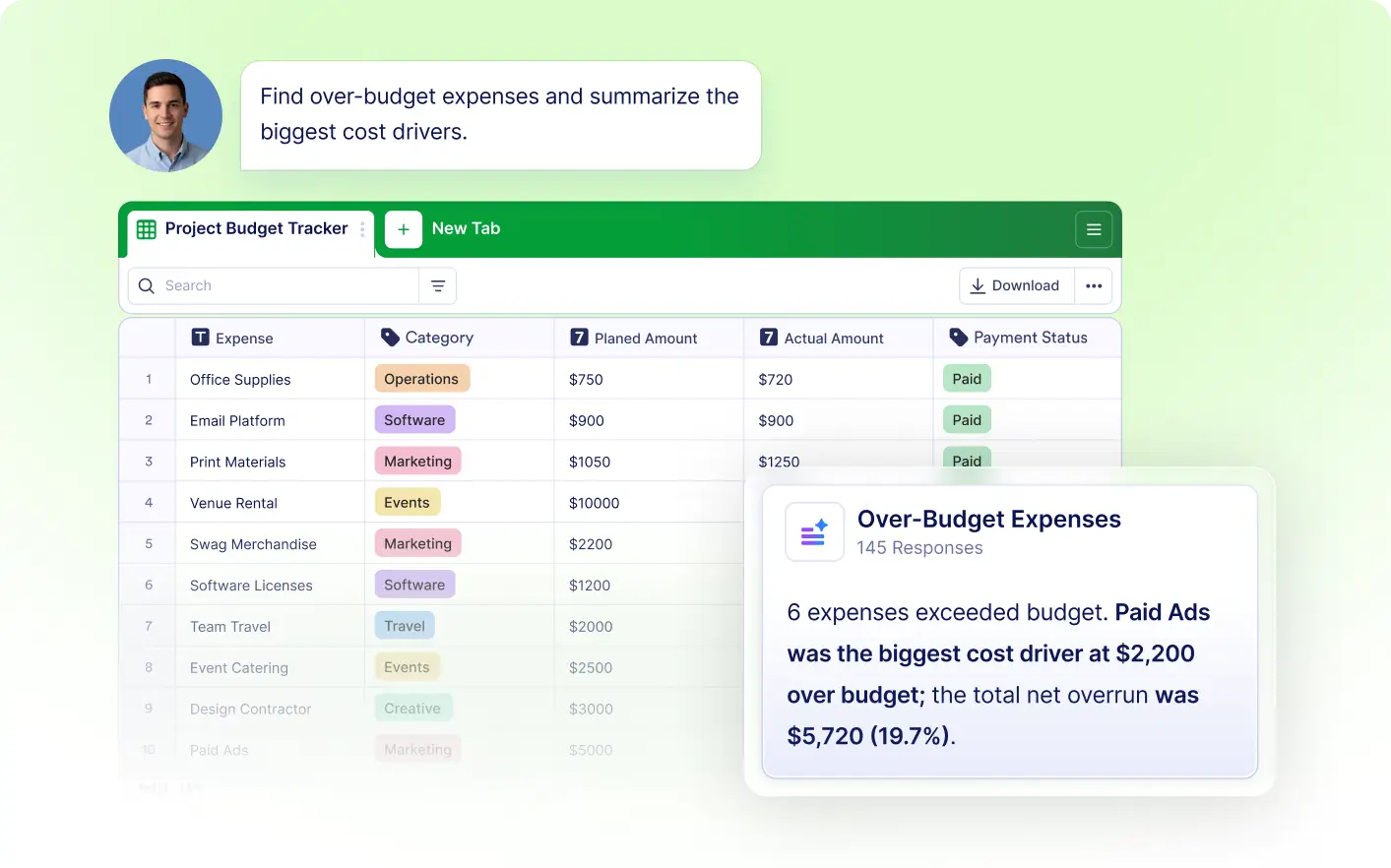
Describe the analysis you need in everyday language, such as peak submission times, common answers, or status totals. Data Assistant reviews the table and returns a focused explanation.
Frequently Asked Questions
Open Data Assistant from your Jotform table and enter a question about the submissions. The assistant reviews the available records and provides a clear answer based on the data stored in your table.
You can ask about submission dates and times, response values, status totals, recurring answers, and differences between groups. The available insights depend on the fields and records in your table.
Yes. You can continue the conversation to request more detail, focus on a particular field, compare specific records, or analyze a different date range without starting your request again.