
Quickly add the columns your table needs with a simple prompt. Jotform's Data Assistant creates the right column, so you can focus on managing your data.
Create Basic Columns Using Data Assistant
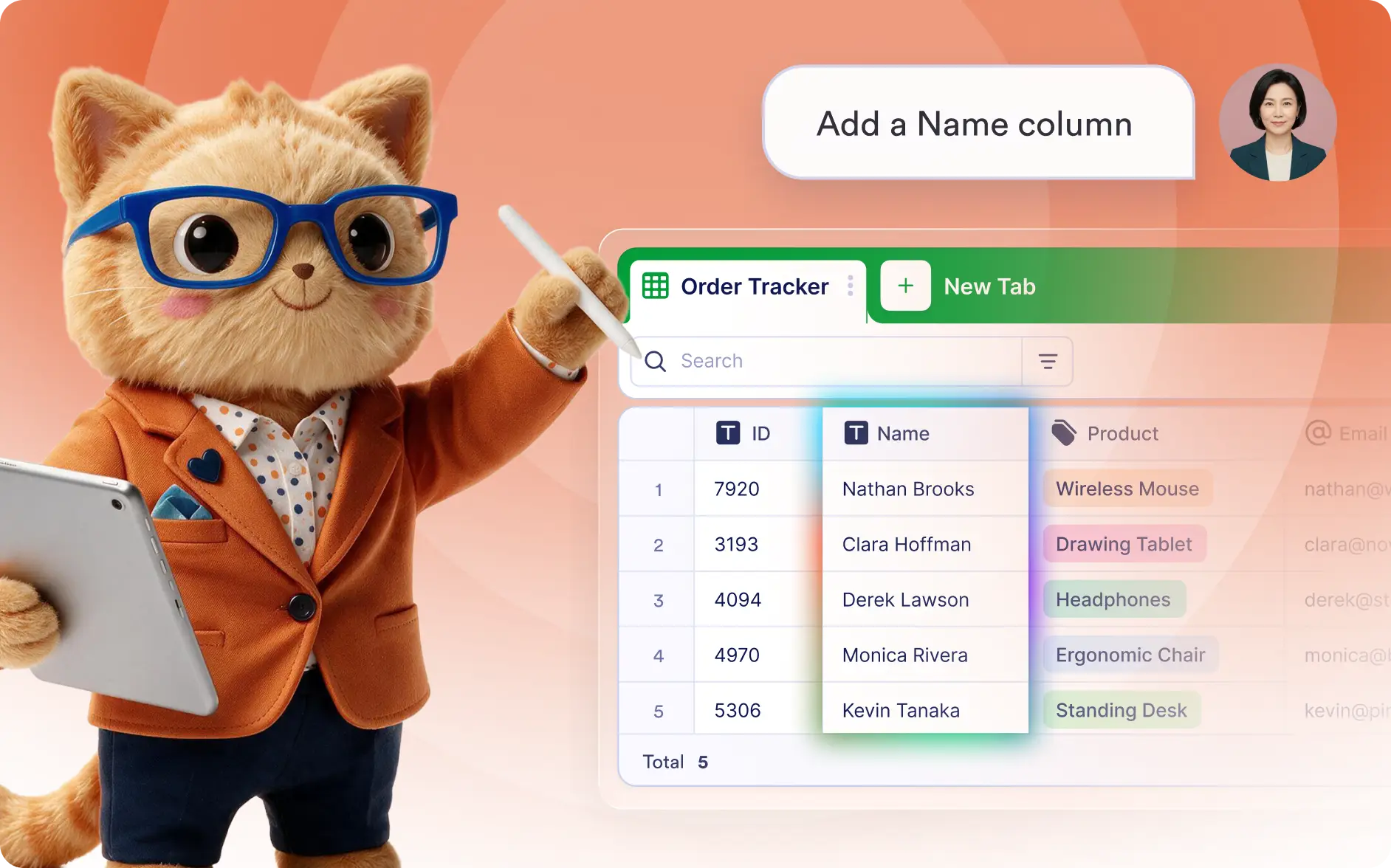
Tell Jotform AI Data Assistant what type of column you want to add, and it creates the column automatically. Quickly organize your data without editing table settings.
Create New Table Columns
Create text, checkbox, number, date, and other basic columns by describing what you need. AI adds the right column instantly to keep your table organized.
Frequently Asked Questions
Simply describe the type of column you want, such as a checkbox, text, number, or date column. The Data Assistant creates it automatically in your table.
You can add common column types like text, number, checkbox, date, email, phone, and other basic fields by describing what you need.
Using AI speeds up table creation by eliminating manual configuration. You can quickly build new columns as your workflow evolves.