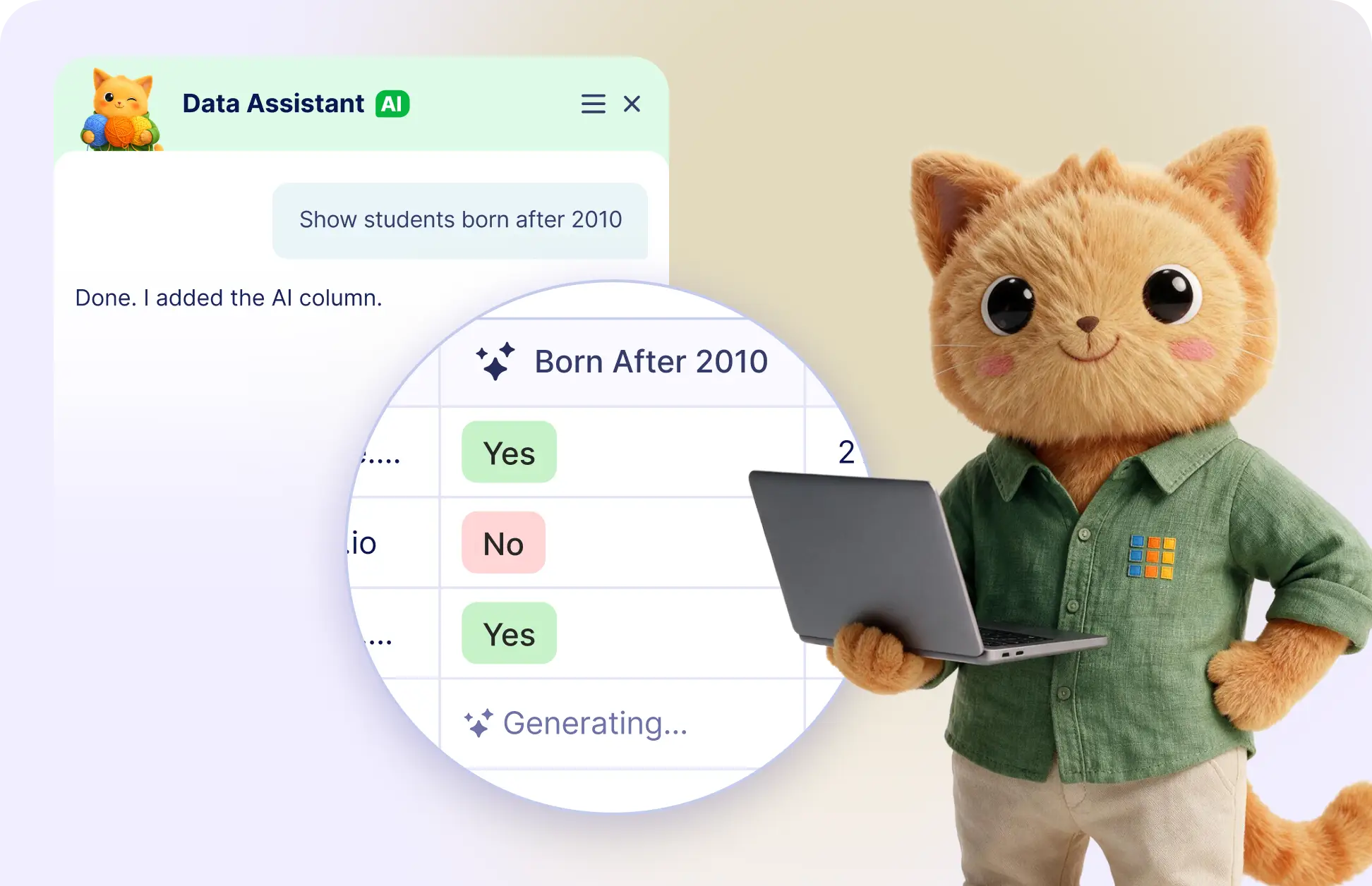
Automate repetitive tasks by adding AI columns to your tables. Just describe what you need, and Jotform's Data Assistant handles the rest.
Generate AI Columns
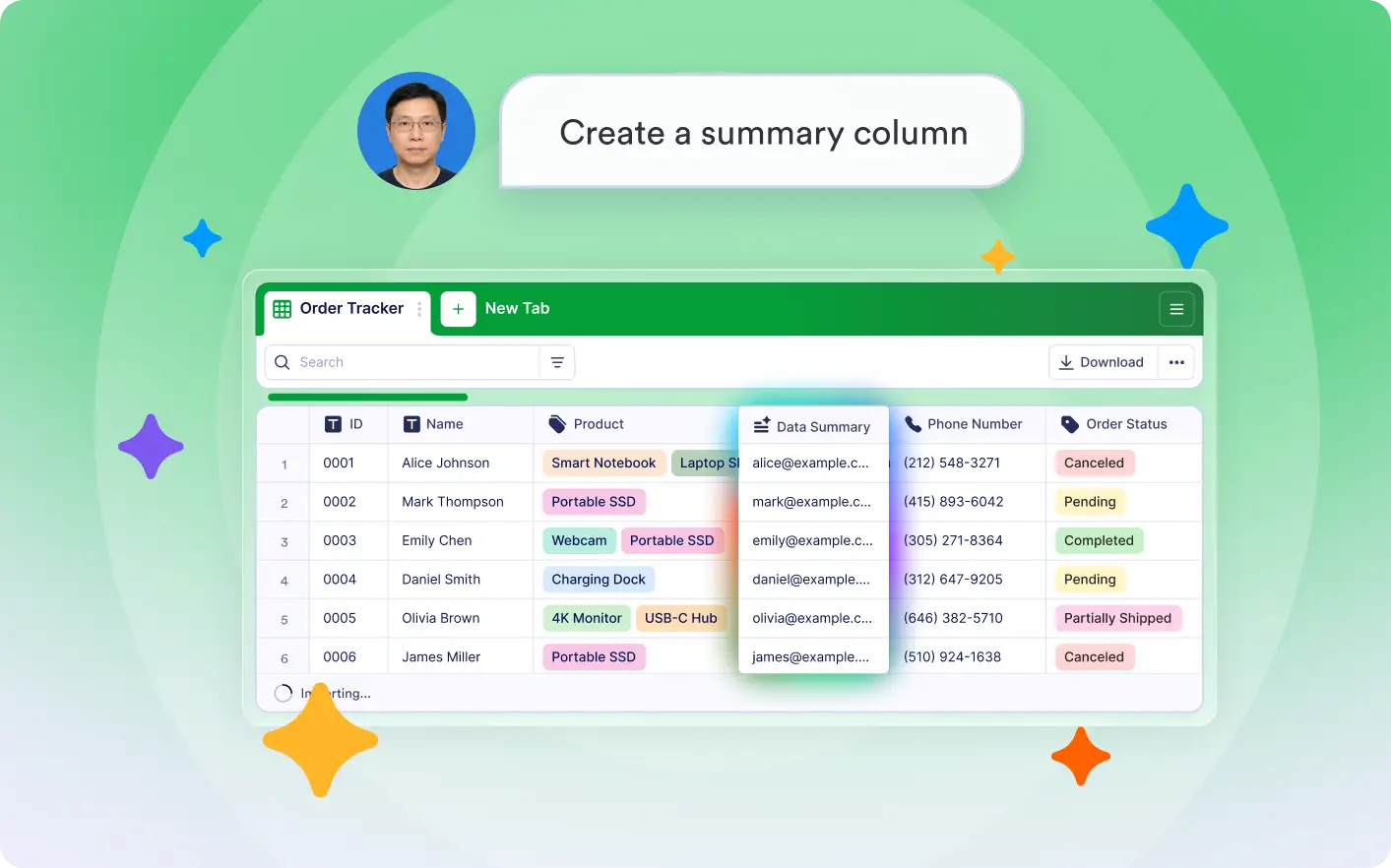
Tell Jotform AI Data Assistant what you want your AI column to do, and it creates it automatically. Add summaries, categories, calculations, translations, sentiment analysis, or custom AI columns without manual setup.
Create AI Columns with a Prompt
Describe the task you want an AI column to perform, and Jotform AI Data Assistant builds it instantly. You can summarize text, categorize records, perform calculations, analyze sentiment, translate content, or run custom AI tasks easily.
Frequently Asked Questions
Simply describe what you want the AI column to do, such as summarizing responses, categorizing records, translating text, or performing calculations. The Data Assistant creates the AI column automatically.
You can create AI columns for Summarize, Categorize, Calculate, Sentiment Analysis, Translate, and Custom AI tasks by describing the behavior you need.
Yes. In addition to the built-in AI column types, you can describe your own custom AI task. Jotform's Data Assistant generates a custom AI column based on your prompt, making it easy to automate unique workflows.