Manage Columns
Manage your table columns with Jotform AI Data Assistant. Rename columns, lock data to prevent edits, freeze important columns, or hide fields with simple prompts quickly.
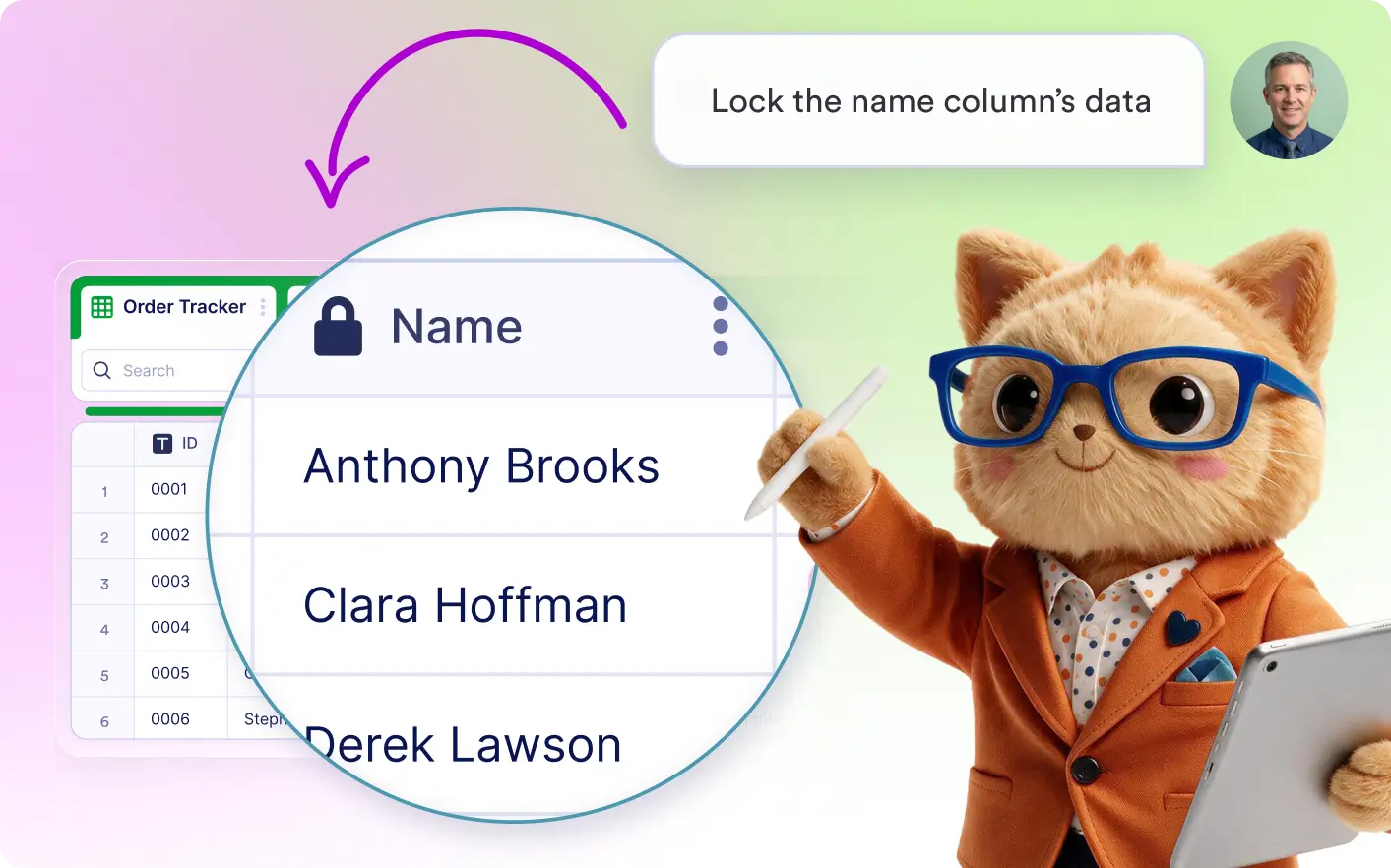
Manage your table columns with simple prompts. Rename, lock data, freeze, or hide columns to create a workspace that works the way you do.
Customize Column Settings
Describe the changes you want, and Jotform's Data Assistant updates your columns automatically. Rename fields, lock data, freeze columns, or hide them to create a workspace that fits your workflow.
Rename, Lock, Freeze, or Hide Columns
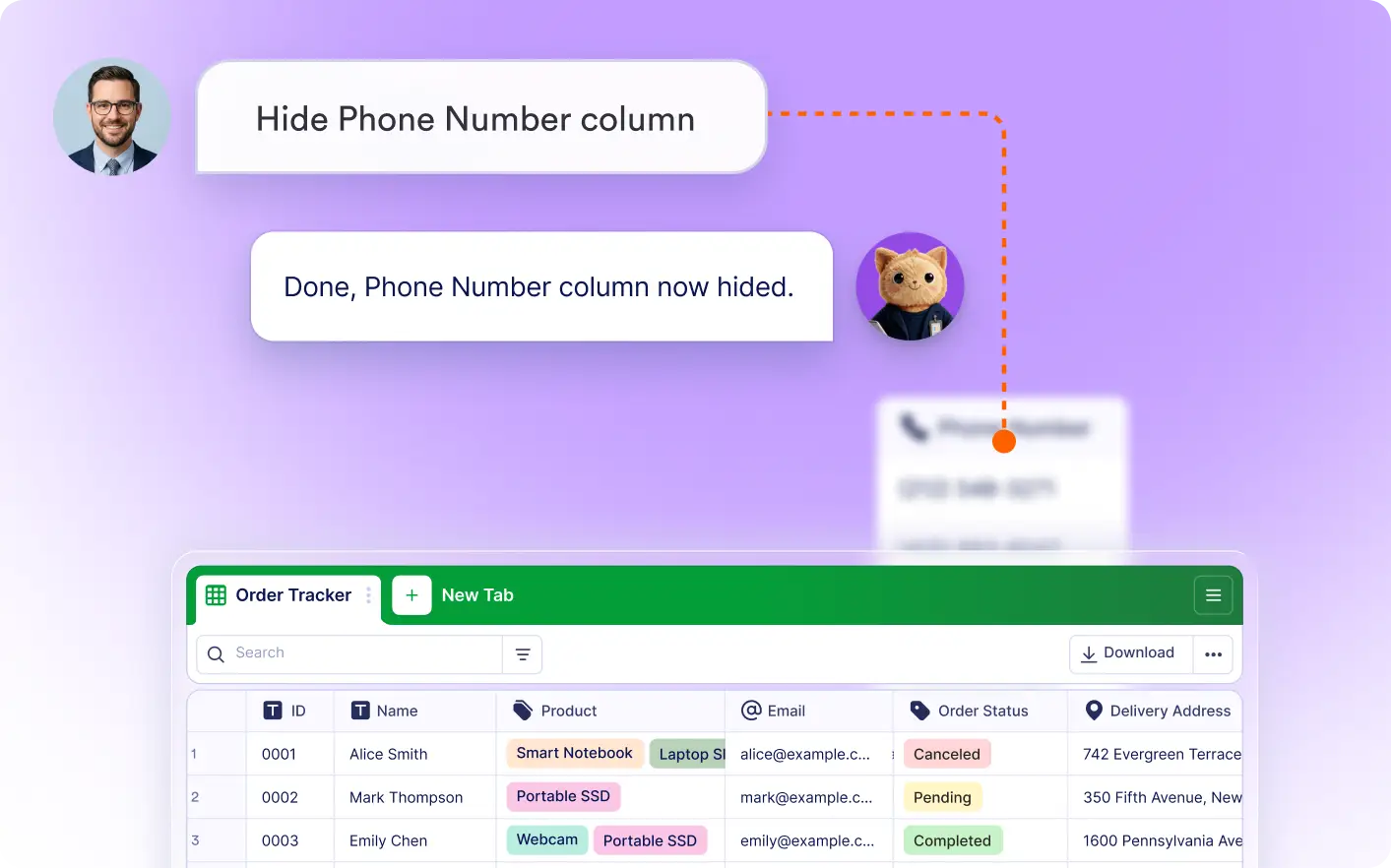
Update column settings in seconds using AI. Rename fields, protect important data, keep key columns visible while scrolling, or hide columns you don't need.
Frequently Asked Questions
Describe the change you want, such as renaming a column, locking its data, freezing it, or hiding it. The Data Assistant applies the update automatically.
You can rename columns, lock column data to prevent editing, freeze columns so they remain visible while scrolling horizontally, and hide columns that you don't want to display.
AI makes it faster to organize your tables by handling common column updates for you. It helps improve navigation, protect important data, and create a layout that matches your workflow.