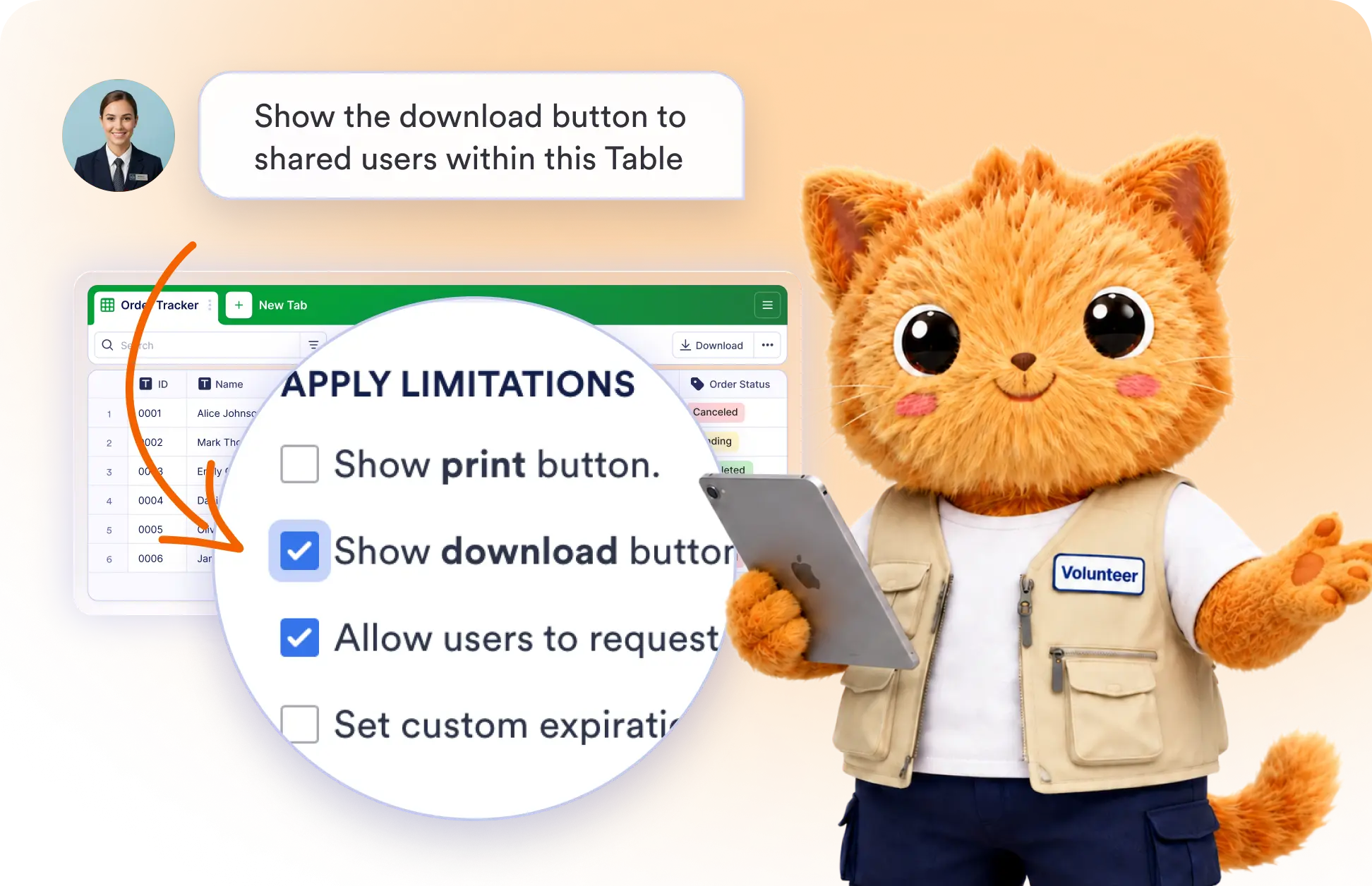
Update collaboration settings in seconds with AI. Control how others access and interact with your shared tables without manually navigating sharing options.
Control Table Sharing with AI
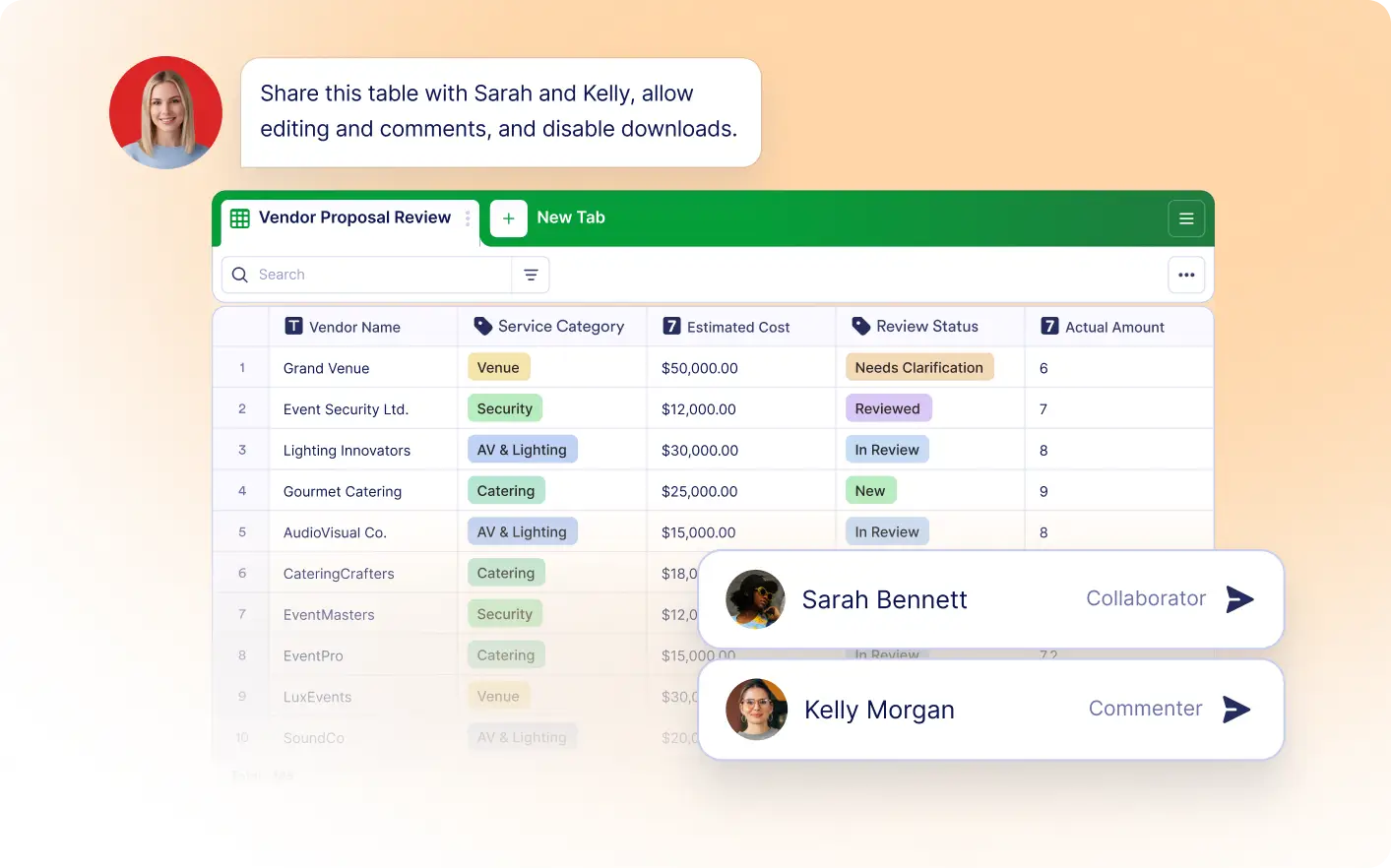
Tell Jotform's Data Assistant how you want your shared table to behave, and it updates your collaboration settings automatically. Manage printing, downloads, access requests, and share link expiration with ease.
Customize How Others Access Your Tables
Manage collaboration settings with simple prompts. Enable or restrict printing, downloads, access requests, and share link expiration to match your sharing preferences.
Frequently Asked Questions
Simply describe the setting you'd like to change, such as enabling downloads or setting an expiration date for a share link. The Data Assistant updates your collaboration settings automatically.
You can enable or disable printing, downloads, access requests, and set an expiration date for your table's share link.
AI makes it easy to update sharing preferences without manually navigating settings. You can quickly adjust collaboration options to balance accessibility, security, and team productivity.