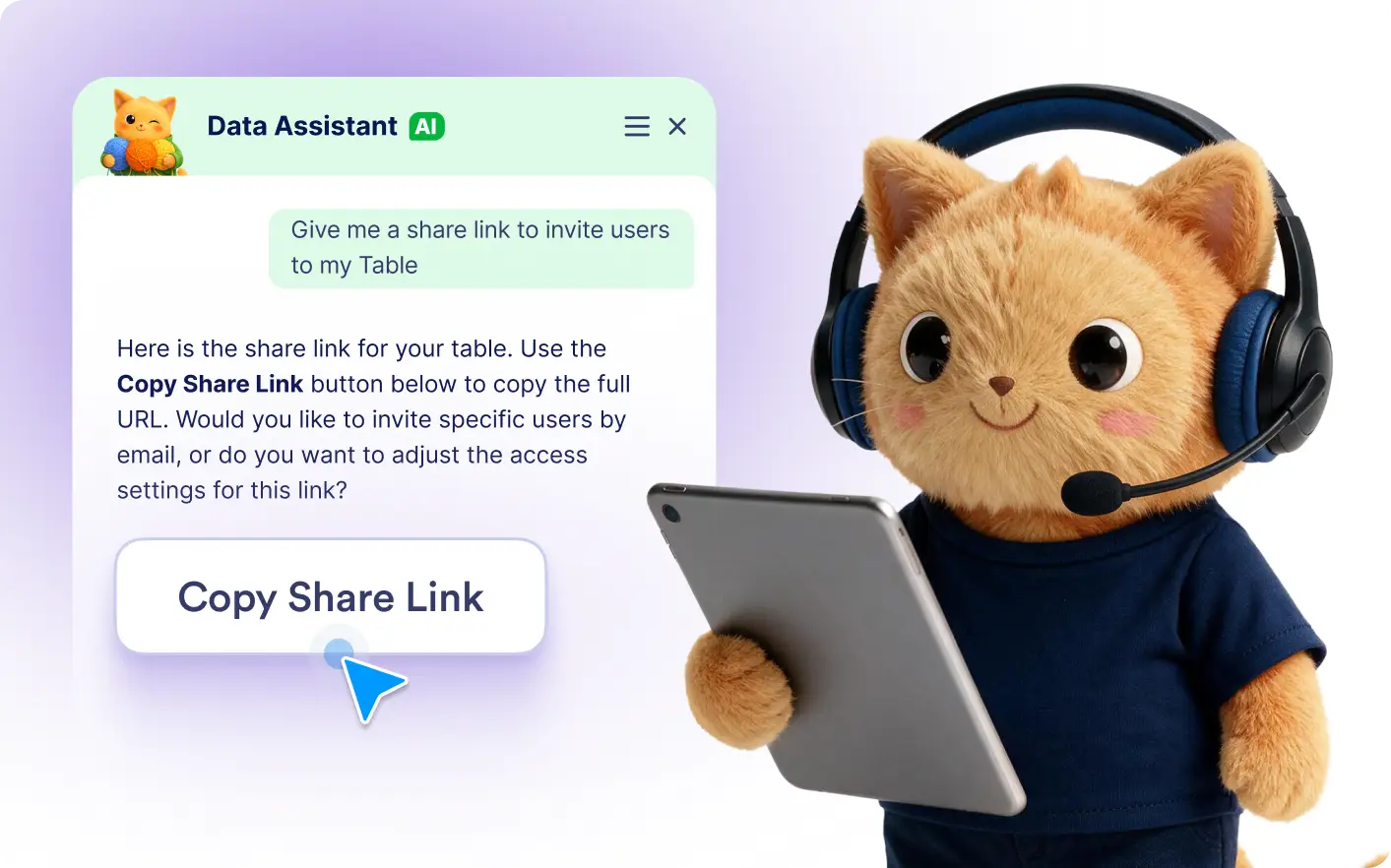
Generate a table share link with a simple prompt. Jotform's Data Assistant creates it instantly, making it easy to share your table.
Create Share Links in Seconds
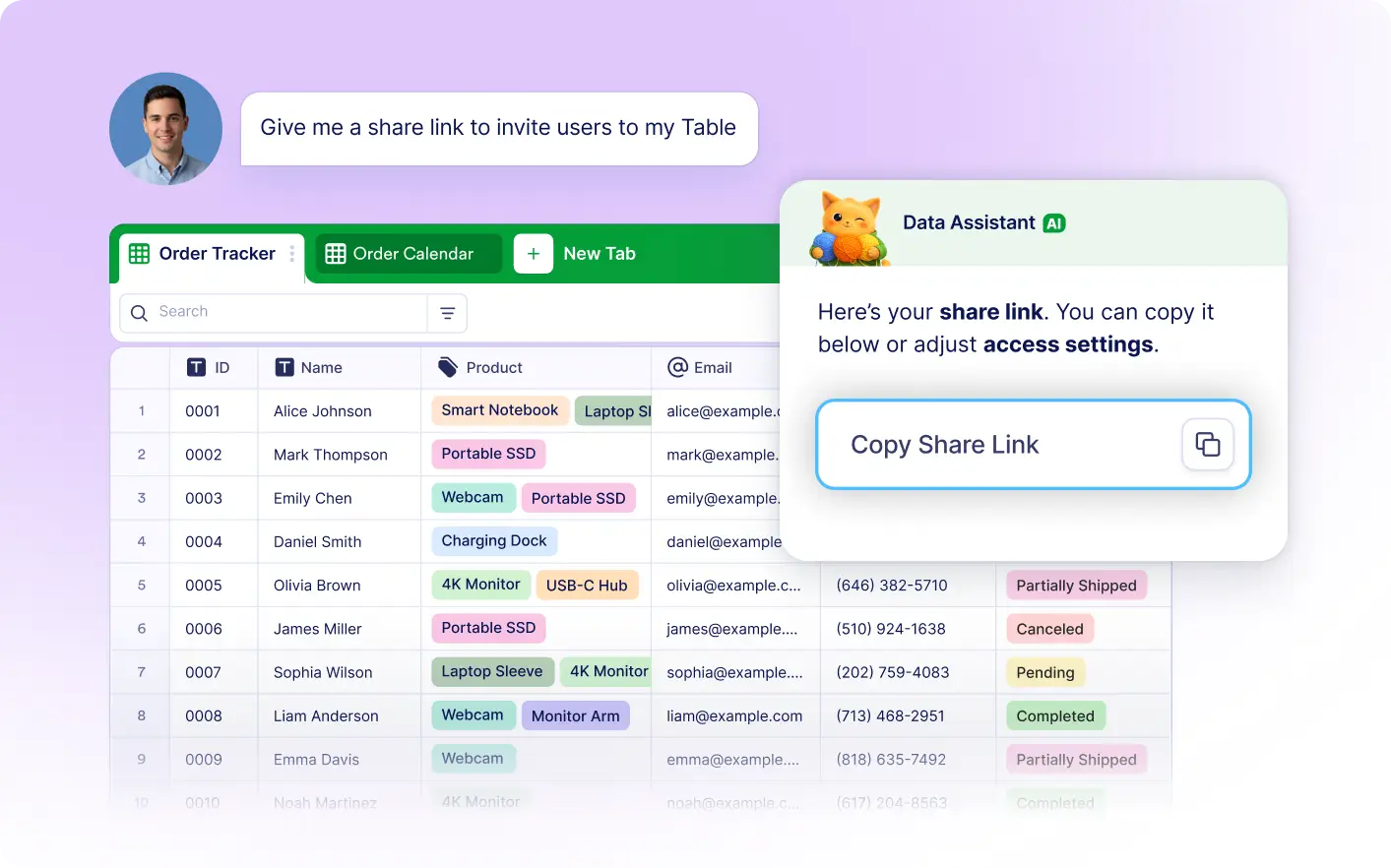
Tell Jotform's Data Assistant that you need a share link, and it generates one automatically. Copy the link and start sharing your table in just a few seconds.
Share Your Tables Faster
Ask Jotform's Data Assistant for a table share link, and it generates one immediately. Copy the link and share your table without manually opening sharing options.
Frequently Asked Questions
Simply ask the Data Assistant to create a share link for your table. It generates the link automatically, ready for you to copy and share.
Yes. Jotform's Data Assistant lets you generate a share link with a simple prompt, eliminating the need to navigate through sharing settings.
Using AI speeds up the sharing process by creating a share link instantly. It's an easy way to share your table with teammates, clients, or collaborators while staying focused on your work.