Create Tabs
Use Jotform AI Data Assistant to search and filter form submissions, then create organized tabs from the results using simple prompts such as “Create a tab for low-urgency submissions.”
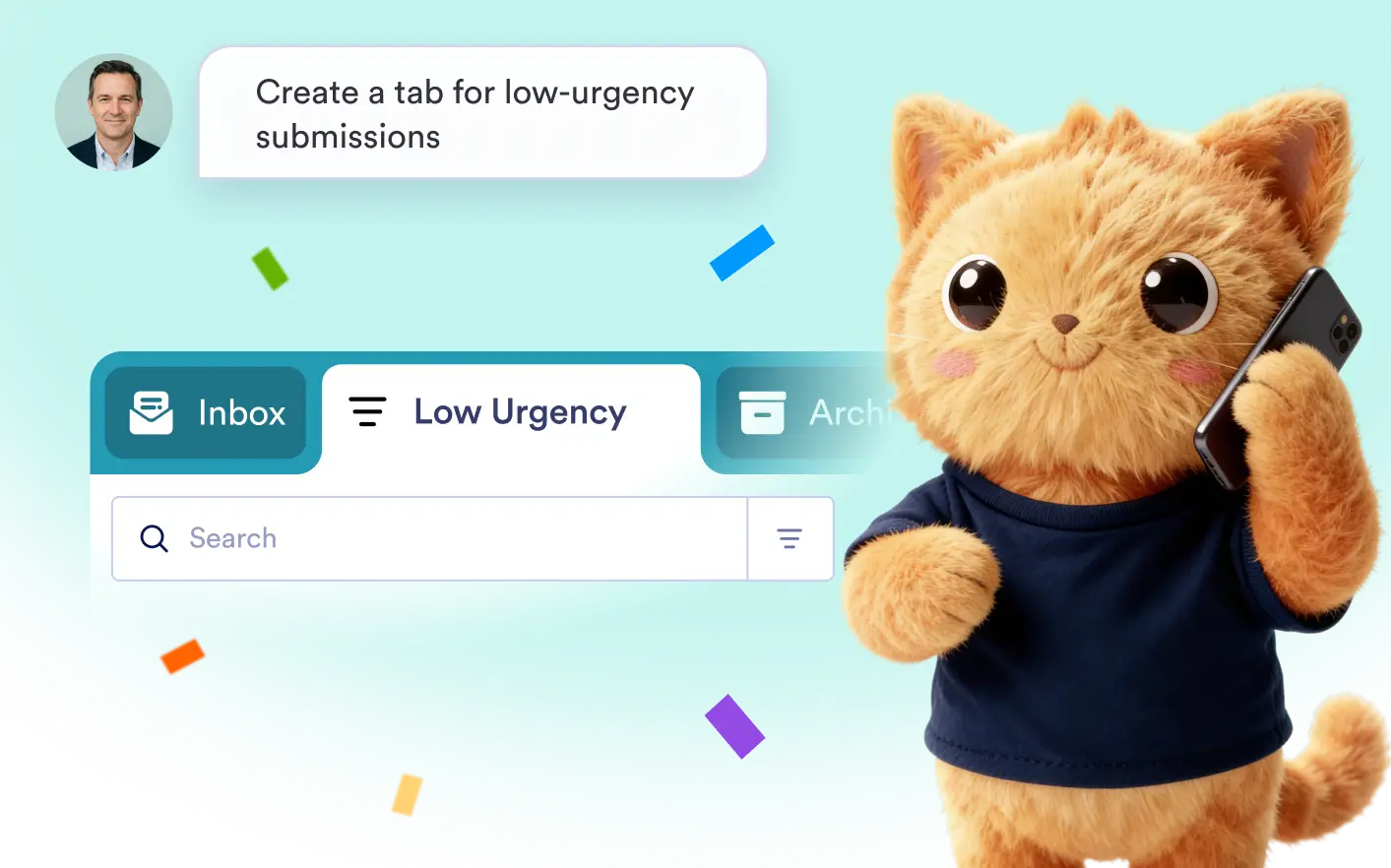
Turn filtered submission results into dedicated tabs without setting up rules manually. Describe the records you want to group, and Jotform Data Assistant creates the tab for you.
Organize Form Submissions With AI-Powered Tabs
Quickly group submissions by urgency, status, category, response, or other criteria. Jotform Data Assistant filters your data and turns matching results into an easy-to-access tab.
Create Tabs From Natural Language Prompts
- Tell Jotform Data Assistant what you need, such as “Create a tab for low-urgency submissions,” and it will identify matching entries and organize them into a new tab.
- Save time reviewing form data by asking AI to find specific submissions and group them into tabs. Access important records faster without building complex filters yourself.
Frequently Asked Questions
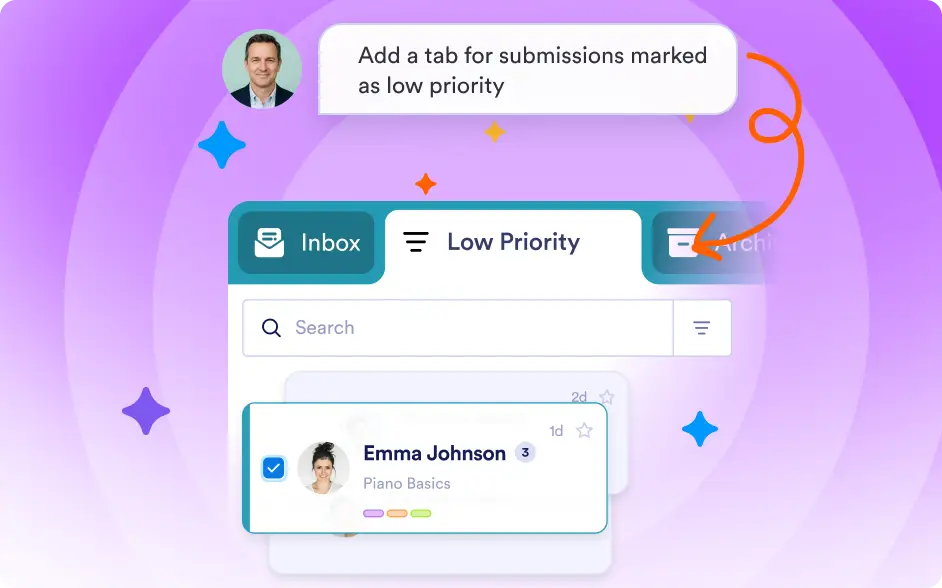
Enter a prompt describing the submissions you want to group, such as “Create a tab for low-urgency submissions.” The AI searches your data, applies the relevant filters, and creates a tab from the matching results.
You can create tabs based on information in your submissions, including urgency, status, category, dates, answers, customer details, or other recorded fields. Simply describe the group you want to see.
Yes. AI-created tabs help you separate and review relevant submissions more efficiently, making it easier to manage high submission volumes and focus on records that need attention.