Use AI Actions on Submissions
Use Jotform AI Data Assistant actions to review submissions faster. Create a concise summary or translate every submission field into your preferred language with a single click.
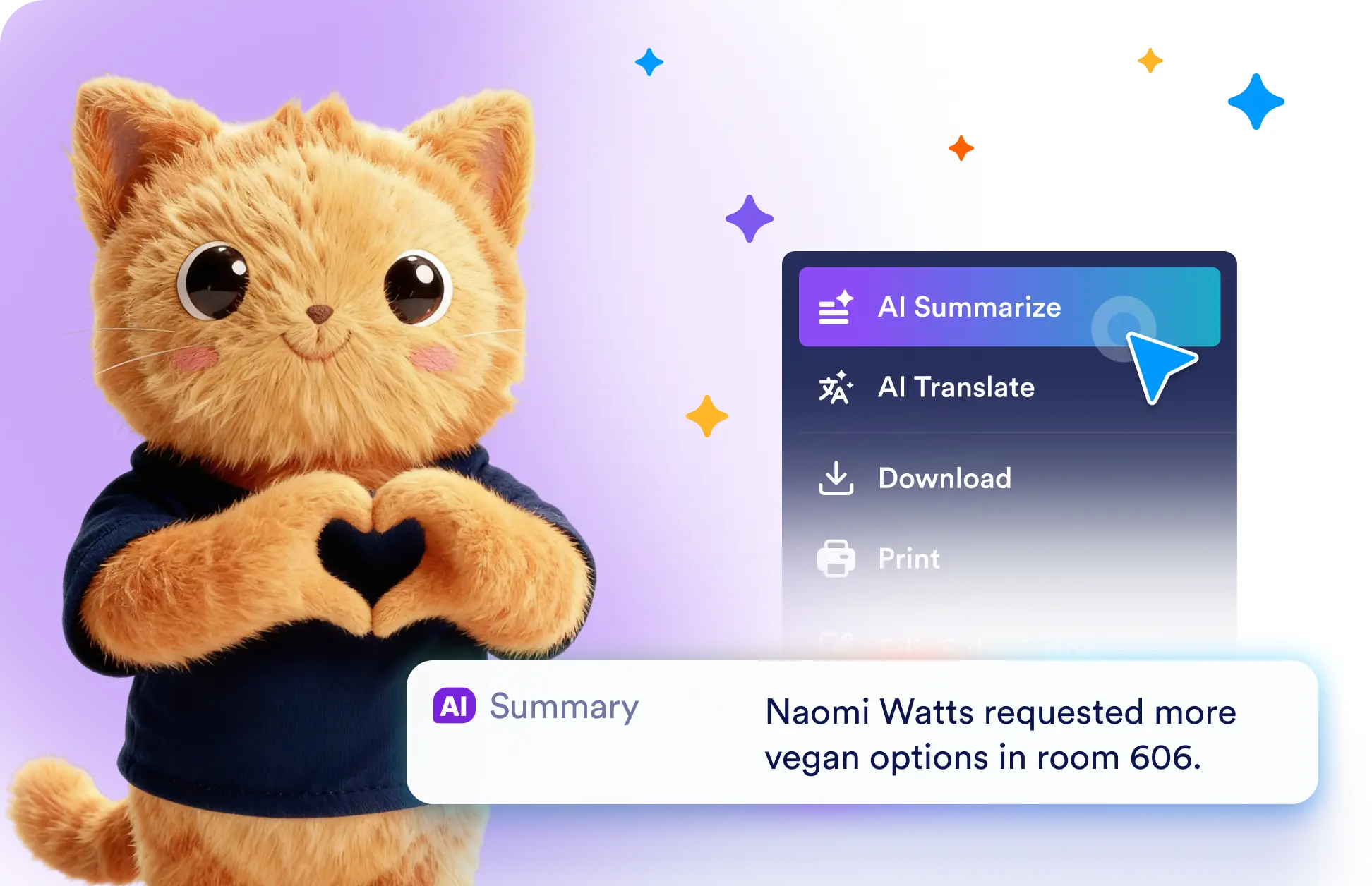
Click AI Summarize to capture the key details of a submission, or choose AI Translate to convert all fields into your target language without copying or rewriting content.
AI Actions for Form Submissions
Built-in AI actions help you understand long or multilingual submissions in seconds. Summarize responses for a quick overview or translate complete submissions into another language.
Summarize and Translate Submissions
- Click AI Summarize to generate a clear overview of the most important submission details. The summary is added directly to your inbox for faster and easier review.
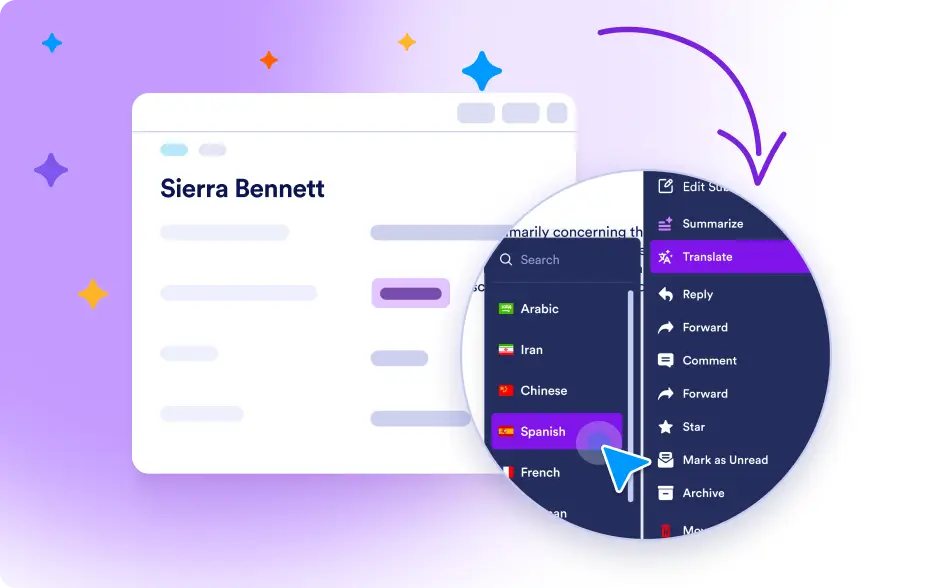
- Click AI Translate, select your target language, and instantly translate every field in the submission so you can understand responses from users around the world.
Frequently Asked Questions
Jotform Data Assistant includes AI Summarize and AI Translate. These actions help you quickly understand lengthy responses and review submissions written in other languages.
Open the submission and click AI Summarize. Jotform Data Assistant reviews the response and adds a concise summary of the most important details to your inbox.
Click AI Translate and choose your preferred language. Jotform Data Assistant instantly translates all submission fields while keeping the original response available.