Export Submission Data
Tell Jotform Data Assistant AI how to filter your form submissions and which file format to use. Download the matching data as a CSV, PDF, or Excel file with a simple request.
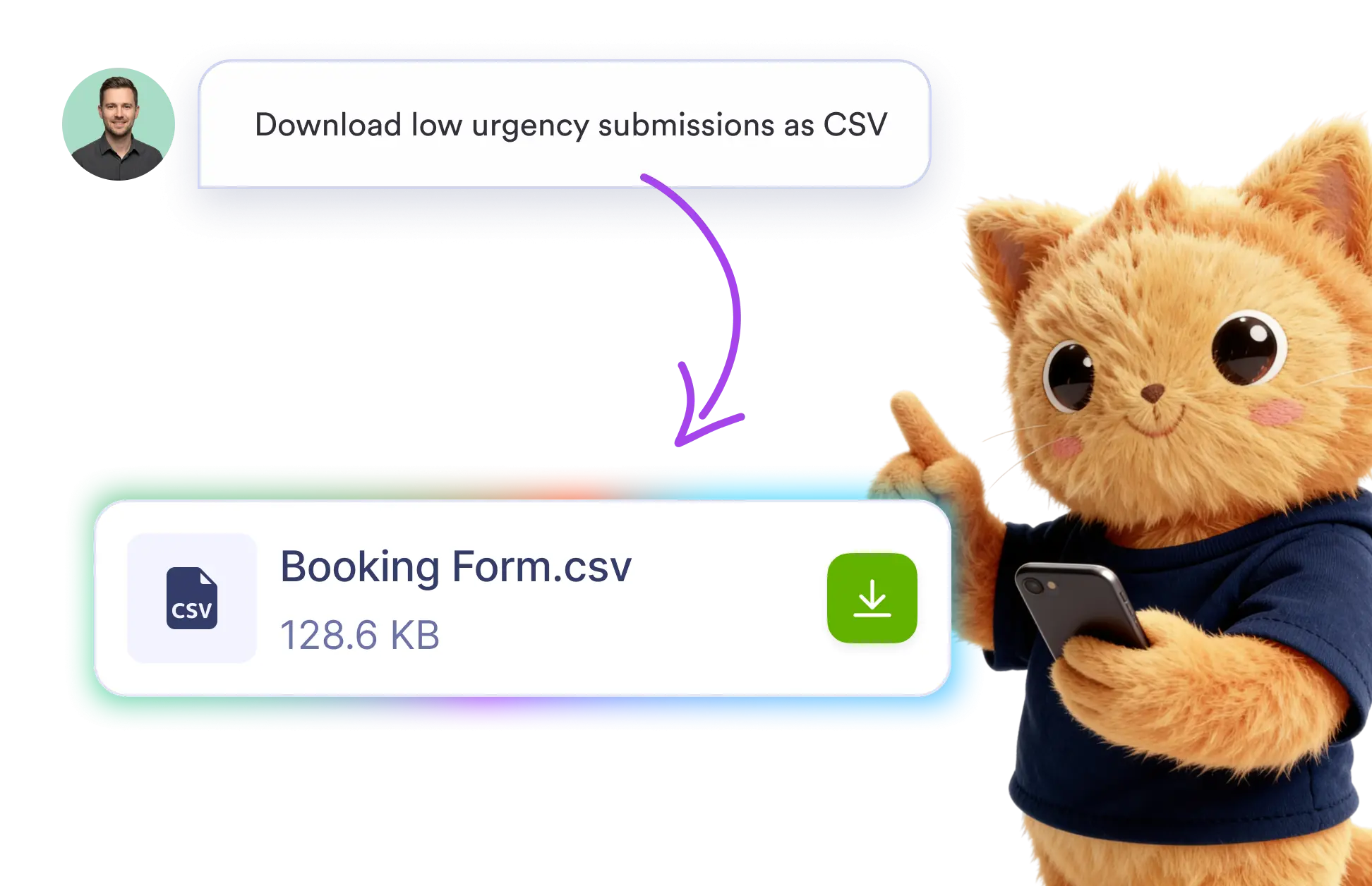
Use prompts like “Download low-urgency submissions as CSV” to filter and export the exact records you need. AI prepares the matching submission data in your selected file format.
Filter and Download Submission Data
Skip manual filtering and export setup. Describe the submissions you want, choose CSV, PDF, or Excel, and let Jotform AI Data Assistant prepare the filtered data for download.
Export Data as CSV, PDF, or Excel
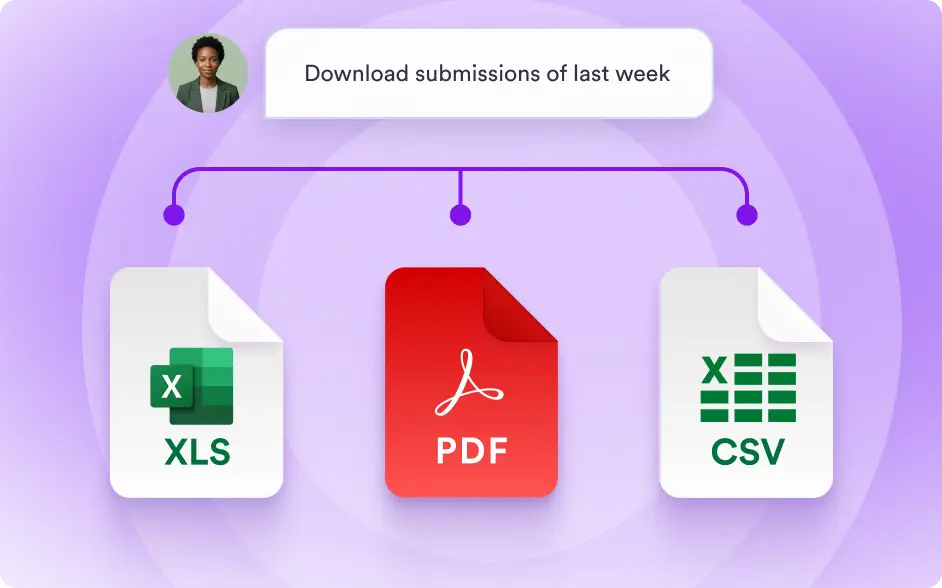
Choose the format that works best for reporting, sharing, or analysis. Download filtered submission data as CSV, PDF, or Excel without configuring the export manually.
Frequently Asked Questions
Enter a request that explains which submissions you need and the file format you prefer. For example, ask Jotform AI Data Assistant to “Download low-urgency submissions as CSV.”
You can download filtered submission data in CSV, PDF, or Excel format. Select the format that best fits your reporting, sharing, record-keeping, or data analysis needs.
Yes. Describe your filtering criteria using natural language, such as urgency, status, date, or another submission field. AI includes only the records that match your request.