Add Comments to Submissions
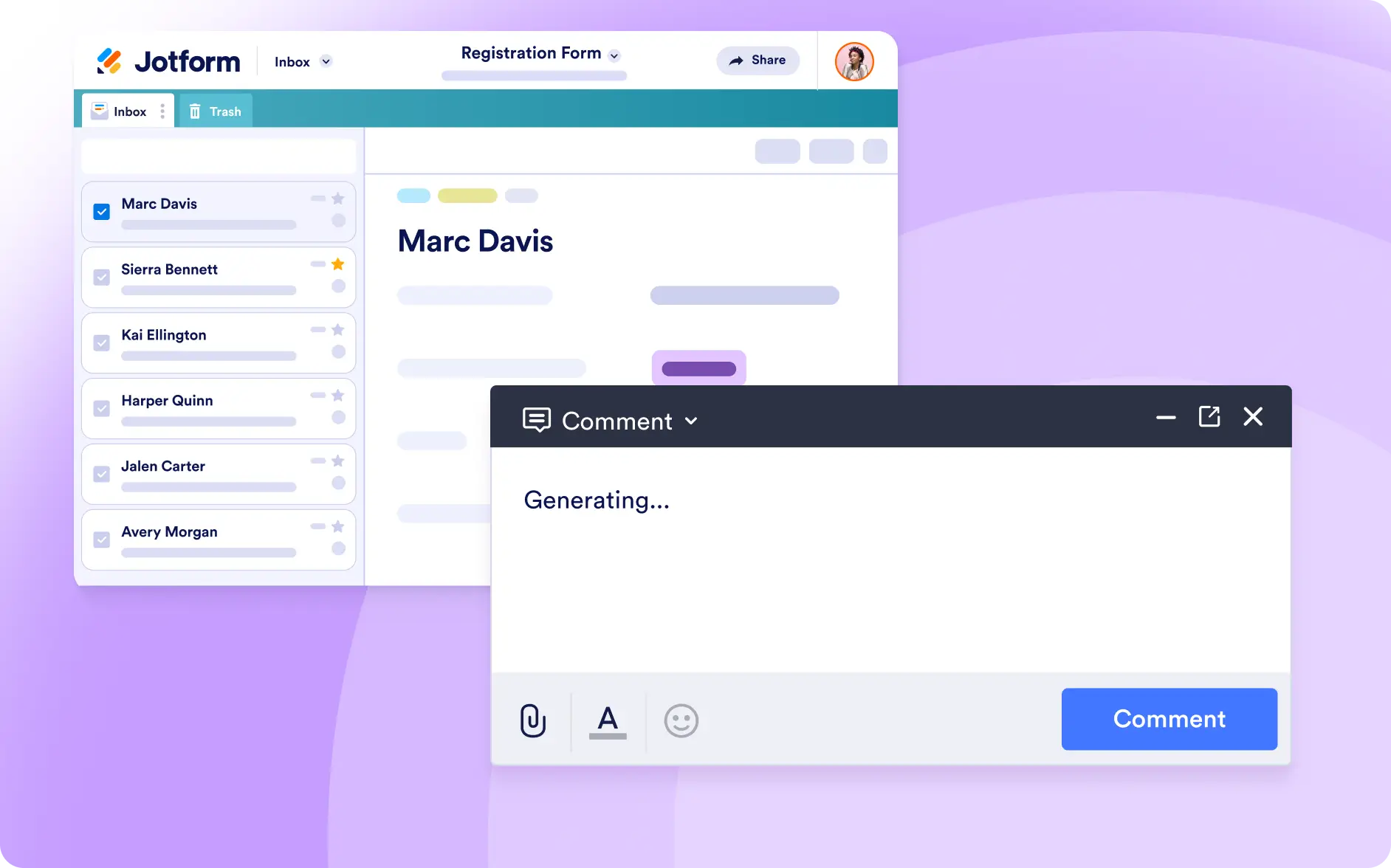
Tell Jotform AI Data Assistant which comment you want to add, select the relevant submission, and let AI insert the note automatically to simplify reviews, follow-ups, and team collaboration.
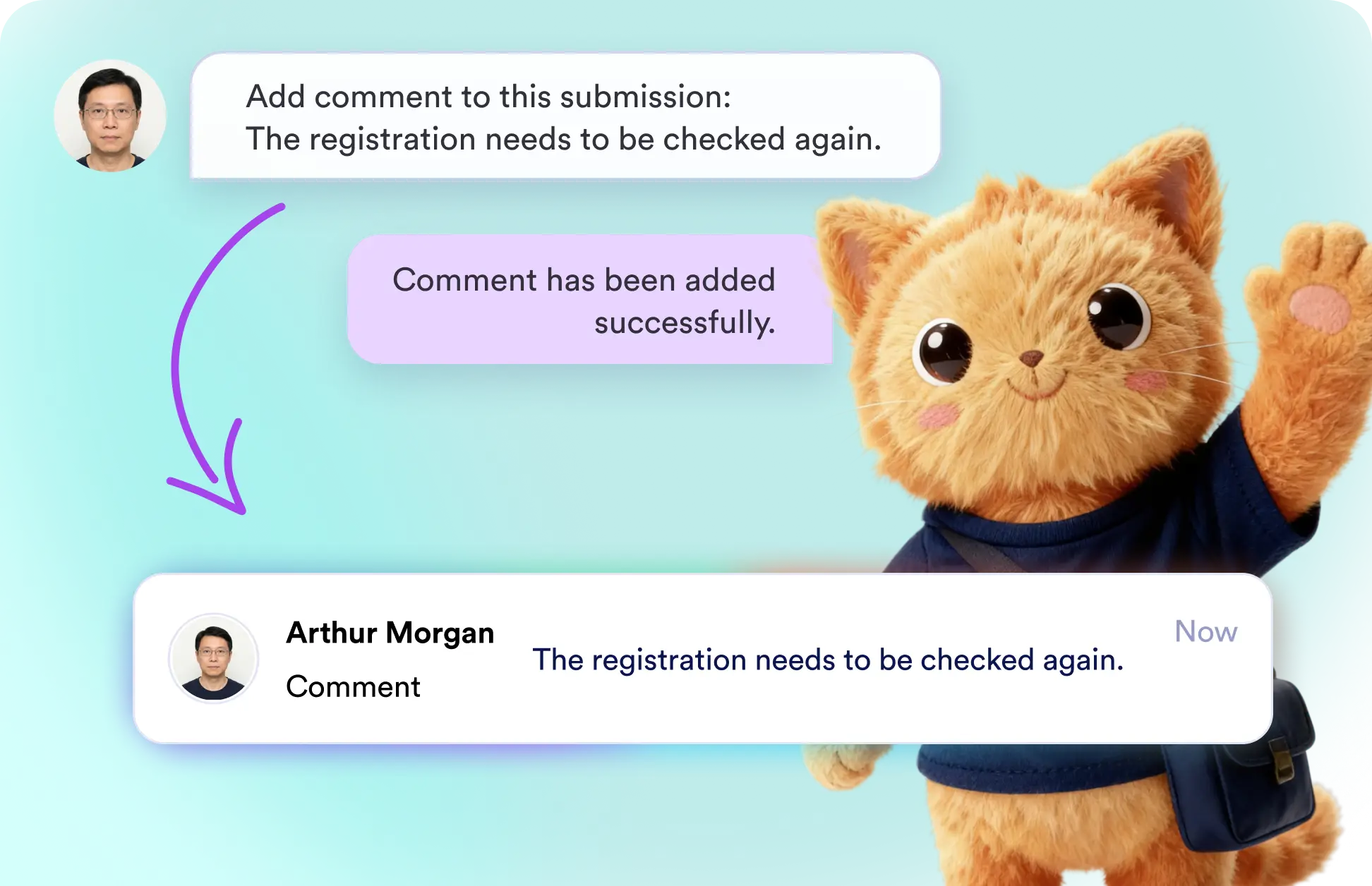
Add comments to registration forms, applications, requests, and other submissions by simply describing the note you need. AI places the comment directly on the selected submission for you.
Add Comments to Any Form Submission
Enter the exact comment you want, such as “This registration needs to be rechecked,” and Jotform Data Assistant will add it to the chosen submission without requiring manual data updates.
Insert Submission Comments with a Simple AI Prompt
Ask AI to add comments that flag registrations for another review, highlight missing details, or explain required follow-up actions, helping your team identify submissions that need attention.
Frequently Asked Questions
Open Jotform AI Data Assistant, identify the submission you want to update, and describe the comment you want to add. AI will insert the comment directly into the selected submission.
Yes. You can provide the exact wording you want, such as “This registration needs to be rechecked.” Jotform Data Assistant AI will use your instructions to add the requested comment.
You can add comments to registration submissions, applications, requests, surveys, and other form responses. This makes it easier to flag records, document decisions, and coordinate follow-ups.