Share Your Inbox
Tell Jotform AI Data Assistant which email address to invite and what access level to assign. AI shares the inbox and applies the selected permission settings for you automatically.
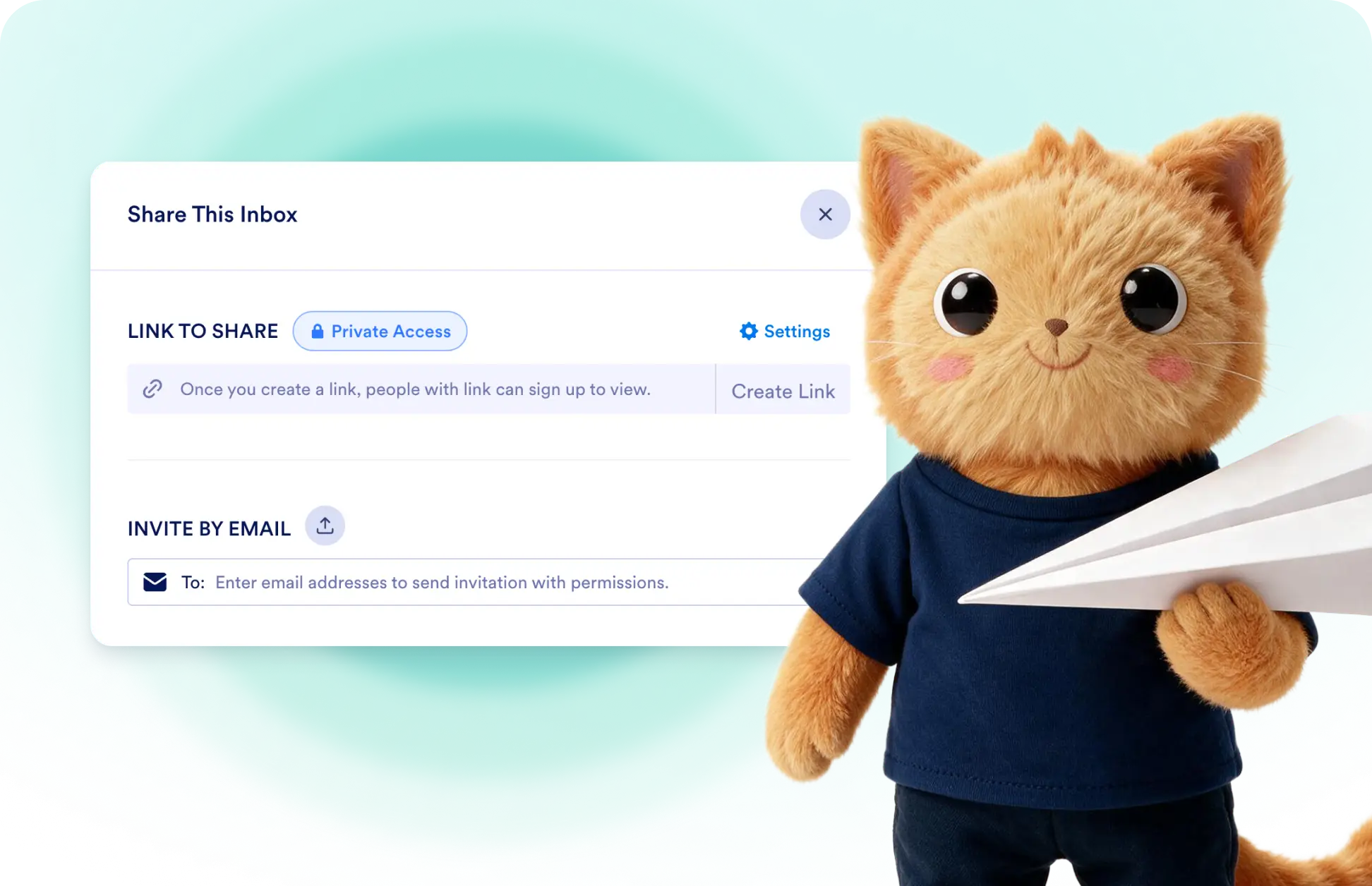
Share your inbox with anyone using a simple prompt. Assign Read Only access for viewing data or Collaborator access for editing and commenting, and let AI configure everything automatically.
Invite Inbox Collaborators with a Simple Prompt
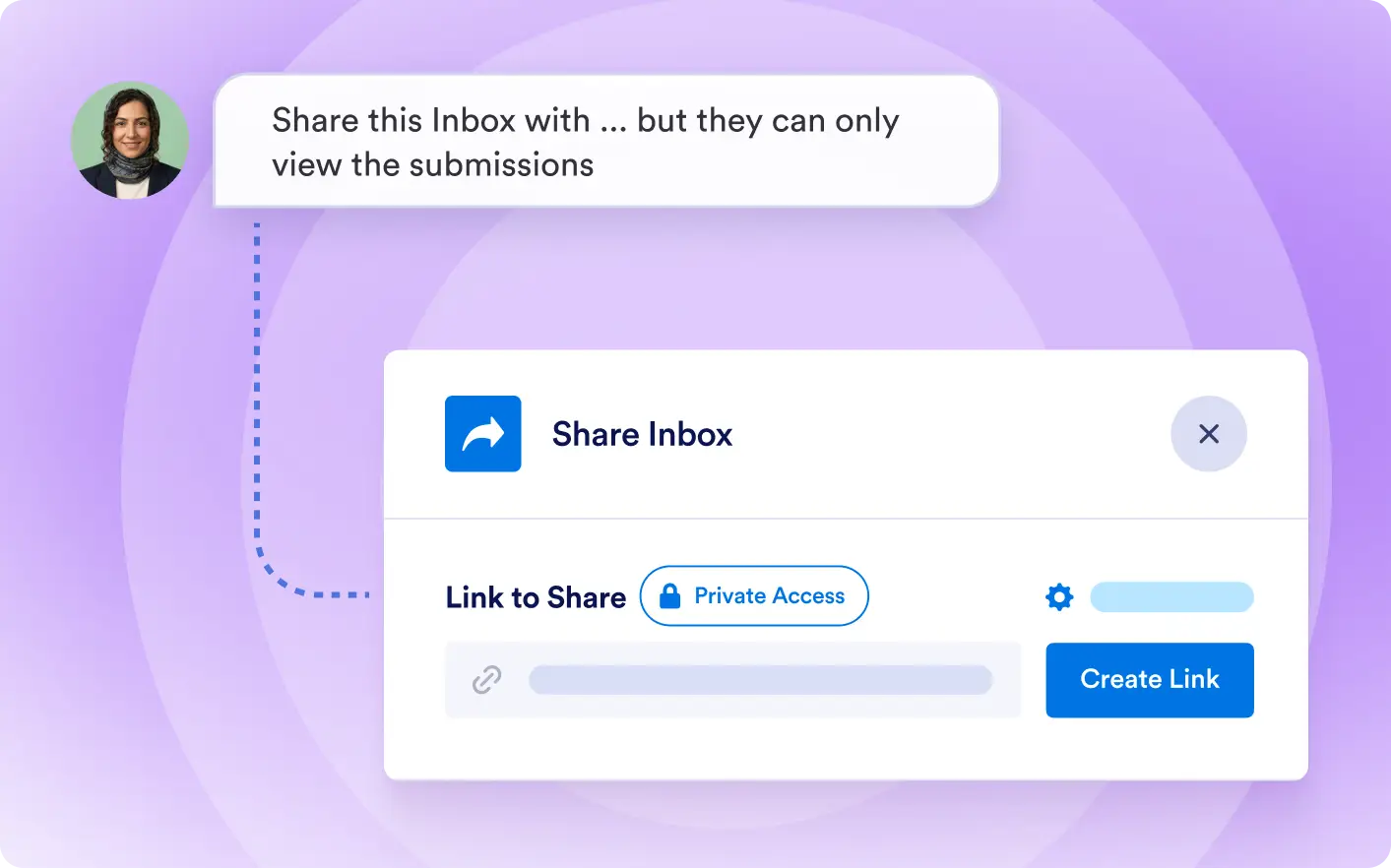
Ask Data Assistant to share an inbox with a specific email address and define exactly what that person can do, such as viewing submissions without editing or taking other actions.
Manage Inbox Sharing Without Manual Setup
Enter the collaborator’s email address and describe the access they should receive. Data Assistant completes the invitation and configures the selected inbox permissions for you.
Frequently Asked Questions
Tell Jotform AI Data Assistant which inbox you want to share and provide the collaborator’s email address. AI sends the invitation and completes the sharing setup based on your prompt.
Yes. You can ask AI to let a collaborator view submissions without editing, deleting, or taking other actions. Data Assistant AI applies the permission level you specify.
Yes. You can describe the access each collaborator should receive in your prompt. Data Assistant AI uses those instructions to configure the appropriate inbox collaboration settings.