Export Submissions as CSV/Excel
Export your table data with Jotform AI Data Assistant. Download all records or export selected columns and rows as CSV or Excel files using simple prompts.
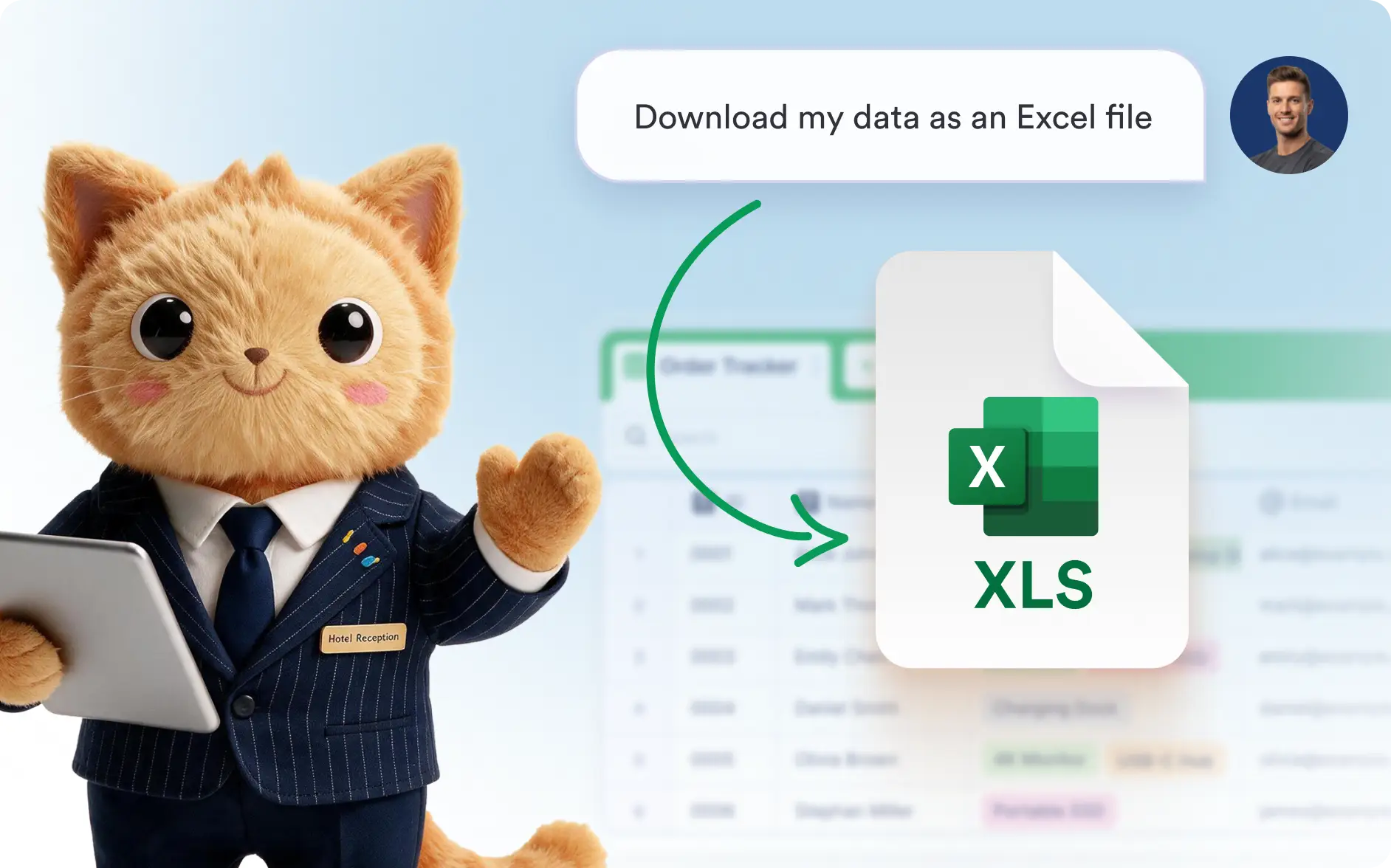
Get the data you need in seconds. Use AI to create CSV or Excel files with all records or only the rows and columns you want.
Download Table Data in CSV or Excel
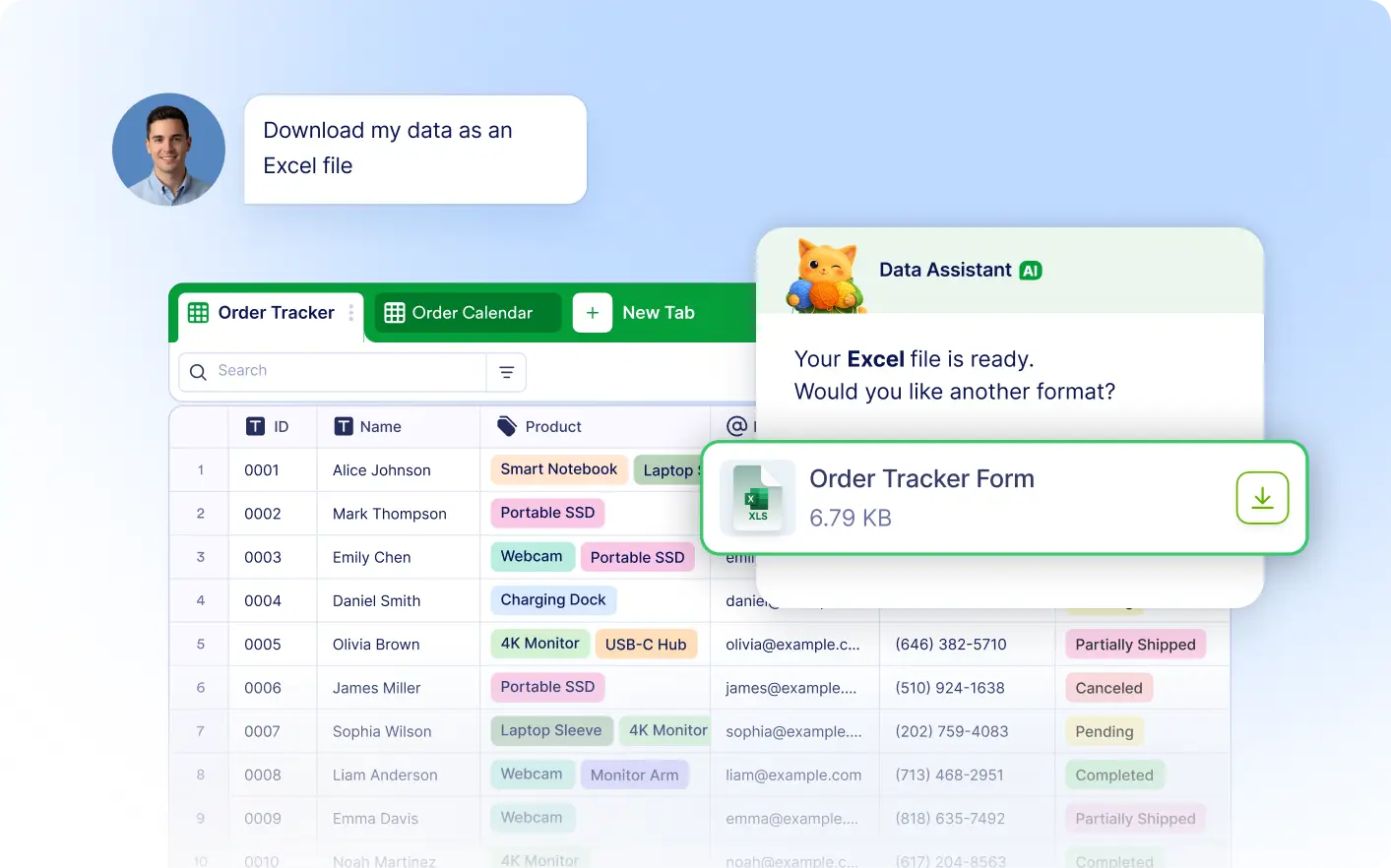
Tell Jotform's Data Assistant what data you'd like to export, and it prepares your file automatically. Export complete tables or selected data in CSV or Excel format.
Export Only the Data You Need
Export your entire table or choose specific rows and columns. AI prepares the right file, making it easy to share or analyze your data.
Frequently Asked Questions
Simply tell the Data Assistant what you'd like to export. You can download your entire table or export specific rows and columns as a CSV or Excel file.
Yes. Jotform's Data Assistant lets you export only the rows and columns you need, making it easy to create customized CSV or Excel files.
You can export your table data in CSV or Excel format, depending on how you plan to share, analyze, or use your data.