Export Submissions as PDF
Export all submissions or selected rows as PDF with Jotform AI Data Assistant. Choose the PDF version you need, then receive the completed file by email when it is ready to download securely.
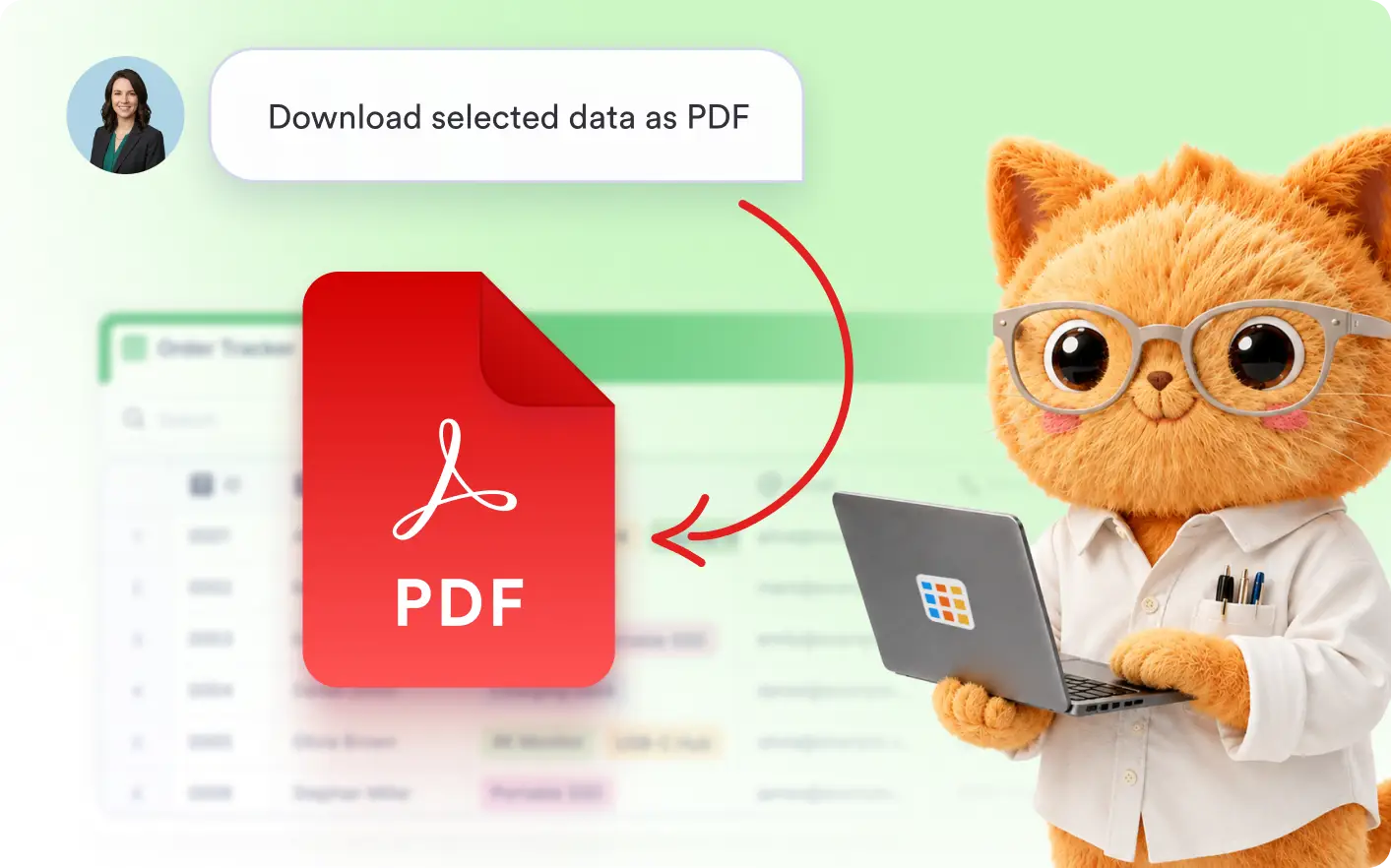
Create PDF exports without sorting through every record manually. Choose an available PDF document, and receive the file by email when it is ready.
Export Selected Submissions as PDF
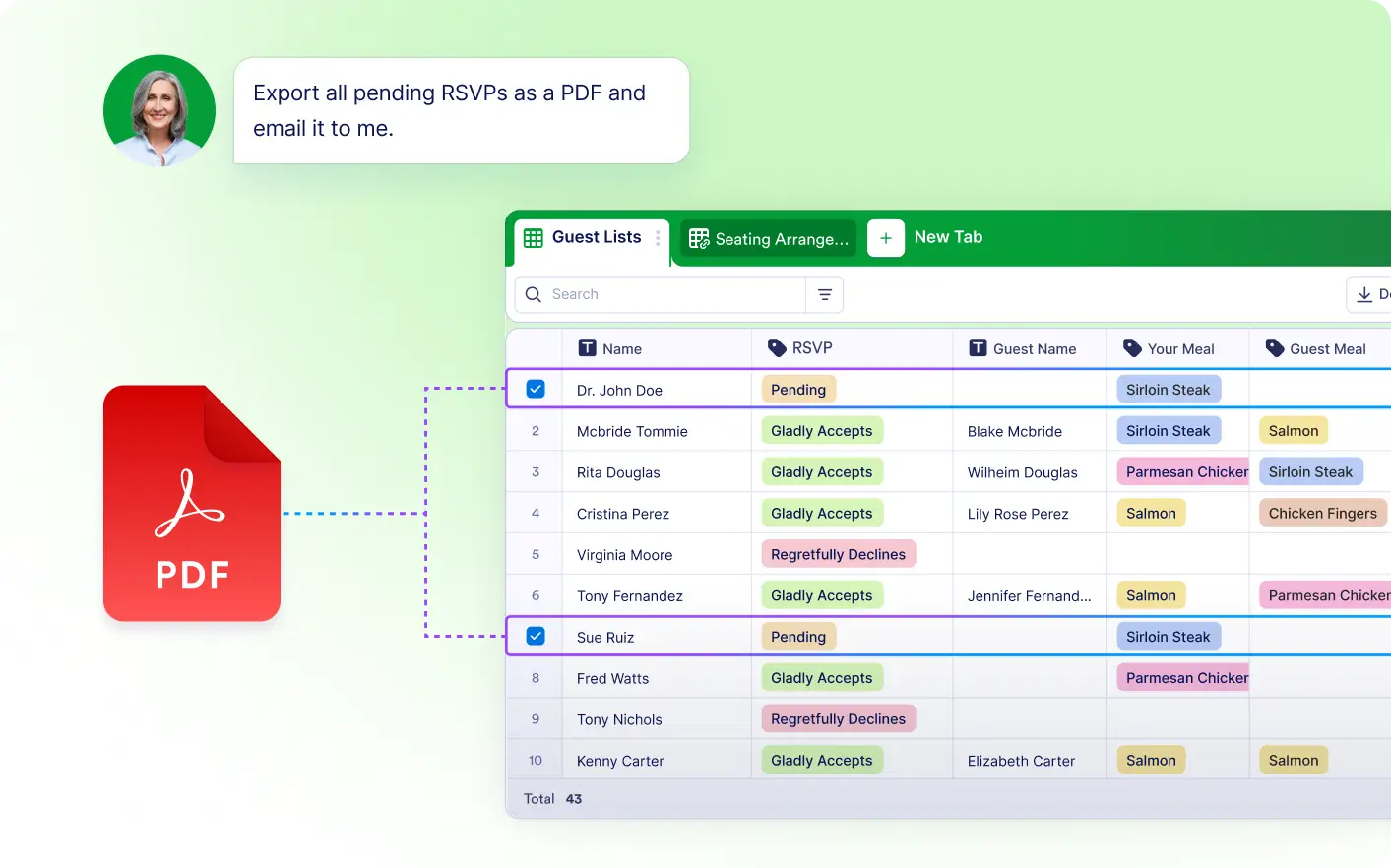
Tell Jotform AI Data Assistant which submissions to export as PDF document. The assistant prepares the file and sends it by email.
Export All or Selected Rows as PDF
Export every submission or only the rows you need using a simple prompt. Jotform's Data Assistant prepares the selected records as a PDF and emails the completed file when it is ready.
Frequently Asked Questions
Describe whether you want to export all submissions or selected rows. Jotform AI Data Assistant prepares the requested PDF and sends the completed file to your email address.
Yes. You can ask Jotform's Data Assistant to export only the rows you need instead of downloading every submission, making it easier to create focused documents.
Yes. When multiple PDF versions are available, Jotform's Data Assistant lets you select the version that best fits your reporting, sharing, or recordkeeping needs.