List Available PDF Versions
View every PDF version connected to your form directly in Jotform AI Data Assistant. Quickly review available documents from PDF Editor and choose the right version before exporting submissions.
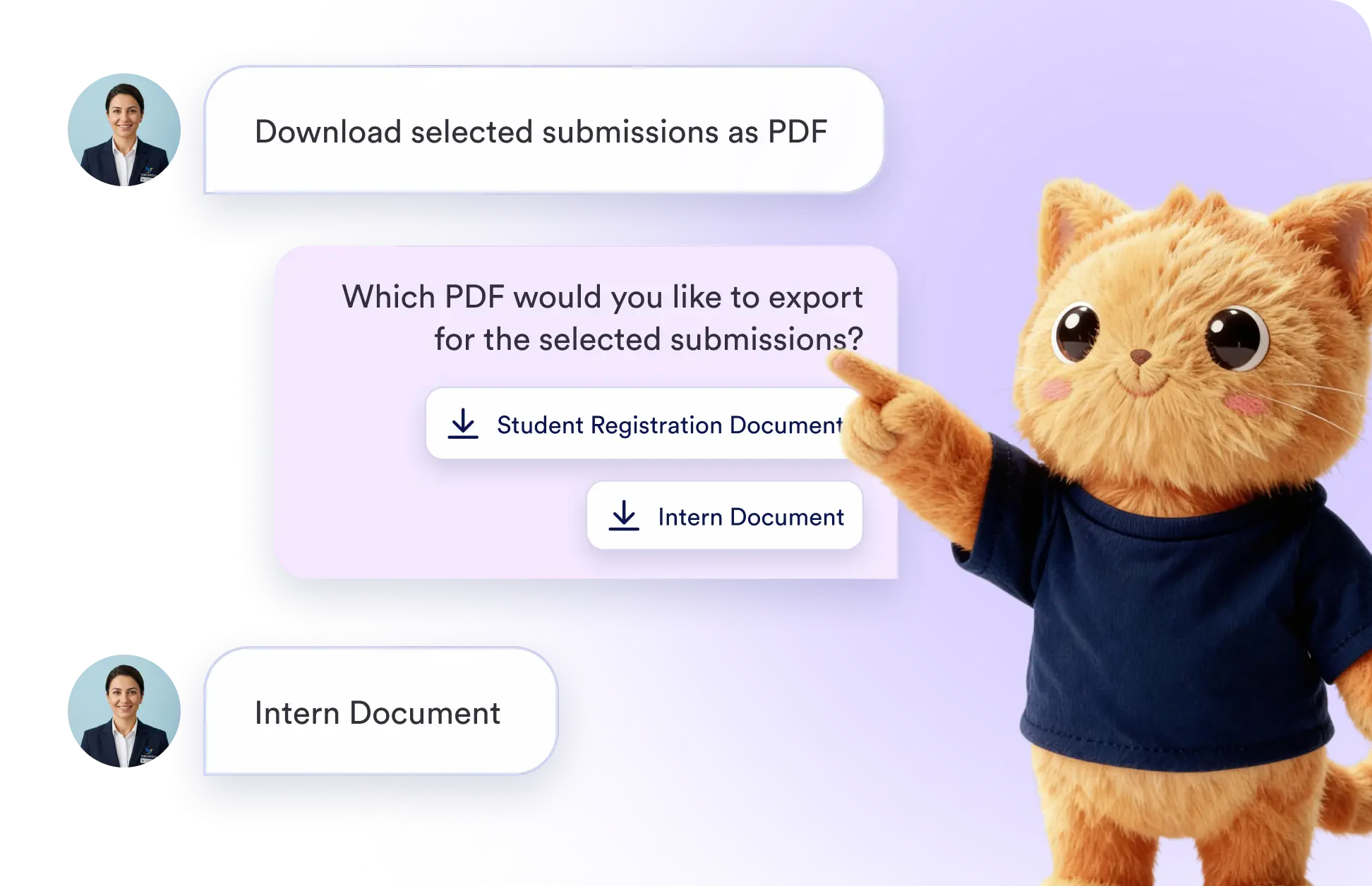
Save time when working with multiple PDF documents. Jotform's Data Assistant lists all available versions in one place, so you can identify the correct layout before starting an export.
List PDF Documents from PDF Editor
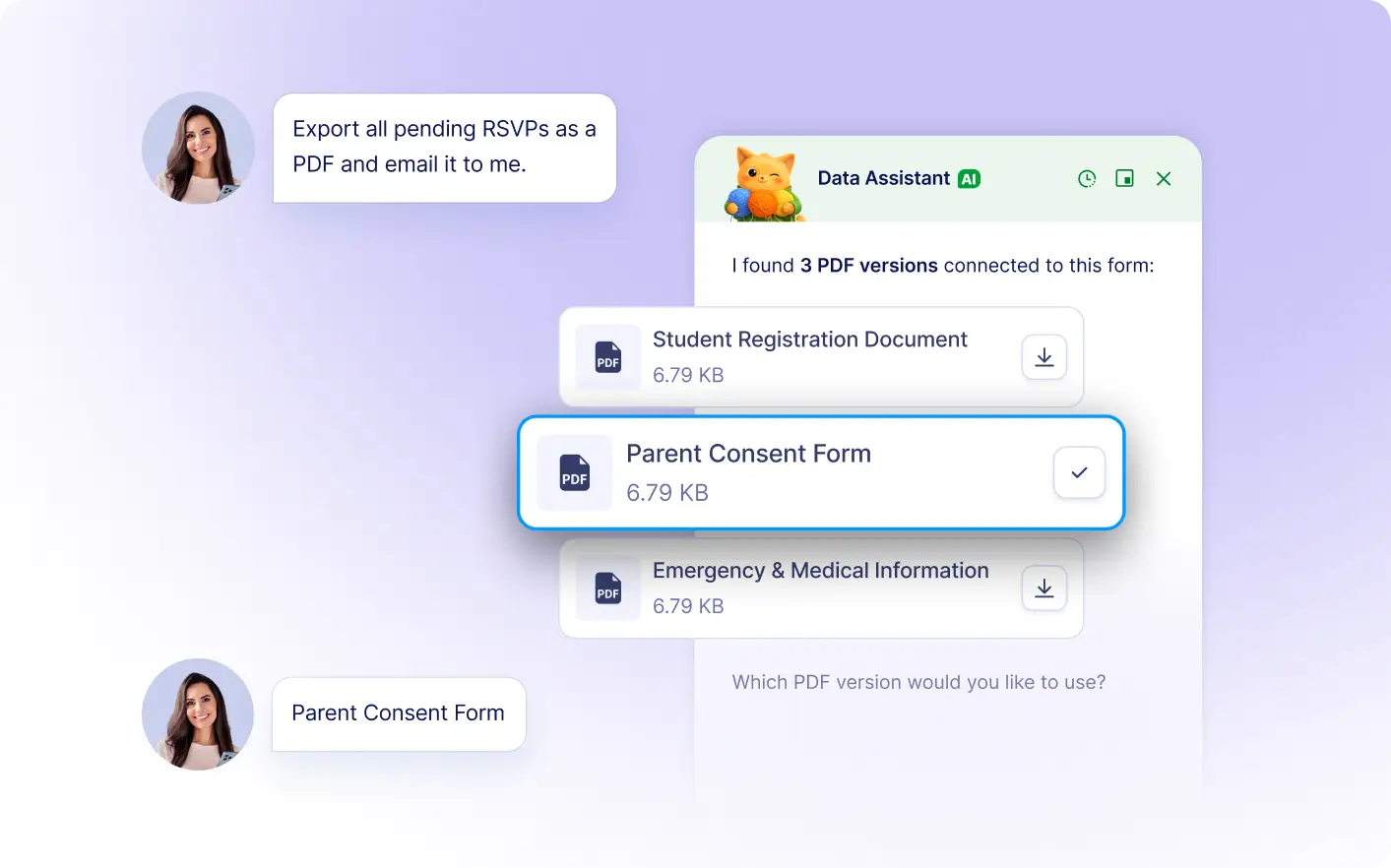
Ask Jotform's Data Assistant to show the PDF versions linked to your form. It displays the available documents from PDF Editor, helping you choose the right file without leaving your table.
View All Connected PDF Versions
See all PDF documents connected to your form in a clear list. Jotform's Data Assistant brings available PDF Editor versions into your workflow, making selection faster and easier.
Frequently Asked Questions
Ask the Data Assistant to list the PDF documents connected to your form. It displays the available versions from PDF Editor directly in your table.
The available versions come from the PDF documents connected to your form in Jotform PDF Editor. Each listed option represents a document you can use for exports.
Yes. After reviewing the available PDF documents, you can select the version that best matches your reporting, sharing, or recordkeeping needs before starting the export.