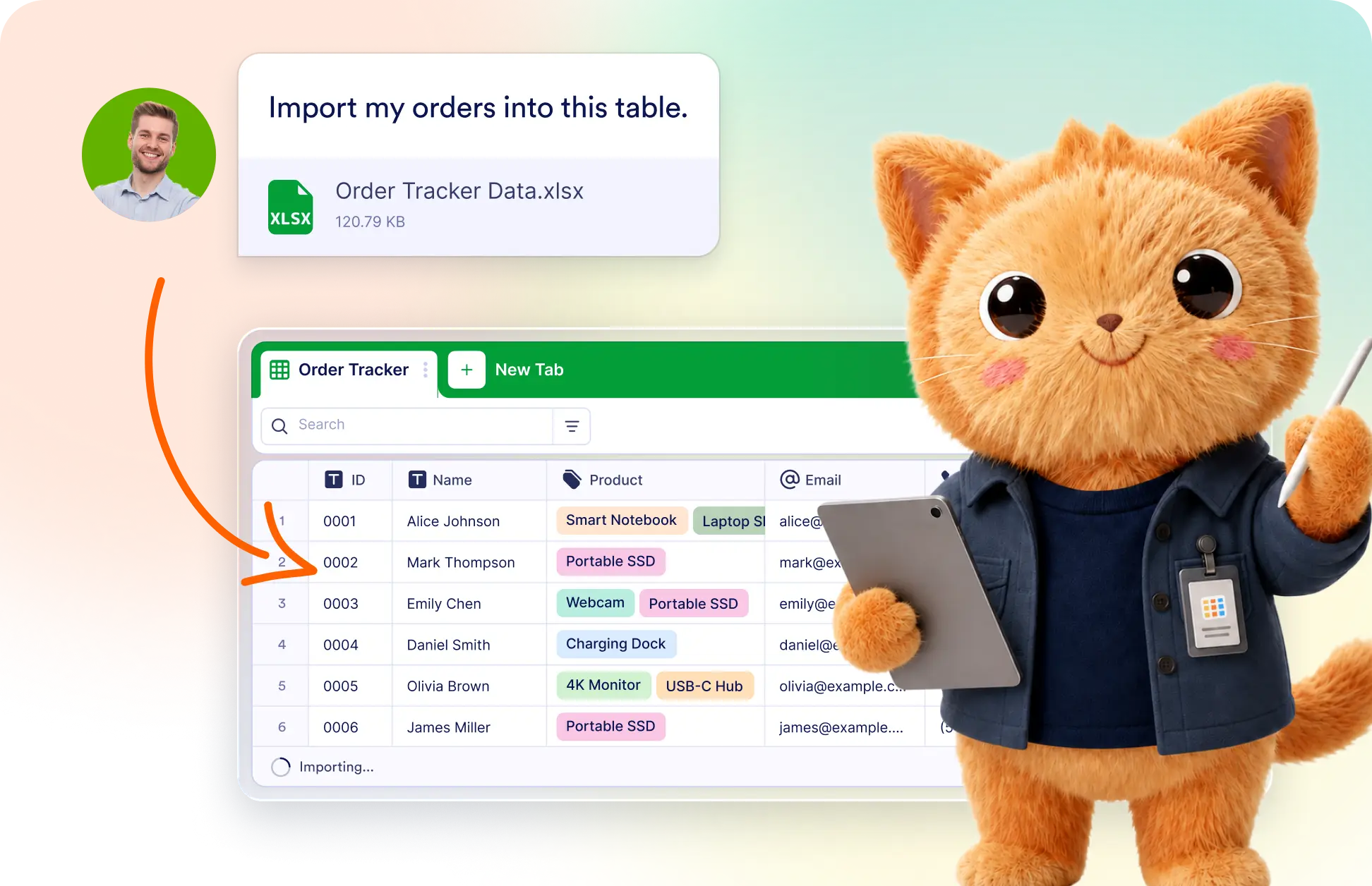
Turn existing files into ready-to-use tables without rebuilding them manually. AI follows your description to organize imported data into the fields, structure, and layout your workflow needs.
Import Data into a Custom Table
Tell Jotform AI Data Assistant what kind of table to create, then attach your CSV or Excel file. It builds the requested columns and imports existing records into the new table automatically.
Create a Table from an Uploaded File
Describe the table you need and upload your existing data file. Jotform's Data Assistant creates matching columns, arranges the structure, and imports every available record for you.
Frequently Asked Questions
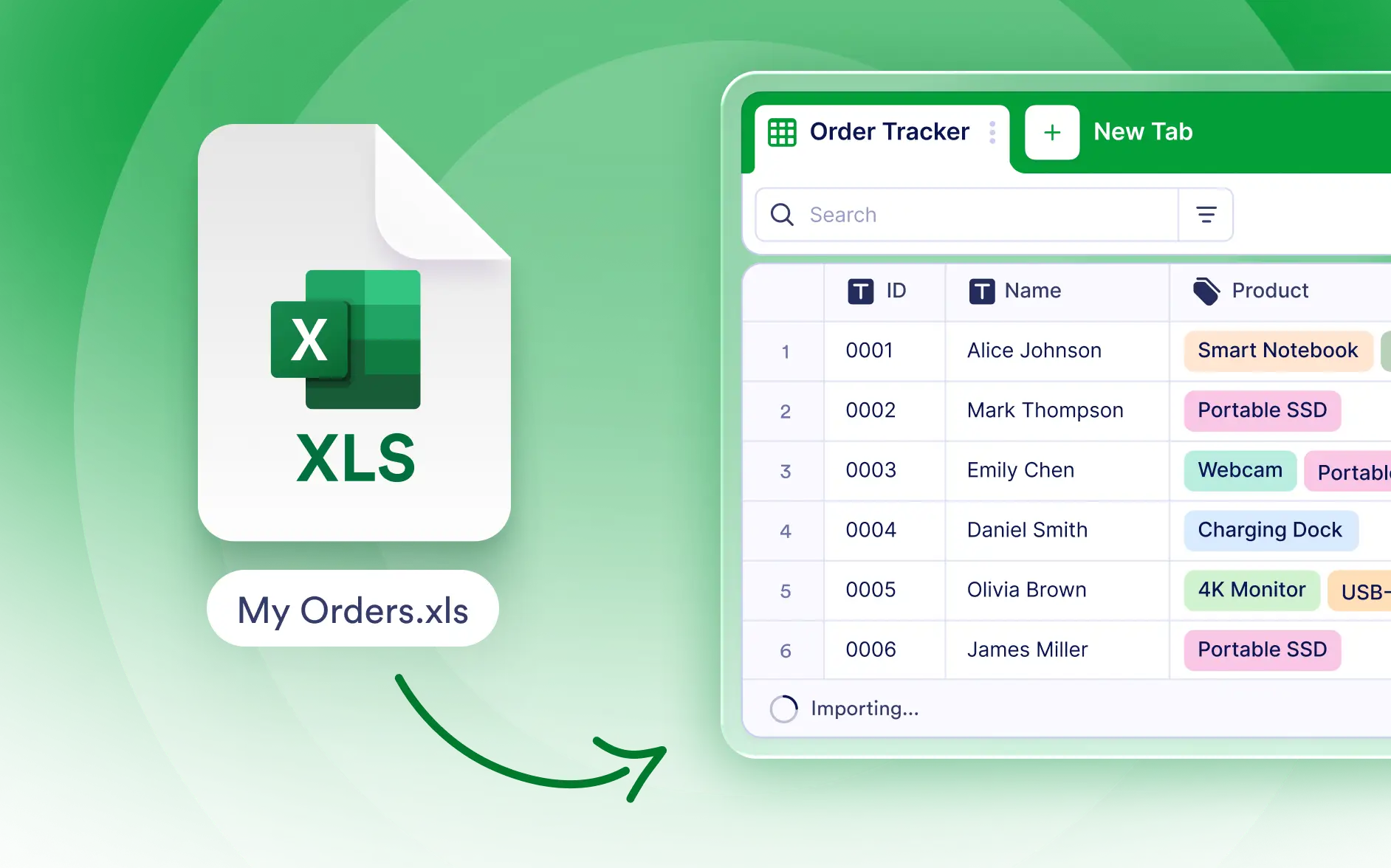
Describe the table you want, attach your CSV or Excel file, and submit your request. Jotform's Data Assistant creates the table structure and imports the available records automatically.
You can upload CSV and Excel files containing existing records. The Data Assistant uses your instructions to organize the imported information into a table that matches your workflow.
Yes. You can specify the table's purpose, columns, and preferred structure in your prompt. Jotform's Data Assistant uses those details when creating the table and importing your data.