Change How Your Table Data Appears
Change how your data appears with Jotform AI Data Assistant. Switch between table, calendar, cards, and uploads views, then adjust settings like event duration or card titles with simple prompts.
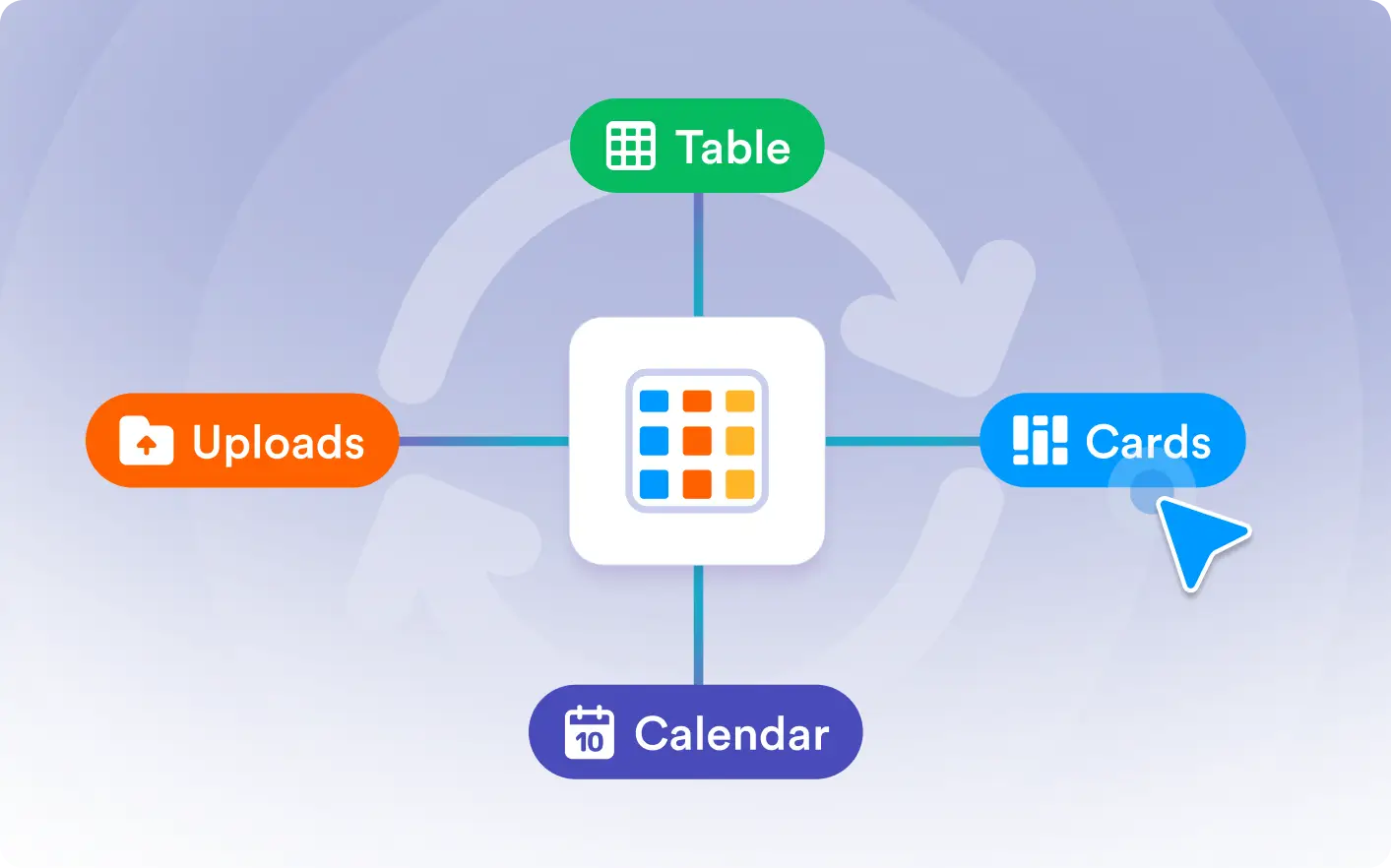
Customize how your data is displayed with AI. Switch views and adjust settings to create a clearer layout without manual setup.
Customize Table Views
Describe how you want to view your data, and Jotform's Data Assistant updates the layout for you. Switch between table, calendar, cards, and upload views, then adjust settings to fit your workflow.
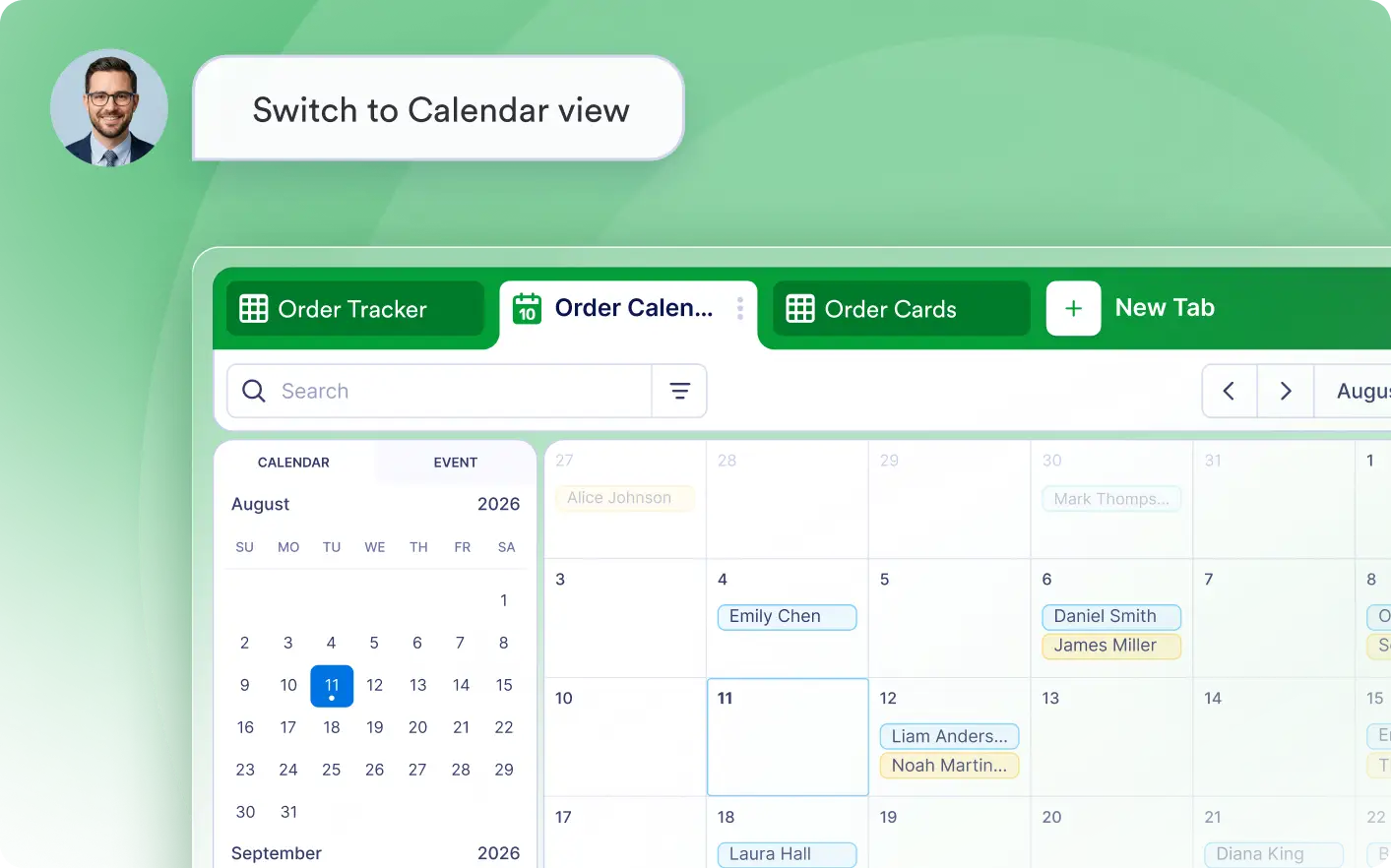
Switch to Calendar View
Ask Jotform's Data Assistant to switch your submissions to Calendar view with a simple prompt.
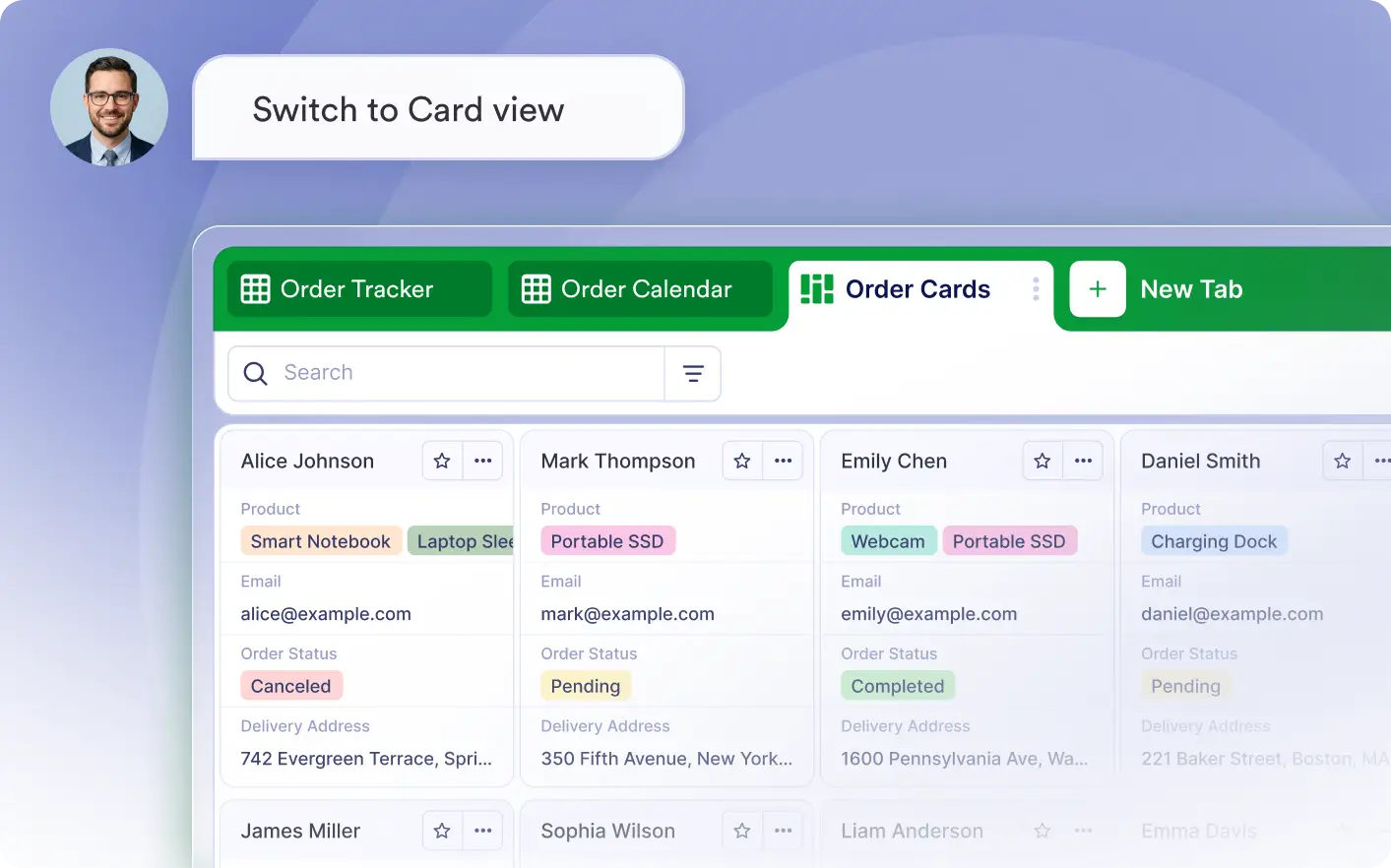
Switch to Cards View
Display each submission as an individual card with a simple prompt.
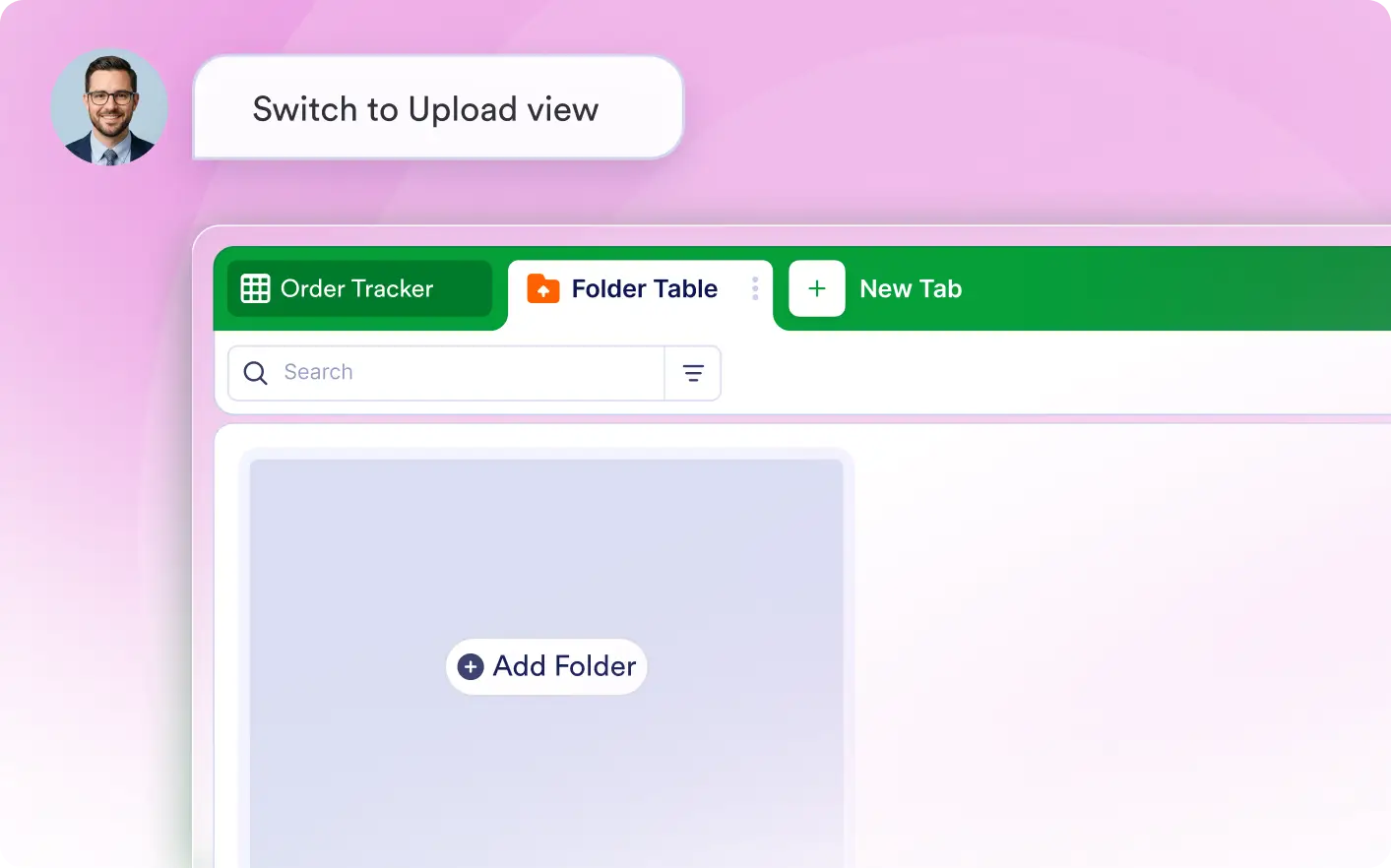
Switch to Uploads View
Use AI to view submitted files in a folder-style layout designed to review uploaded files easily.
Frequently Asked Questions
Tell the Data Assistant which view you want, such as table, calendar, cards, or uploads. It changes the current view automatically based on your natural language request.
You can adjust view-specific options such as calendar event settings, card titles, and other display settings that control how your table data is organized and presented.
No. Changing the view updates how your records are displayed, not the underlying data. You can use different views to organize and review the same information more effectively.