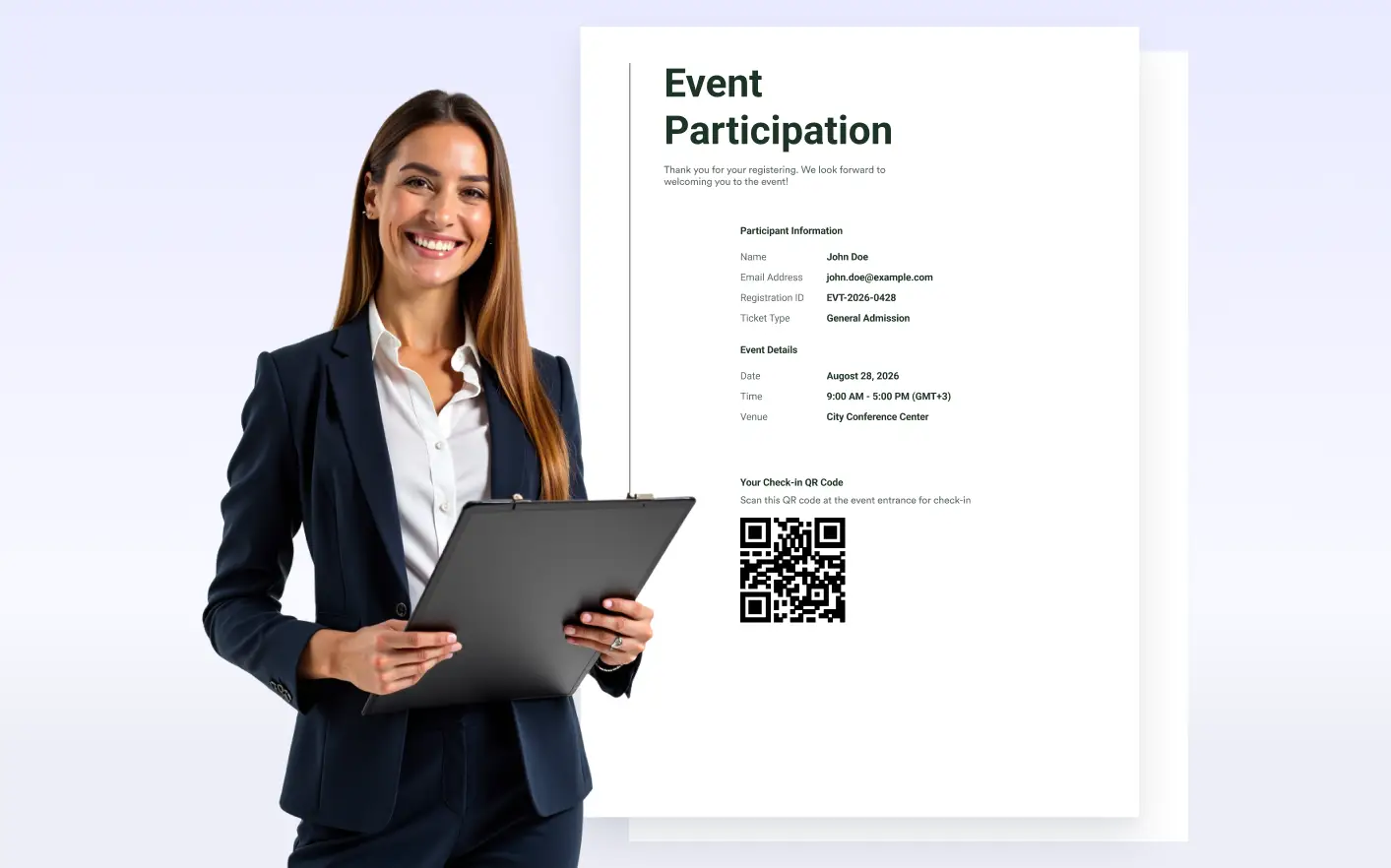
into scannable QR codes. Create personalized QR codes while keeping their appearance consistent with your document design.
QR Codes for Links, Messages & Form Data
Businesses, educators, event organizers, and teams can add QR codes to documents for quick access to websites or messages, with dynamic form fields for personalized content.
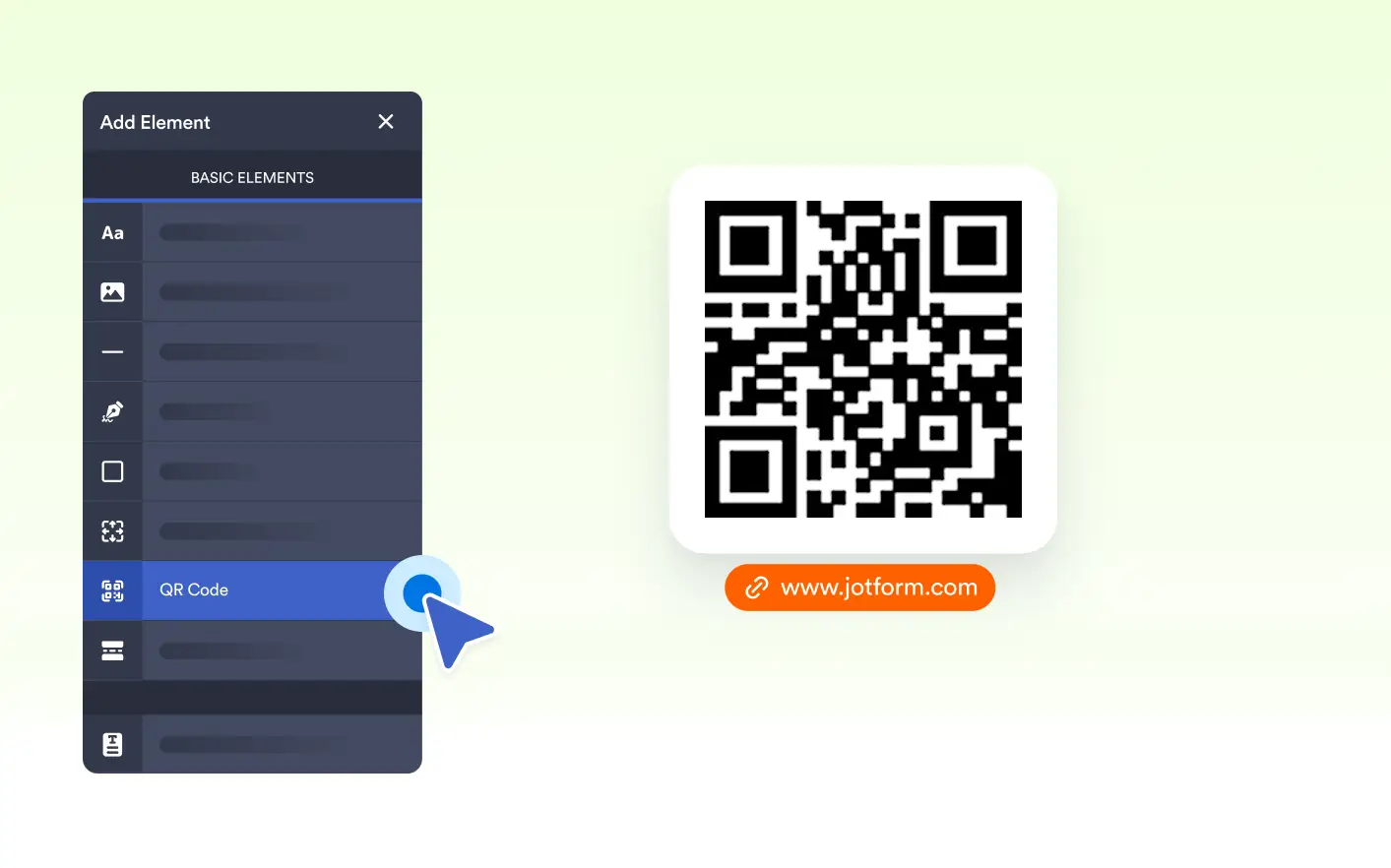
Personalize QR Code Content
Enter a direct URL or custom message, or combine your content with form fields. Automatically create personalized QR codes based on information submitted through your form.
Customize QR Code Appearance
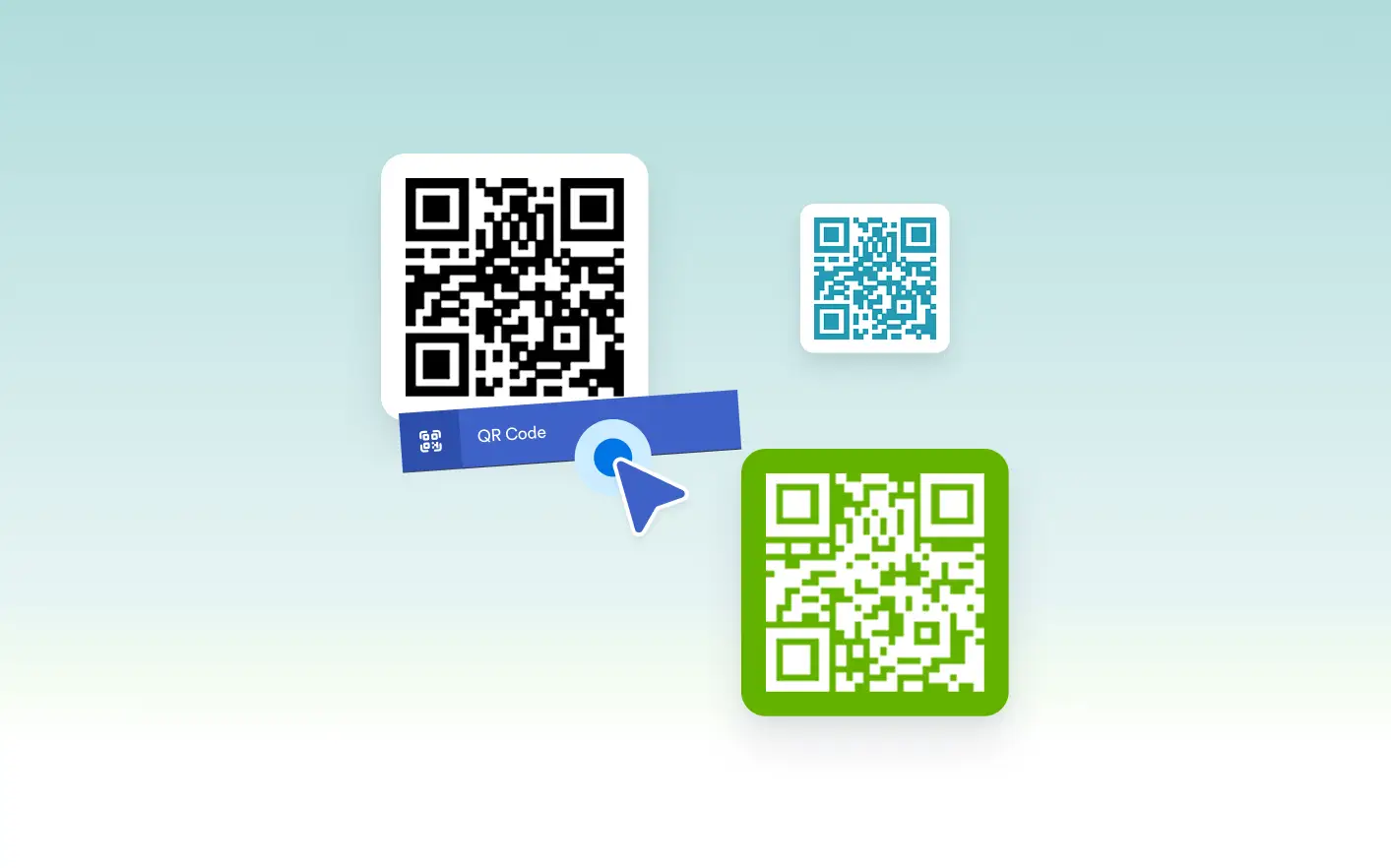
Choose the QR code and background colors to complement your document. Align the QR code to the left, center, or right for more control over your page layout.
Frequently Asked Questions
You can add a website URL, a text message, or content combined with form field values to create personalized QR codes.
Yes. You can change the QR code color and background color to better match the style of your document.
Yes. You can align the QR code to the left, center, or right of the page to fit your document layout.