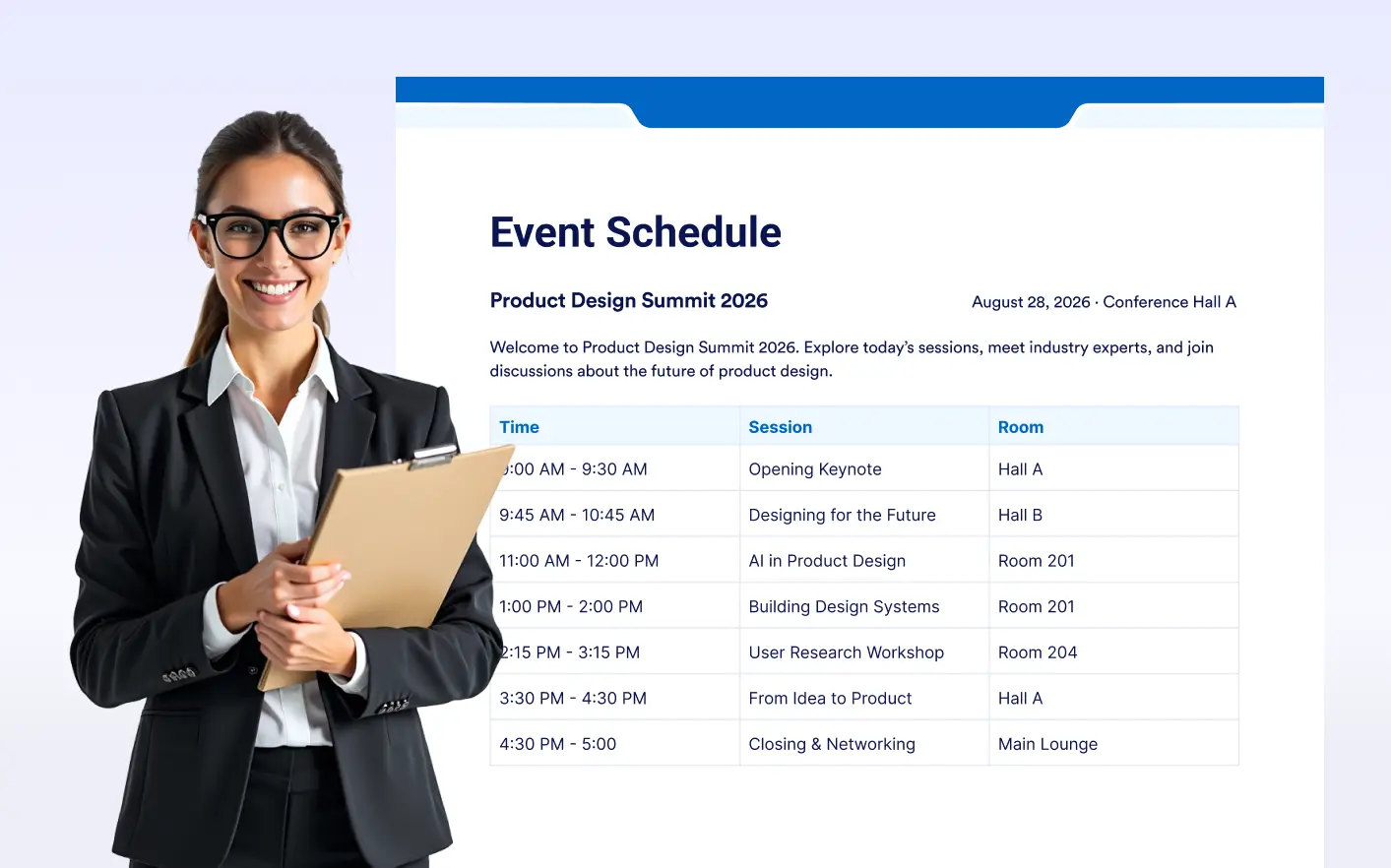
Make complex information easier to understand by presenting it in a familiar table format. Keep related details organized without cluttering your form.
Present Information Clearly
Use the Table Element to organize schedules, pricing, product details, instructions, and other structured information. It’s useful for businesses, educators, teams, and anyone building informative forms.
Create Structured Tables
Arrange information into rows and columns to make your form content easier to scan. Give users a clear view of related details without relying on long paragraphs or complicated layouts.
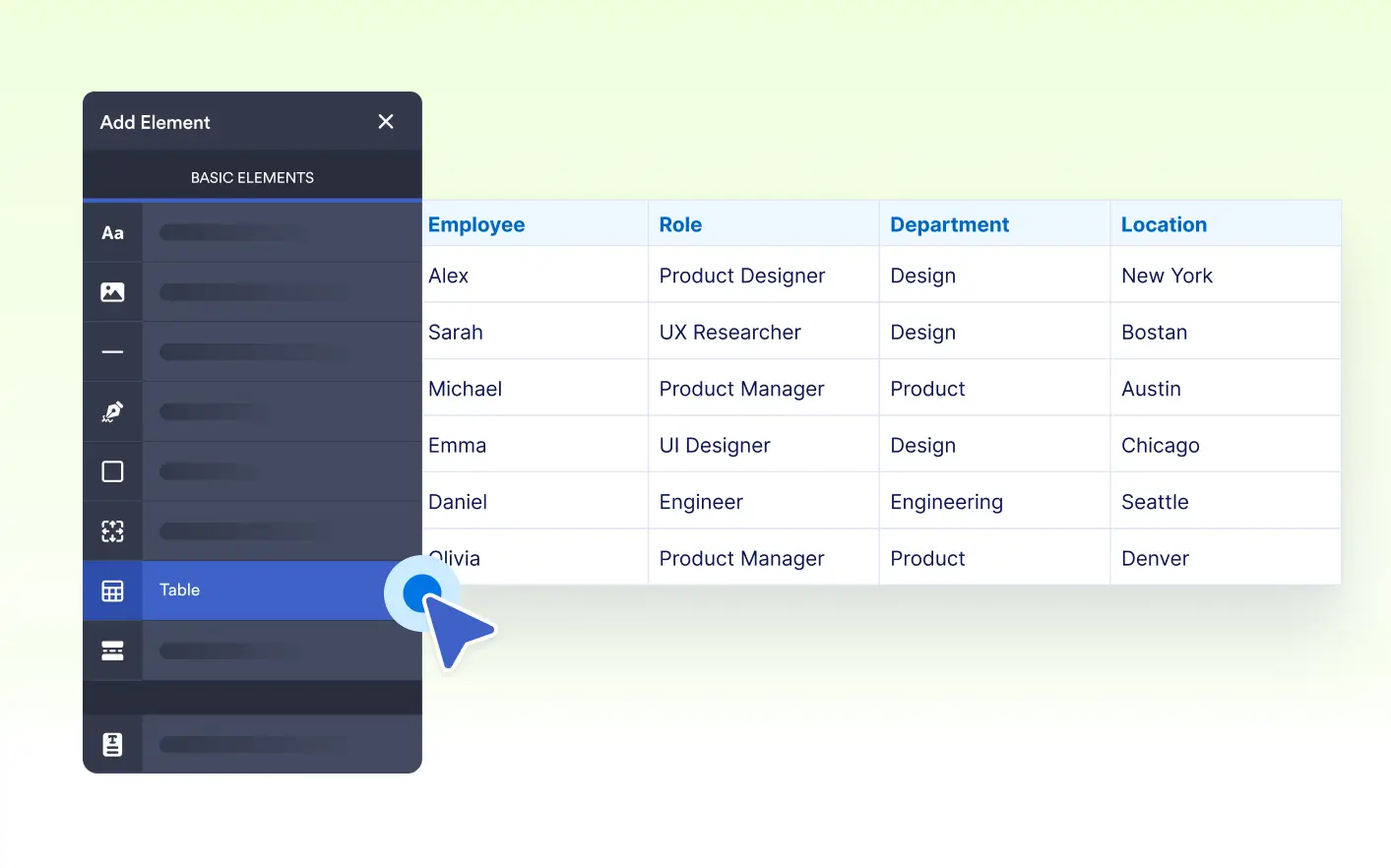
Customize Table Content
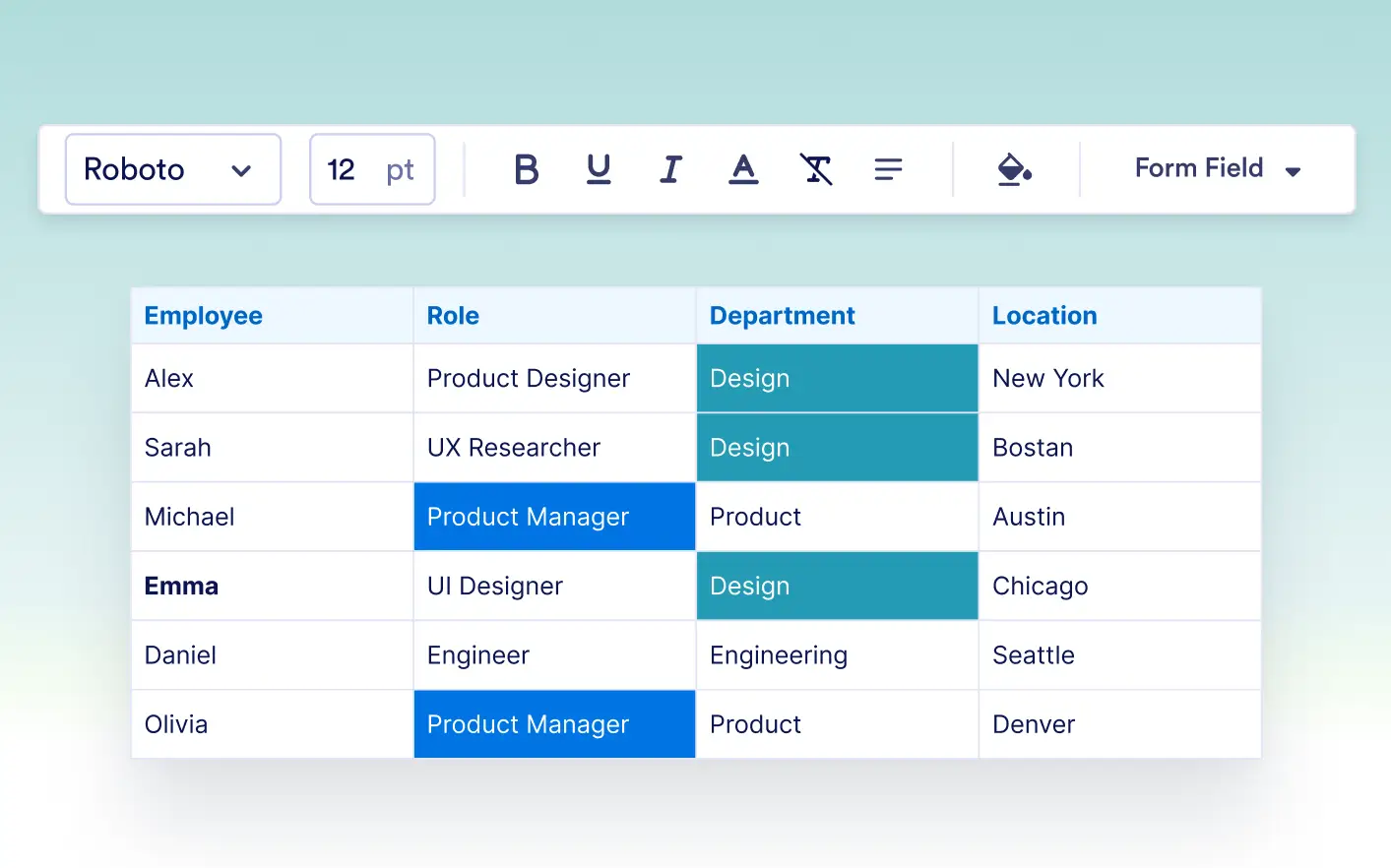
Add the information your users need and organize it in a format that fits your form. Use tables for comparisons, schedules, reference details, and other content that benefits from a structured layout.
FAQ
The Table Element lets you display information in rows and columns within your form. It helps organize related content so users can quickly read and understand it.
You can use it to display schedules, pricing details, comparisons, instructions, product information, or other structured content that users may need while completing a form.
Yes. You can add and organize table content based on your form’s needs, making it easier to present relevant information in a clear and user-friendly format.