Search through items
Add an interactive search bar to let users instantly find specific entries within your list elements. Allow users to locate relevant items quickly using keyword searches.
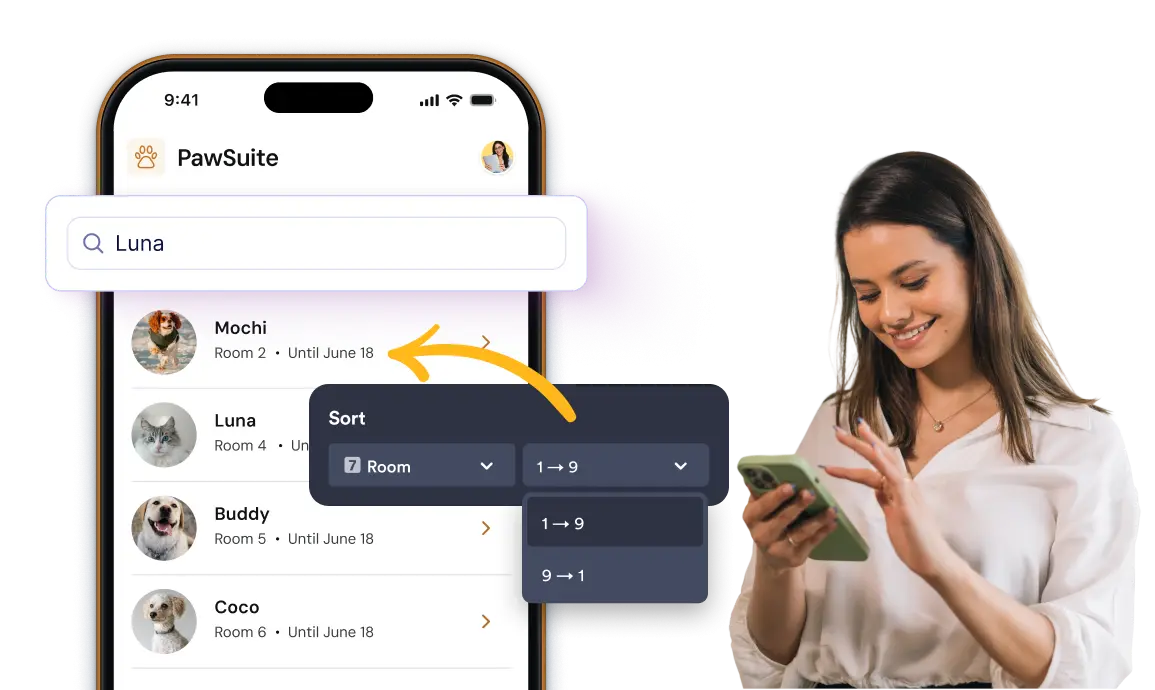
Enable quick text searching and organize list entries automatically using field-based ascending or descending sort rules.
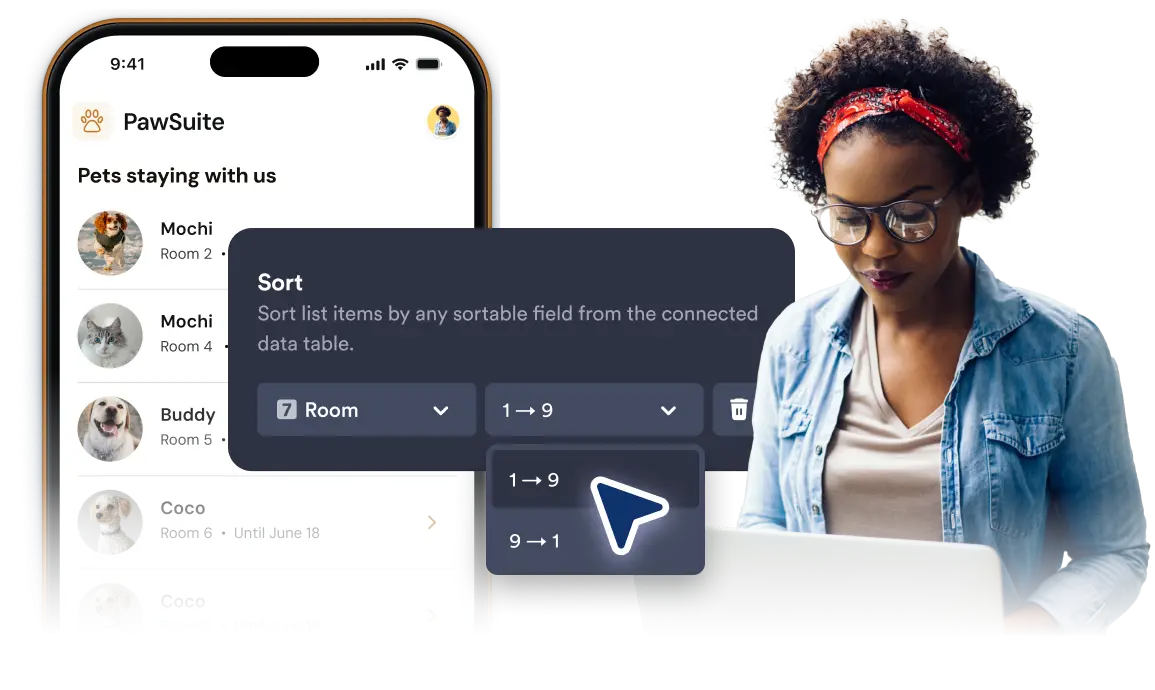
Sort items by fields
Select any field connected to your list and set custom sorting criteria. Display entries in ascending or descending order to present your data in a clear, organized layout.
Instant Keyword Search
Toggle the search bar to allow app users to filter through large datasets using instant text keywords.

Field-Based Data Sorting
Choose specific list fields and apply ascending or descending sort orders to arrange items logically.
Frequently Asked Questions
It allows users to type keywords and instantly filter the visible list items on screen.
You can choose a specific field from your list data and set the items to display in ascending or descending order.
Yes, you can enable the search bar and configure sorting rules together to give users full control over how they view list data.