Limit visible list items
Set a maximum count for items displayed in your list elements. Control how much data appears on your users' screen at once to optimize page length and improve app performance.
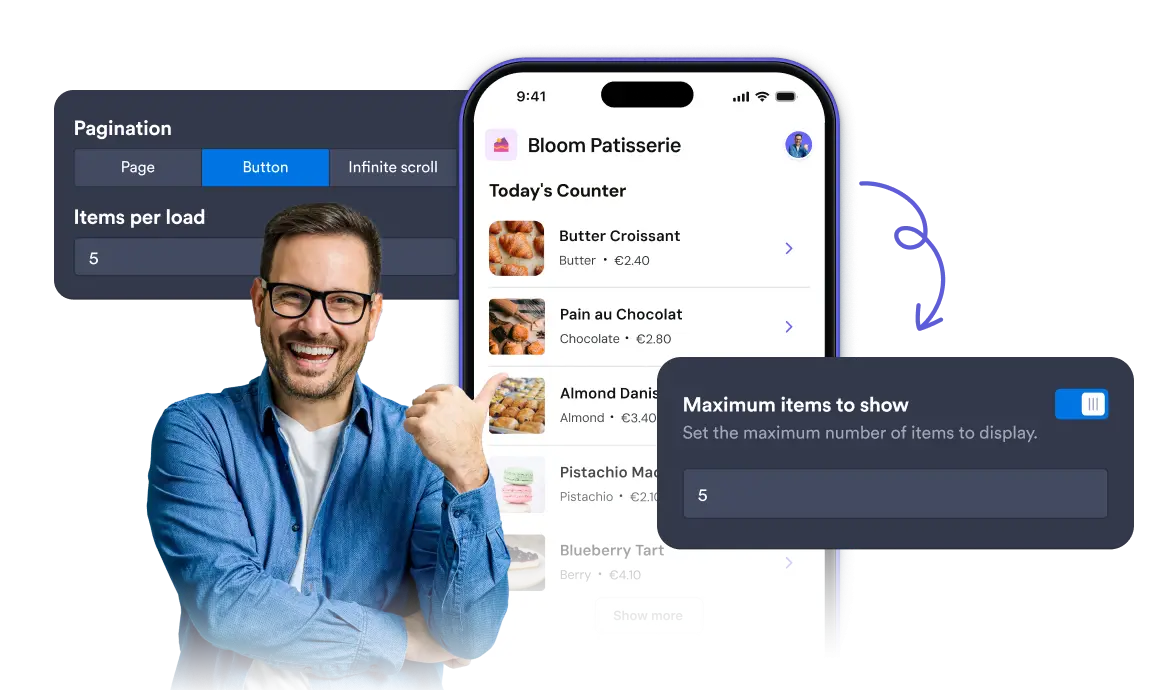
Control item limits and reveal extra entries using page numbers, load buttons, or seamless infinite scrolling.
Choose how list items are revealed
Select how users load more entries beyond your maximum limit. Display numbered pages based on your item count, add a load button for extra items, or enable infinite scrolling.
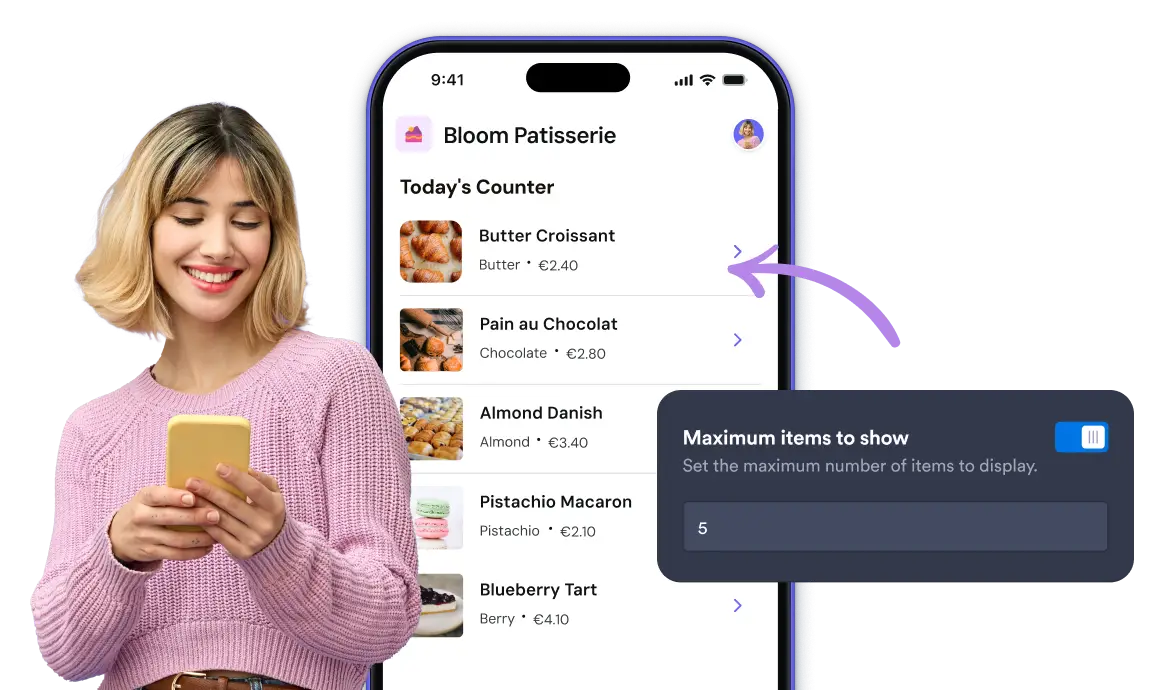
Item Limit Control
Define the maximum number of items to show per view to keep your list layout clean and structured.
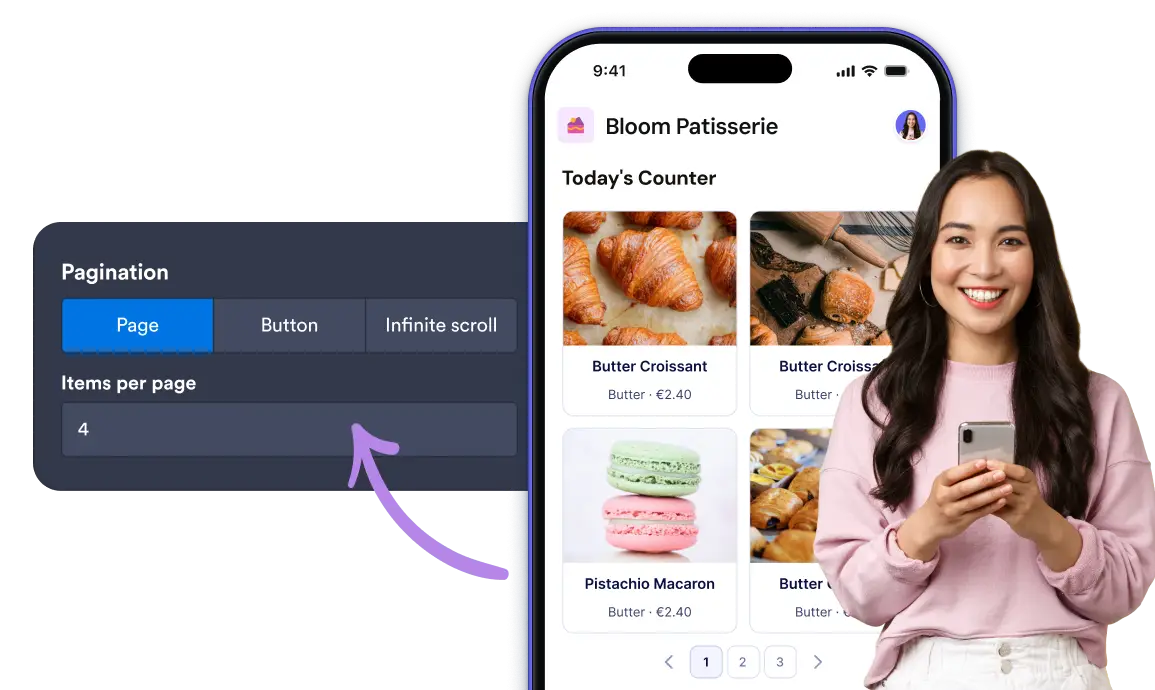
Flexible Pagination Options
Configure pagination styles to let users navigate through pages, click a button to load more entries, or scroll endlessly.
Frequently Asked Questions
It restricts the number of list items visible at one time to prevent cluttered screens and improve load times.
You can choose Page (numbered navigation), Button (manual click to load more), or Infinite Scroll (continuous loading as you scroll).
It automatically divides your total entries into numbered pages based on the maximum item count you specified.