Edit Document Content
Update generated document content by describing the changes you want in simple language. Revise sections, adjust wording, or add new details without manually rewriting your document.
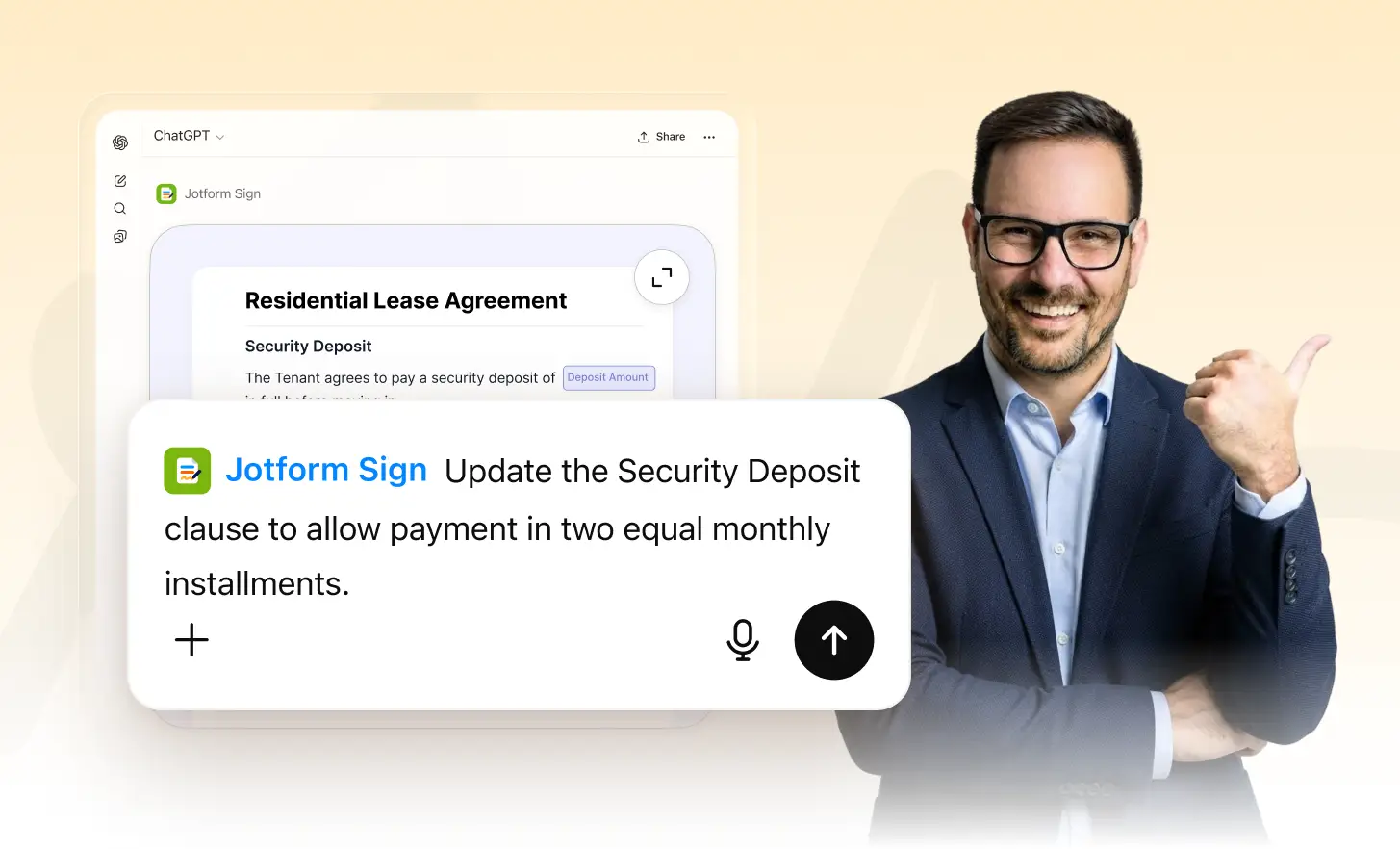
Use natural-language instructions to update document content quickly. Describe what you want changed and make document revisions without rewriting sections manually.
Update Documents With Instructions
Tell Jotform what you want to change using simple instructions. Update wording, revise specific sections, or add important details while keeping the rest of your document intact.
Describe the Changes You Need
Enter simple instructions explaining what you want to change in your document. Specify new details, revised wording, or content updates without manually editing each section.
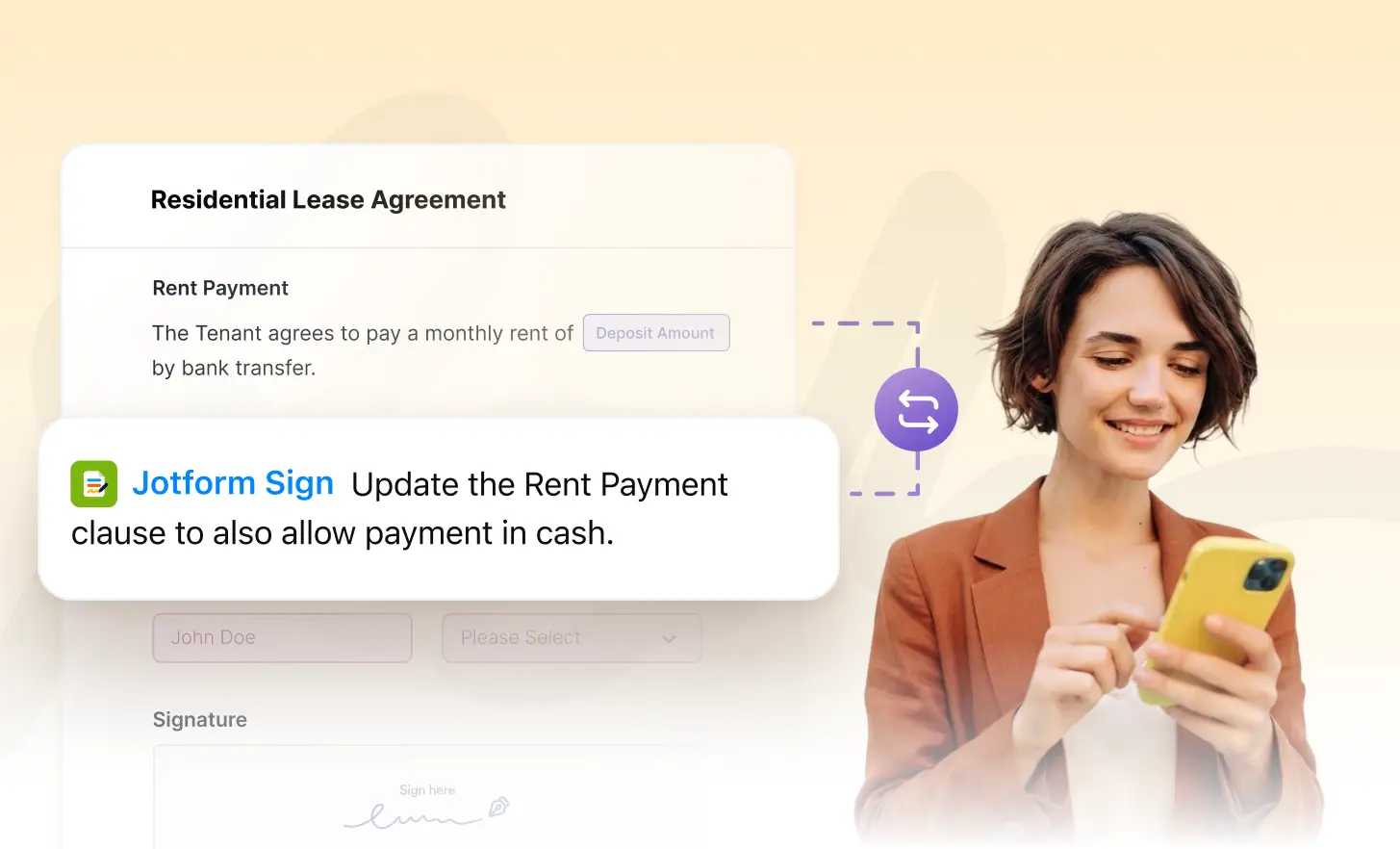
Revise Document Content Quickly
Update specific parts of your generated document based on your instructions. Refine clauses, rewrite sections, or adjust important details while keeping your workflow moving.

Review and Refine Your Changes
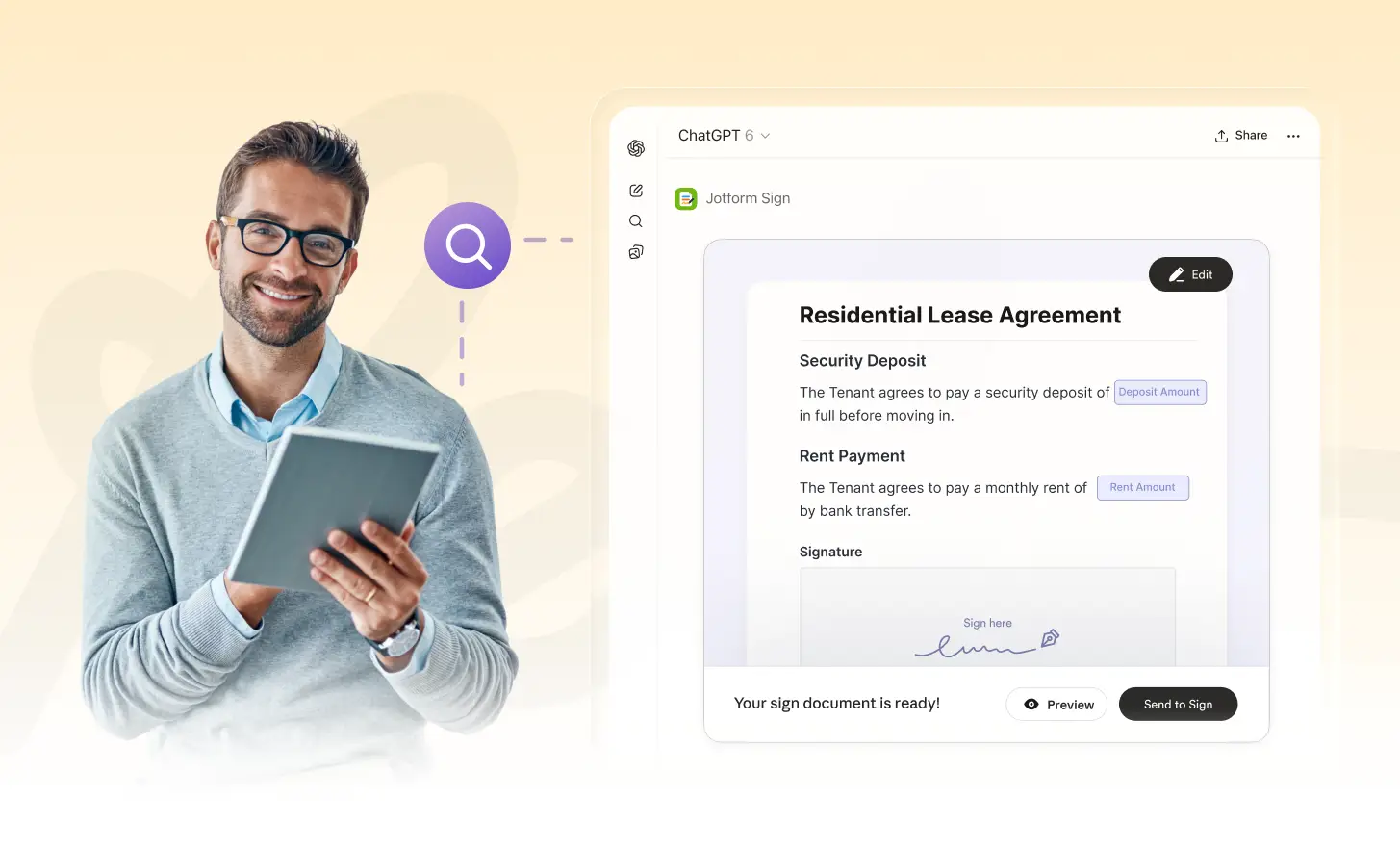
Review the updated document content and make additional revisions when needed. Continue giving instructions until the wording and details match your document requirements.
Frequently Asked Questions
Have questions about this feature? Explore the FAQs below for quick answers.
Describe the changes you want using natural-language instructions. You can request updates to wording, sections, clauses, or other details without manually rewriting the entire document.
Yes. You can provide instructions for specific content you want to revise, helping you make targeted changes while keeping other parts of your generated document unchanged.
Yes. You can review the updated content and provide additional instructions when needed, making it easier to refine your document until it meets your requirements.