Rename Documents Online
Change the title of a generated or signable document with your prompts easily. Give each file a clear, recognizable name so it is easier to organize, find, and manage later.

Quickly rename documents, keep your files clear and organized, and use custom document titles that make important agreements easier to identify and manage.
Change Document Titles
Update a document title whenever you need a clearer or more accurate name. Rename files for clients, projects, agreements, or workflows without changing the document content.
Enter a New Document Title
Replace the current title with a new name that better describes the document. Use clear, specific wording to make files easier to recognize across your document workflow.
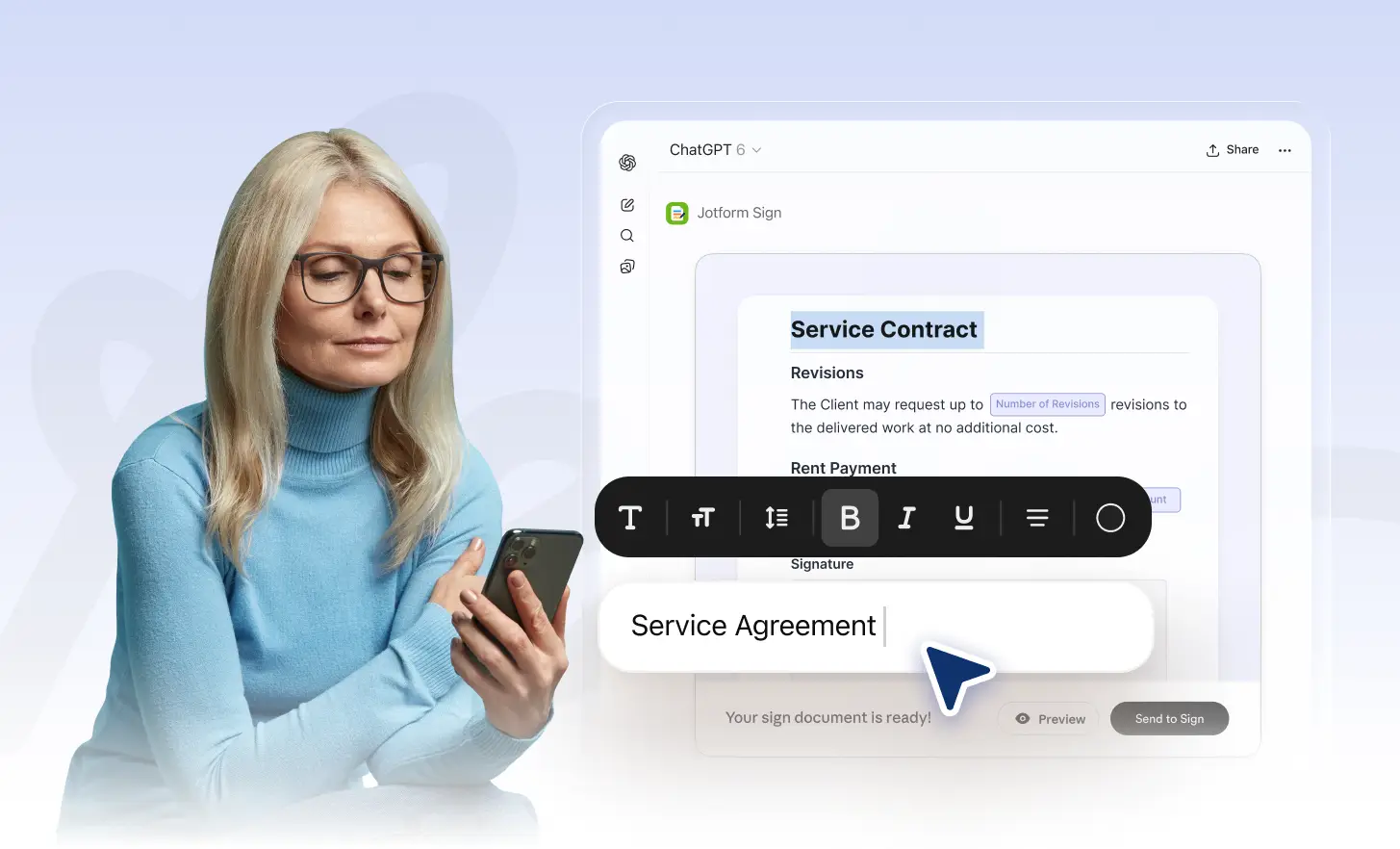
Organize Documents More Clearly
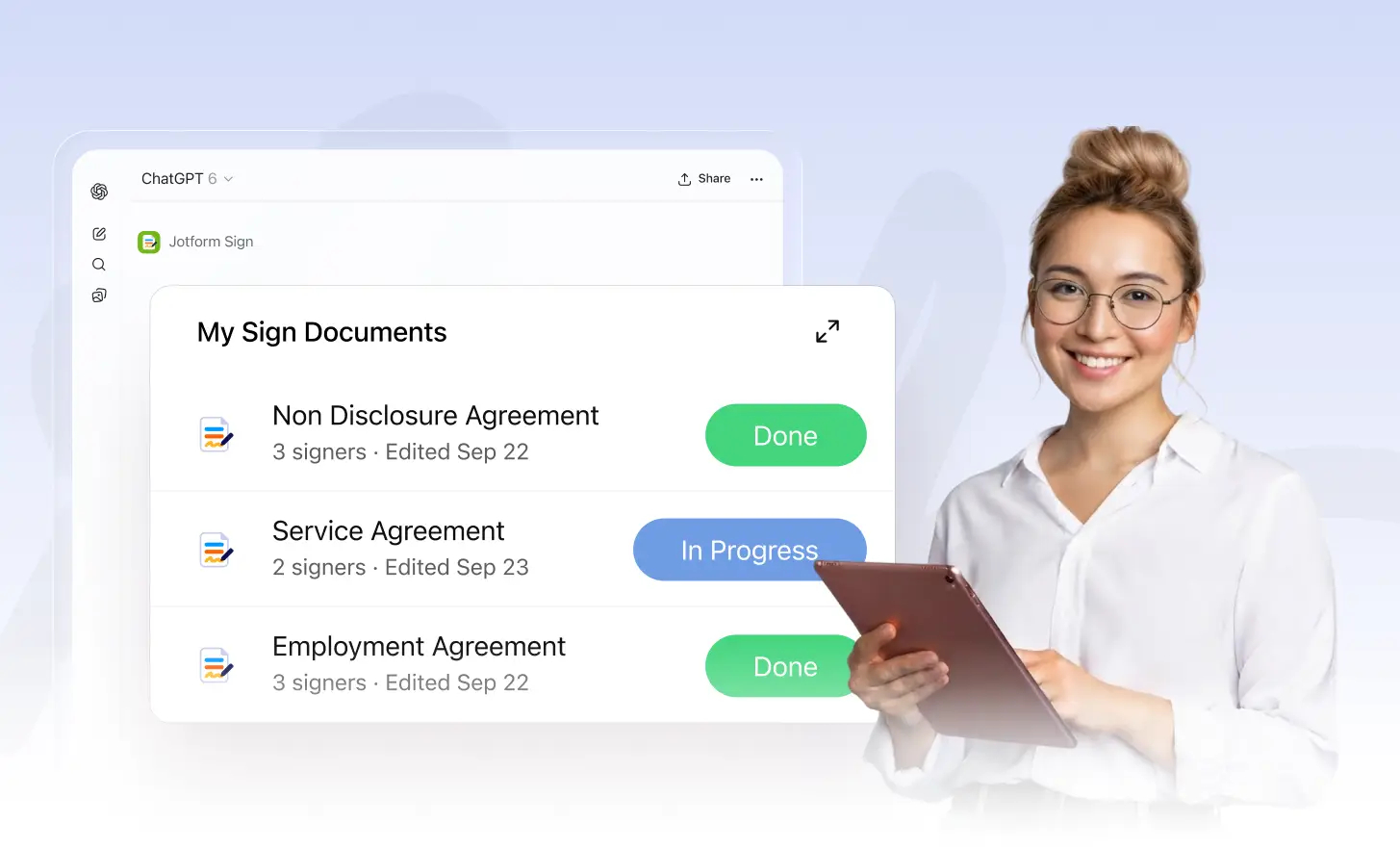
Rename documents based on clients, projects, agreement types, or internal workflows. Clear titles help you keep files organized and locate the right document faster.
Frequently Asked Questions
Have questions about this feature? Explore the FAQs below for quick answers.
Enter a simple prompt telling Jotform what you want the document to be called. The title updates based on your instruction without changing the document content.
Yes. Use natural language to describe the title you want, and Jotform will rename the document based on your prompt while keeping its existing content intact.
Yes. Enter a new prompt whenever you want to change the document title. You can rename it as often as needed without recreating the document.