Regenerate Document Content
Ask the Jotform Sign ChatGPT app to recreate your document using updated requirements. Revise the purpose, details, or instructions and generate fresh content without starting over.
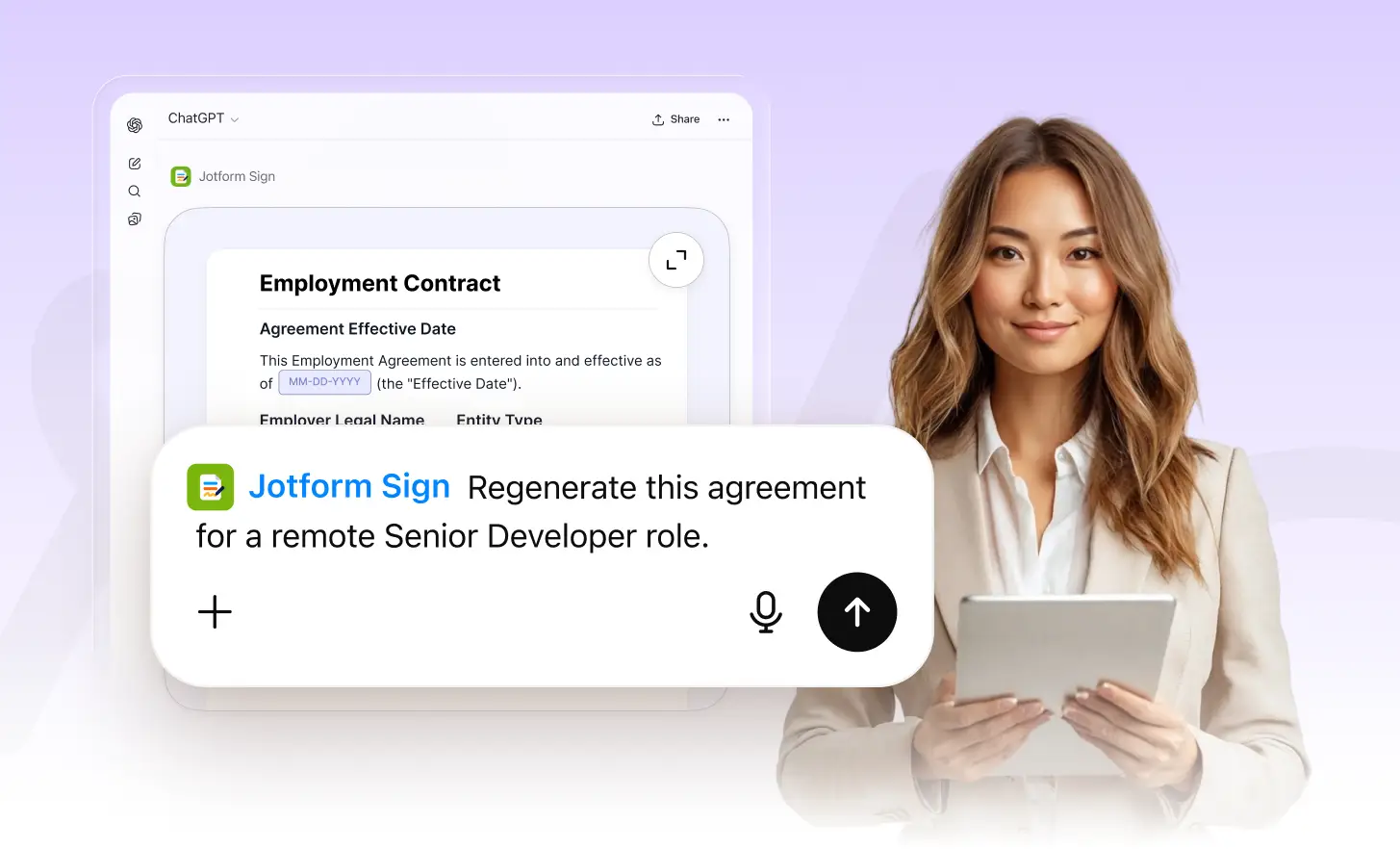
Use an updated prompt to regenerate document content when your needs change. Create a fresh version based on new requirements while keeping the workflow simple.
Recreate Documents With a Prompt
Tell the Jotform Sign ChatGPT app what changed and regenerate the document around your new requirements. Update the scope, details, or wording without rebuilding it manually.
Update Your Requirements
Describe the new requirements in ChatGPT, including any changes to the agreement, details, or purpose. Jotform Sign uses your prompt to understand what should be different.
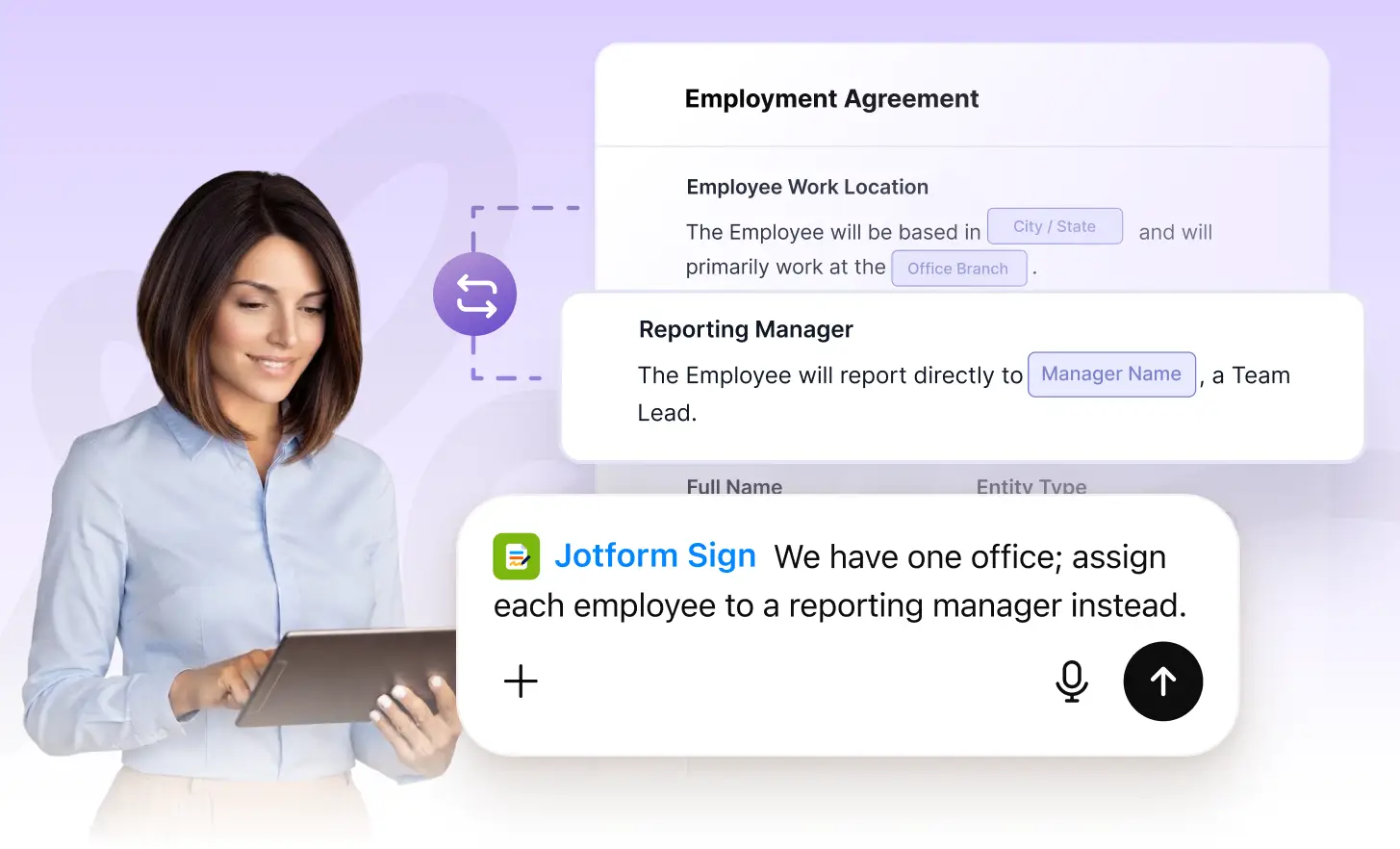
Regenerate the Document
Ask Jotform Sign to recreate the document using your latest instructions. Generate refreshed content that reflects your updated needs without manually rewriting every section.
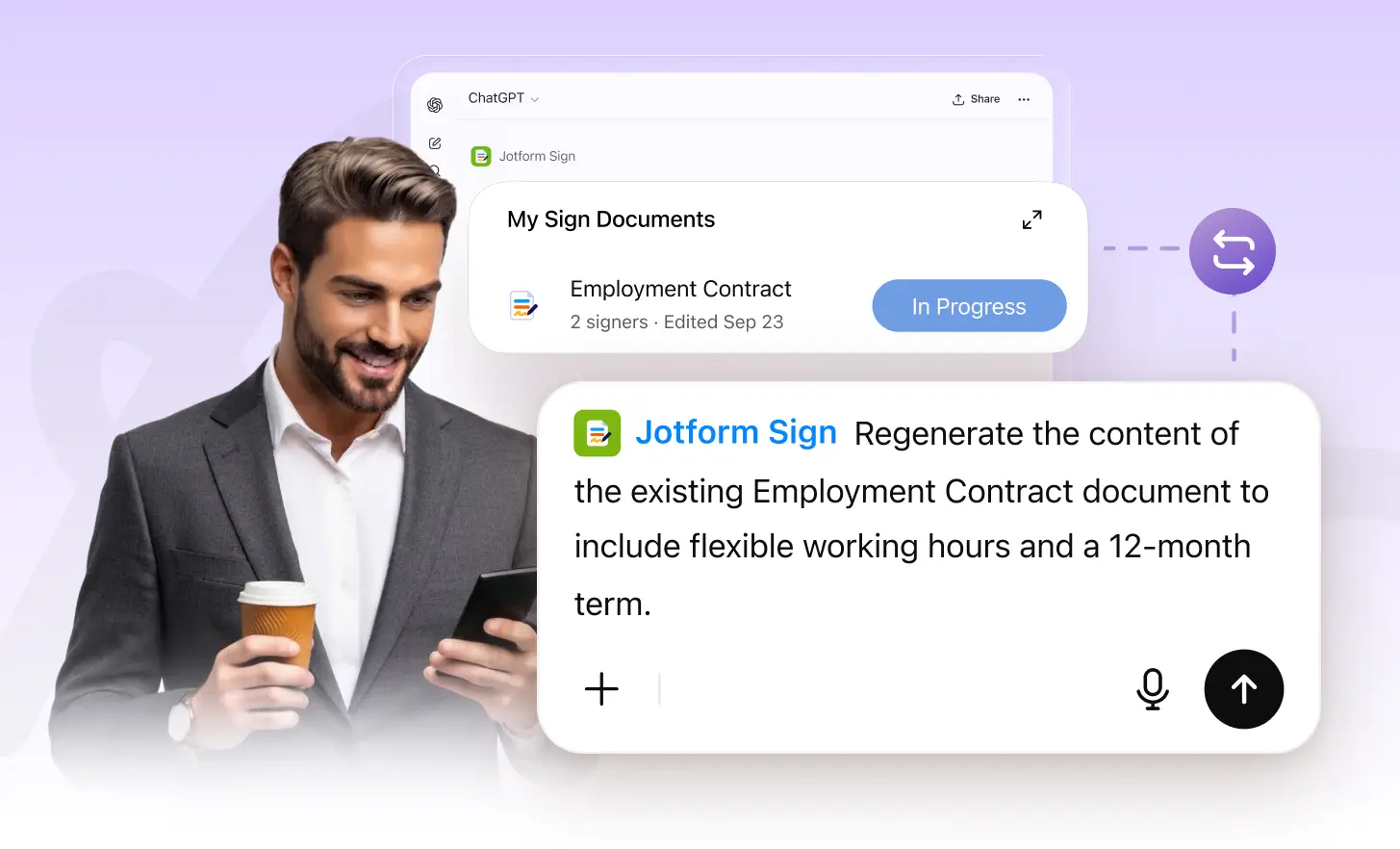
Review the New Version
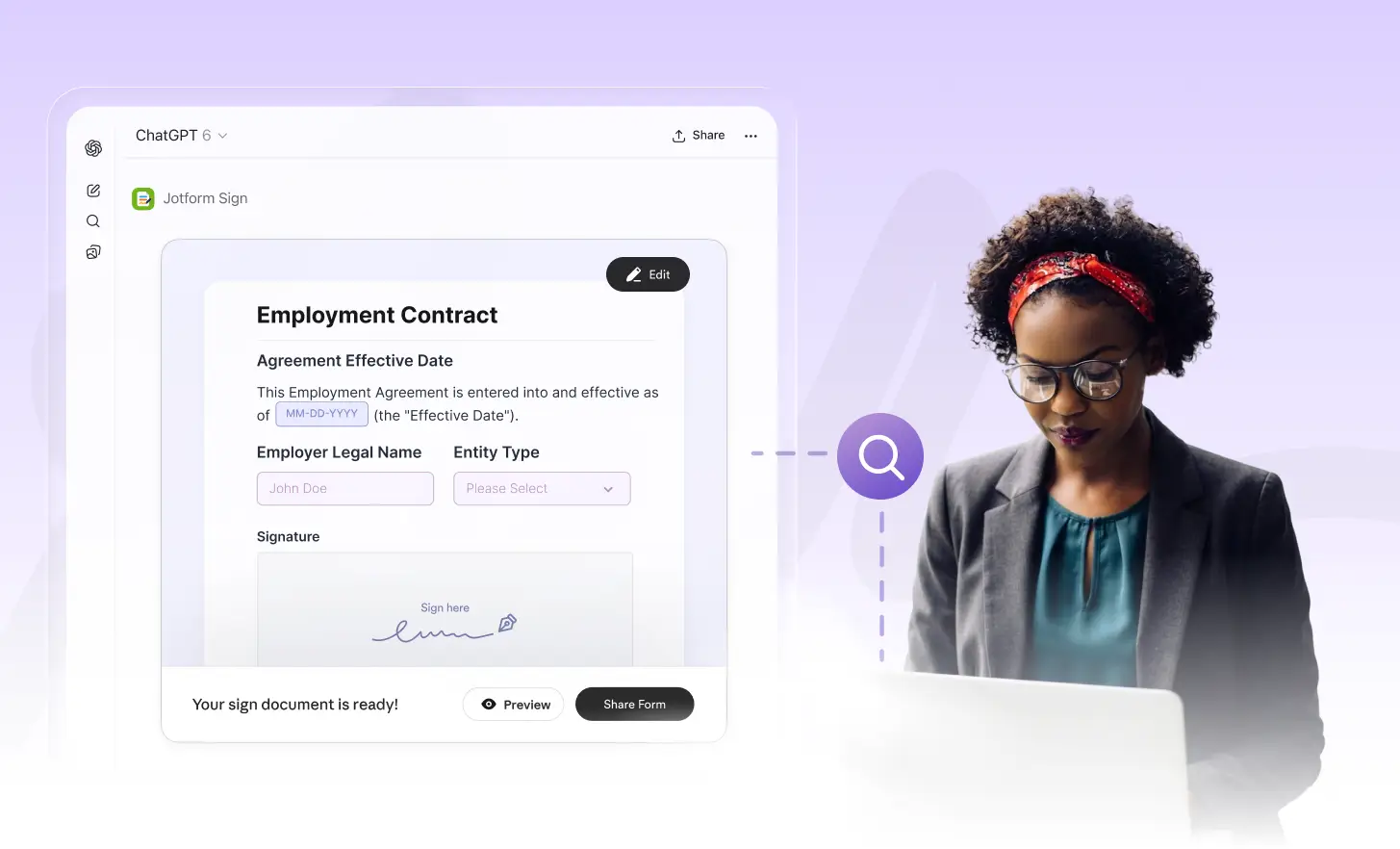
Check the regenerated document, confirm the new content matches your requirements, and continue refining it with additional prompts before preparing it for signature.
Frequently Asked Questions
Have questions about this feature? Explore the FAQs below for quick answers.
Tell the Jotform Sign ChatGPT app what you want to change and provide your updated requirements. It can recreate the document content based on your new prompt.
Yes. Add new terms, instructions, names, or other requirements in your prompt, and Jotform Sign can generate a refreshed version that reflects those changes.
Yes. Review the new content and send another prompt if you want further changes. You can continue refining the document until it matches your requirements.