Invite Signers by Email
Use the Jotform Sign ChatGPT app to email signable documents directly to assigned signers. Add recipient details, send signature requests, and make it easy for everyone to sign online.
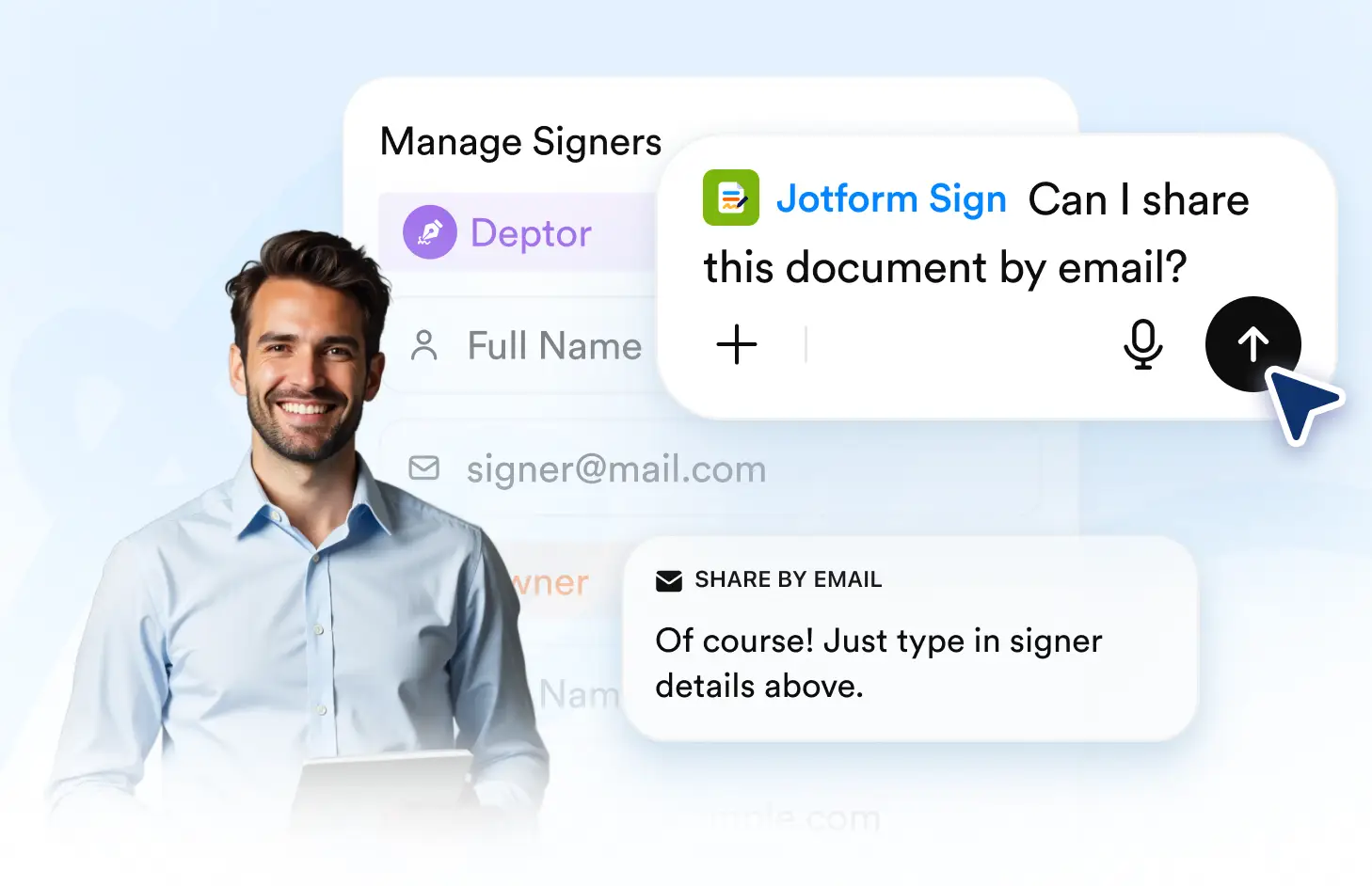
Send email invitations, assign document signers, and collect electronic signatures through a simple signing flow powered by the Jotform Sign ChatGPT app.
Email Documents to Signers
Add the people who need to sign, assign their roles, and send the document by email. Each signer receives a clear request with access to the document they need to complete.
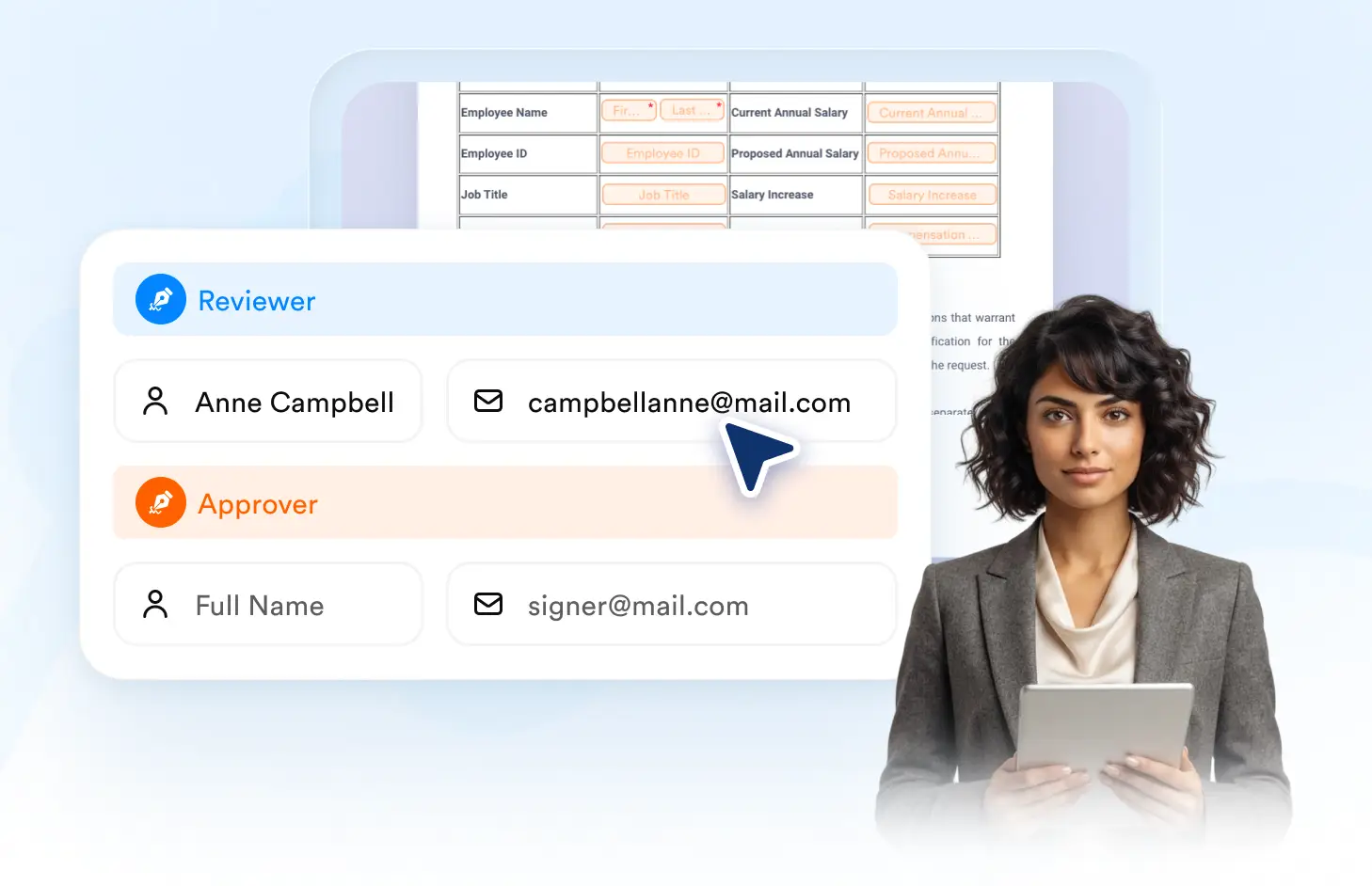
Add Assigned Signers
Enter signer names and email addresses, then assign the people responsible for completing the document. Set up recipients before sending the signing request.
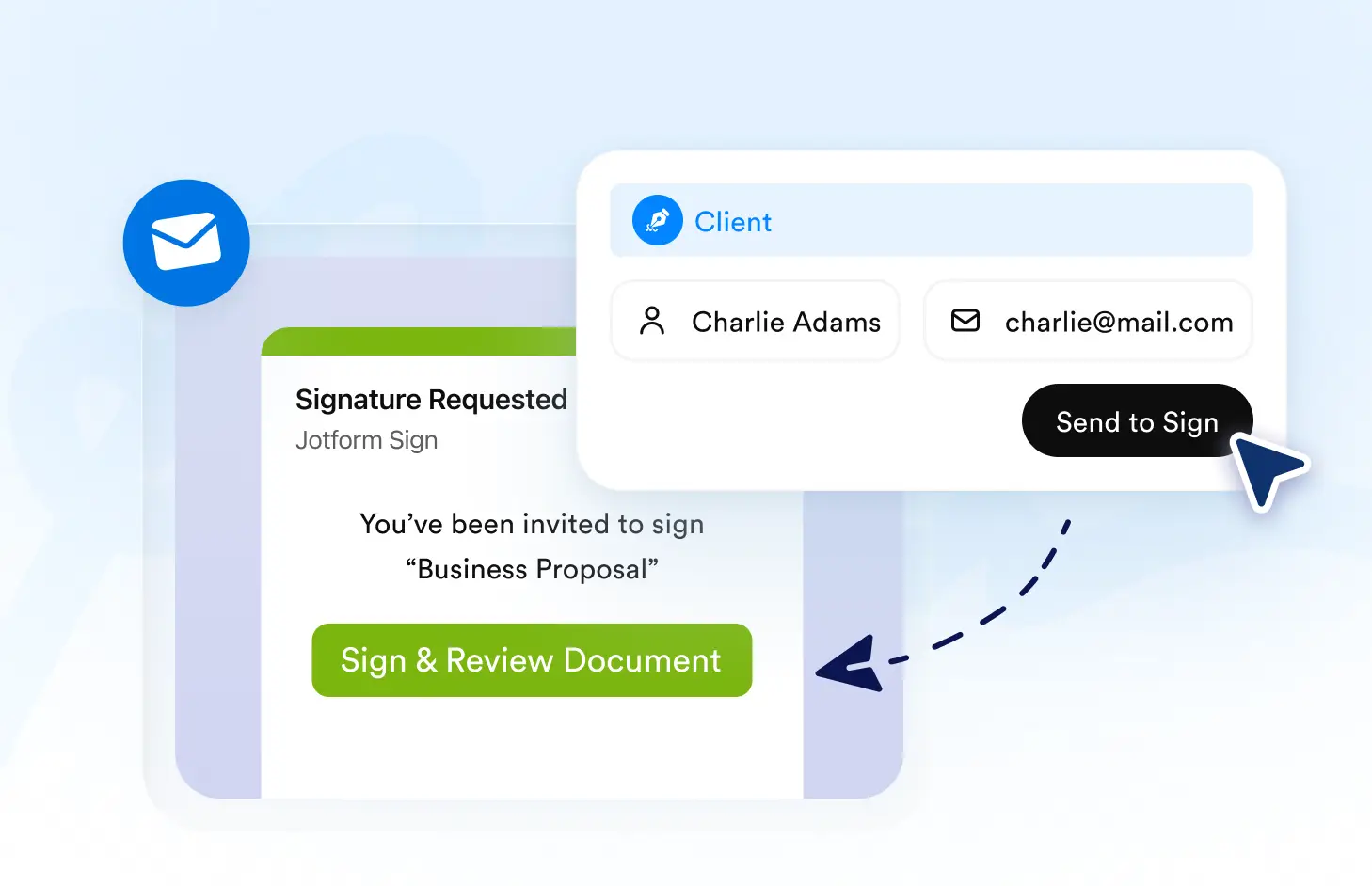
Send Email Invitations
Email the signable document directly to assigned recipients. Each signer gets a convenient invitation that guides them to review and complete their required fields.
Frequently Asked Questions
Have questions about this feature? Explore the FAQs below for quick answers.
Add the signer’s name and email address in the Jotform Sign ChatGPT app, assign them to the document, and send the signature request by email.
Yes. You can add multiple recipients, assign the appropriate signing roles, and send the same signable document to everyone who needs to complete it.
The signer receives an email invitation with access to the document, making it easy to review required fields and complete the signing process online.