Preview Sign Documents
Use the Jotform Sign ChatGPT app to preview your signable document before sending it. Review content, check field placement, and confirm everything is ready for recipients to complete.
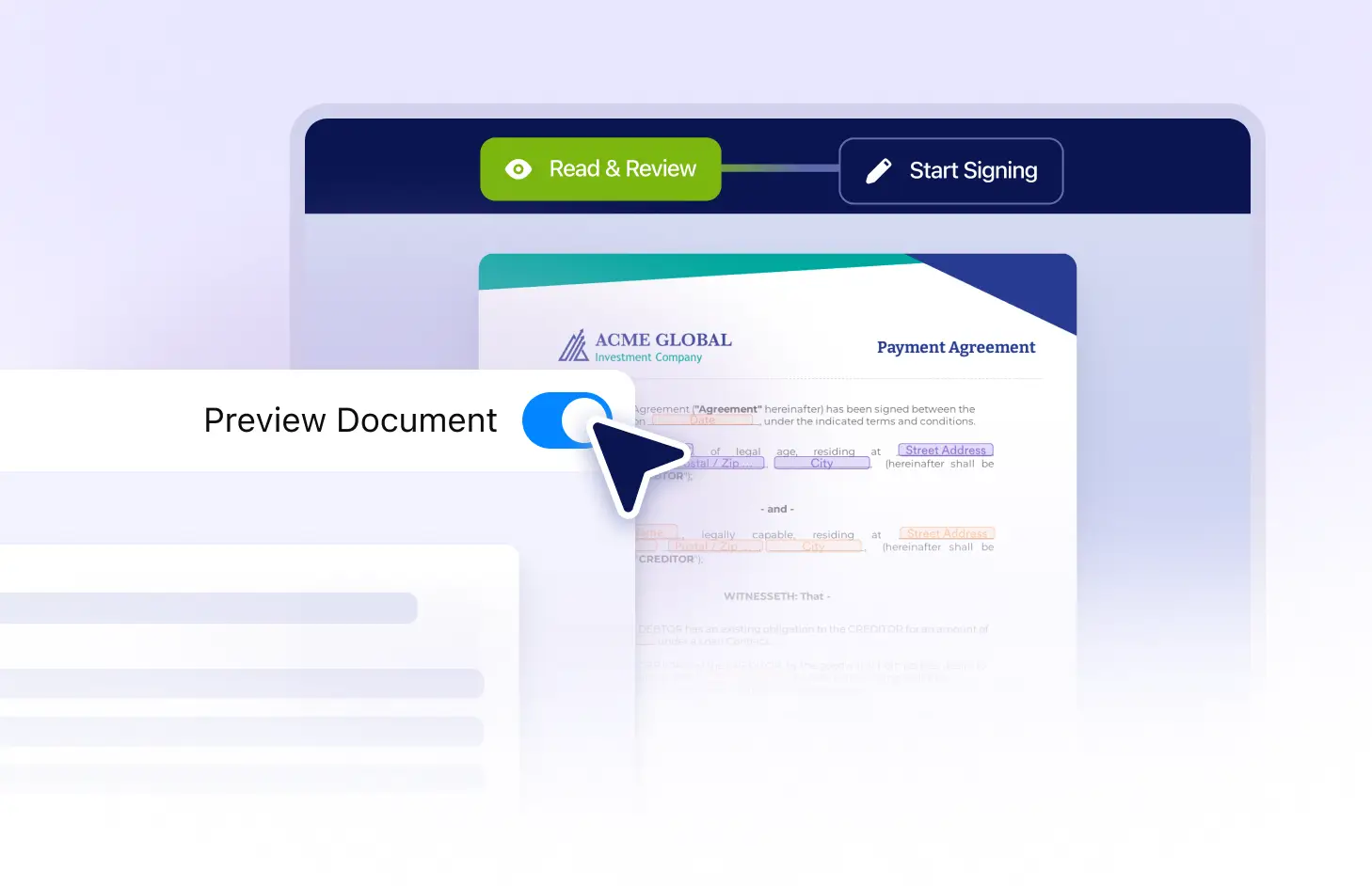
Review document content, check fillable fields, and confirm the signing layout before sending your document to recipients for completion and signature.
Review Before Sending
Preview your document exactly as signers will see it. Check the content, field positions, and overall layout so you can catch issues before sending the signing request.
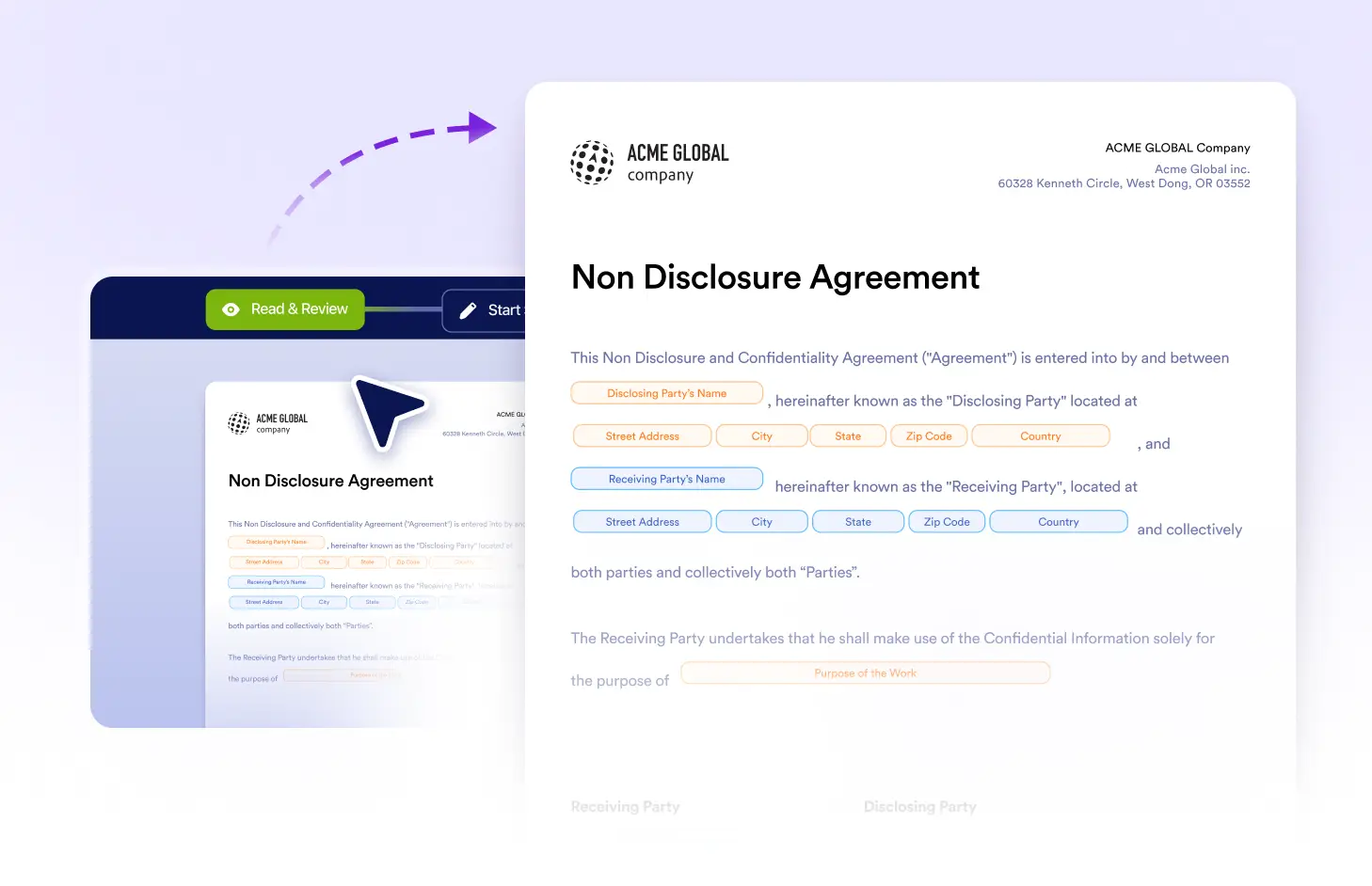
Check Document Content
Review the full document before sharing it with signers. Confirm that names, terms, instructions, and other important details are accurate and ready to send.
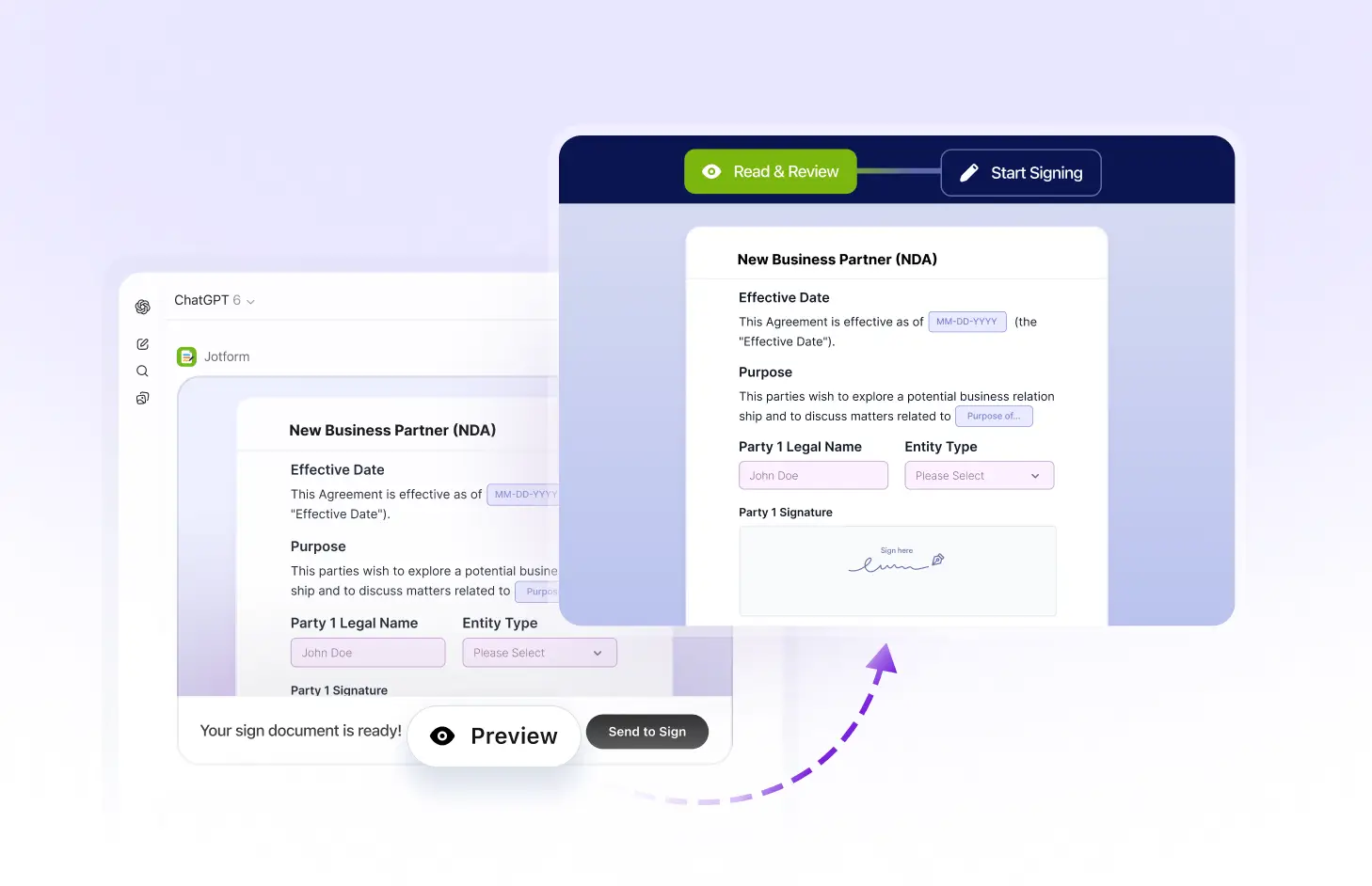
Review Fillable Fields
Check signature, initials, date, text, and other fillable fields to make sure each one is placed correctly and easy for recipients to understand and complete.
Frequently Asked Questions
Have questions about this feature? Explore the FAQs below for quick answers.
Yes. You can review the document and its fillable fields before sending it to signers, helping you confirm that everything is ready.
Yes. Preview the document to verify that signature, initials, date, text, and other fields are positioned correctly.
Yes. If you notice an issue while previewing, you can return to editing, make the necessary changes, and preview the document again before sending it.