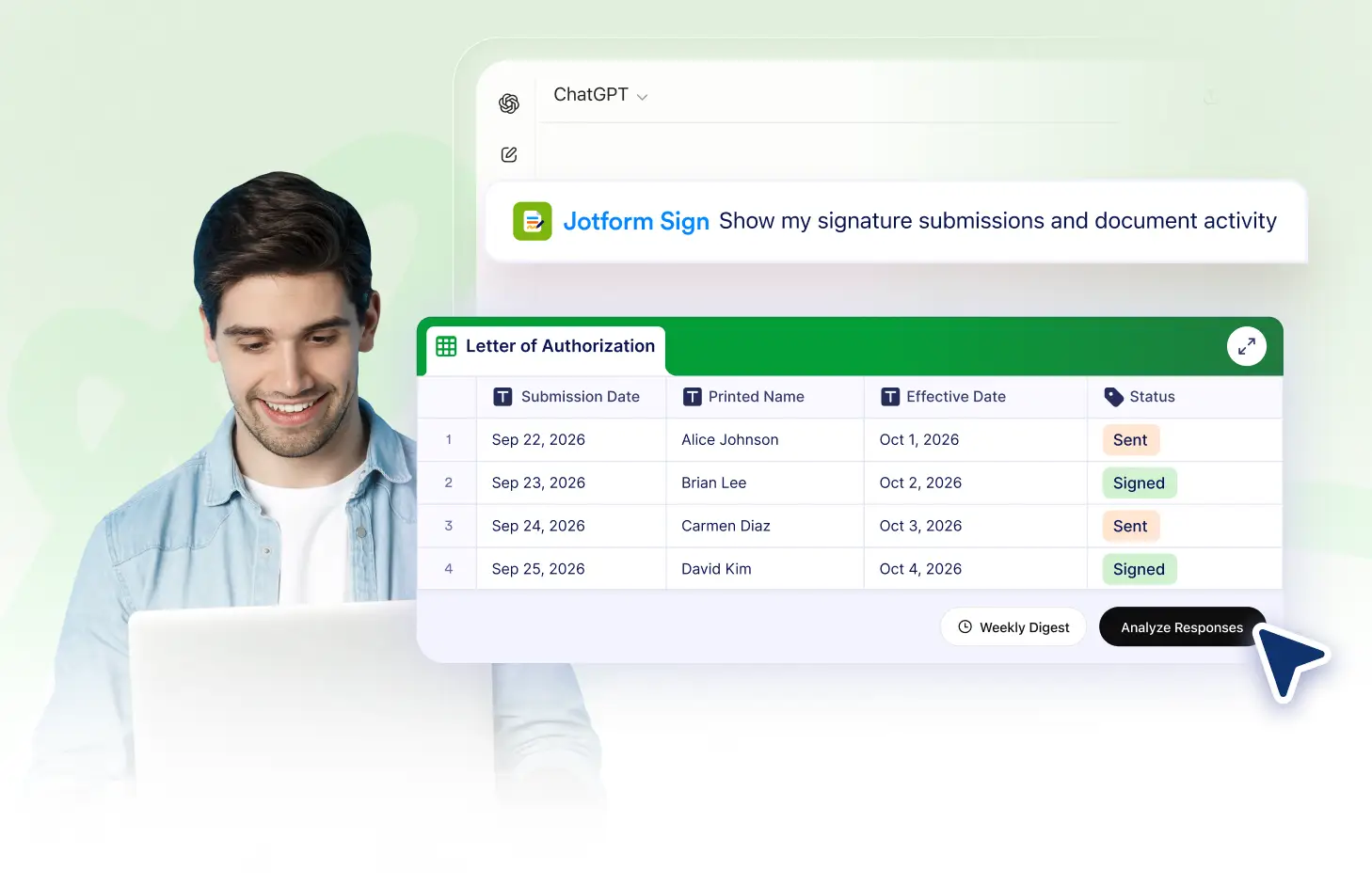
Track signer status, see when requests are viewed or signed, and identify declined documents so you always know where each recipient stands.
Track Each Signer
Check the progress of every recipient connected to sign your document. See who has received the sign request, who has viewed sign document, who has signed, and who has declined.
See Sent Requests
Confirm that signing requests have been sent to each recipient. Quickly check whether every signer has received the document and is ready to take action.
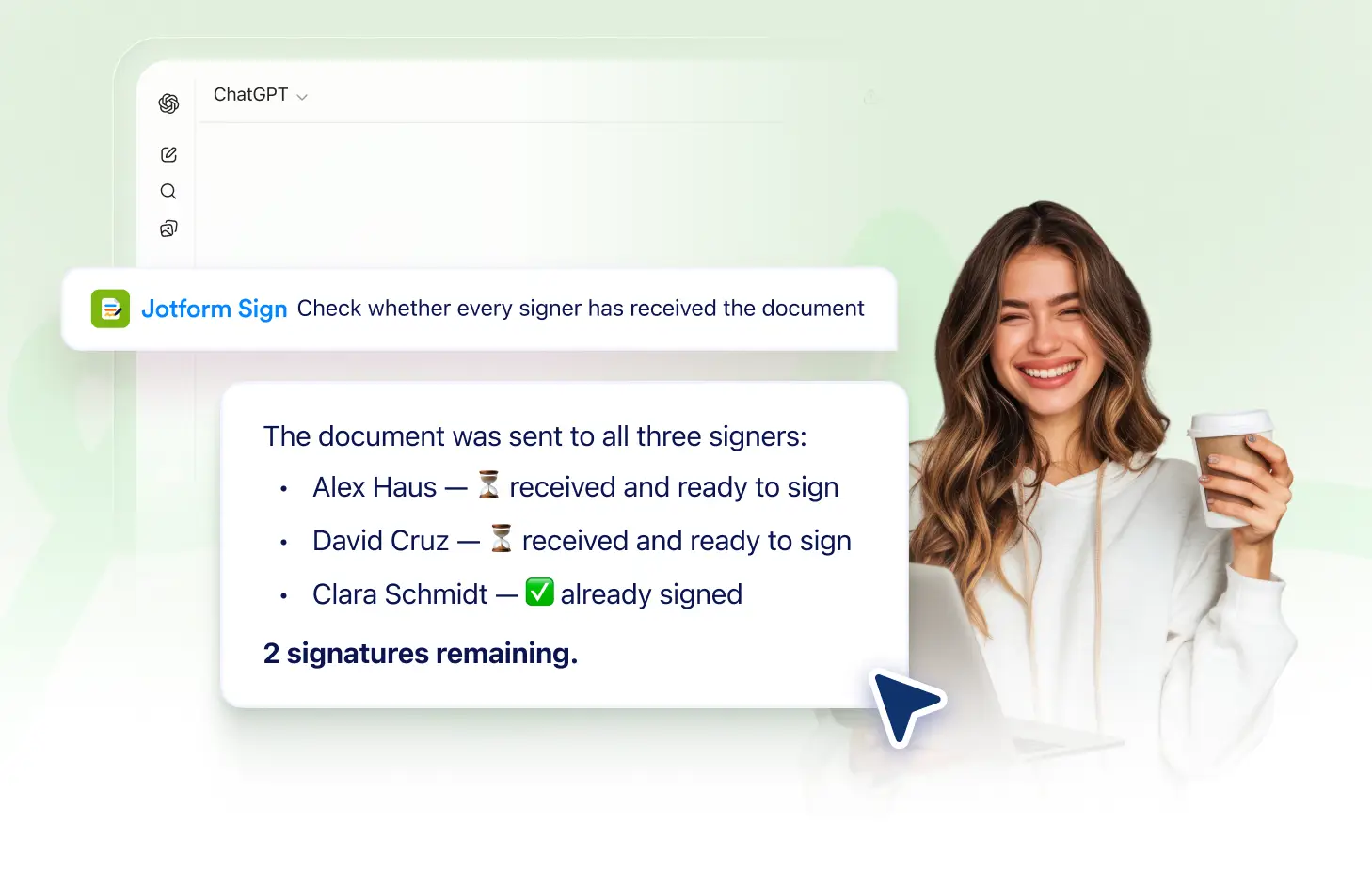
Track Views and Signatures
See when recipients have opened the document and when they complete their signatures. Follow signer progress without checking each request manually.
Frequently Asked Questions
Have questions about this feature? Explore the FAQs below for quick answers.
You can see whether a signing request has been sent, viewed, signed, or declined for each recipient connected to the document.
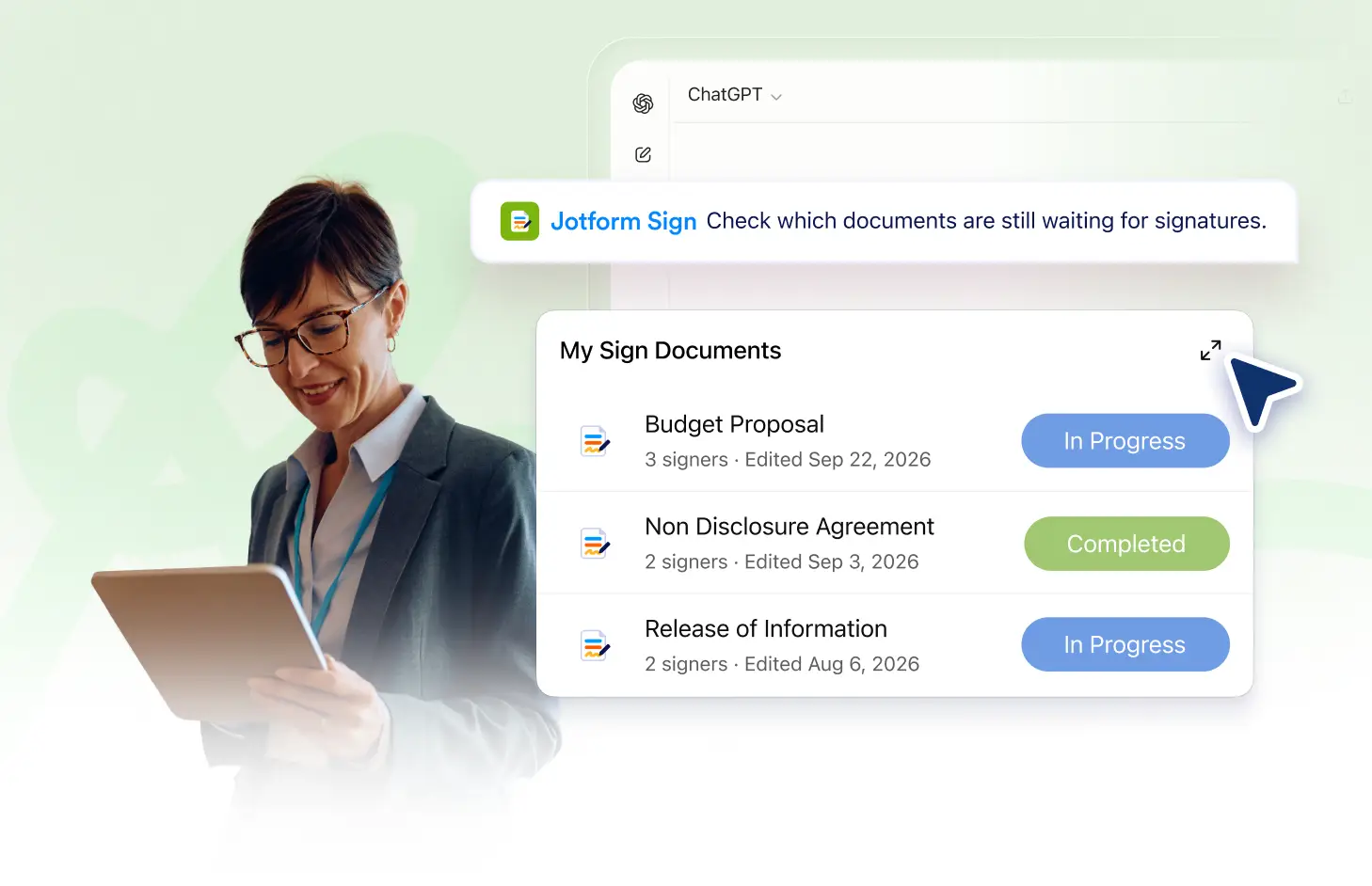
Yes. The signer status shows which recipients have completed their signatures and which ones still have pending actions.
Yes. You can identify recipients who declined the signing request and distinguish them from signers who have not yet completed it.