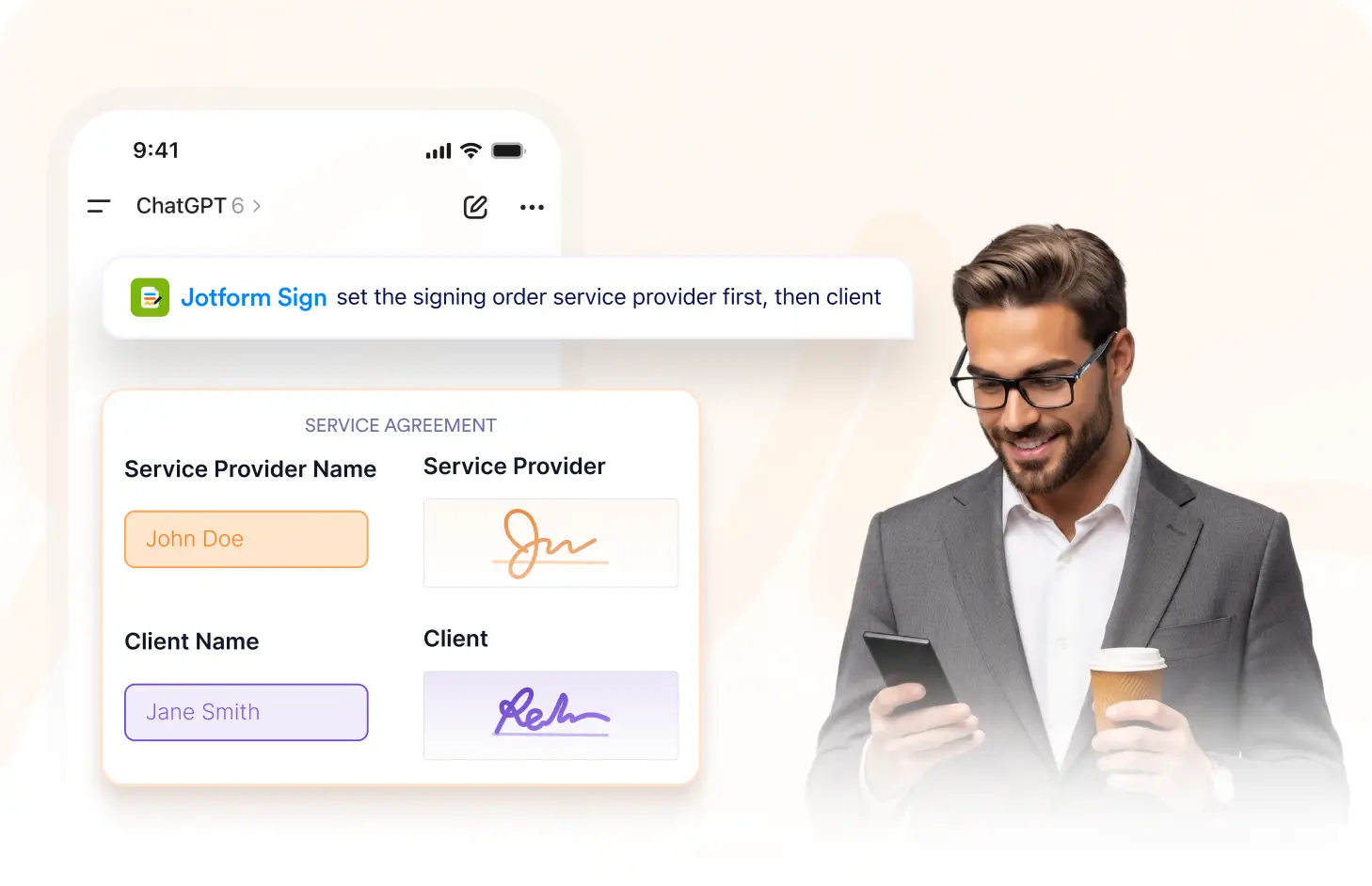
Set a signing sequence, control recipient order, and guide each so documents move through recipients in the exact order your workflow requires.
Set the Signing Sequence
Arrange all signers in the order they should receive the sign document. Make sure each recipient gets the document signing request at the right stage of your workflow.
Choose Who Signs First
Select the recipient who should receive the document first. Start your signing workflow with the right person and keep the remaining signers queued in the correct order.
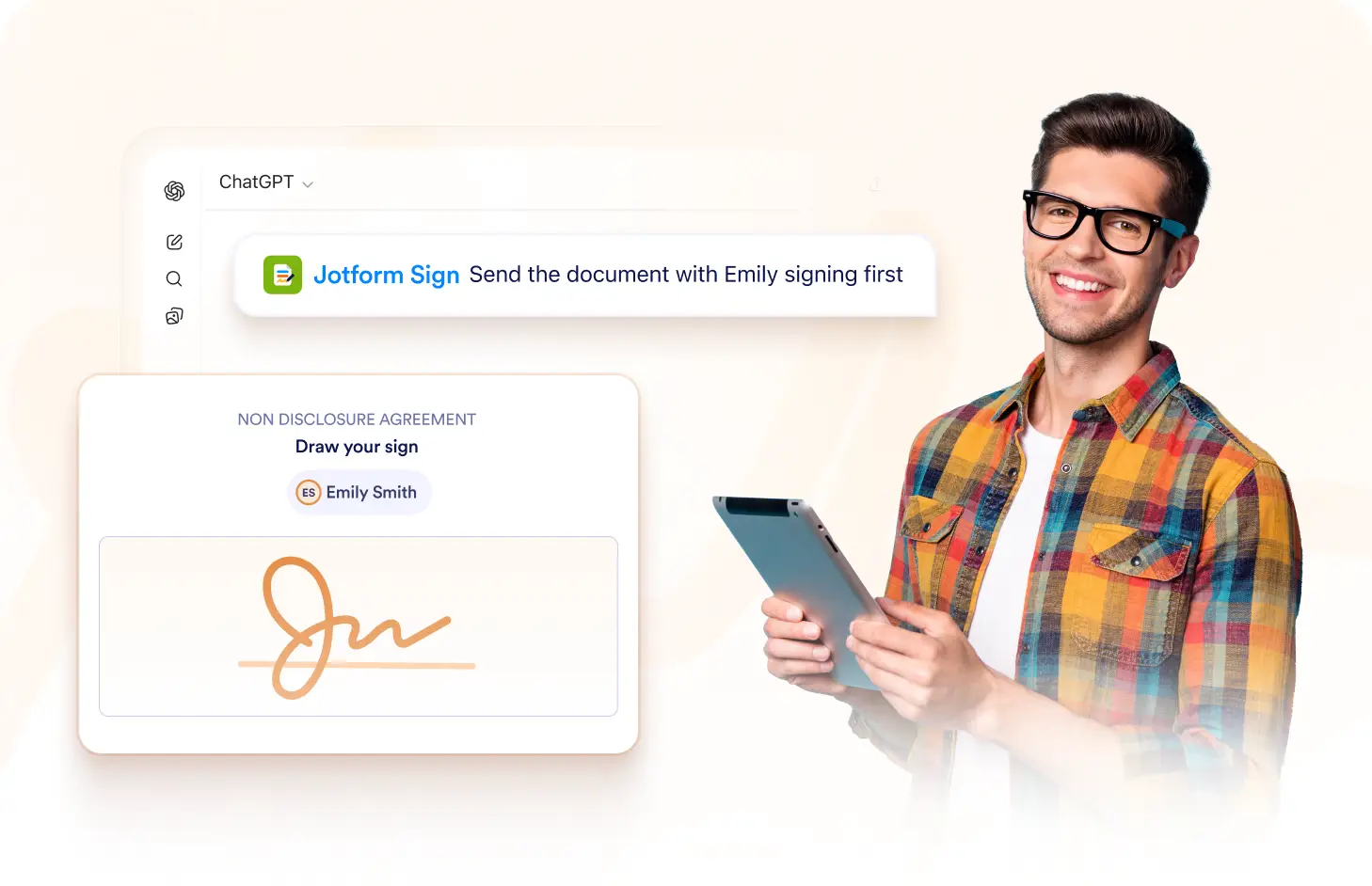
Arrange Recipient Order
Organize signers into the sequence that matches your process. Move recipients into the right order so each person receives the document when it is their turn.
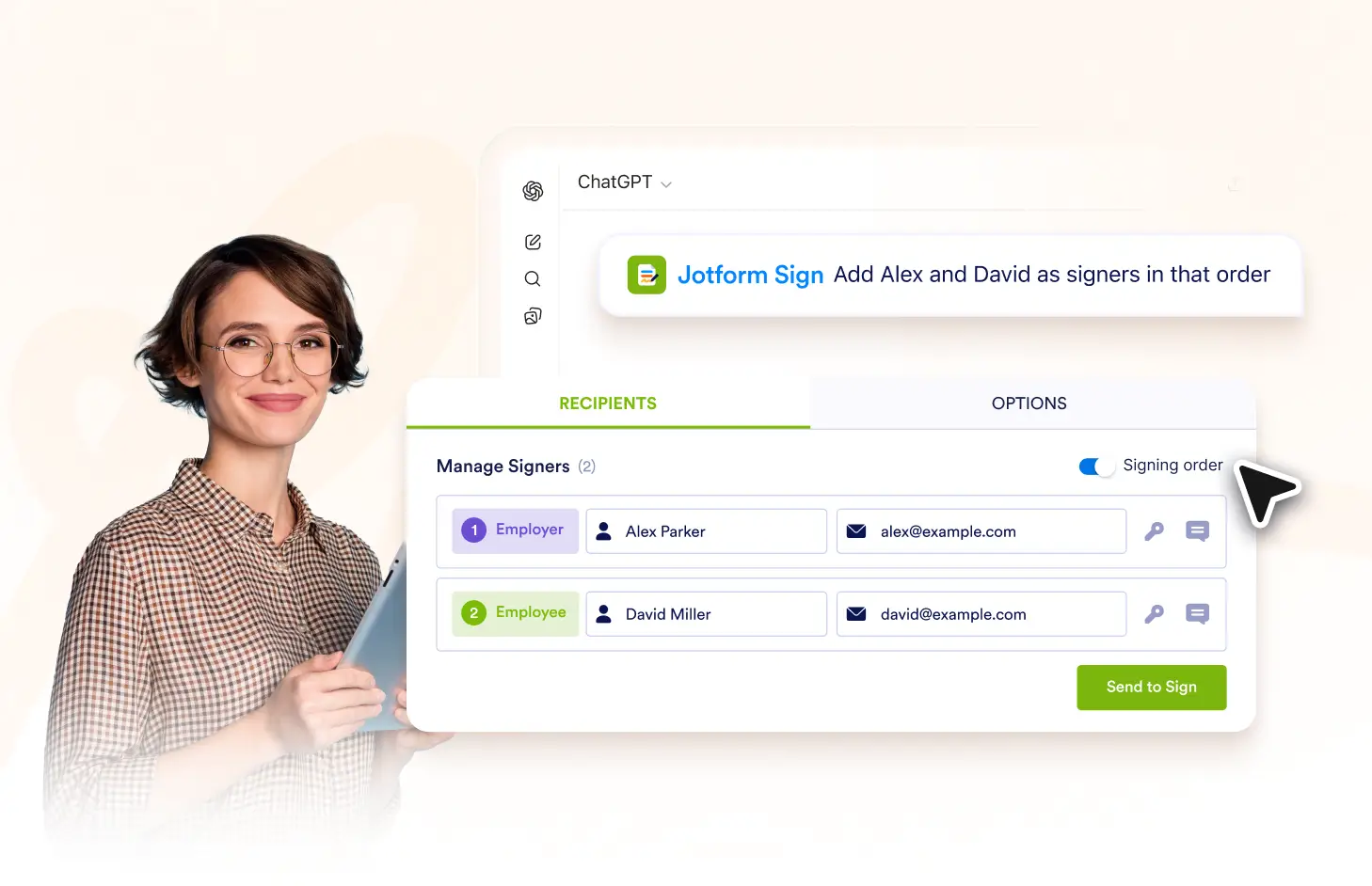
Guide the Signing Workflow
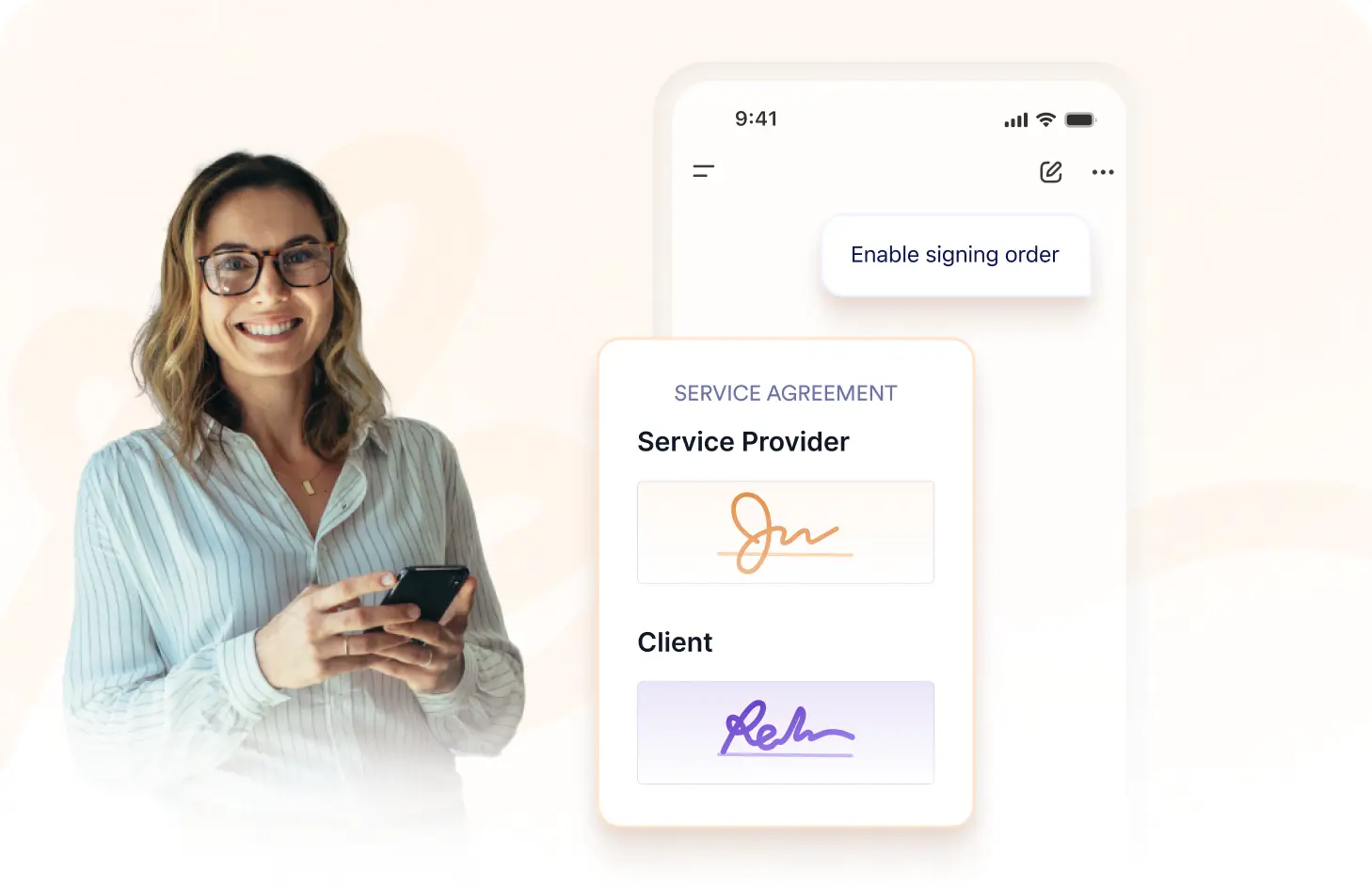
Keep the document moving through each signer in sequence. Structured signing order helps coordinate approvals, signatures, and other required actions across recipients.
Frequently Asked Questions
Have questions about this feature? Explore the FAQs below for quick answers.
Use the Jotform Sign ChatGPT app to arrange recipients in the sequence you want, then define who should receive the document first and who follows next.
Yes. You can place signers in the exact order your workflow requires, including choosing the first recipient and arranging everyone who follows.
A signing order helps coordinate multi-recipient workflows by making sure each person receives the document at the appropriate stage of the process.