Edit Signer Information
Change a signer’s name or email address whenever details need to be corrected or updated. Keep recipient information accurate before sending your document for signature.
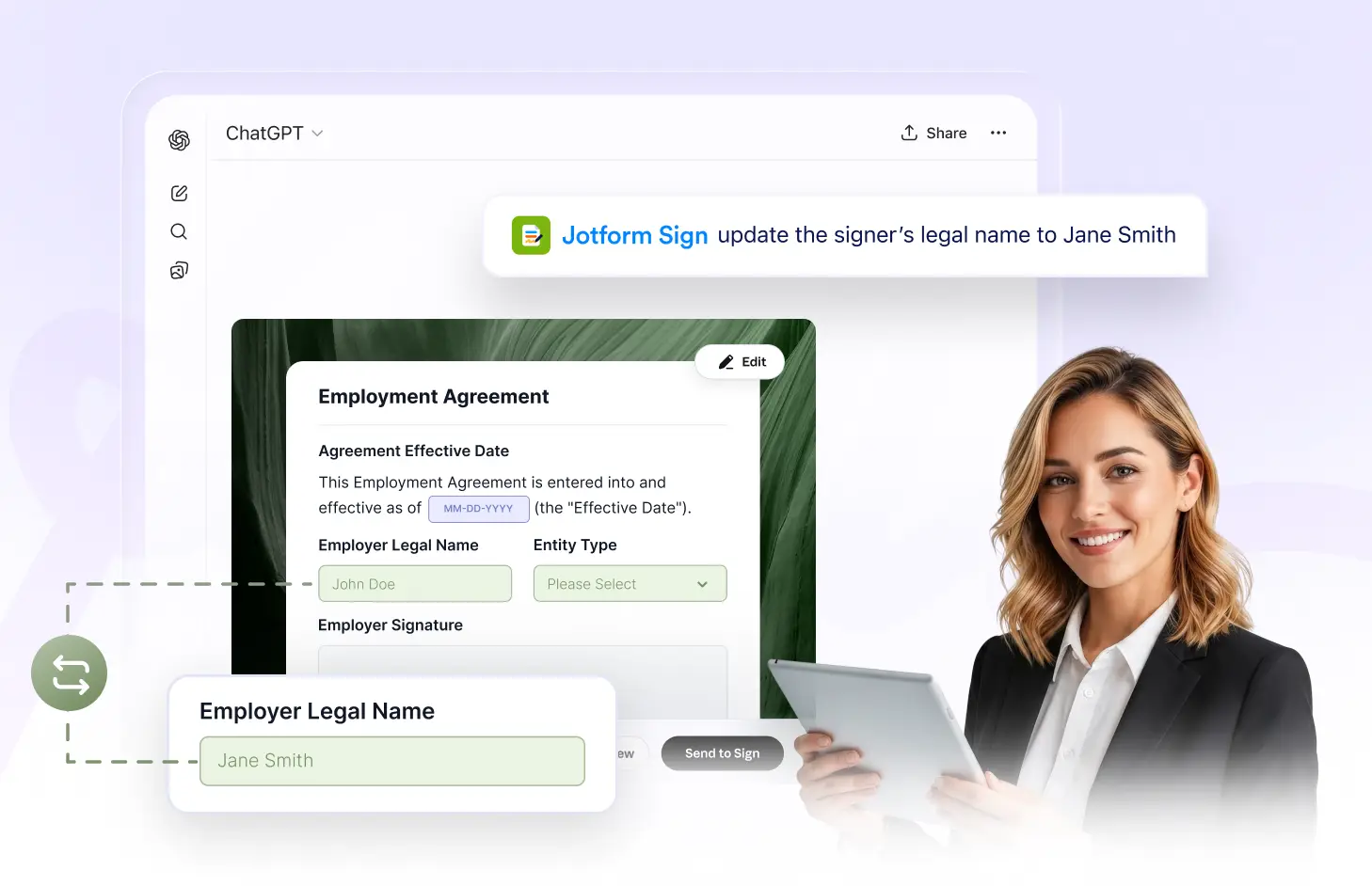
Update signer names, change email addresses, and keep recipient details accurate so signing requests are always connected to the right people in your workflow.
Edit Signer Information
Change a signer’s name or email address whenever details need to be corrected or updated. Keep recipient information accurate before sending your document for signature.
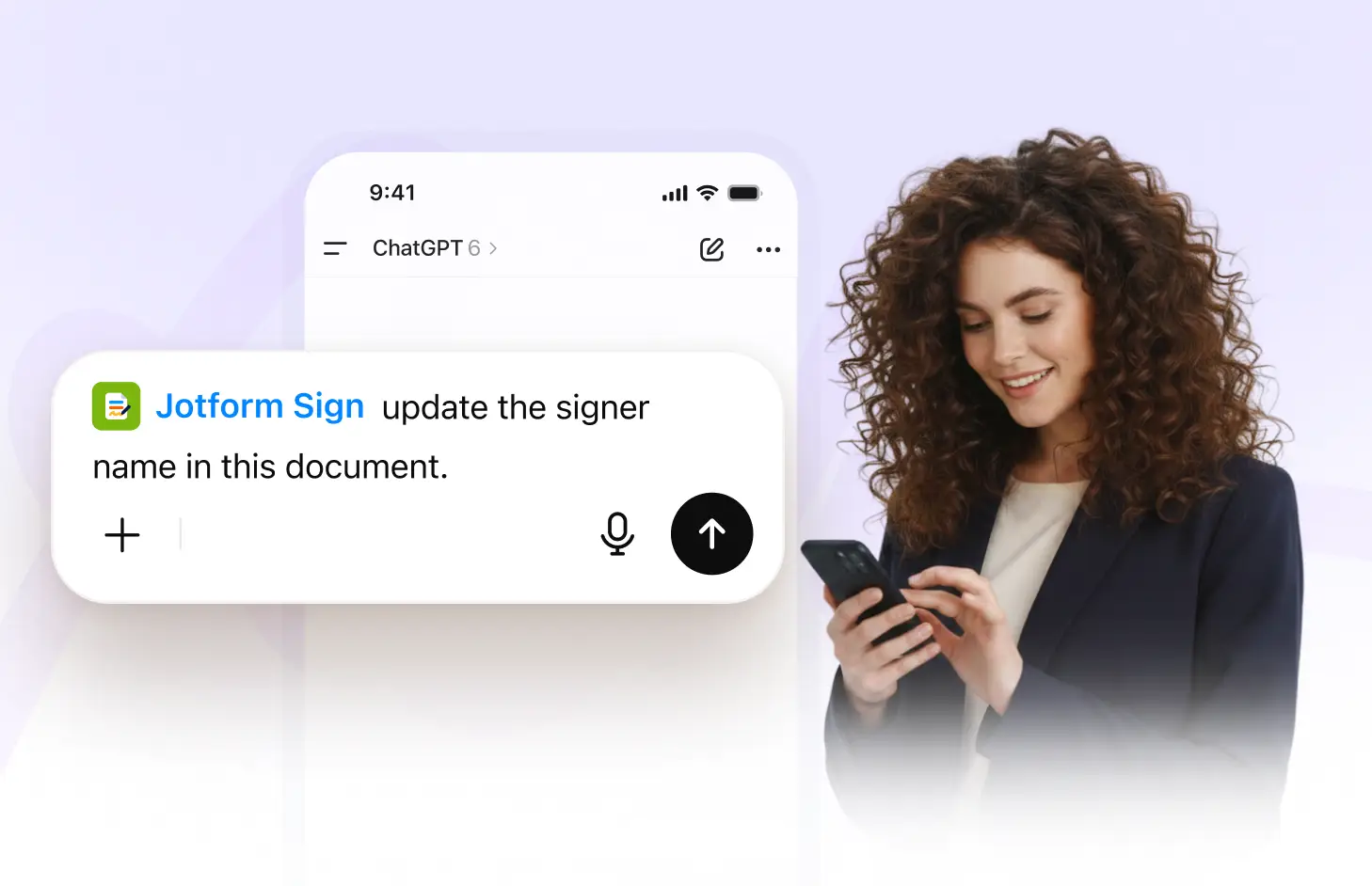
Update Signer Names
Change a signer’s name when recipient information needs to be corrected or updated. Keep each signer clearly identified and connected to the right role in your document.
Change Email Addresses
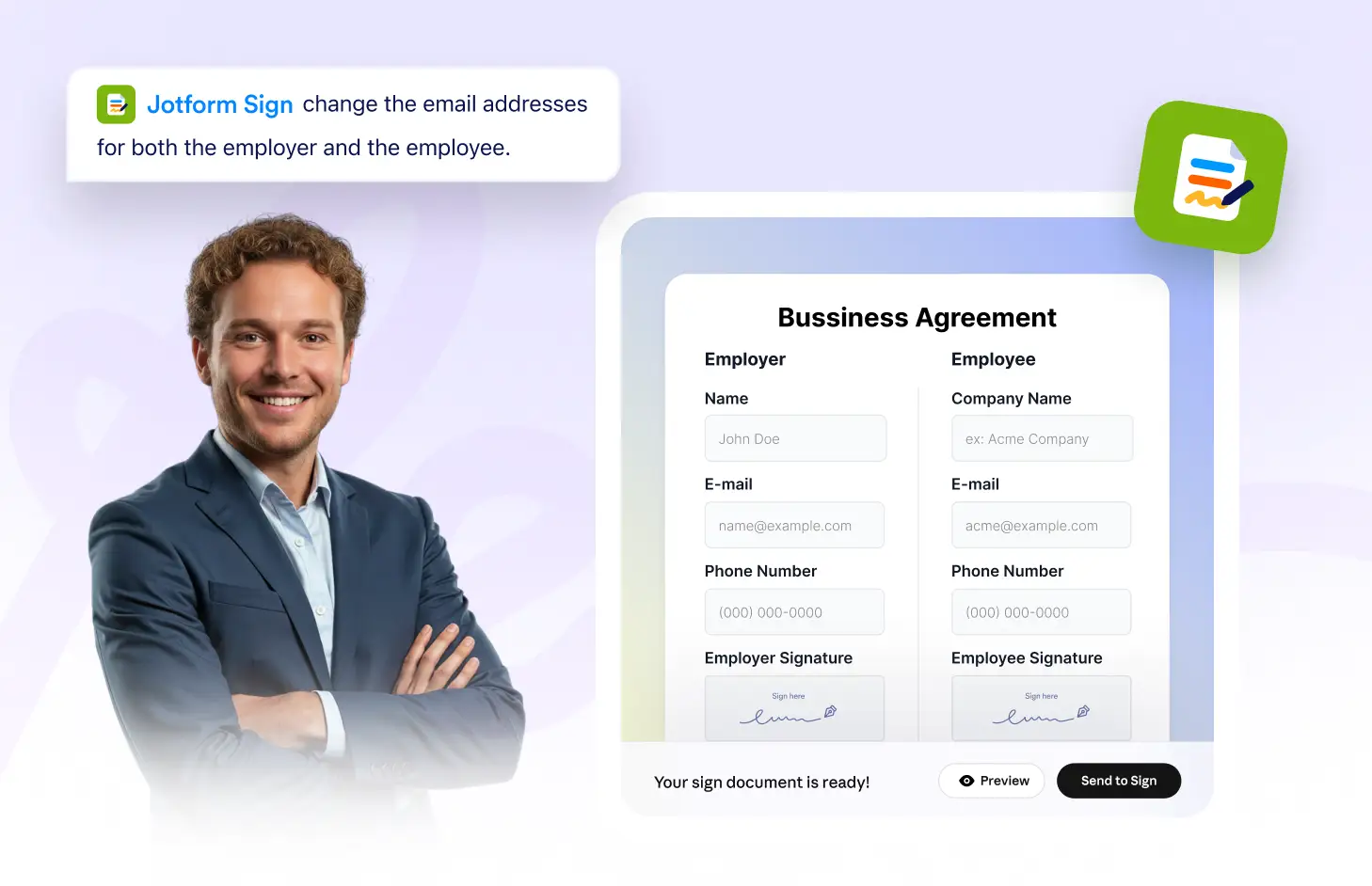
Update a signer’s email address so signing requests reach the correct inbox. Fix outdated or mistyped contact details before sending the document for signature.
Frequently Asked Questions
Have questions about this feature? Explore the FAQs below for quick answers.
Yes. Use the Jotform Sign ChatGPT app to update a signer’s name whenever recipient information needs to be corrected or changed.
Yes. You can change the email address so the signing request is sent to the correct recipient and inbox.
Yes. Review and update signer names and email addresses before sending your signable document to recipients.