Self Sign Documents
Use the Jotform Sign ChatGPT app to complete and sign a document yourself without inviting another signer. Fill in required fields, add your signature, and finish the document directly.
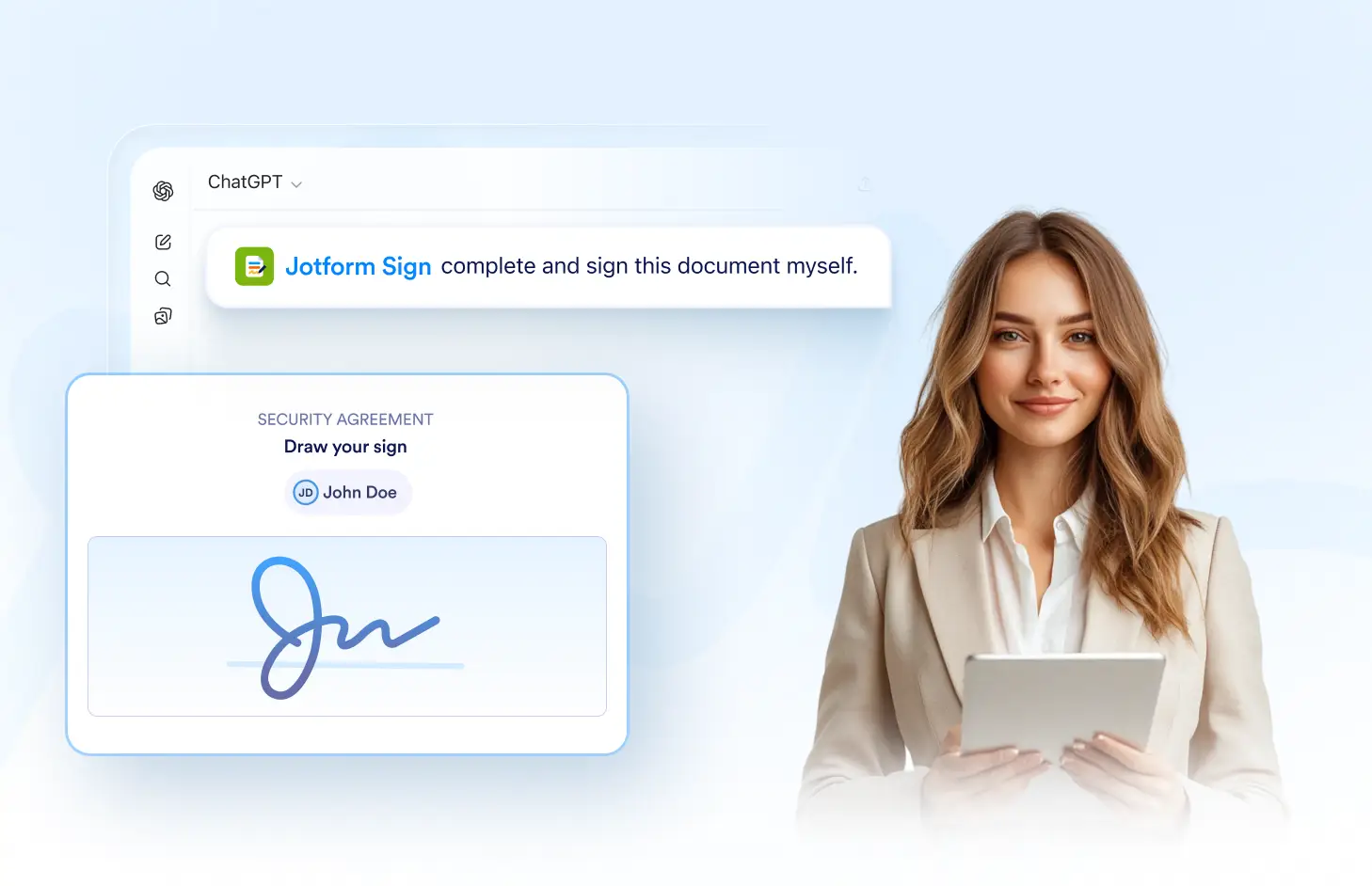
Complete required fields, add your signature, and finish a self-signed document without sending a signing invitation to another recipient.
Sign Documents Yourself
Open the document, complete the required information, and add your own signature. Finish the signing process directly without creating or sending an invitation to someone else.
Fill Out the Document
Complete the required text, date, checkbox, and other fillable fields yourself. Review the document carefully and provide all necessary information before signing.

Add Your Signature
Sign the document directly in the Jotform Sign ChatGPT app. Add your signature to the assigned field and complete any other required signing actions in the document.
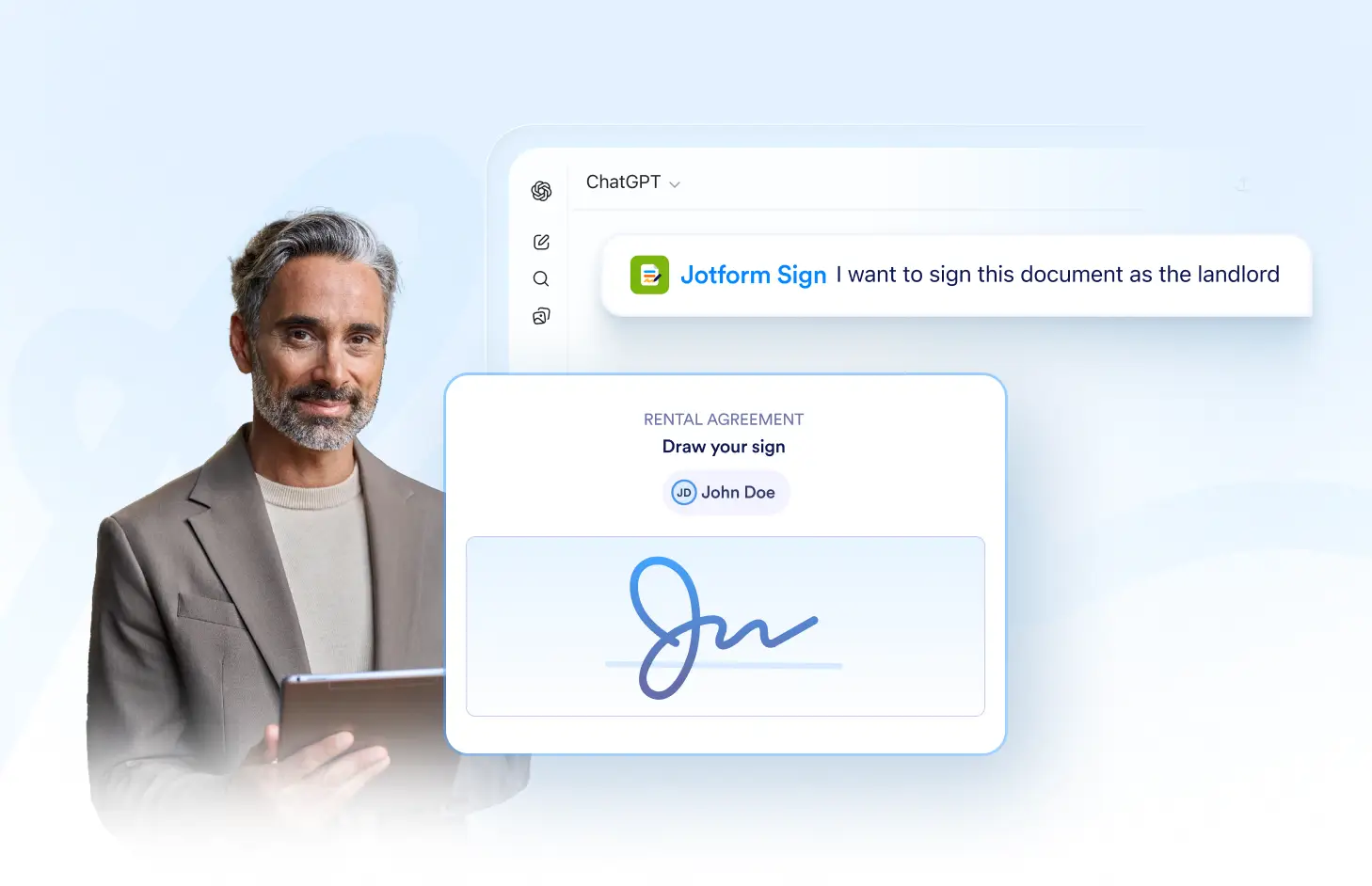
Complete Without an Invite
Finish the document without sending a separate signing request. Self-signing gives you a direct way to complete documents when no additional signer needs to be invited.
Frequently Asked Questions
Have questions about this feature? Explore the FAQs below for quick answers.
Yes. You can open the document, complete the required fields, add your signature, and finish the signing process yourself.
No. Self-signing lets you complete the document directly without sending a separate email invitation or signing request to yourself.
Yes. Complete any required fields first, review the document, and then add your signature to finish the process.