Search Sign Documents
Use the Jotform Sign ChatGPT app to find existing sign documents by title or other criteria. Quickly locate the document you need without manually browsing your entire document list.
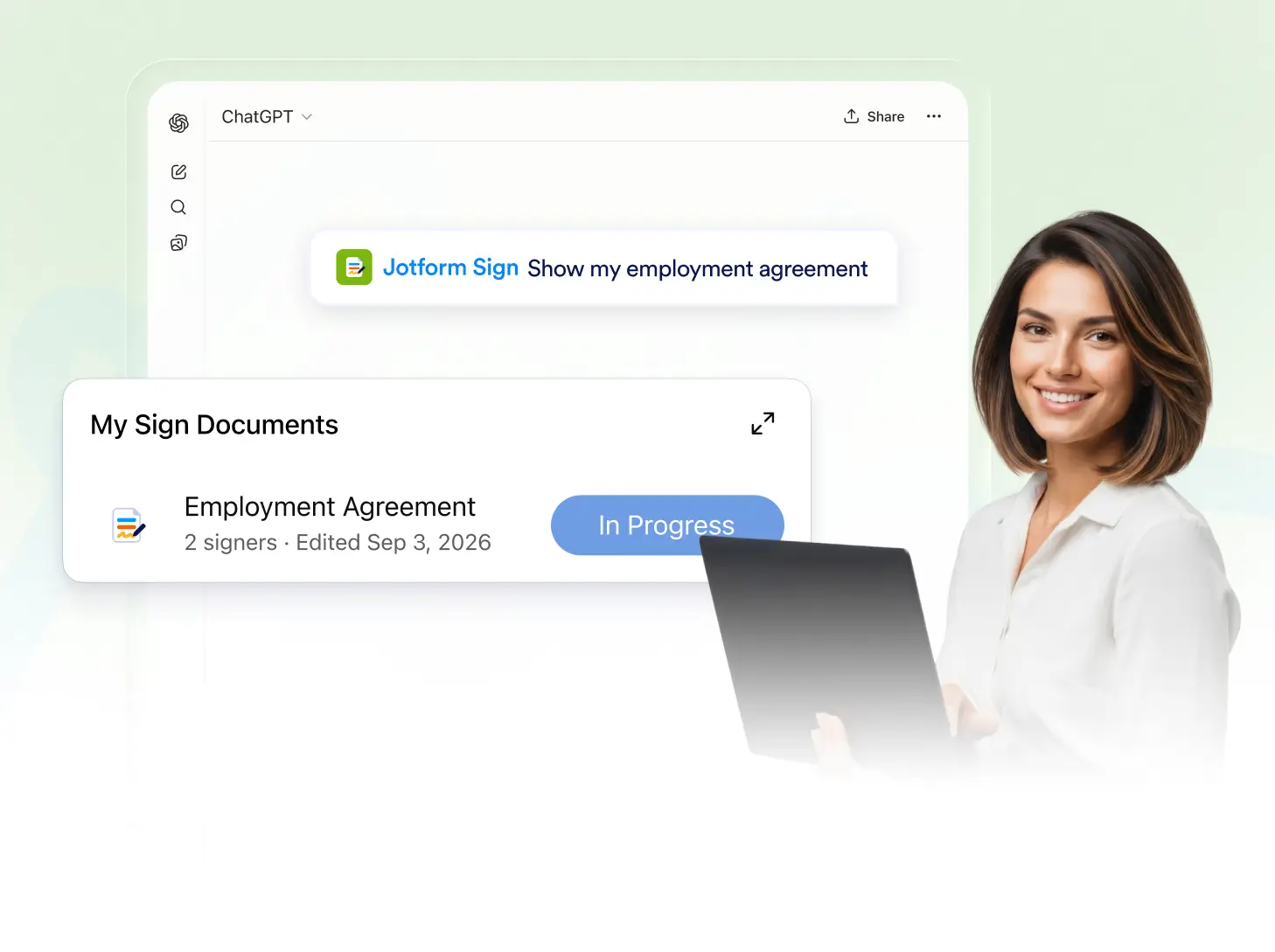
Search by document title, use specific criteria, and quickly find existing sign documents so you can access the right file without manually browsing your document list.
Find Sign Documents Faster
Tell the Jotform Sign ChatGPT app what document you are looking for. Search by title or other criteria to narrow the results and quickly find the sign document you need.
Search by Document Title
Enter a document title or describe the file you are looking for in ChatGPT. Jotform Sign searches your existing documents and returns relevant matches based on your request.
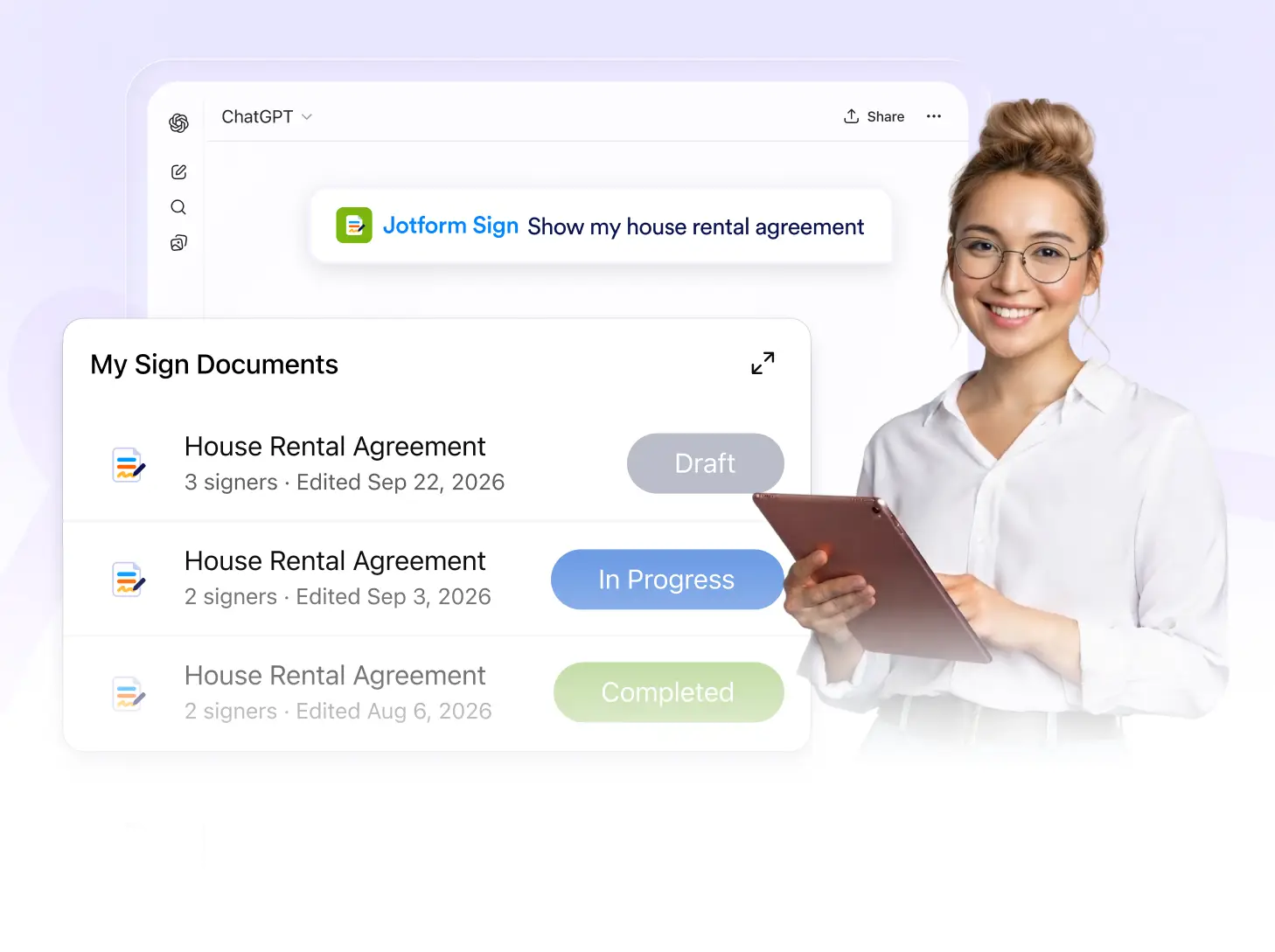
Narrow Down Search Results
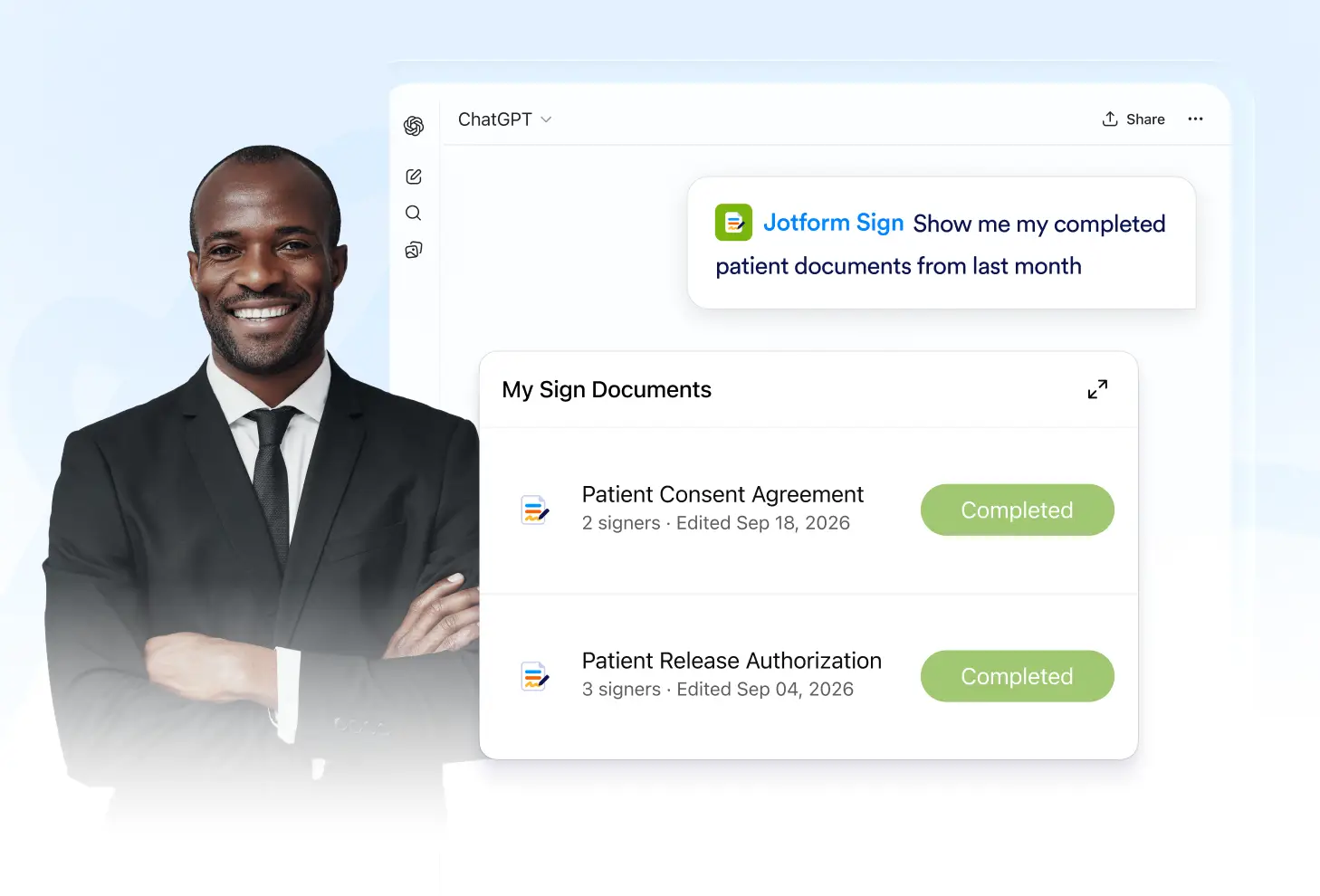
Provide additional criteria in your prompt to make your search more specific. Narrow down matching documents and find the right file without manually checking your full document list.
Frequently Asked Questions
Have questions about this feature? Explore the FAQs below for quick answers.
Ask the Jotform Sign ChatGPT app to find a document and provide its title or other relevant criteria. It will return matching documents from your existing files.
Yes. Provide the full title or relevant title information in your prompt to help Jotform Sign find matching documents.
Yes. Add more criteria to your request to make the search more specific and help identify the document you are looking for.