List and Filter Sign Documents
Use the Jotform Sign ChatGPT app to view your existing sign documents and filter the list based on your needs. Narrow down available files and find the right document faster.
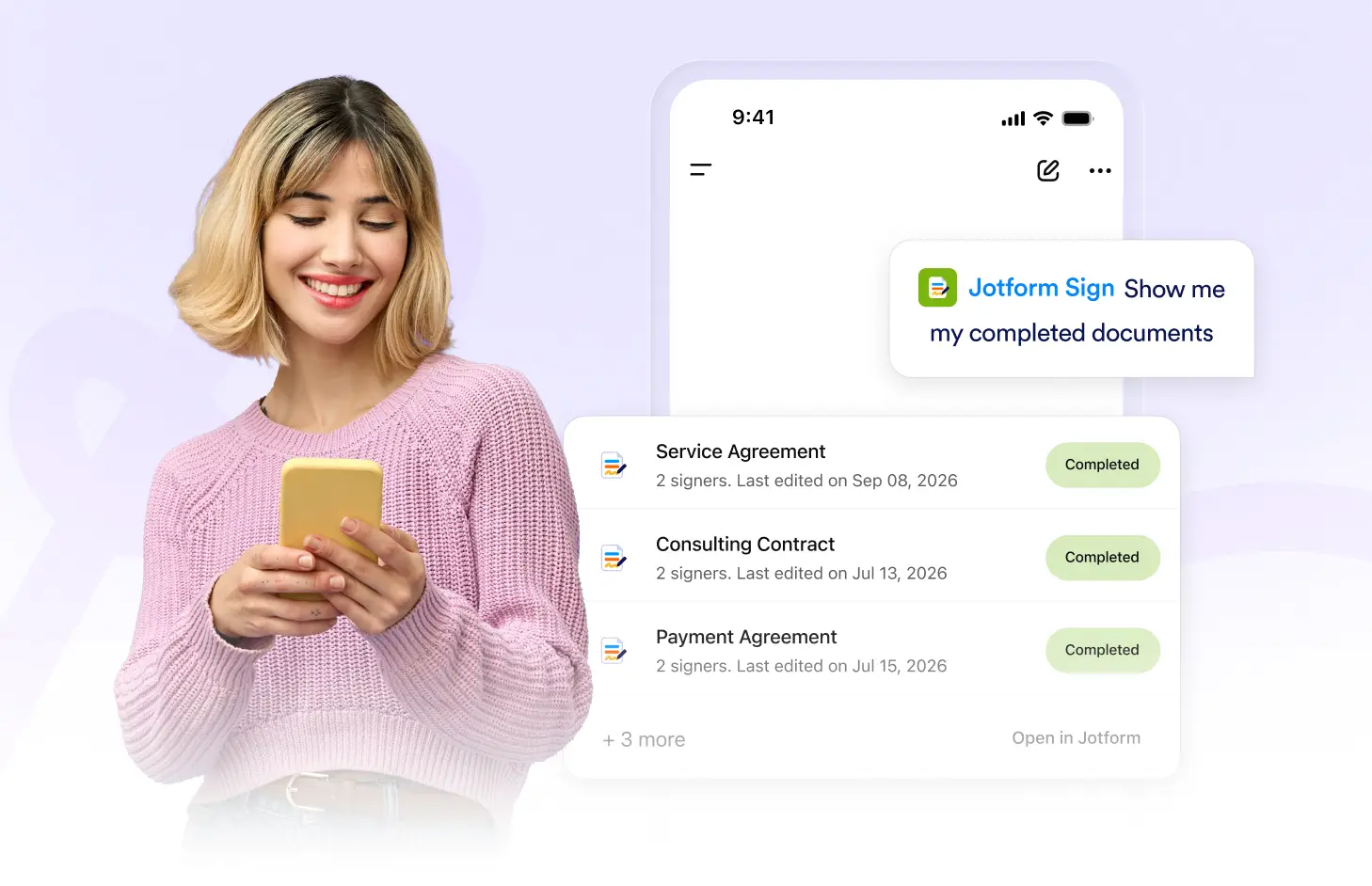
View existing documents, apply useful filters, and narrow your document list so you can find relevant Jotform Sign files without browsing through every item.
Filter Your Document List
Ask the Jotform Sign ChatGPT app to show your available documents, then apply filters to narrow the results. Find relevant files faster based on the criteria you choose.
View Existing Sign Documents
Display your available Jotform Sign documents in one place. Review the files you already have and quickly identify the documents you may want to open or manage.
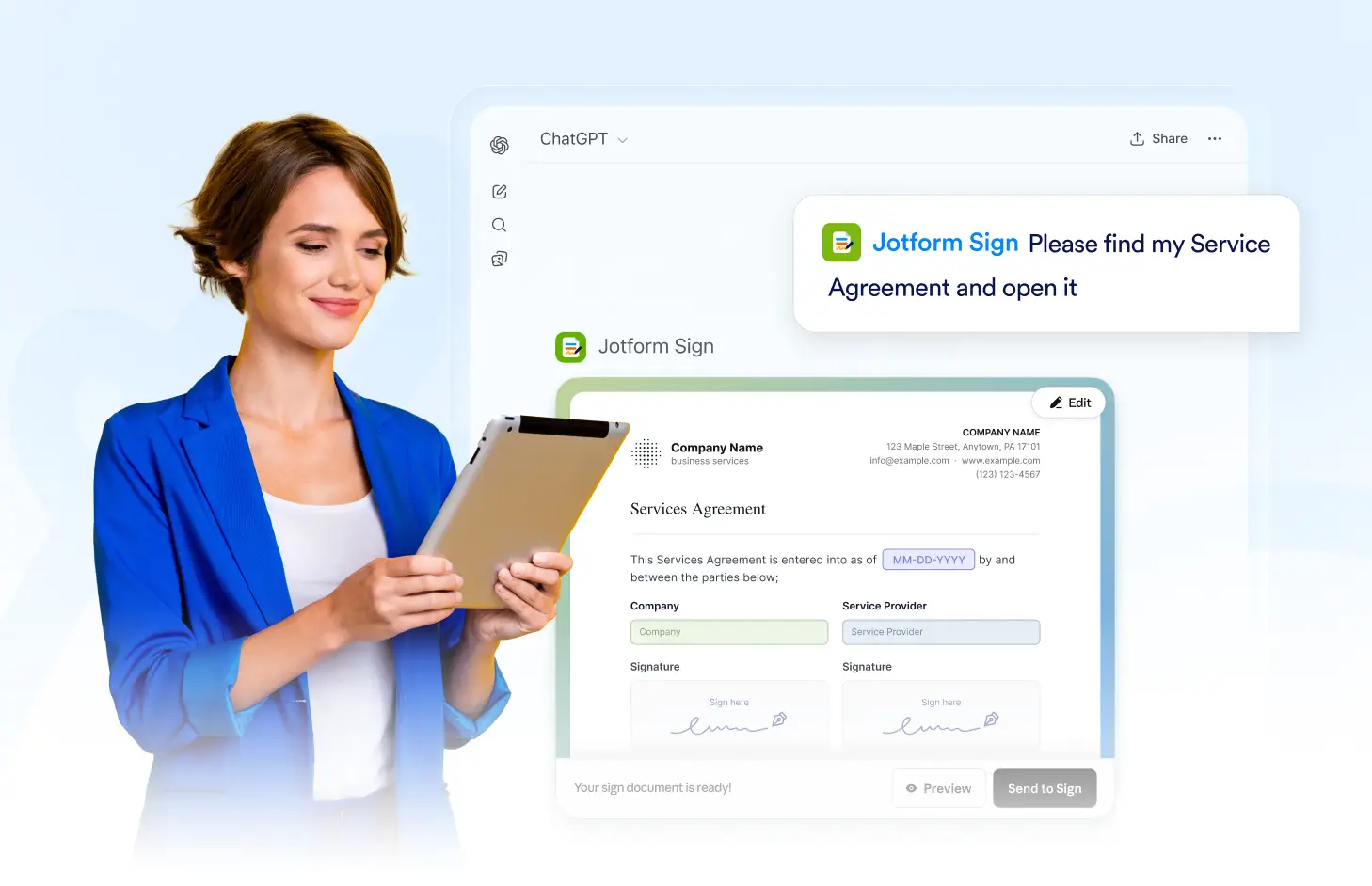
Apply Filters to Your List
Narrow down your document list using supported filters. Focus on the files that match your needs instead of manually browsing through every available sign document.
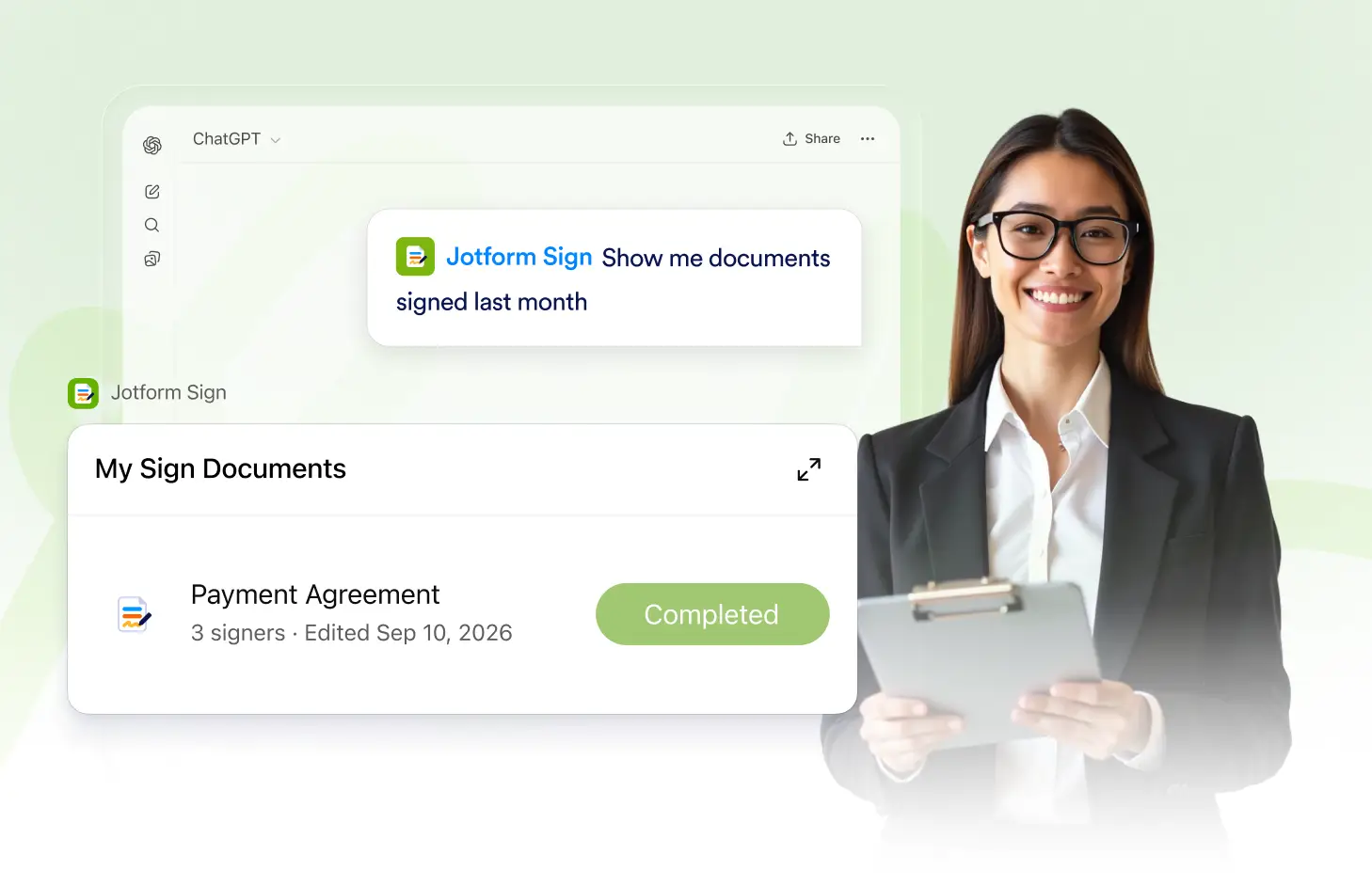
Find Relevant Documents Faster
Combine document listing and filtering to reach the right files more quickly. Reduce unnecessary browsing and continue working with the documents that matter most.
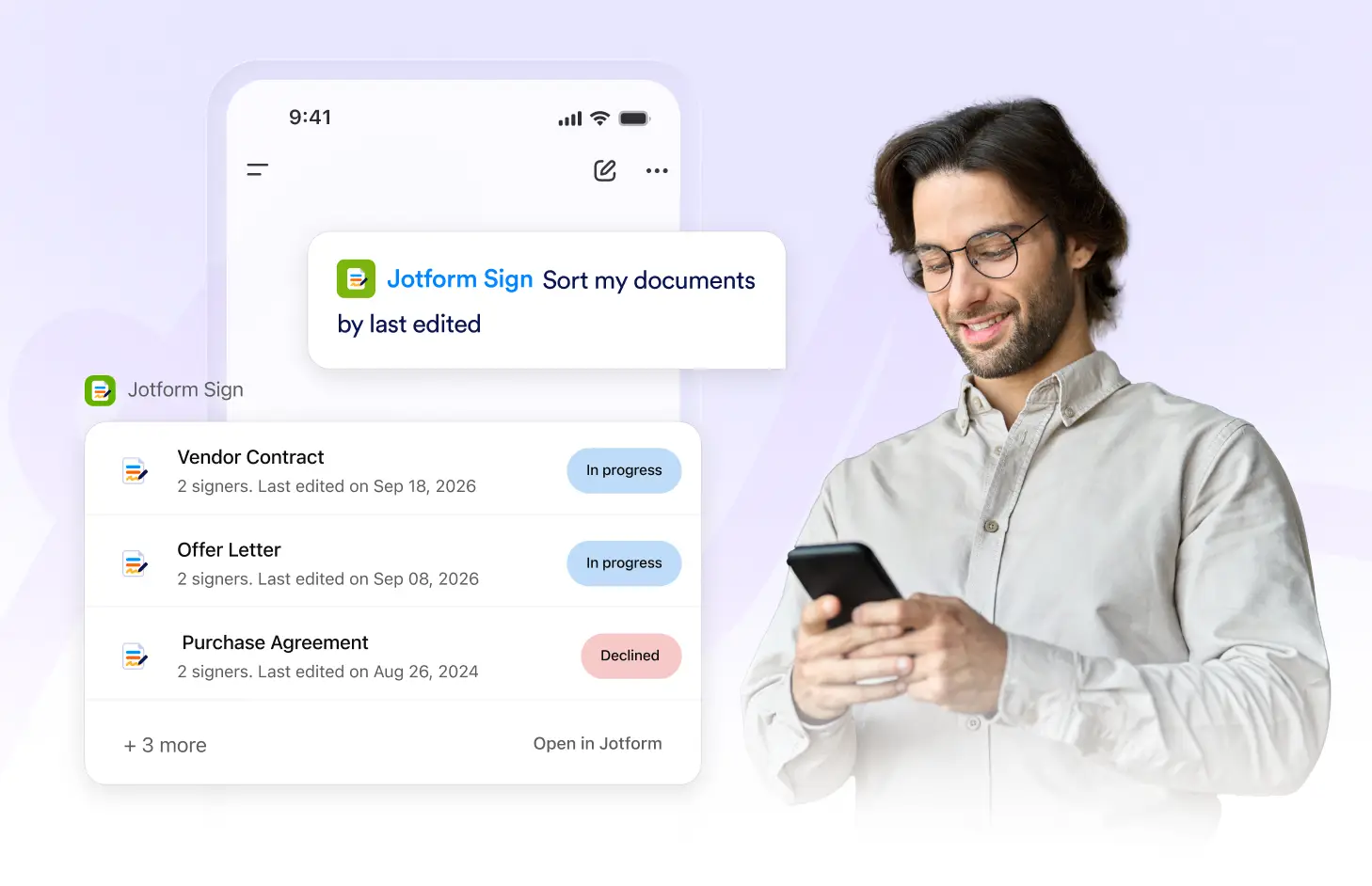
Frequently Asked Questions
Have questions about this feature? Explore the FAQs below for quick answers.
Ask the Jotform Sign ChatGPT app to show your existing documents, and it can return the available sign documents you can work with.
Yes. You can apply supported filters to narrow the available documents and focus on the files that match your criteria.
Filters help reduce a large document list so you can find relevant sign documents faster without checking every file manually.