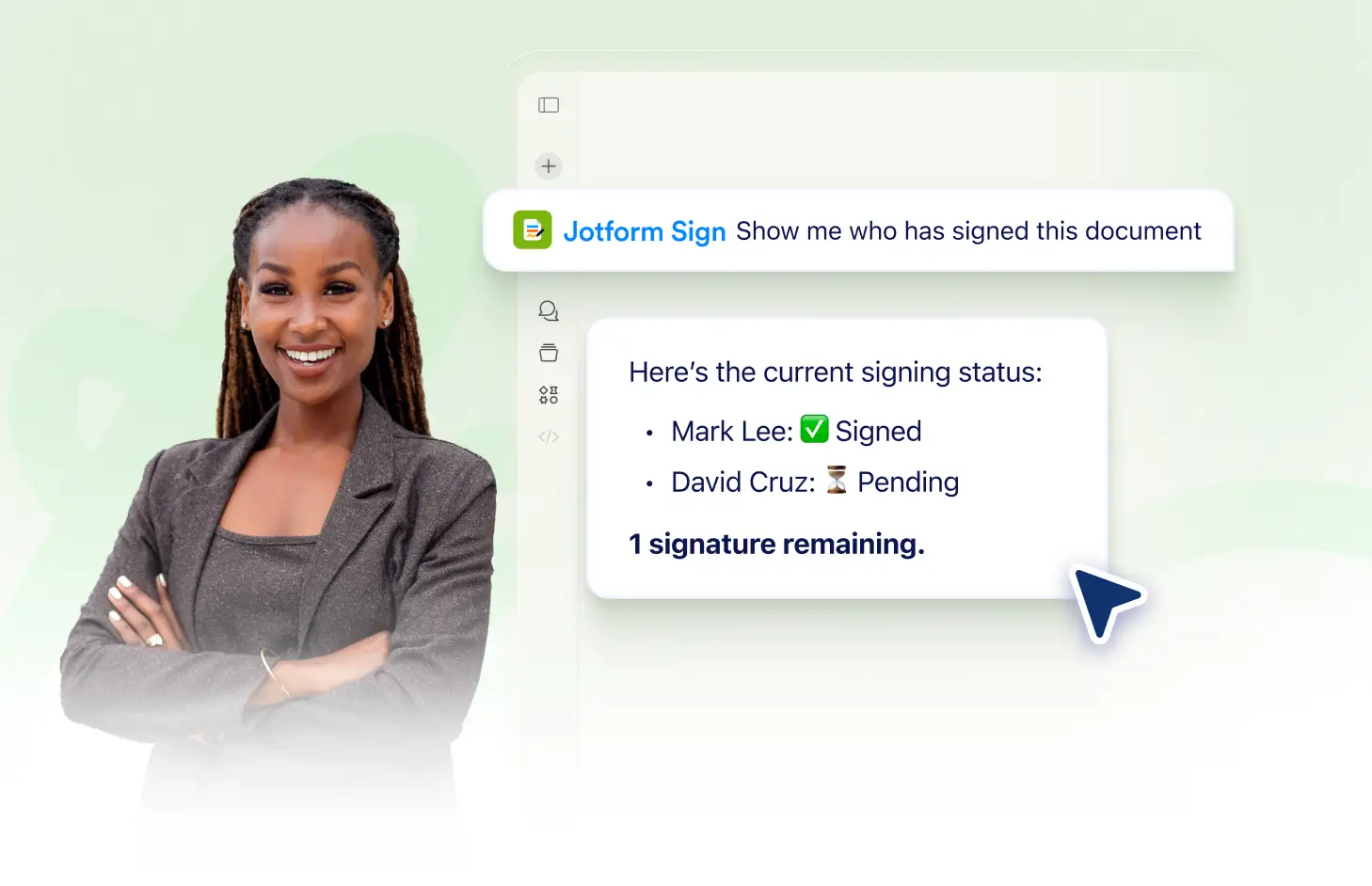
Keep track of your signing activity and submissions in real-time with Jotform Sign Claude App. Gain insights into who has signed your documents and who hasn't, making it easy to follow up and ensure document completion. Stay informed and manage your workflow efficiently.
Stay Informed with Real-Time Signing Activity
Keep track of all your document interactions with the Jotform Sign Claude App. View signature submissions and document activity in real-time to stay updated on your document's progress.
Monitor Document Signing Activity
With the Jotform Sign Claude App, you can keep tabs on all your document signing activities. It allows you to track the status of your documents in real-time, helping you stay on top of your workflow.
Frequently Asked Questions
Have questions about this feature? Explore the FAQs below for quick answers.
Yes, with the Jotform Sign Claude App, you can easily track the signing activity for all your documents. This feature provides you with real-time updates, allowing you to stay informed about the progress of each document.
Signing activity is updated in real-time. As soon as a signer takes action, you'll see the changes reflected in the signing activity.
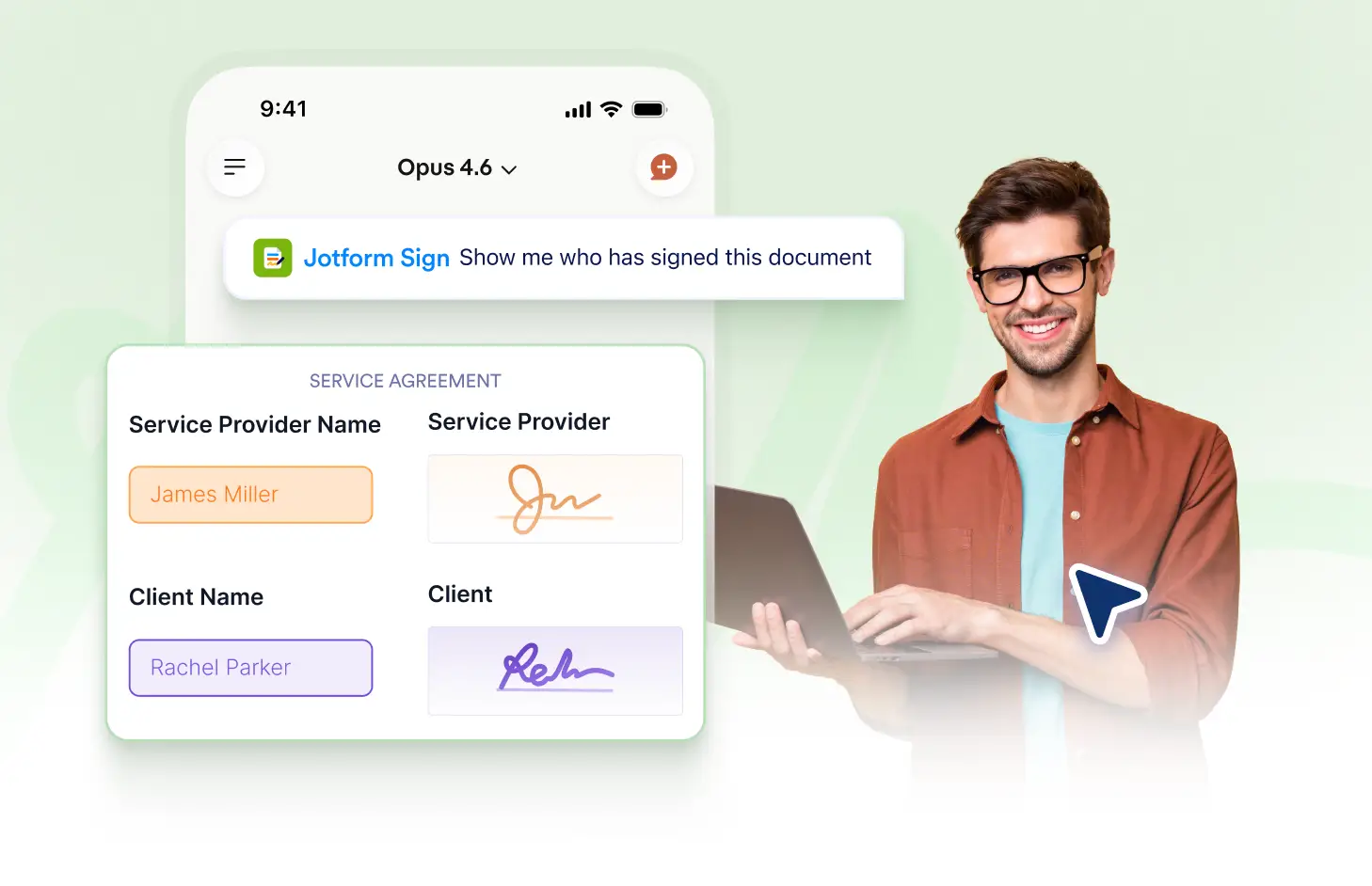
Yes, with the Jotform Sign Claude App, you can easily track each signer's status. The app shows whether a signer has viewed, signed, or declined the document.