View Document Status
Stay on top of your signing workflows with the Jotform Sign Claude App's feature to view document status. Easily check whether a document is active, completed, or awaiting signatures, ensuring you're always updated with the progress of your documents. This feature brings you convenience and efficiency, making document management a breeze.
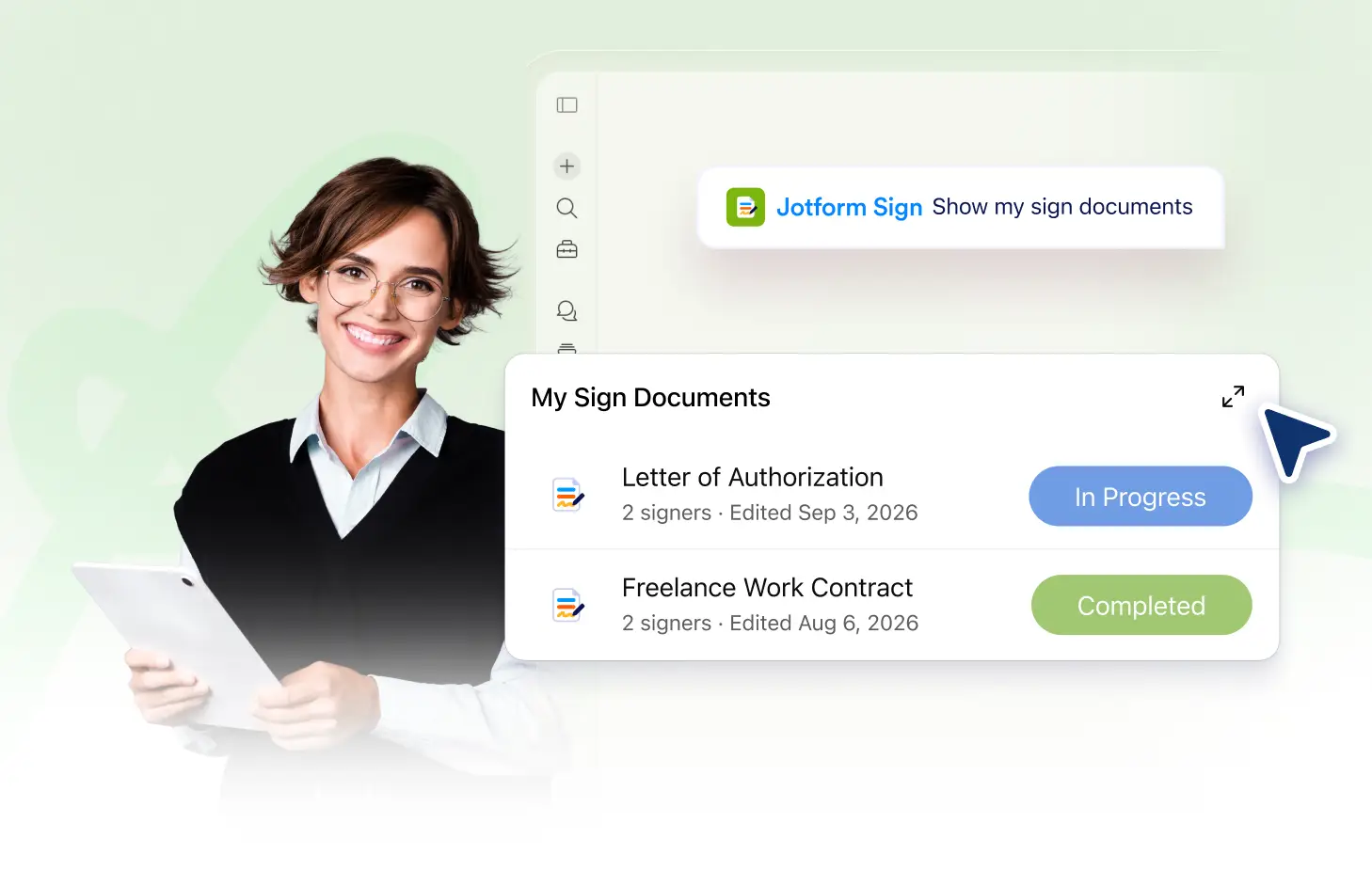
Stay updated with real-time document status using the Jotform Sign Claude App. Easily check whether a document is active, completed, or awaiting signatures. No more guessing or manual tracking, get the information you need at a glance.
Track Document Status
Stay updated with real-time document status. Check whether a document is active, completed, or awaiting signatures with the Jotform Sign Claude App. Keep your workflow efficient and never miss a beat with your document progress.
Track Document Status in Real-Time
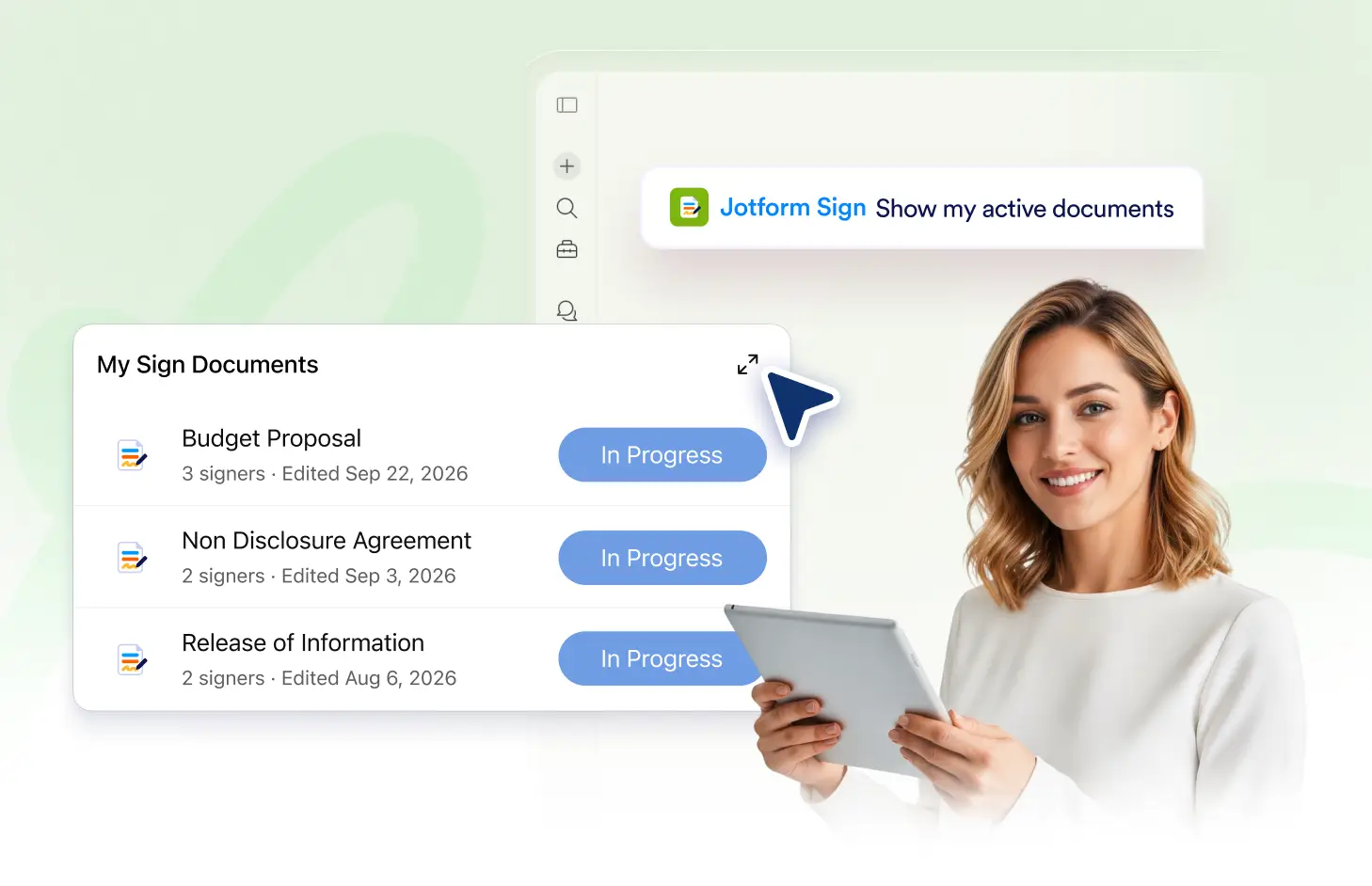
With the Jotform Sign Claude App, you can easily track the status of your documents in real-time. Stay updated on whether a document is active, completed, or awaiting signatures, ensuring you always have the latest information at your fingertips.
Frequently Asked Questions
Have questions about this feature? Explore the FAQs below for quick answers.
Simply ask Claude about the status of a specific document. It will provide you with the information whether it's active, completed, or still awaiting signatures.
In the Jotform Sign Claude App, 'active' means the document is in progress, 'completed' means all signatures have been received, and 'awaiting signatures' indicates the document is still waiting for some signers to sign.
Yes, with the Jotform Sign Claude App, you can easily view the status of multiple documents simultaneously.