Update Signer Details
With the Jotform Sign Claude App, you can effortlessly manage your signer's information. Update a signer's name and email address quickly and easily, ensuring your documents reach the intended recipient. This feature simplifies signer management and enhances your e-signature workflow.
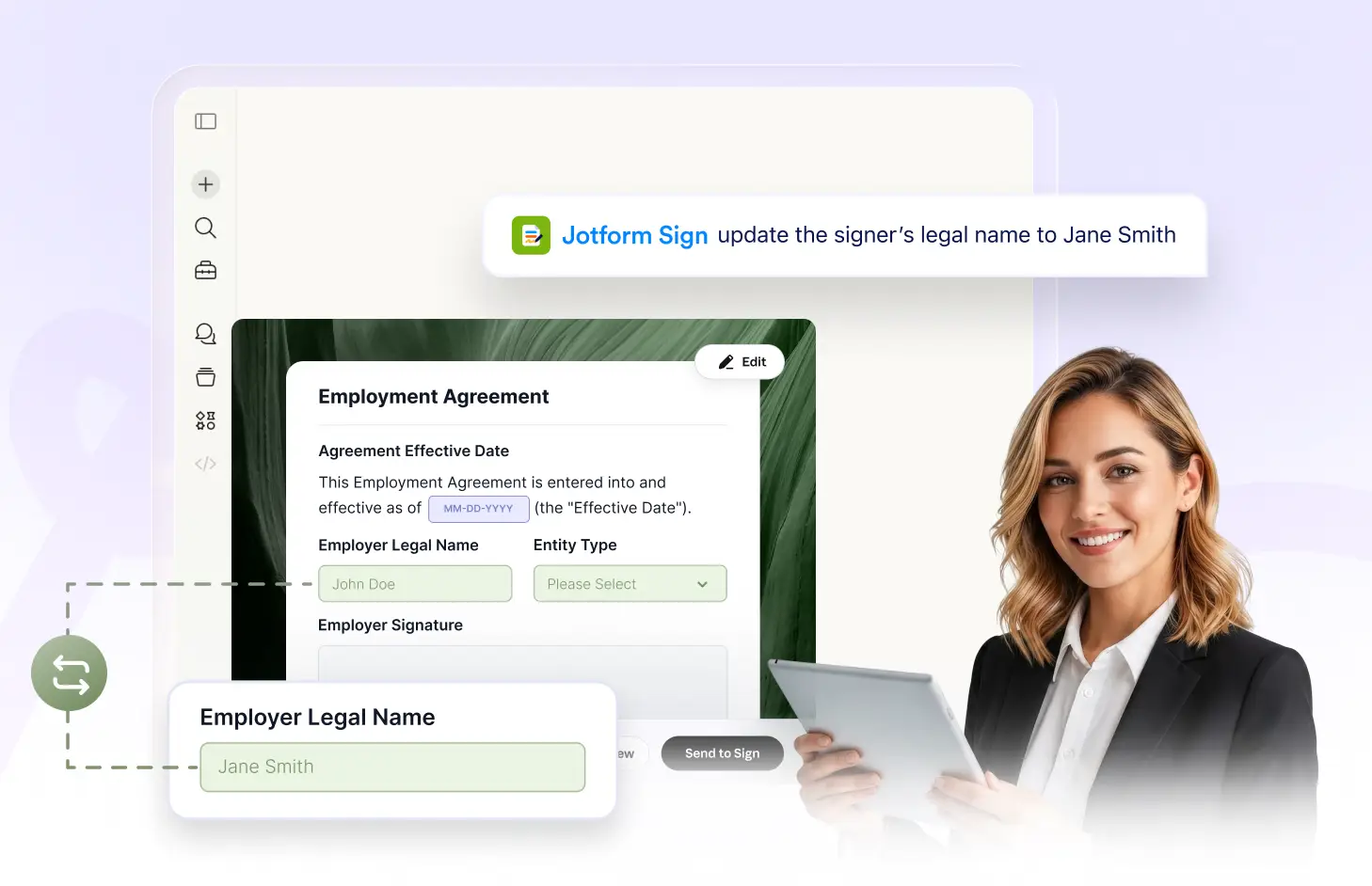
With the Jotform Sign Claude App, you can of your signers. Set a signer's name and email address quickly and accurately, ensuring your documents reach the right recipients every time.
Easily Update Signer Details
Quickly set a signer's name and email address with the Jotform Sign Claude App. This feature allows you to effortlessly manage your signer information, ensuring that your signing requests are always associated with the correct recipients.
Manage Your Signer Information
With the Jotform Sign Claude App, you can effortlessly update the name and email address of your signers, ensuring accurate and efficient communication throughout the signing process.
Frequently Asked Questions
Have questions about this feature? Explore the FAQs below for quick answers.
Simply instruct the Jotform Sign Claude App to change the signer's name or email. The app will promptly update the details based on your command.
No, once the document has been sent, you cannot change the signer's details. It's crucial to verify the information before sending.
When you update a signer's email in Jotform Sign Claude App, the signing request will be sent to the new email address. The previous email will no longer have access to the document.