Invite by Link
The Jotform Sign Claude App's Invite by Link feature allows you to create a public link that anyone can use to access, fill out, sign, and complete your document. This feature offers a seamless way to share your signable documents with a wider audience, eliminating the need for specific email addresses. It's perfect for open calls, broad distribution, or when you don't know all recipients in advance.
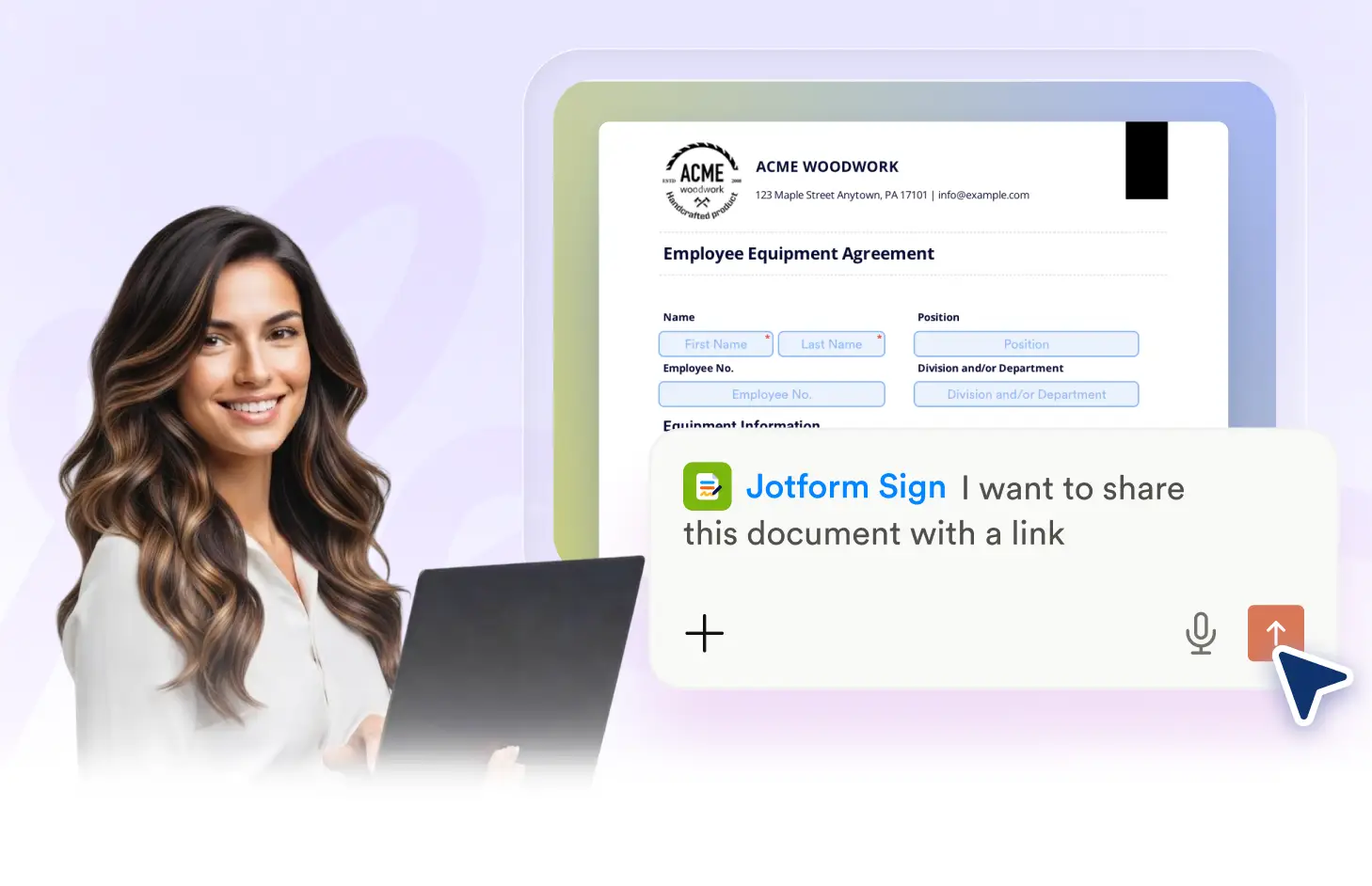
With the Jotform Sign Claude App, you can for your signable documents. This feature allows anyone with the link to fill, sign, and complete the document. It's a convenient way to share your documents with a wider audience without the need for individual email invitations. Plus, you can track the document's progress and see when it's been completed. It's an effortless way to manage large-scale signing needs.
Share Documents Publicly with Ease
The Jotform Sign Claude App allows you to generate a public link for your documents. Share this link anywhere and let anyone fill, sign, and complete your document, making the process of obtaining signatures more accessible and efficient.
Generate a Public Signing Link
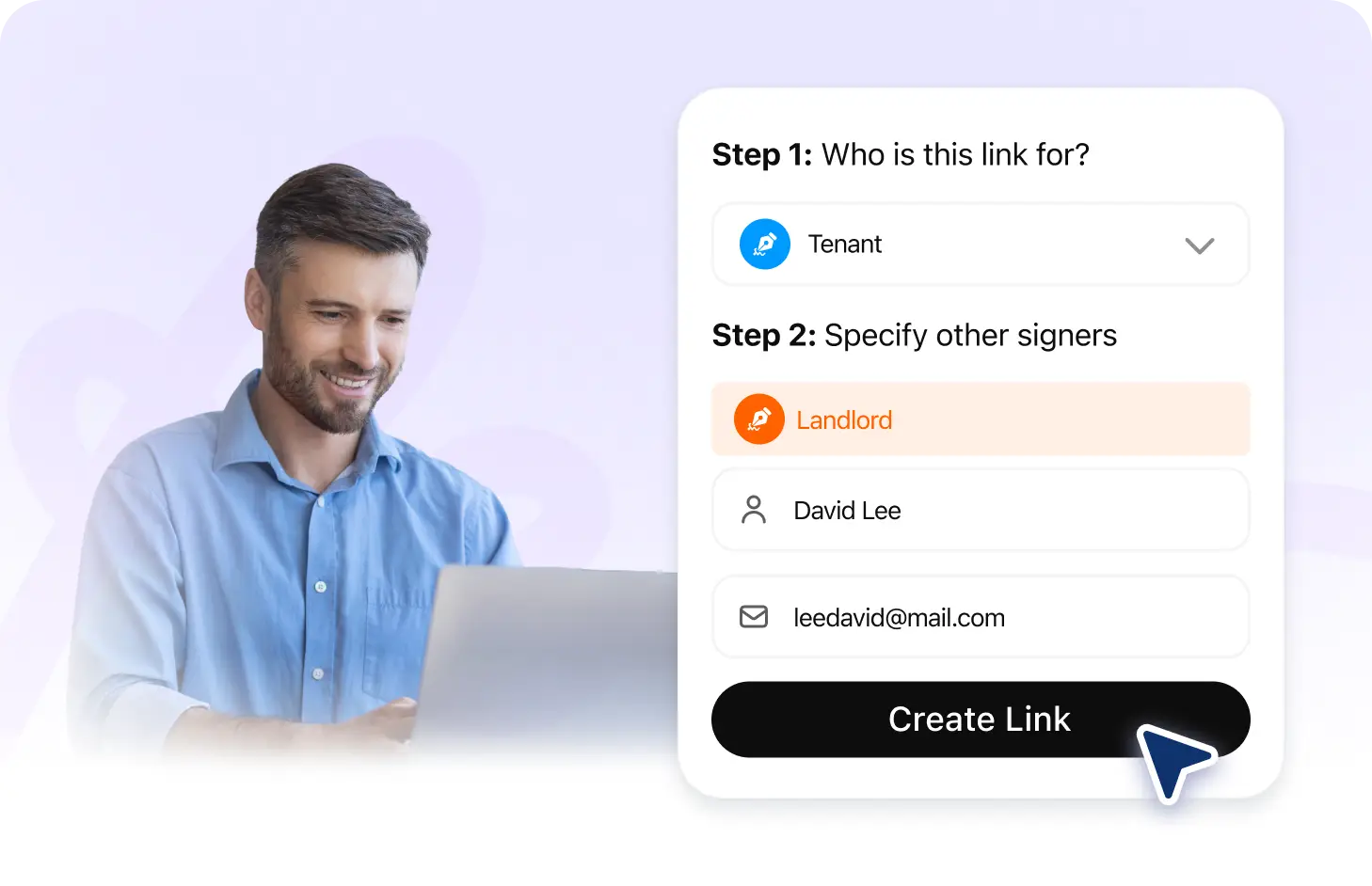
Use the Jotform Sign Claude App to generate a public link for your document. Anyone with the link can fill out, sign, and complete the document, making it perfect for mass distribution or sharing on public platforms.
Frequently Asked Questions
Have questions about this feature? Explore the FAQs below for quick answers.
With the Jotform Sign Claude App, you can easily generate a public link for your document. Just ask Claude to create a link for the specific document, and it will provide you with a unique URL that anyone can use to access, fill, and sign the document.
Yes, the Jotform Sign Claude App allows you to track the status of any document shared via a public link. You can see if it's been viewed, filled out, or signed.
Yes, with the Jotform Sign Claude App, you can share any type of signable document using a public link. This includes contracts, NDAs, offer letters, consent forms, and other agreements.