Preview Sign Document
With Jotform Sign Claude App, you can preview your document and its fields before sending it out for signatures. This feature allows you to ensure that everything is in order, from content and layout to the placement of fillable fields. So, you can confidently send out your documents, knowing that they are correctly set up for your signers.
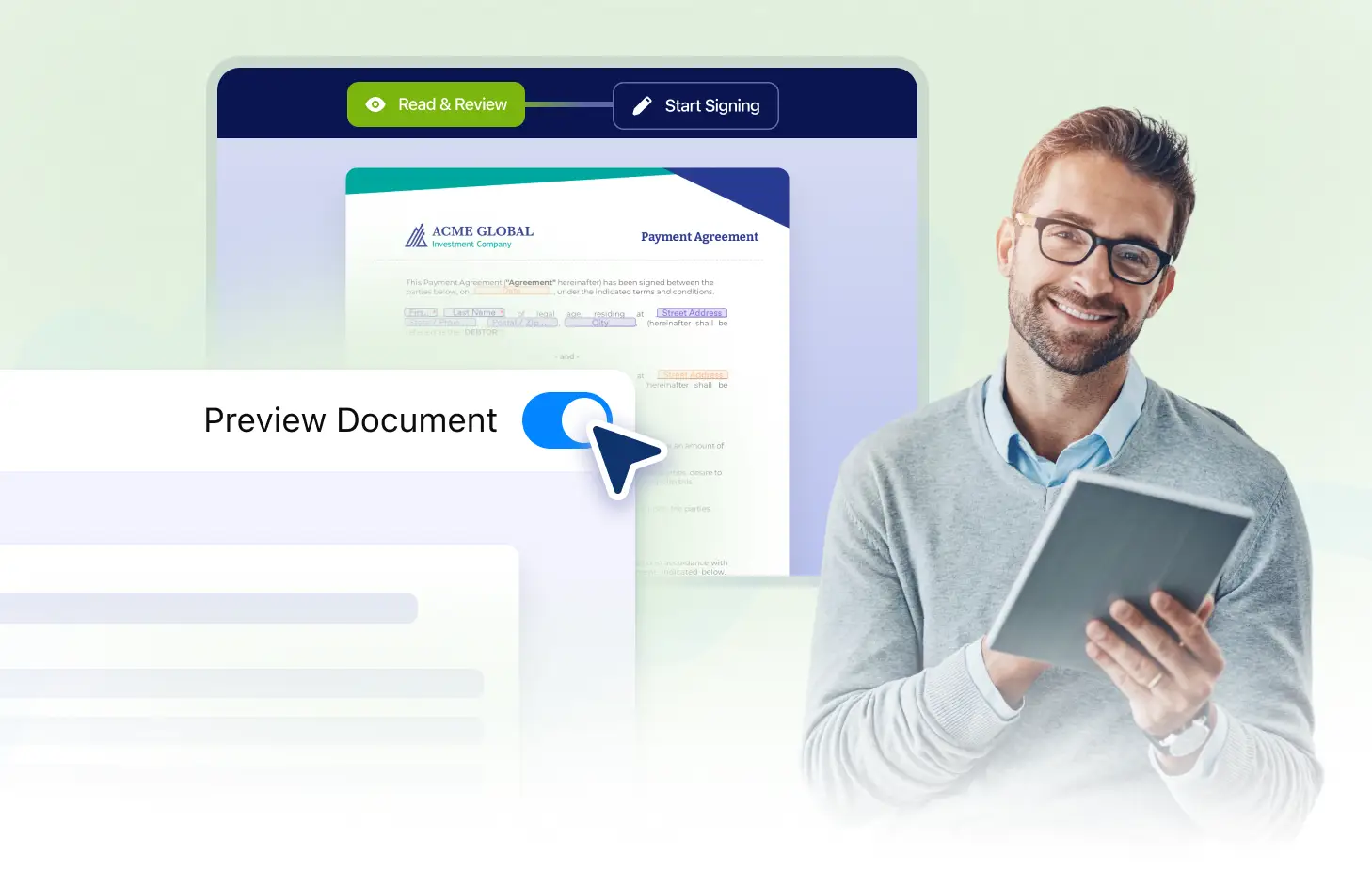
Experience the convenience of reviewing your document and its fields before sending it to signers. With the Jotform Sign Claude App, you can check the content, field placements, and layout, ensuring everything is in order. Avoid errors and enhance your e-signature process by using the Preview Sign Document feature.
Ensure Document Perfection Before Sending
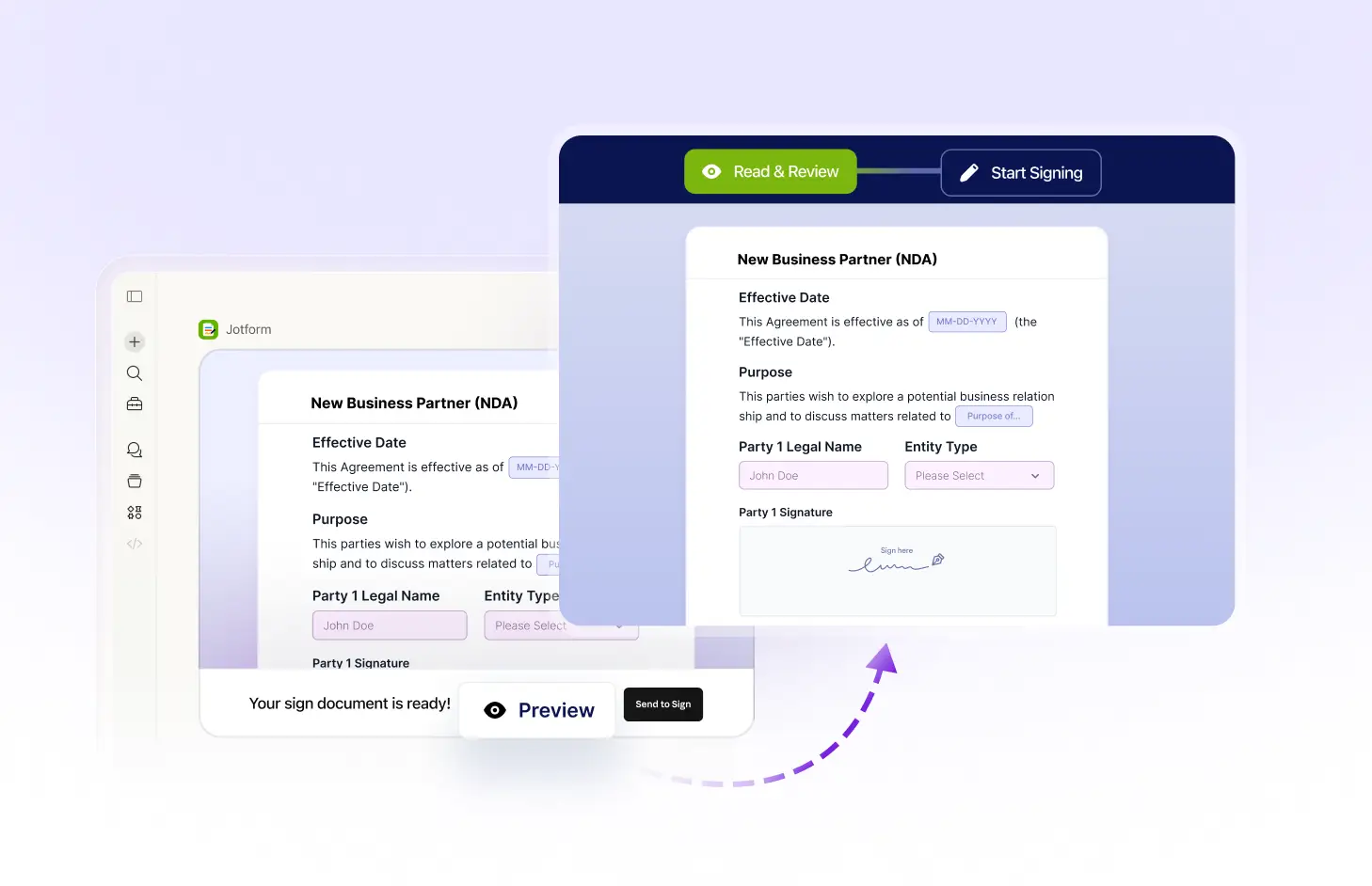
With the Jotform Sign Claude App, you can preview your document before sending it out for signatures. This feature allows you to check the content, field placements, and layout, ensuring everything is in order and exactly as you want it to be.
Review Document Before Sending
With the Jotform Sign Claude App, you can preview your document before sending it out for signatures. This allows you to ensure that all content is correct, fields are appropriately placed, and the layout is to your liking.
Frequently Asked Questions
Have questions about this feature? Explore the FAQs below for quick answers.
Yes, you can make changes to the document during the preview phase. This allows you to make necessary adjustments to the content and layout before sending it to the signers.
Yes, you can preview your document as many times as you need. This ensures everything is correct before sending it to the signers.
Yes, the document preview in the Jotform Sign Claude App accurately represents what the signer will see. This allows you to ensure everything is correct before sending the document for signature.