Add and Modify App Elements
Add, remove, or edit app elements with Jotform Apps in ChatGPT. Describe the changes you need, from adding buttons to updating colors, and preview your app to see how the edits look.
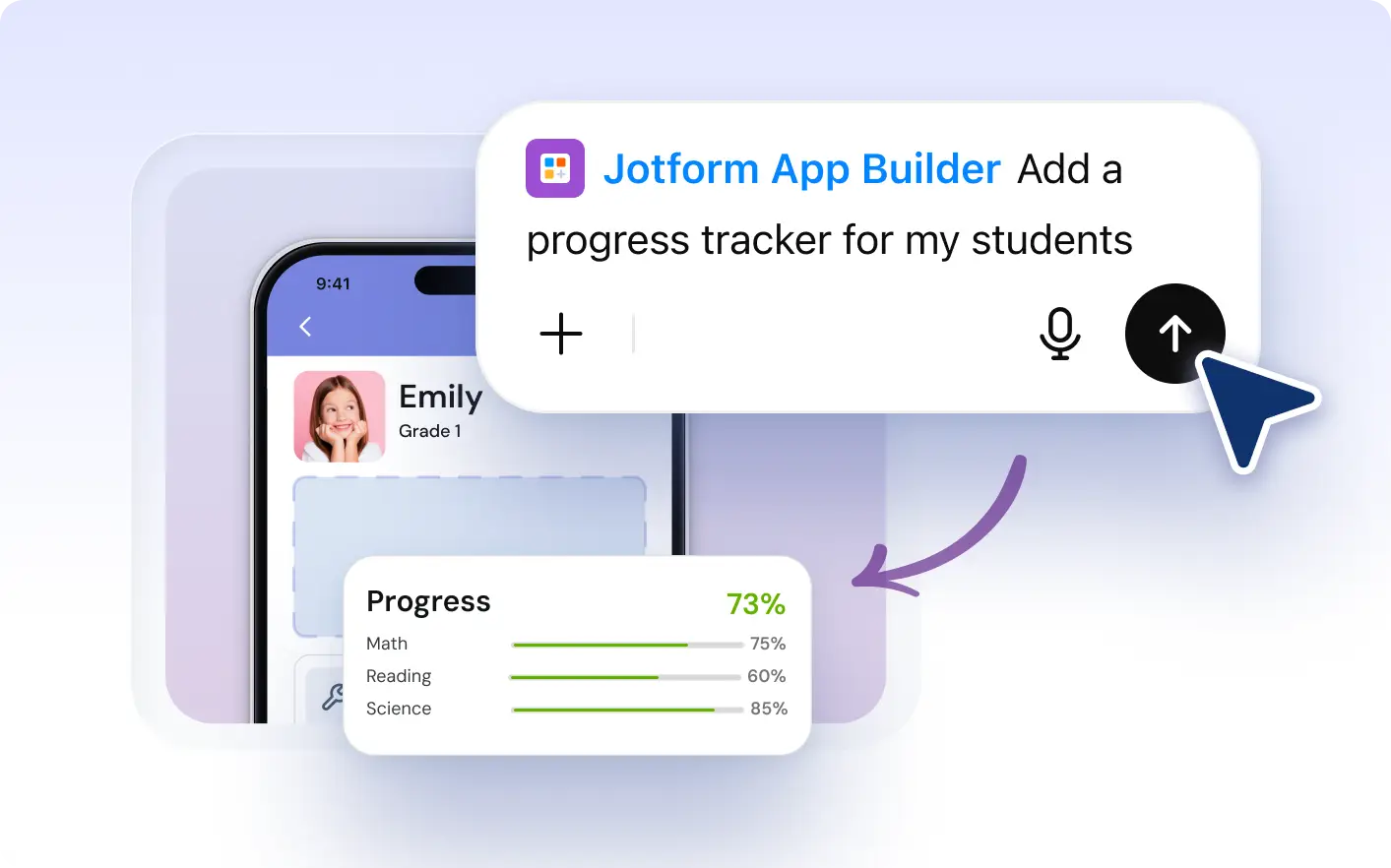
Customize your app through conversation. With Jotform Apps in ChatGPT, ask the AI to add elements, remove buttons, or adjust sections so your app fits the needs of your team or customers.
Describe Your Changes to Update Your App
Add, remove, or modify elements in your Jotform Apps with ease. Just describe the changes you need and our AI App Builder instantly updates your app. Whether it's adding new elements, resizing sections, removing buttons, or changing colors, app customization has never been this simple and quick.
Customize App Elements by Describing Changes
With Jotform AI App Builder, you can effortlessly customize your app in real-time. By simply describing the changes you need, you can add new elements, resize sections, remove buttons, and alter colors instantly. This dynamic feature offers you complete control over your app's appearance and functionality, ensuring it perfectly meets your needs.
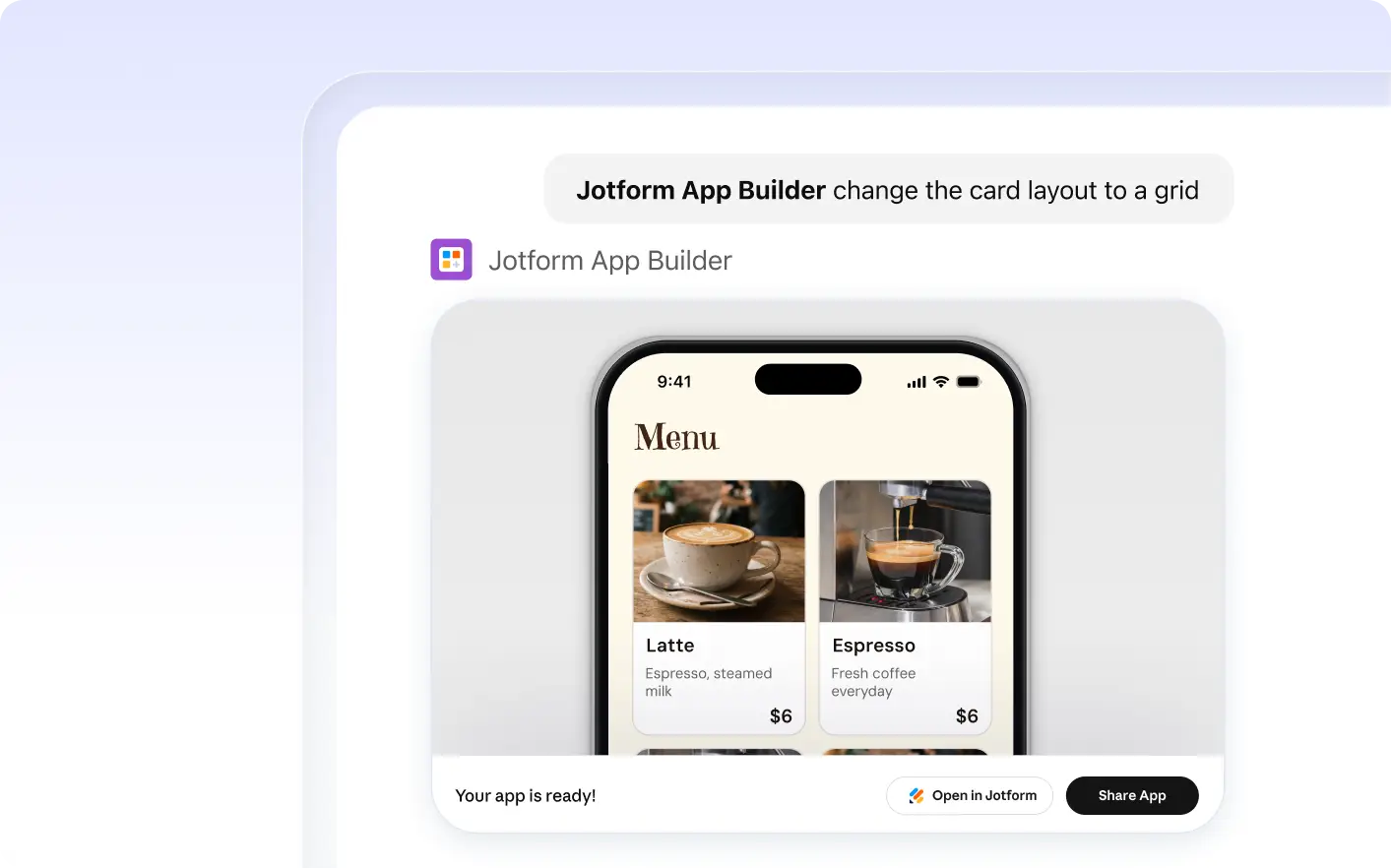
Frequently Asked Questions
Have questions about this feature? Explore the FAQs below for quick answers.
You simply describe the elements you want to add. Jotform AI App Builder interprets your request and adds the new elements to your app instantly.
Yes, with Jotform AI App Builder, you can easily remove any unwanted elements from your app. Simply describe the element you want to remove and the builder will instantly update your app.
Describe the changes you want in natural language. For instance, 'Change the submit button color to blue' or 'Increase the welcome text size.' Jotform AI App Builder will implement your request.