Delete and Duplicate Elements
Delete elements or duplicate existing ones with Jotform Apps in ChatGPT. Describe what to remove or copy, then preview your updated app to check its layout and organization.
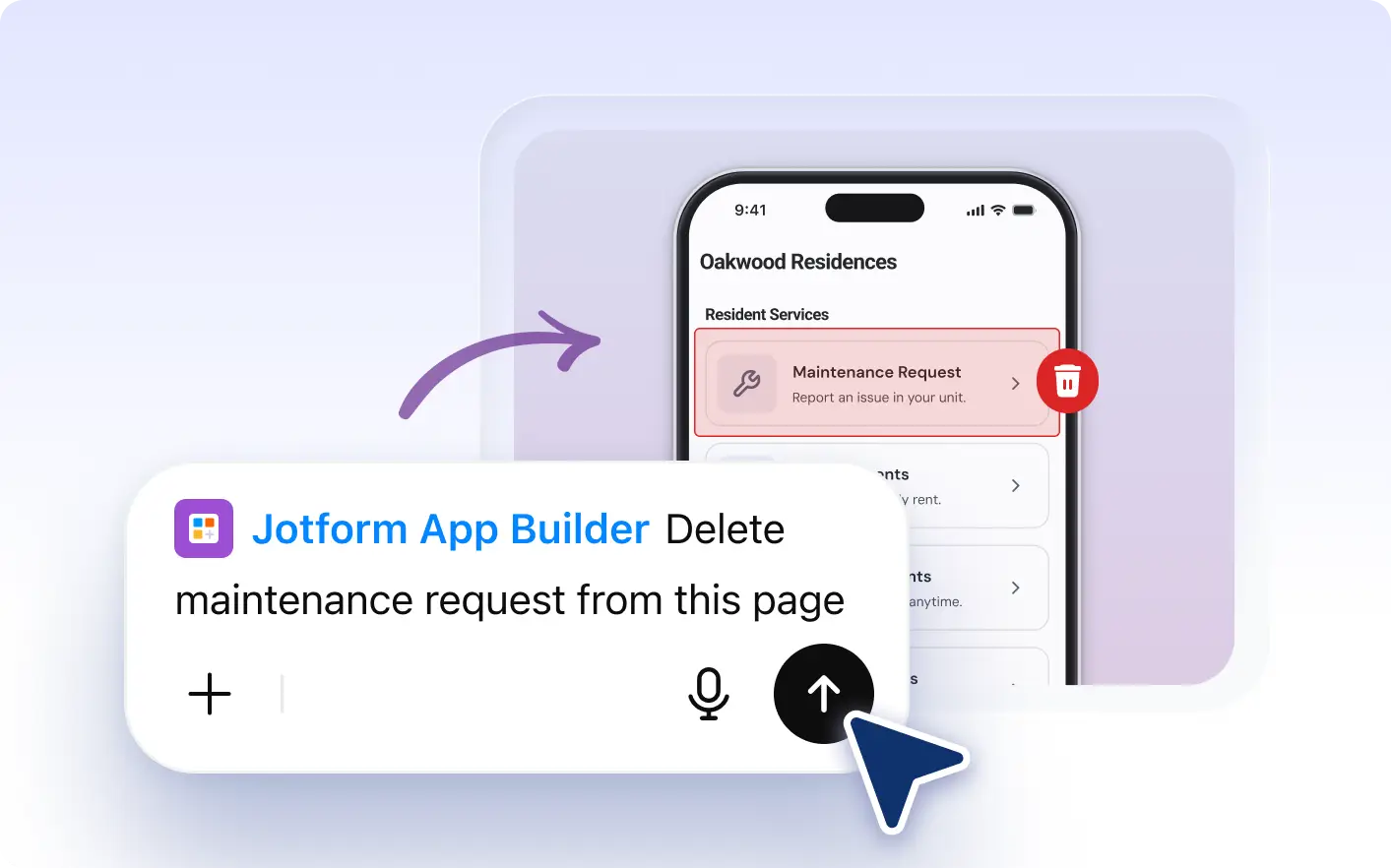
Manage your app layout effortlessly by unwanted elements or duplicating existing ones. Enjoy a streamlined design process for a cleaner, more organized app.
Organize Your App With Simple Instructions
With Jotform AI App Builder, you can effortlessly manage your app elements. Whether you need to delete unwanted sections or duplicate existing ones, the process is simple and fast. Just describe your requirements in ChatGPT and watch as your app layout transforms to match your needs.
Describe Which Elements to Delete or Duplicate
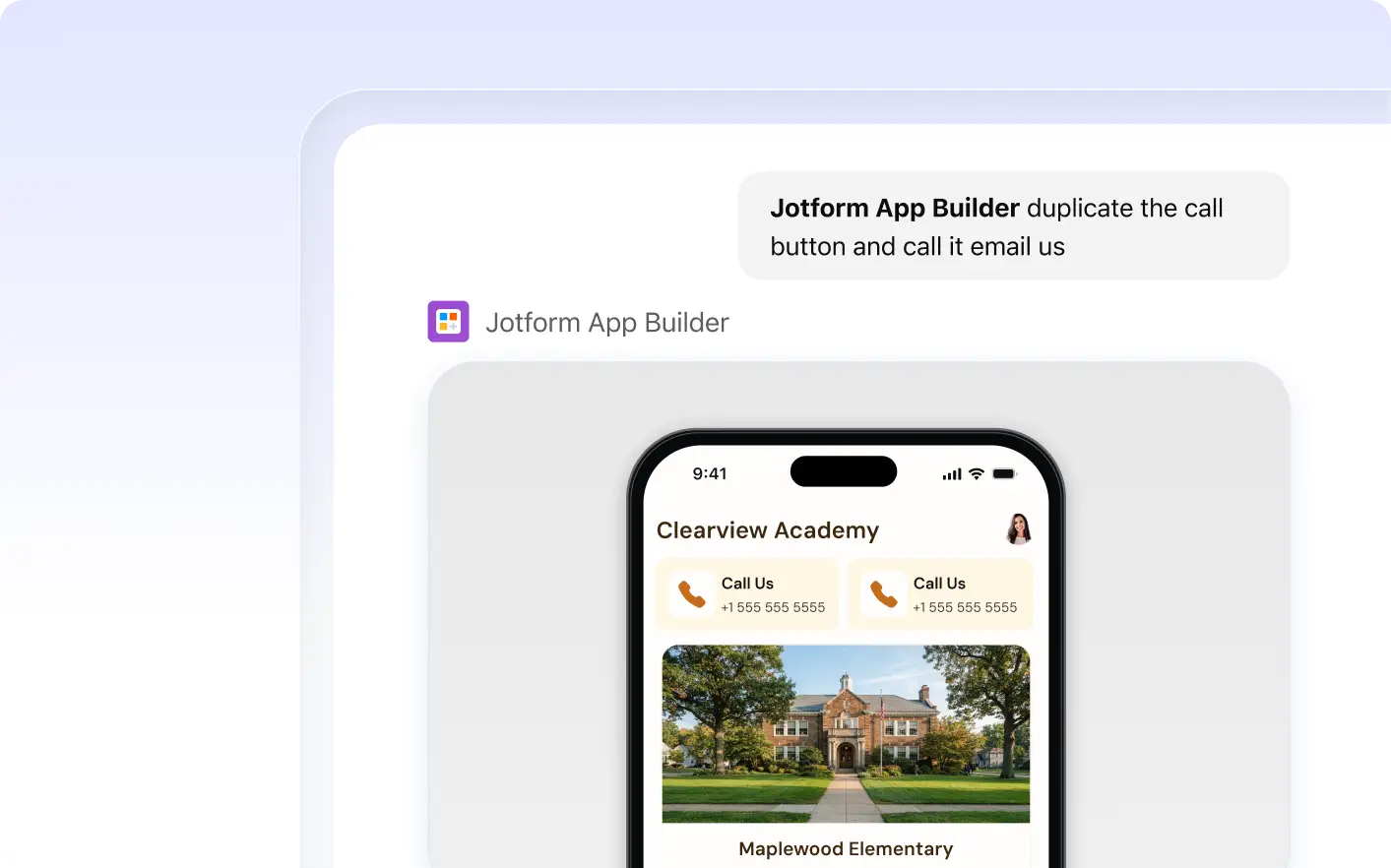
Easily manage your app's elements with Jotform Apps in ChatGPT. Delete unwanted fields, duplicate existing elements, and make quicker updates, all through simple conversational instructions. Streamline your app design process and maintain a clean, organized layout with ease.
Frequently Asked Questions
Have questions about this feature? Explore the FAQs below for quick answers.
You can delete or duplicate a variety of elements in your app, including text fields, images, buttons, and more. The flexibility allows you to customize your app layout to fit your needs.
Instruct the AI in ChatGPT by describing your changes. To delete an element, say 'Delete the second image on the home page.' To duplicate, say 'Duplicate the registration form on the sign-up page.'
Yes, you can easily undo any deletion or duplication. Simply instruct the AI to undo the last action and your app layout will revert to its previous state.