Add, Delete and Edit Pages
Manage your app pages with Jotform Apps in ChatGPT. Describe which pages to add, edit, delete, or duplicate, and set who can view them to organize content for different audiences.
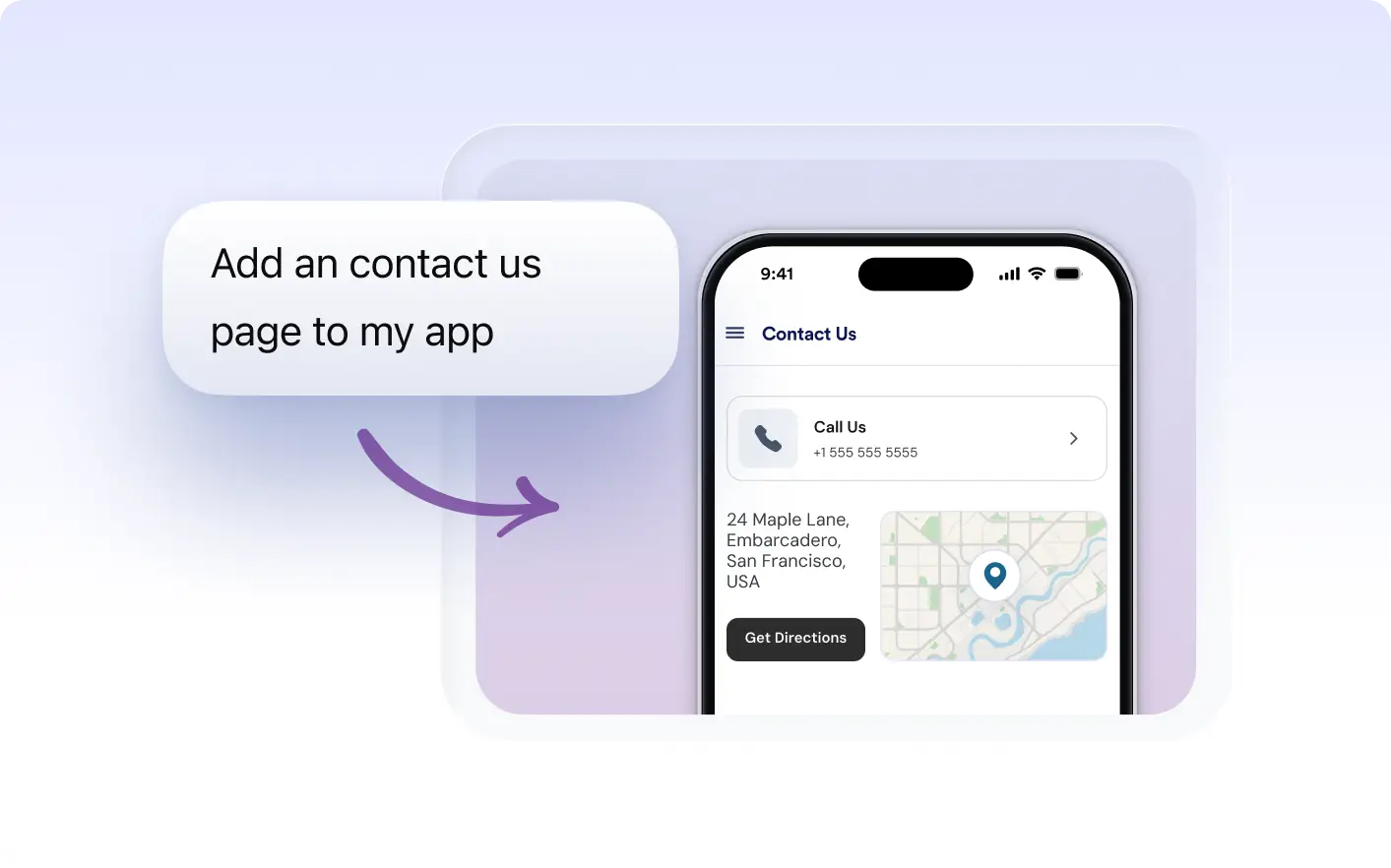
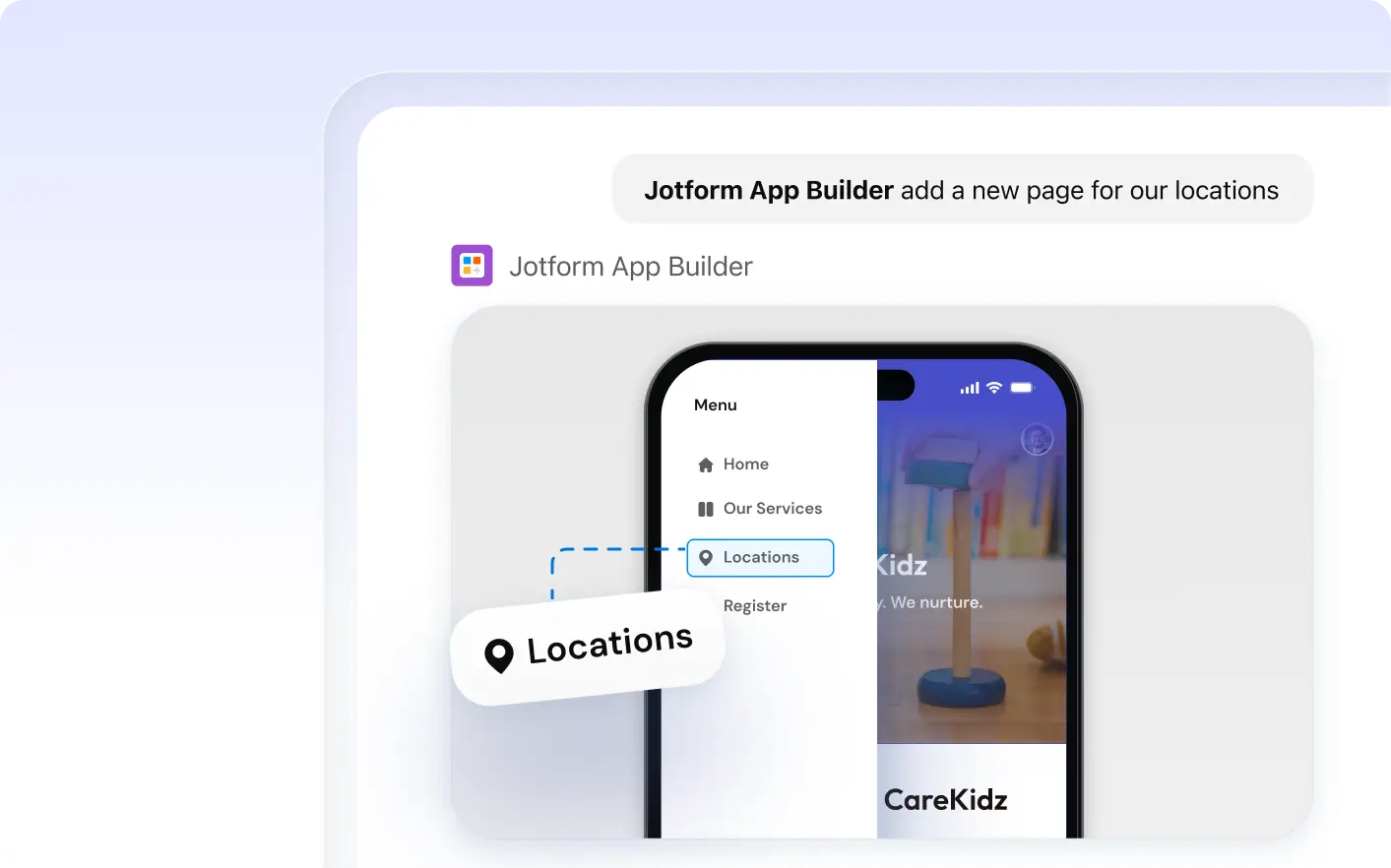
Add, delete, or duplicate pages instantly based on your needs. Create private pages and control visibility, ensuring the right content reaches the right audience.
Manage App Pages Through Conversation
Tailor app pages to your audience. Use Jotform Apps in ChatGPT to create private pages, manage visibility, and duplicate content for different user roles through conversational requests.
Manage App Pages and Page Visibility
With Jotform Apps in ChatGPT, you have the power to effortlessly manage your app's structure. Add, delete, or duplicate pages, create private sections, and control content visibility all through simple conversational instructions. It's streamlined page management made easy.
Frequently Asked Questions
Have questions about this feature? Explore the FAQs below for quick answers.
To add a new page, simply describe the page you need in a conversation with the AI. For example, you might say 'Add a contact page with my email and phone number.' The AI will interpret your request and create the page in your app.
Yes, you can. With Jotform Apps in ChatGPT, you can specify which pages should be private and control who can view them. This feature allows you to tailor the visibility of your app's content based on user roles.
To delete or duplicate pages in your app, simply provide the instruction in ChatGPT. For instance, you can say 'Delete the Contact page' or 'Duplicate the Home page'.